


















Transmit
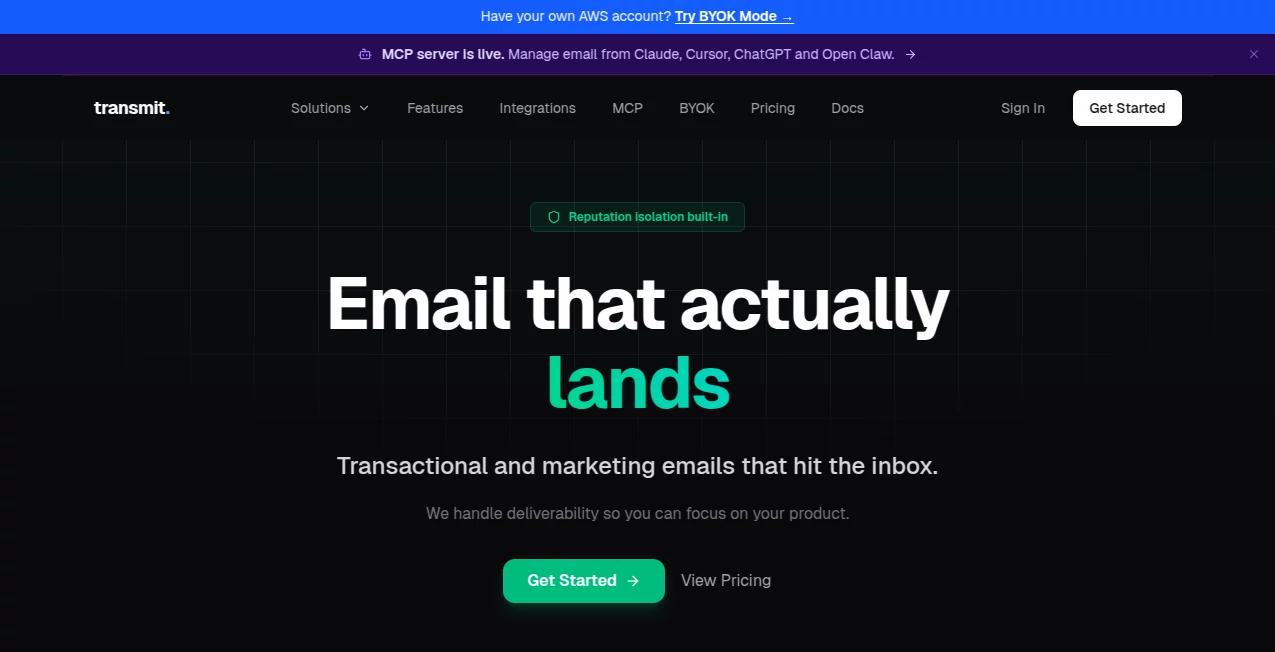
What is Transmit?
Let’s be honest for a second—sending large files over the internet can feel like a gamble. You either end up compressing everything until it’s barely recognizable, or you find yourself signing up for yet another cloud service just to share a single video clip. It gets exhausting. That’s why a tool that focuses purely on peer-to-peer sharing without all the baggage feels like such a breath of fresh air. There’s no need to upload sensitive documents to a permanent server first, no waiting around for processing, and definitely no accounts to create. The platform strips away the complexity, leaving behind a raw, fast, and surprisingly reliable way to move data from point A to point B.
What makes the experience stand out is the technical backbone. Using WebRTC protocols, it establishes a direct line between devices. This means your files don’t linger in some database in another country; they travel straight across. It’s the digital equivalent of handing a folder to someone across the table rather than mailing it through five different post offices. You maintain control, you maintain speed, and you skip the middleman entirely.
Key Features
Scrolling through the interface, you’ll notice there isn’t much clutter. It focuses on what matters: getting the job done. You can drag virtually any file type into the browser window, and the system handles the rest. Whether you are passing along a batch of high-res photos to a client or a last-minute revision of a recording, the process stays consistent. The feature set revolves around privacy, speed, and simplicity. It doesn't try to be an editor, a player, or a storage locker. It just moves data.
User Interface
Some tools try to wow you with flashy graphics, but this one goes for clean and clear. When you land on the page, you see a straightforward drop zone. There are no distracting sidebars begging for a subscription. The buttons are responsive, and the status updates are written in plain English—"Connecting," "Sending," "Complete." You don’t need a manual to figure out what is happening. This minimal design actually speeds up your workflow because you aren’t hunting for the right menu option. Everything you need is right there in the open.
Accuracy & Performance
Nobody wants to send a file only to find out it got corrupted somewhere in the pipeline. With this tool, the integrity of your data is a priority. The transfer happens in real-time, and the connection stability is impressive even on less-than-perfect networks. I have seen it handle a 2GB folder without stuttering, maintaining the original metadata intact. Checksums ensure that what you send is exactly what the other person receives. There’s no compression happening in the background to mess with your quality, which is a lifesaver for designers and video editors who need pixel-perfect delivery.
Capabilities
It supports the heavy hitters—documents, images, zip archives, and video files. There isn't a strict limit on file size that forces you to pay for an upgrade, which is rare these days. The magic happens with the end-to-end encryption that activates automatically. Even if someone intercepted the stream, they would only see scrambled data. It also handles multiple files at once nicely. You aren't forced to zip everything manually if you don't want to; you can just select a group and drop them in. The system queues them efficiently so the transfer doesn’t crash your browser.
Security & Privacy
This is where the tool shines brightest. Since the data never touches a central server (except for the initial connection handshake), there are no logs to leak later. The moment you close the tab, the transfer session is gone forever. You don't have to worry about a cloud provider scanning your private contracts or family videos. The encryption keys are generated locally on your machine and are never stored online. It’s a truly ephemeral experience. For professionals handling NDAs or personal data, this level of privacy turns the tool from a convenience into a necessity.
Use Cases
Think about the freelancer trying to send a rough cut to a director who hates cloud logins. This solves that instantly. Journalists often use it to receive sensitive documents from sources without leaving a digital paper trail. Remote teams find it handy for sharing presentation decks when Slack or Teams is acting slow. Even students utilize it to swap large research PDFs or group project videos without dealing with email attachment limits. On a personal level, sharing a vacation album with grandparents who aren't tech-savvy becomes a breeze—they just click the link and download.
Pros and Cons
Pros:
It is incredibly fast because of the direct connection. You don't need to register or hand over an email address. The privacy protection is top-tier with no middleman storage. It works with massive files that would break most free transfer services. And it is accessible entirely through a web browser without needing a plugin.
Cons:
Because it relies on peer-to-peer, both parties generally need to be online at the same time (or at least the sender needs to keep the tab open until the download starts). If your network is behind a strict firewall, the connection might struggle to establish initially. It also doesn’t offer a resume feature for broken downloads, so a network drop might require a fresh start.
Pricing Plans
The model here is refreshingly simple. There is no premium tier locking basic features behind a paywall. The core file transfer service remains completely free. You won't find a meter counting your bandwidth usage or a timer limiting your session length. This approach makes it a reliable fallback for anyone, regardless of budget. The developers seem to focus on providing a utility rather than squeezing every user for a subscription.
How to Use It
Using the tool doesn't require a tutorial, but let’s walk through the flow anyway. First, open the webpage. You will see a large box suggesting you drag your files. Drop whatever you need to send. The page will immediately start generating a unique transfer code or a QR code. Send that code to your friend or colleague via a separate channel (like a text message). The recipient goes to the same website and enters the code. The download will start instantly. Once the file is saved on their computer, you are done. Close the window and the data vanishes from the active queue.
Comparison with Similar Tools
Most competitors either cap you at 250MB or require a subscription for basic encryption. Some services claim to be secure but still store your files for 24 hours on their hard drives. This tool skips the storage entirely, which is a massive win for security. Others try to sell you on "fast speed," but they throttle your connection unless you pay. Here, the speed is only limited by your own internet upload bandwidth. While tools like WeTransfer are great for professional branding, they lack the raw, unfiltered peer-to-peer speed that this one offers for heavy assets.
Conclusion
Finding a tool that respects your time and your privacy is rare these days. You usually have to trade one for the other. This solution proves that file transfers can be instant, secure, and totally free without gimmicks. It won't try to sell you cloud storage you don't need, and it won't spy on your data. For anyone moving large files—whether you are a video editor, a security researcher, or just someone trying to send a home movie—it is a legitimate lifesaver. Give it a shot next time you are wrestling with an email attachment limit. You might just wonder how you managed without it.
Frequently Asked Questions (FAQ)
Is there a maximum file size limit?
Technically, the limit is determined by your browser and memory. For practical purposes, it handles files up to 10GB smoothly, but very high-end users have pushed it further.
Do I need to create an account?
Absolutely not. That’s the whole point. You open the site, and you are ready to go.
How long are my files stored on the server?
They aren't stored at all. The data streams directly from you to the recipient. Once the transfer finishes, the data is gone.
Is this safe for business contracts?
Yes. The encryption is end-to-end. As long as you safely share the transfer code with the intended person, no one else can read the files.
What happens if my internet cuts out mid-transfer?
The connection will fail, and you will likely need to restart. Since there is no central storage, the tool cannot resume a dropped session.
AI Data Mining , AI Documents Assistant , AI Productivity Tools , AI Files Assistant .
These classifications represent its core capabilities and areas of application. For related tools, explore the linked categories above.

Transmit Alternatives Product

LocalRAG!

ModelsLab

Clearterms

Keepmind

Presenti AI

WhatsMyName …

Neurohelper

Remove My Me…

ResumeFreePro
