
Acousmos Voice
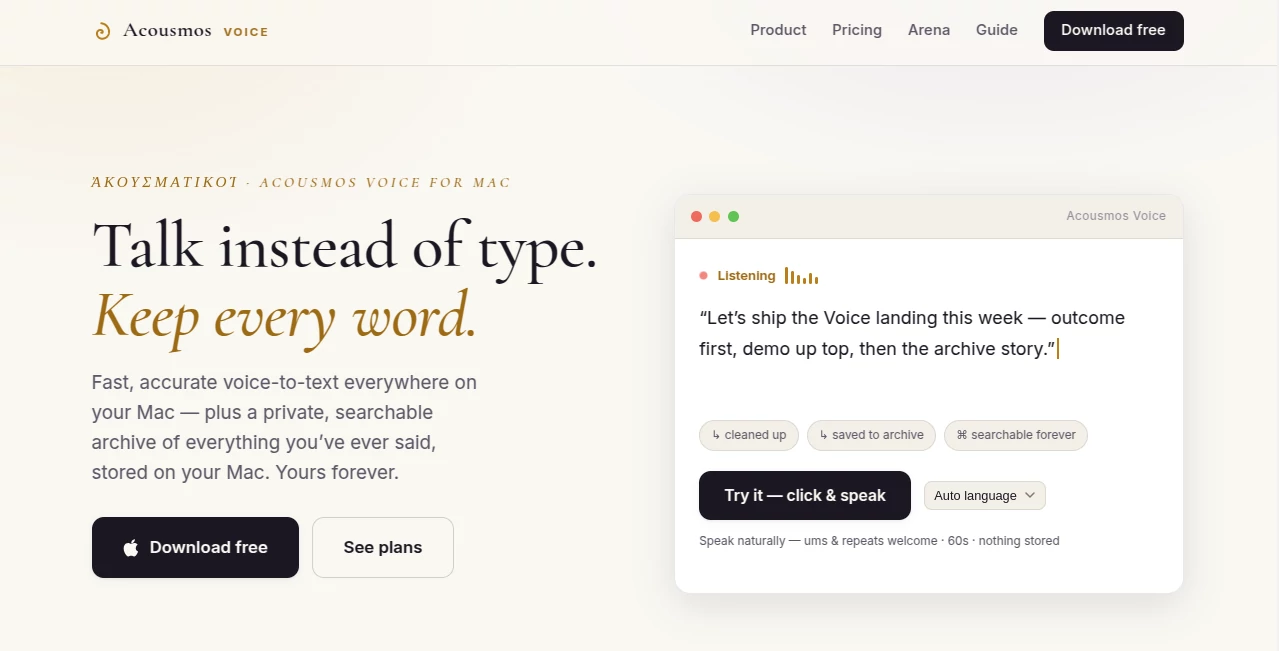
What is Acousmos Voice?
Designing buildings with outstanding acoustic performance has traditionally involved a slow workflow filled with model exports, external simulation software, and repeated revisions. This platform transforms that process by bringing acoustic analysis directly into Autodesk Revit, allowing architects, acoustic consultants, and BIM professionals to evaluate sound performance without leaving their design environment.
Instead of switching between disconnected applications, users receive real-time feedback while designing. This approach encourages better decisions earlier in the project lifecycle, reduces unnecessary rework, and helps teams maintain a single source of truth throughout every design iteration. Whether working on educational facilities, healthcare projects, offices, residential developments, or commercial buildings, professionals can evaluate room acoustics and building-wide performance with significantly greater efficiency. :contentReference[oaicite:0]{index=0}
Key Features
User Interface
The interface is fully integrated into Revit, making it feel like a natural extension of an existing BIM workflow. Designers can visualize acoustic behavior directly inside their models instead of exporting geometry into separate analysis applications. Interactive visualizations and instant feedback make complex acoustic data easier to understand, even during early design stages. :contentReference[oaicite:1]{index=1}
Accuracy & Performance
The software performs detailed reverberation analysis while supporting customizable acoustic materials and configurable compliance standards. Since calculations remain closely connected to the current BIM model, every design modification can immediately be evaluated, allowing faster iteration without rebuilding analysis models. Building-scale analysis is also available for larger projects requiring room-to-room acoustic evaluation. :contentReference[oaicite:2]{index=2}
Capabilities
- Real-time acoustic analysis inside Revit.
- Room reverberation calculations.
- Acoustic material customization.
- Reflection visualization for sound propagation.
- Building-scale acoustic analysis.
- Support for federated Revit models.
- Compliance markups for project verification.
- Custom acoustic standards.
- Detailed reporting and export options.
- Compatibility with Revit 2023–2027.
Security & Privacy
Analysis is processed through secure cloud infrastructure while keeping the complete Revit model on the local machine. Only the parameters required for acoustic calculations are transmitted, helping organizations protect sensitive building data without sacrificing computational performance. :contentReference[oaicite:3]{index=3}
Use Cases
- Architectural design optimization.
- Room reverberation analysis.
- Educational building design.
- Healthcare facility planning.
- Office acoustic optimization.
- Commercial and residential building projects.
- BIM coordination and collaboration.
- Early-stage design validation.
- Acoustic engineering consulting.
- Building compliance assessment.
Pros and Cons
Pros
- Works directly inside Revit.
- No need for external model exports.
- Fast design iteration with real-time feedback.
- Supports both room-level and building-scale analysis.
- Flexible acoustic standards.
- Suitable for architects, BIM managers, and acoustic consultants.
- Available with a free trial.
Cons
- Limited to Autodesk Revit workflows.
- Advanced building-scale features require higher-tier access.
- Cloud processing requires an internet connection for analysis.
Pricing Plans
A free access level is available after the trial period with limited functionality. Professional room analysis is offered through a paid subscription, while enterprise-scale building analysis is available through an early access program for qualified organizations. Pricing options also support multi-seat licensing for larger teams. :contentReference[oaicite:4]{index=4}
How to Use Acouso
Install the plugin into a supported version of Revit and open your existing BIM project. Define or customize acoustic materials where necessary, run the acoustic analysis directly inside the model, and review visual feedback. Adjust layouts, materials, or room geometry, then immediately rerun the analysis to compare results. Continue refining the project until the desired acoustic performance is achieved before construction documentation begins.
Comparison with Similar Tools
Many traditional acoustic simulation platforms require exporting geometry, rebuilding analytical models, and repeatedly synchronizing changes between applications. This solution removes those extra steps by making Revit the central workspace for both design and acoustic evaluation. The result is a smoother workflow, quicker iteration, and improved collaboration between architects and acoustic specialists. Organizations already committed to BIM processes can significantly reduce the friction that typically accompanies acoustic analysis. :contentReference[oaicite:5]{index=5}
Conclusion
For professionals who depend on Autodesk Revit, this platform offers a practical and highly efficient way to integrate acoustic analysis into everyday design work. By eliminating disconnected workflows and providing immediate design feedback, it enables better-informed decisions throughout every project phase. The combination of real-time visualization, customizable standards, and scalable analysis makes it a valuable addition for modern architectural and engineering teams focused on delivering comfortable, high-performing buildings.
Frequently Asked Questions (FAQ)
Does it require exporting Revit models?
No. Acoustic analysis is performed directly within the Revit environment without rebuilding or exporting models.
Which versions of Revit are supported?
It supports Autodesk Revit versions 2023 through 2027. :contentReference[oaicite:6]{index=6}
Can it analyze an entire building?
Yes. Building-scale analysis is available alongside detailed room-level reverberation analysis.
Is there a free version?
Yes. Users can begin with a free trial and continue with a limited free access mode if they choose not to upgrade. :contentReference[oaicite:7]{index=7}
Who benefits most from this software?
Architects, acoustic engineers, BIM managers, designers, and multidisciplinary building design teams will benefit the most from its integrated workflow.
AI Workflow Management , AI Design Assistant , AI Productivity Tools , AI Developer Tools .
These classifications represent its core capabilities and areas of application. For related tools, explore the linked categories above.

Acousmos Voice Alternatives Product

Pixelied

VercelAPP

Image2GPT

GPT Imagine

VisualGPT

Hintder AI

Odysseus AI

Playyy AI

LaunchBoard