
AIforASMR
What is AIforASMR?
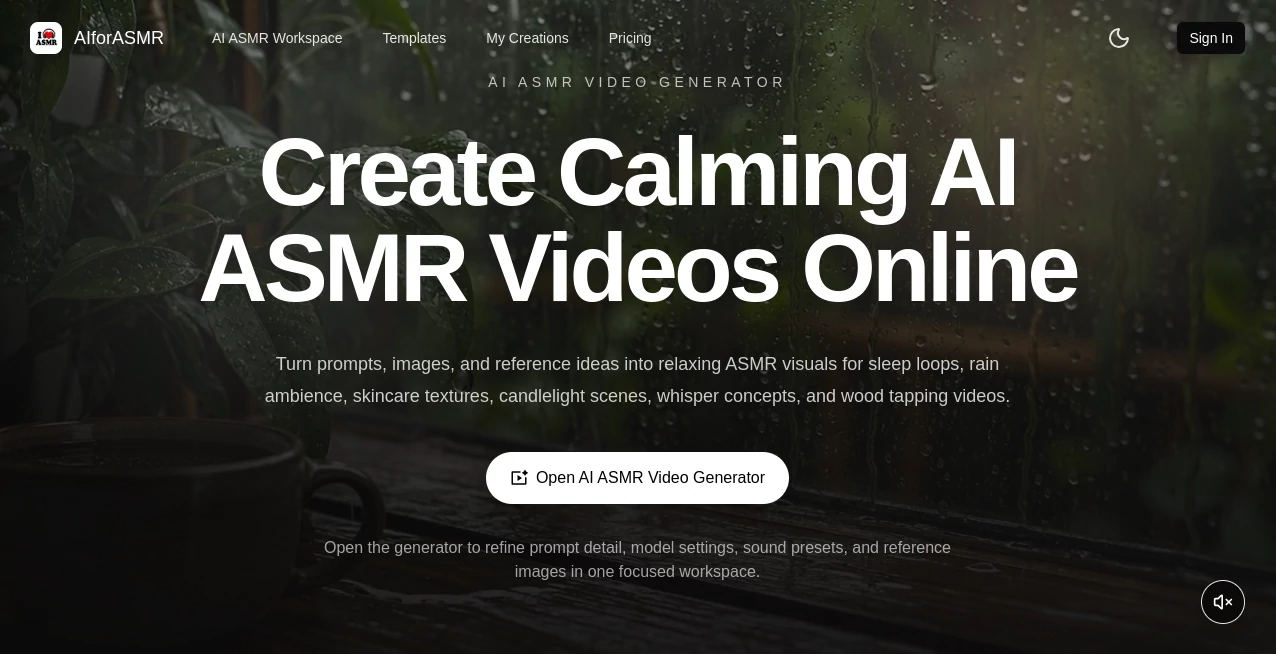
Creating relaxing ASMR videos usually takes more than a good idea. You need the right visuals, pacing, sounds, textures, and atmosphere to make a clip feel genuinely calming. AIforASMR brings those pieces into a focused workflow, allowing creators to turn prompts, images, and reference ideas into soothing ASMR videos for sleep content, wellness projects, product visuals, and short-form publishing.
The platform is particularly appealing to creators who want to experiment with concepts that would be difficult or expensive to film traditionally. A rain-covered window, a softly flickering campfire, skincare textures, fabric movement, wood tapping, or gentle ocean waves can all be explored from a written scene description. Instead of starting with a blank timeline, users can begin with a template or prompt and refine the result from there.
Key Features
- Text-to-ASMR video generation from detailed scene prompts.
- Image-guided generation for more controlled visual results.
- Reference image support for maintaining object, product, or style consistency.
- ASMR sound presets covering nature, ambient scenes, mouth sounds, touch, food and drink, daily objects, and instruments.
- More than 45 ready-made ASMR templates for different creative scenarios.
- Adjustable audio intensity and generation settings.
- Support for longer videos by extending native 8-second clips.
- Different visual approaches including minimalist, cinematic, hyper-realistic, and spatial-audio-oriented styles.
- Prompt examples that help users develop ideas before generating.
- Workflows suitable for both landscape ambience and short-form vertical content.
User Interface
The workspace is designed around the actual process of making an ASMR scene. Users can select a sound source, write a scene prompt, add reference images when necessary, choose a style, and configure generation parameters before creating a preview. The layout keeps the creative controls together rather than spreading them across several complicated editing screens.
For someone making their first AI-generated ASMR clip, the templates are a useful shortcut. For experienced creators, the prompt and reference controls provide more room to fine-tune the visual direction.
Accuracy & Performance
Performance depends on factors such as the selected model, input type, resolution, and requested duration. The workflow is built around generating an initial draft and then refining it, which makes sense for ASMR content where subtle movement can matter more than fast scene changes.
The native generation length is 8 seconds, while longer videos can be created by extending and stitching clips. This approach is useful for creators building longer ambience videos from shorter generated sequences rather than expecting one generation to produce an entire long-form production.
Capabilities
The range of possible scenes is one of the strongest parts of the platform. Nature-focused ideas include rain, ocean waves, wind, streams, campfires, forest birds, thunder, and snow walks. More tactile concepts include paper rustling, fabric folding, finger tapping, foam squeezing, keyboard typing, mouse clicks, scissors, and zippers.
There are also templates for food and drink sounds, mouth sounds, musical instruments, and other everyday objects. This makes the tool useful beyond the typical rain-and-candle ASMR format. A creator can test a simple keyboard typing concept in the morning and move to a skincare texture or spa scene later without changing creative tools.
Security & Privacy
The platform provides dedicated privacy, terms, content policy, and refund policy pages for users who want to review how the service operates. When uploading reference images or creating commercial content, it is still sensible to review the current policies and avoid submitting material that you do not have permission to use.
Use Cases
Sleep and ambience channels can use the generator to prototype rain-window scenes, ocean visuals, candlelight, campfire loops, and other slow-moving backgrounds. These formats can work well for bedtime playlists, study content, meditation videos, or quiet background streams.
Product and beauty creators have another interesting use case. Image-guided scenes can showcase creams, oils, droplets, glass, candles, fabric, and other tactile surfaces without requiring a full physical shoot for every concept.
Wellness businesses can also use calming visuals for spa campaigns, meditation applications, landing pages, and social media content. Short-form creators can experiment with vertical ASMR clips, while faceless content creators can build a library of repeatable ambience scenes without appearing on camera.
Pros and Cons
- Pros: Specialized workflow for ASMR content, text and image inputs, reference guidance, a broad selection of templates, sound-focused presets, and useful options for both short clips and longer ambience projects.
- Pros: The template library reduces the effort required to come up with a workable scene, especially for creators who are new to prompt-based video generation.
- Pros: Image and reference inputs provide additional control when visual consistency is important.
- Cons: Longer videos rely on extending and stitching shorter native clips, so creators producing extended ambience may need several generations.
- Cons: Higher-volume production requires a paid credit plan, making frequent experimentation more expensive than occasional use.
Pricing Plans
The pricing structure is based on credits and is available through recurring monthly options. The Starter plan is listed at $19.90 per month and includes 1,600 credits, estimated at around 40 videos. The Standard plan costs $39.90 per month with 3,600 credits and approximately 90 videos. For heavier production, the Premium plan is $79.90 per month and includes 7,800 credits, estimated at around 195 videos. The pricing page also displays higher reference prices of $29.90, $49.90, and $99.90 respectively, with the monthly plans shown at the discounted rates.
Because generation costs can vary according to the workflow and settings used, the estimated video counts should be treated as practical approximations rather than guaranteed output quantities.
How to Use AIforASMR
Start by choosing an ASMR template or deciding on your own scene. A simple prompt such as a rainy window at night can be expanded with details about lighting, texture, camera movement, pacing, and atmosphere. Specific descriptions generally give you more control over the intended mood.
If you need greater visual consistency, add an image or reference material. This is particularly useful for product-focused scenes where the appearance of an object matters. Next, select the desired style and configure options such as duration and audio intensity.
Generate a preview and inspect the motion carefully. If something feels too fast, too busy, or simply does not match the intended mood, adjust the prompt or references and generate another version. ASMR is often about small details, so a few thoughtful iterations can make a noticeable difference.
Comparison with Similar Tools
General-purpose AI video generators are useful for a wide range of cinematic and creative projects, but they often require creators to build the ASMR workflow themselves. This platform takes the opposite approach by focusing specifically on calming, tactile, slow-paced content.
Its template categories, sound presets, prompt examples, reference-image workflow, and ASMR-oriented controls make it more specialized than a typical text-to-video service. For a creator who occasionally needs one relaxing background clip, a general video generator may be enough. For someone building sleep content, tactile product videos, wellness visuals, or a recurring ASMR channel, the specialized workflow can save considerable setup time.
Conclusion
AIforASMR is a focused option for creators who want to produce calming video content without building every scene from scratch. Its combination of prompts, images, reference guidance, sound presets, and ready-made templates gives users several ways to move from an idea to a usable visual.
The biggest advantage is its specialization. Instead of treating ASMR as just another video style, the platform is built around the details that make these scenes work: gentle movement, tactile textures, repetitive actions, atmosphere, and sound. Whether the goal is a rain loop for a sleep channel, a skincare close-up for a beauty brand, or a short calming clip for social media, it provides a practical place to experiment and refine the concept.
Frequently Asked Questions (FAQ)
What can I create with this AI ASMR video generator?
You can create sleep ambience, rain scenes, ocean visuals, candlelight clips, skincare textures, spa scenes, tactile object videos, food and drink concepts, mouth-sound visuals, and other calming ASMR formats.
Can I create videos from text prompts?
Yes. Text prompts can describe the atmosphere, texture, lighting, movement, camera behavior, and pacing of the desired scene.
Can I use images as references?
Yes. Image and reference inputs can be used when you need more control over an object's appearance, product consistency, or overall visual direction.
How long are the generated videos?
The native generation duration is 8 seconds. Longer videos can be created by extending the generated footage, with the platform stitching additional segments together.
Are there ready-made ASMR templates?
Yes. The platform offers more than 45 ASMR templates covering categories such as nature, ambient scenes, mouth sounds, touch, food and drink, daily objects, instruments, writing, water, and wood.
AI Animated Video , AI Music Video Generator , AI Video Generator .
These classifications represent its core capabilities and areas of application. For related tools, explore the linked categories above.

AIforASMR Alternatives Product

AI Animate I…

Wan 2.7

Seedance 2 P…

image to vid…

Gemini Omni

seeddance

Seedance 2.0

Vidtool AI

FreeWanVideo