


















AI Renamer
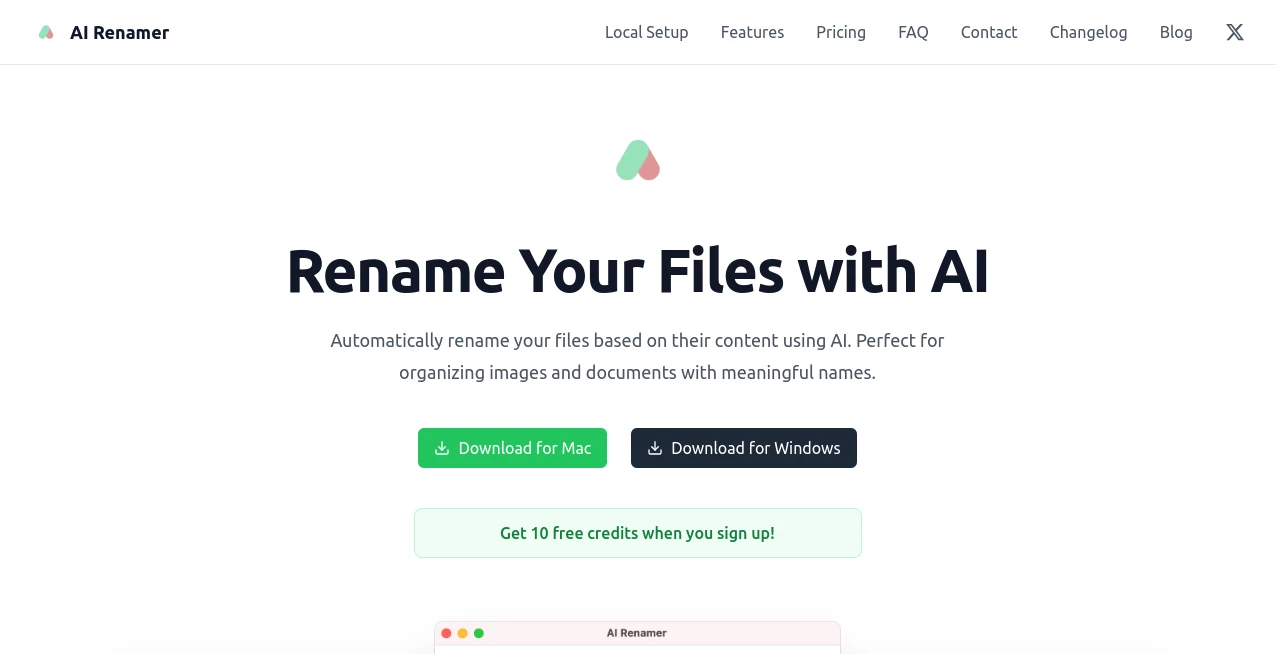
What is AI Renamer?
Managing files on a computer often becomes messy over time. Random file names, duplicates, and unclear naming patterns can slow down workflows and create unnecessary confusion. This is where an intelligent renaming solution becomes surprisingly useful.
The platform is designed to simplify how users organize and rename files using automation and smart recognition. Instead of manually editing file names one by one, it introduces a more structured and intelligent approach that helps users save time and maintain consistency across folders, projects, and large datasets.
Whether you are dealing with documents, media files, or project assets, the system focuses on making file organization feel natural and fast rather than repetitive and technical.
Key Features
User Interface
The interface is clean and minimal, allowing users to focus directly on their files without distraction. Drag-and-drop functionality and simple batch selection make it easy to start renaming within seconds.
Accuracy & Performance
The system analyzes file names and patterns to generate meaningful and structured outputs. It performs well even with large batches of files, maintaining consistency without slowing down the workflow.
Capabilities
It supports bulk renaming, pattern-based naming, and intelligent suggestions based on file content and context. This makes it useful for both personal organization and professional environments.
Security & Privacy
User files are processed with attention to privacy, ensuring that sensitive data is not exposed unnecessarily. The workflow is designed to keep file handling local and secure wherever possible.
Use Cases
- Organizing large collections of photos or media files
- Renaming project documents for teams and agencies
- Cleaning up downloaded files and folders
- Standardizing file naming conventions for businesses
Pros and Cons
Pros:
- Saves significant time during bulk file management
- Simple and beginner-friendly interface
- Consistent and structured naming results
- Useful for both personal and professional workflows
Cons:
- Advanced customization may be limited for power users
- Requires initial setup understanding for optimal results
Pricing Plans
The platform typically follows a flexible pricing model, which may include free access for basic features and premium options for advanced automation and bulk processing capabilities. Exact plans may vary depending on usage level and feature access.
How to Use This Tool
Getting started is straightforward. Users begin by uploading or selecting files they want to rename. After that, they choose a naming style or allow the system to generate suggestions automatically. Once the preview is reviewed, changes can be applied in bulk with a single action.
This simple flow removes the need for repetitive manual editing and makes file organization significantly faster.
Comparison with Similar Tools
Compared to traditional renaming utilities, this platform introduces a more intelligent layer of automation. While standard tools rely heavily on manual rules, this solution focuses on understanding patterns and context to reduce user effort.
It stands out by balancing simplicity with smart automation, making it more approachable than complex scripting-based alternatives.
Conclusion
For anyone struggling with messy folders or inconsistent file naming, this solution offers a refreshing way to bring order back into digital storage. It removes repetitive tasks and replaces them with intelligent automation that feels natural and efficient.
Instead of spending time renaming files one by one, users can focus on more meaningful work while maintaining a clean and structured file system in the background.
Frequently Asked Questions (FAQ)
Is it suitable for beginners?
Yes, the platform is designed with simplicity in mind and does not require technical knowledge.
Can it handle large batches of files?
Yes, it is optimized for bulk operations and maintains performance even with large datasets.
Does it require installation?
It depends on the version, but most workflows are designed to be quick and easy to access.
Is my data safe?
The system prioritizes privacy and ensures files are handled securely during processing.
Can I customize naming rules?
Yes, users can apply patterns or allow automated suggestions depending on their needs.
AI Productivity Tools , AI Workflow Management , AI Files Assistant .
These classifications represent its core capabilities and areas of application. For related tools, explore the linked categories above.
AI Renamer details
Website unavailable — View Alternatives
Pricing
- Free
Apps
- Web App
- Windows App
- Mac App
Categories

AI Renamer Alternatives Product

Hairstyle An…

AI Entity

Referent

Lime Social

LorePanic

Graph Maker

jpg to excel

Video To Text

InPage AI
