
Audiomatic
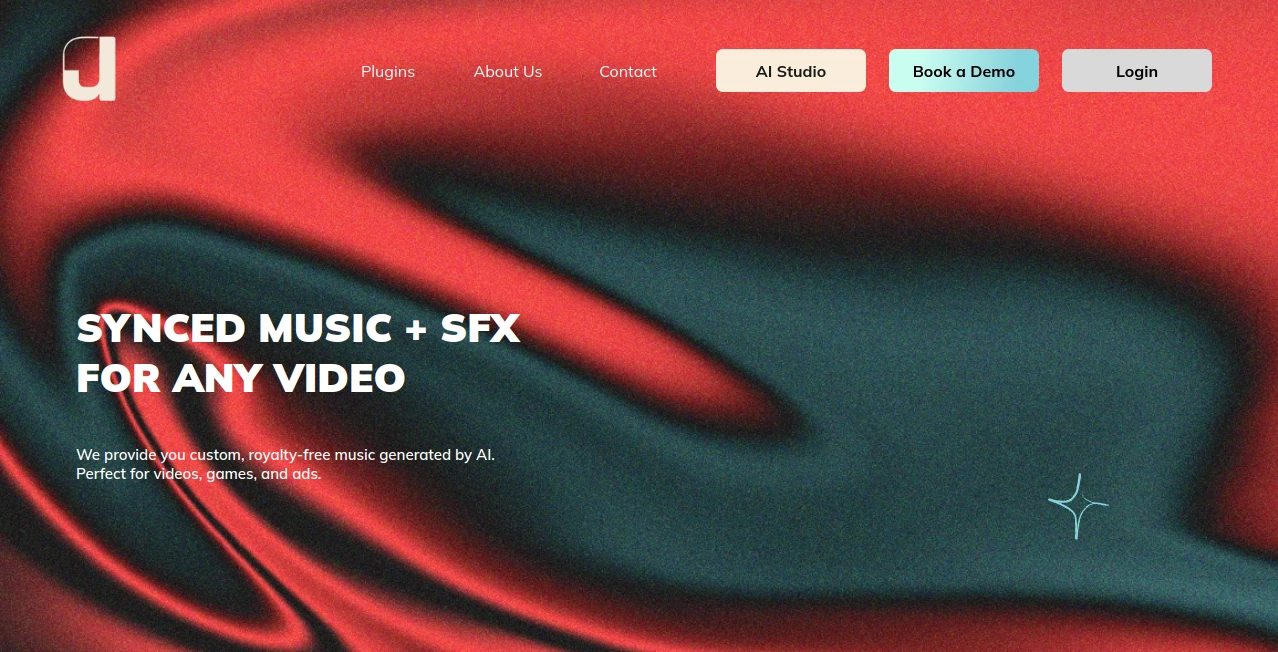
What is Audiomatic?
In a world where audio quality can make or break content, creators and businesses are constantly searching for tools that can clean, enhance, and transform sound without needing technical expertise. This platform steps in as a modern solution designed to simplify audio processing while delivering studio-level results in just a few clicks.
Whether you're working on podcasts, voiceovers, interviews, or social media content, it brings a smooth and intuitive experience that removes the usual friction of traditional audio editing software. Instead of spending hours tweaking settings, users can focus on creativity while the system handles the technical heavy lifting in the background.
Key Features
User Interface
The interface is clean, minimal, and designed for speed. Even first-time users can quickly understand how to upload, process, and export audio without any learning curve. Everything feels organized, which helps streamline the entire workflow.
Accuracy & Performance
Performance is one of its strongest advantages. Background noise removal, voice clarity enhancement, and audio balancing are handled with impressive precision. The output feels natural rather than over-processed, which is often a problem with similar tools.
Capabilities
- Noise reduction for clean audio output
- Voice enhancement for clearer speech
- Automatic audio leveling
- Support for multiple audio formats
- Fast processing for large files
Security & Privacy
User files are processed securely, ensuring that uploaded audio is handled with privacy in mind. This is especially important for professionals working with sensitive recordings or client materials.
Use Cases
This platform fits naturally into a wide range of workflows. Podcasters can clean up raw recordings before publishing. Content creators can improve voiceovers for videos. Businesses can enhance meeting recordings for better clarity and documentation. Even educators can use it to improve lecture recordings for online learning environments.
Pros and Cons
Pros
- Very easy to use, even for beginners
- High-quality audio enhancement results
- Fast processing speed
- No need for advanced editing skills
Cons
- Limited advanced manual editing controls
- Requires internet connection for processing
Pricing Plans
The platform typically follows a flexible pricing model, offering both free access with basic features and premium plans for users who need higher quality output, faster processing, or larger file support. This makes it accessible for casual users while still powerful enough for professionals.
How to Use Audiomatic
Getting started is simple and does not require any technical background. Users begin by uploading an audio file into the system. After that, they choose the desired enhancement options such as noise removal or voice clarity improvement. Once processed, the improved audio can be previewed and downloaded instantly.
Comparison with Similar Tools
Compared to traditional audio editing software, this platform removes complexity and reduces editing time significantly. While many competitors require manual adjustments and technical knowledge, this solution automates most of the process while still delivering professional-grade output. It strikes a balance between simplicity and quality that many tools struggle to achieve.
Conclusion
For anyone working with audio content, having a reliable and fast enhancement tool can dramatically improve workflow and output quality. This platform stands out by combining automation with strong audio processing capabilities, making it a practical choice for both beginners and professionals. It doesn’t try to overwhelm users with complexity—instead, it focuses on getting the job done efficiently and effectively.
Frequently Asked Questions (FAQ)
- Is it suitable for beginners?
Yes, the interface is designed for users with no prior audio editing experience. - Can it improve poor-quality recordings?
It can significantly reduce noise and enhance clarity, especially for voice recordings. - Does it support different audio formats?
Yes, it works with most common audio file types. - Is an internet connection required?
Yes, processing is done online for best performance and speed.
AI Speech Recognition , AI Audio Enhancer , AI Transcription , AI Voice & Audio Editing .
These classifications represent its core capabilities and areas of application. For related tools, explore the linked categories above.

Audiomatic Alternatives Product

SkipBait

Speechara

EasyVC

Adobe Podcast

Zeemo AI

VoiceMOAT

Transcribe A…

AI Describe …

Whisper Web