
BigMarker
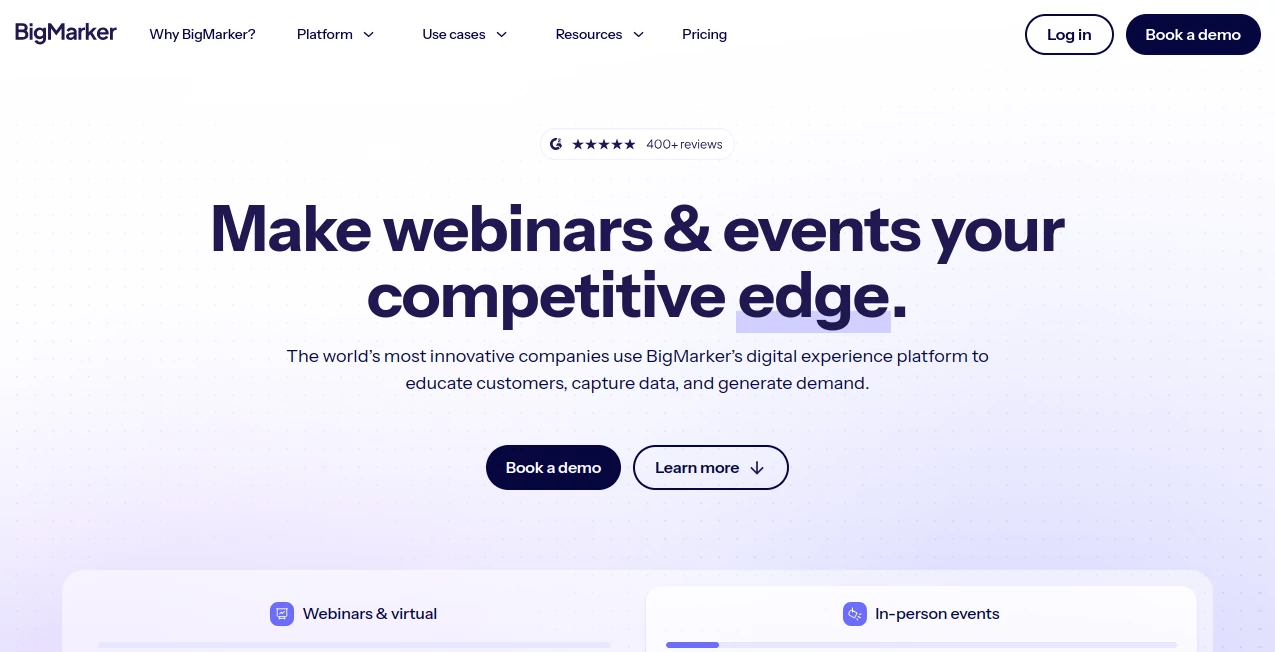
What is BigMarker?
In today’s digital-first world, hosting meaningful online events has become more important than ever. From webinars and product demos to large-scale virtual conferences, organizations need a platform that is reliable, flexible, and easy to use. This platform has positioned itself as a powerful solution for businesses, educators, marketers, and enterprises who want to connect with audiences in a more interactive and impactful way.
Unlike basic video meeting tools, it focuses on delivering structured, branded, and highly engaging virtual experiences. Whether you're running a small training session or a global online summit, it provides the infrastructure to make the event feel professional and seamless.
Key Features
User Interface
The interface is designed with simplicity in mind while still offering advanced control options. Users can quickly set up webinars, manage attendees, and customize event pages without needing technical expertise. Everything is organized in a way that reduces complexity while maintaining full functionality.
Accuracy & Performance
Performance is a key strength, especially during high-attendance events. The system is built to handle large audiences without lag or interruptions, ensuring smooth video streaming and real-time interaction features like chat, polls, and Q&A sessions.
Capabilities
- Live and automated webinars
- On-demand event hosting
- Audience engagement tools such as polls and surveys
- Landing page and registration page builder
- CRM and marketing integrations
- Analytics and performance tracking
Security & Privacy
Security is handled with enterprise-grade standards, including encrypted communications and controlled access to events. Hosts can manage permissions, restrict entry, and ensure that sensitive sessions remain private and secure.
Use Cases
- Online marketing webinars and lead generation campaigns
- Corporate training and employee onboarding
- Educational lectures and virtual classrooms
- Product launches and demos
- Community events and virtual conferences
Pros and Cons
Pros
- Highly scalable for small and large audiences
- Strong engagement tools for interaction
- Easy-to-use event setup system
- Good integration with marketing tools
Cons
- Advanced features may require a learning curve
- Premium plans can be costly for small teams
- Customization options may feel overwhelming at first
Pricing Plans
The platform offers flexible pricing structures designed for individuals, businesses, and enterprise users. Typically, plans vary based on attendee limits, automation features, and access to advanced analytics. Free trials or demos are often available for new users to explore core features before committing.
How to Use This Platform
Getting started is straightforward. After creating an account, users can set up their first event by selecting a webinar type, customizing the landing page, and scheduling the session. Invitations can be sent directly via email or integrated marketing tools. During the event, hosts can manage participants, launch interactive features, and monitor engagement in real time.
Comparison with Similar Tools
Compared to standard video conferencing solutions, this platform is more focused on structured events rather than casual meetings. It offers deeper marketing integration, better branding options, and stronger analytics. While some competitors focus only on communication, this solution emphasizes engagement, lead generation, and professional event delivery.
Conclusion
For businesses and professionals looking to elevate their online events, this platform provides a powerful and flexible environment. Its combination of scalability, engagement tools, and marketing capabilities makes it a strong choice for webinars, virtual conferences, and digital experiences that need to leave a lasting impression.
Frequently Asked Questions (FAQ)
Is this platform suitable for large events?
Yes, it is designed to handle both small webinars and large-scale virtual conferences with stable performance.
Do I need technical skills to use it?
No, the interface is user-friendly and allows event creation without coding or advanced technical knowledge.
Can I integrate it with marketing tools?
Yes, it supports integration with CRM systems, email marketing tools, and other business platforms.
Does it support recorded webinars?
Yes, users can host both live and automated recorded sessions for flexible audience engagement.
Is it secure for private events?
Yes, it includes security features such as encrypted streaming and access control options.
AI Marketing Plan Generator , AI Video Generator , AI Team Collaboration , AI Video Recording .
These classifications represent its core capabilities and areas of application. For related tools, explore the linked categories above.

BigMarker Alternatives Product

AISEOMate

SnapVee Stud…

CheckAEO

Debate Tello…

Faceless vid…

Seedance 2.0

Blipix

HappyHorse

Happyhorse