
















HappyHorse
What is HappyHorse?
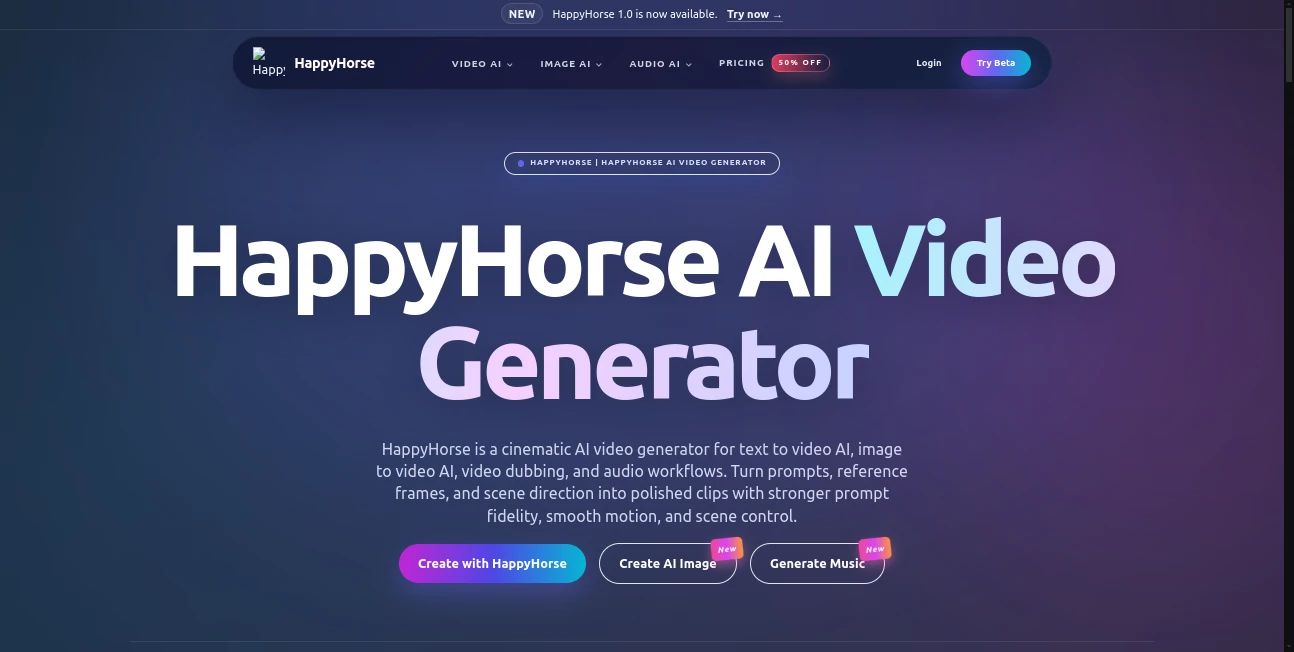
Remember when making a decent AI video meant stitching together silent clips and praying the lip movements looked half-human? Yeah, those days are officially over. There is a new player in town, and honestly, it feels like someone finally figured out how to make machines watch movies the right way.
This platform isn't just another text-to-video toy. We are talking about a full-blown, open-source architecture that generates both picture and sound in a single, seamless pass. You write a prompt about a flamenco dancer in a candlelit room, and instead of getting a silent, jittery ghost, you get a 1080p cinematic clip with the sound of heels clicking on wood and the strum of a guitar, perfectly synced. It feels less like generating content and more like directing a tiny, tireless film crew from your browser.
Key Features
What makes this tool stand out in a crowded field of generative models? It comes down to three things: raw architectural intelligence, a focus on human-centric motion, and actual accessibility. It has topped the Artificial Analysis Video Arena leaderboard not by accident, but because real users consistently prefer what it outputs.
Whether you are a solo creator making hooks for social media or a developer building the next big thing in creative software, the feature set here is designed to save you hours of post-production headache. Let's break down what actually works.
User Interface
If you have ever stared at a ComfyUI workflow and felt your brain start to sweat, you will appreciate this. The interface on the demo site is refreshingly straightforward. You drop in a text prompt, maybe an image if you want to work from a reference, and hit generate.
There is no clutter, no confusing sliders for latent steps or CFG scales out of the box. For developers, the real beauty is the promise of the API integration. You aren't locked into a single walled garden. You can build microservices around this, creating internal tools that spit out localized video content without needing a GPU farm in your office.
Accuracy & Performance
Speed is a big win here. The team claims a rendering time of about 38 seconds for a 1080p clip on a single H100. In practice, for shorter previews, it feels even snappier. You aren't waiting for a coffee break to see if your prompt worked.
Regarding accuracy, the model understands physics better than most. You know that annoying "floaty" look where characters slide around like they are on ice? That is mostly gone. When a dancer lands a step, their weight stays on the floor. The prompt adherence for cinematic language is also surprisingly sharp. You can ask for "200mm lens compression" and the model actually understands that you want the background flattened and the subject isolated, which is a level of sophistication usually reserved for professional photographers.
Capabilities
This is where the magic happens. The single most impressive capability is the native multi-language lip-sync. If you are creating ads for different regions, you know the pain of dubbing. This tool supports several languages, including English, Mandarin, Japanese, Korean, and German, generating the mouth movements inherently with the video. It also handles the transition between Text-to-Video and Image-to-Video smoothly. You can start with a blank prompt or give it a specific still image to animate, and the model handles both with the same consistent quality.
Security & Privacy
Because the model is slated to be fully open-source (Apache-2.0), the privacy implications are significantly different from using a closed, commercial API. Eventually, you will be able to run this locally on your own hardware. That means your proprietary concepts, ad campaigns, or unreleased film scenes never have to touch a third-party server. For large studios or agencies with strict data handling policies, this is a massive green flag. Even while using the demo, the barriers to entry keep your work relatively insulated, though as always, avoid uploading confidential client briefs until the local version is fully live.
Use Cases
You might be wondering, "Sure, it's cool, but what do I actually *do* with this?" The variety of applications is surprisingly broad. It isn't just for making surreal art loops to post on Instagram, though it does that beautifully.
- Agency Pre-visualization (Pre-Viz): Before you rent that expensive studio or book that talent, drop your script into the generator. Show the client exactly how the lighting and camera angles will look. It turns pitch meetings from "imagine this" to "this is it."
- E-commerce & Localization: Selling a product in Germany, Japan, and the US? Shoot one reference still and use the AI to generate a model using the product while speaking the local language with perfect lip-sync. No reshoots, no translation lag.
- Social Short-Form Hooks: In the attention economy, you have about 5 seconds. The 5-10 second clip length is perfect for TikTok, Reels, or YouTube Shorts. Generate cinematic B-roll for podcasts or faceless accounts instantly.
- Independent Filmmaking: Need a specific dream sequence or a dangerous establishing shot (like a volcano erupting or a specific period-accurate street scene)? Use this to storyboard or even produce the final shot on a zero-dollar budget.
Pros and Cons
No tool is perfect, especially when it is just hitting the scene. Here is the honest breakdown of where this shines and where it still trips over its own shoelaces.
What works well:
The motion consistency is a standout. Objects have weight, water splashes realistically, and hair moves with the wind rather than a static wig. The native audio sync is a massive time-saver, cutting out the need for a separate audio editing step. Plus, the fact that it is trending toward open-source means you aren't building your creative workflow on rented land that can be taken away tomorrow.
What needs work:
The clip length is currently capped around 5 to 10 seconds. You cannot generate a 30-second continuous scene just yet. Also, while the demo is accessible, the full weight release is still "coming soon." You cannot download and run it locally on your own machine at this very second, though that is expected to change. Multi-character interactions in complex scenes can sometimes get weird; faces might distort or limbs might phase through each other if you push the prompt too hard.
Pricing Plans
This is where things get exciting for the budget-conscious creator. The business model is incredibly friendly compared to the high-cost incumbents. While detailed third-party API pricing fluctuates, the core model is positioned as a freemium and open-sourced tool.
The demo provides free access to test the waters, so you can validate your ideas without pulling out a credit card. For bulk commercial use via the official channels, the reported costs are competitive, often dipping below the $0.80/second range that you see with some competitors. For the developer planning to self-host once the weights drop, the cost moves from a subscription fee to simply the cost of your own cloud compute or local electricity. That is a game-changer for startups trying to keep burn rates low.
How to Use This Tool
Getting started is surprisingly painless. You don't need a degree in machine learning, just an idea. Head over to the official demo site and look for the "Live Demo" button. There is no complex installation required to start playing.
Write a prompt like you are talking to a cinematographer. Instead of "a dog," try "a scruffy terrier swims in a pool, wet fur glistening, owner calls him out in a stern voice." Hit generate and wait a few seconds. If you want to keep a specific character face, use the Image-to-Video feature instead of starting from scratch. For the best results, keep your scenes focused. Asking for "a massive battle with 1000 soldiers" will break the logic; focus on one action at a time.
Comparison with Similar Tools
How does this stack up against the other big names like Kling 3.0 or Seedance? If you look at the blind leaderboard stats, this model is trading punches with the best of them. Kling 3.0 has a mature API and is ready for production right now, but its pricing can stack up quickly. This tool offers a viable alternative that appears to value accessibility over maximum profit extraction.
Seedance 2.0 is a beast for raw audio quality, but its API availability has been inconsistent. HappyHorse offers the promise of "open" vs. "closed." If you value the ability to eventually own your infrastructure, this is the only choice in the top tier. However, if you need absolute stability for a massive studio pipeline *today* and budget isn't an issue, Kling 3.0 is still the safer enterprise bet. But for everyone else? The value proposition here is currently unmatched.
Conclusion
We are watching a shift happen in real-time. The era of expensive, clunky, silent AI video generation is ending. This tool represents a breath of fresh air—it is a high-quality, open-source alternative that prioritizes good storytelling and sound design without trying to bankrupt you.
Is it perfect? No. The clip length is short, and sometimes the math breaks on complex hands. But for 90% of creators—the YouTubers, the ad-men, the indie filmmakers—this is more than enough. It is a tool that finally feels like it understands human movement and sound. If you haven't tried it yet, you are leaving creative firepower on the table.
Frequently Asked Questions (FAQ)
Is this actually open source, and can I download the weights right now?
The commitment to open source is firm, with plans to release under Apache-2.0. At this specific moment, the GitHub repo and official weights are listed as "coming soon." You can access the live demo, but you cannot self-host the 15B parameter model just yet. It is highly anticipated and expected to drop soon.
How long are the generated videos?
Currently, the model is optimized for short-form content. You are looking at clips ranging from 5 to 10 seconds. This is perfect for social media hooks, transitions, or establishing shots, but you cannot generate a full-length music video in one single render.
Do I need a super expensive computer to use this?
Not to try it out. The web demo runs on their servers, so your old laptop works fine. However, if you plan to run the full model locally once it is released, you will need a serious GPU. Think RTX 4090 levels of VRAM or cloud instances like H100s to get the reported 38-second generation speeds.
Is the lip-sync actually good in other languages?
Yes, and this is the killer feature. The model handles phoneme mapping natively. It supports a wide array of languages including English, Japanese, Korean, and German. The lips move with the dialogue naturally because the sound and video are born together, rather than being glued on after the fact.