
Bimrock AI
What is Bimrock AI?
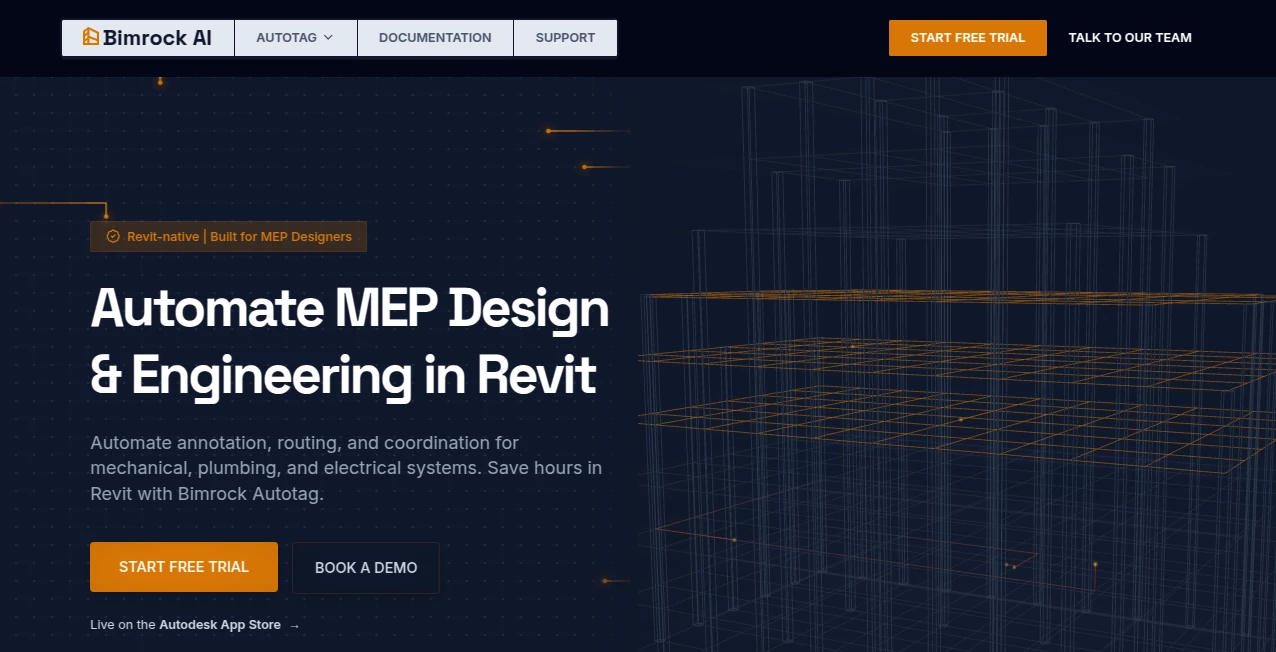
Modern MEP documentation demands precision, consistency, and speed. Engineers and BIM professionals often spend countless hours placing tags, adjusting annotations, and cleaning documentation before project delivery. This intelligent automation platform transforms those repetitive tasks into a streamlined workflow, allowing engineering teams to spend more time solving technical challenges instead of performing manual drafting.
Built specifically for Autodesk Revit users, the solution focuses on automating annotation and documentation for HVAC, piping, electrical systems, conduits, cable trays, and other MEP elements. Instead of relying on repetitive manual work, users can create reusable tagging profiles that apply company standards across multiple projects while maintaining consistency from the first sheet to the last. The result is faster project delivery, fewer documentation errors, and a more productive engineering workflow. :contentReference[oaicite:0]{index=0}
Key Features
User Interface
The interface integrates directly into Autodesk Revit, making adoption simple for existing BIM teams. Engineers can define tagging rules once, reuse saved profiles, and launch automated annotation without learning complicated scripting languages or external software. The workflow feels familiar while significantly reducing repetitive actions. :contentReference[oaicite:1]{index=1}
Accuracy & Performance
The platform intelligently places annotations while minimizing overlaps and maintaining organized documentation. Batch processing enables multiple views and building systems to be annotated efficiently, helping firms reduce documentation time from hours to minutes while improving consistency throughout large projects. Support for linked models and custom families makes it suitable for complex engineering environments. :contentReference[oaicite:2]{index=2}
Capabilities
- Automated MEP annotation and tagging
- Profile-based documentation standards
- Batch processing across multiple views
- Automatic overlap avoidance
- Support for HVAC, piping, ducts, conduits, cable trays, and electrical equipment
- Works with linked Revit models
- Compatible with custom tag families
- Supports multiple recent Revit versions
- Improves documentation consistency across teams
Security & Privacy
The platform states that uploaded project information remains the customer's intellectual property and is processed only to provide requested services. According to its privacy policy, customer data is not used to train AI models or sold to third parties. Usage telemetry is limited to improving product performance while excluding proprietary building design content whenever possible. :contentReference[oaicite:3]{index=3}
Use Cases
- Automating repetitive MEP documentation tasks.
- Standardizing annotations across engineering teams.
- Reducing quality control time before project submission.
- Accelerating BIM workflows for large commercial projects.
- Improving documentation consistency between multiple designers.
- Supporting engineering firms handling high-volume Revit projects.
Pros and Cons
- Pros
- Purpose-built for professional MEP engineering workflows.
- Integrates directly with Autodesk Revit.
- Reduces repetitive manual documentation.
- Supports reusable company standards.
- Automatic overlap detection improves drawing quality.
- Compatible with multiple Revit releases.
- Cons
- Primarily designed for Revit users.
- Best suited for MEP professionals rather than general CAD users.
- Some advanced workflows may require initial profile configuration.
Pricing Plans
A free 14-day trial is available without requiring a credit card. Commercial subscriptions and enterprise options are offered for organizations that need ongoing access and team deployment. :contentReference[oaicite:4]{index=4}
How to Use Bimrock AI
Install the Revit plugin and activate the trial. Configure your preferred annotation profile by selecting company standards, tag families, and placement rules. Open a Revit project, choose the systems you want to annotate, and run the automation process. The software automatically places tags while reducing overlaps and maintaining consistent documentation across project views. Review the generated annotations and make any project-specific adjustments before publishing the final drawings. :contentReference[oaicite:5]{index=5}
Comparison with Similar Tools
Unlike general-purpose BIM utilities that offer broad collections of drafting features, this solution concentrates on one of the most time-consuming aspects of MEP documentation: intelligent annotation automation. Its profile-based workflow, automatic overlap handling, and emphasis on engineering standards make it particularly attractive for firms seeking measurable productivity improvements instead of generic drafting assistance. Teams that regularly produce large Revit projects can benefit from consistent documentation while reducing repetitive manual work.
Conclusion
Engineering productivity often depends on eliminating repetitive tasks without sacrificing quality. This platform delivers exactly that by automating annotation, improving documentation consistency, and helping engineering teams focus on design instead of repetitive drafting. For BIM managers, MEP engineers, and Revit professionals looking to speed up documentation while maintaining company standards, it offers a practical and highly specialized solution that fits naturally into existing workflows.
Frequently Asked Questions (FAQ)
Who is this platform designed for?
It is primarily built for BIM managers, MEP engineers, designers, and engineering firms working with Autodesk Revit.
Does it support multiple Revit versions?
Yes. It supports several recent Autodesk Revit releases, including modern project environments with linked models. :contentReference[oaicite:6]{index=6}
Can company documentation standards be customized?
Yes. Users can create reusable annotation profiles that match internal company standards and apply them across projects.
Is there a free trial?
Yes. A 14-day free trial is available for new users. :contentReference[oaicite:7]{index=7}
Does the platform use customer project data to train AI models?
No. According to the published privacy policy, customer data is not used to train AI models and is not sold to third parties. :contentReference[oaicite:8]{index=8}
AI Developer Tools , AI Design Assistant , AI Productivity Tools , AI Workflow Management .
These classifications represent its core capabilities and areas of application. For related tools, explore the linked categories above.

Bimrock AI Alternatives Product

GenPPT AI

onuml

Speechara

LocaFlow

Screenshot t…

Fuser Studio

AfterSession

Discord Time…

HostFinder