

















What is ComicsMaker?
Creating comics has traditionally required artistic skills, careful panel planning, and countless hours of editing. This platform changes that workflow by making comic creation accessible to writers, educators, marketers, content creators, and anyone with a story worth telling. Instead of starting with a blank canvas, users simply describe a scene, select a comic format, and let artificial intelligence organize ideas into a structured visual narrative.
Whether the goal is producing engaging social media content, preparing educational material, visualizing product concepts, or drafting a storyboard before working with an illustrator, the platform provides an efficient creative environment. Rather than replacing creativity, it removes technical barriers so users can focus on storytelling, pacing, and character development.
Its clean workspace, flexible layouts, and consistent style controls make it an excellent solution for beginners while still offering enough creative freedom for professionals who need fast visual drafts before production.
Key Features
User Interface
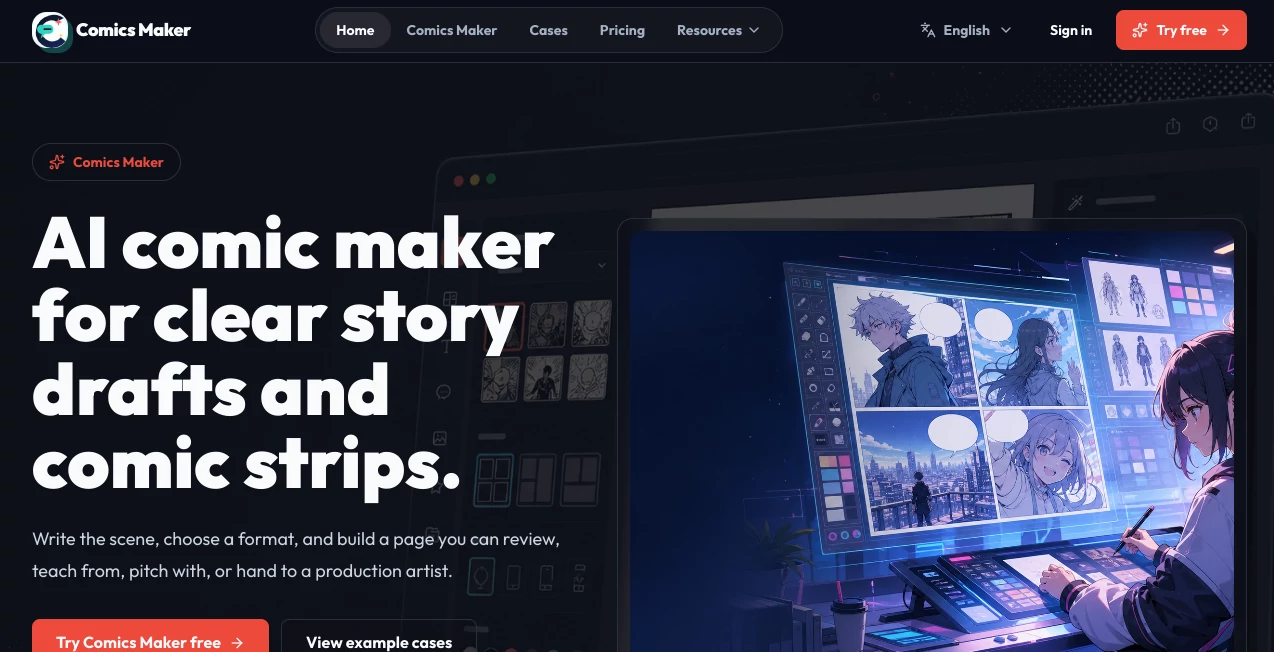
The interface is refreshingly simple and distraction-free. Everything revolves around the storytelling process, allowing users to move naturally from scene descriptions to completed comic pages. Layout selection, dialogue editing, panel organization, and visual adjustments are presented in a logical workflow that minimizes the learning curve.
- Clean editor with intuitive navigation
- Multiple comic layouts including strips, pages, storyboards, and webtoon formats
- Easy dialogue and caption management
- Flexible panel organization
- Quick draft exporting
Accuracy & Performance
The AI performs well when translating written scenes into organized comic structures. Characters, pacing, and dialogue placement remain consistent throughout multiple panels, making story drafts feel coherent instead of disconnected. Style guidance and reference notes further improve visual consistency across longer projects.
The generation process is fast enough for brainstorming sessions while maintaining reliable quality for production-ready drafts.
Capabilities
The platform offers much more than simple image generation. It helps transform raw ideas into complete visual narratives with structured storytelling tools that simplify comic production from beginning to end.
- Scene-to-comic generation
- Comic strip creation
- Storyboard generation
- Webtoon layouts
- Panel planning
- Character consistency controls
- Style guidance
- Production notes
- Educational comic creation
- Marketing visual storytelling
- Exportable comic drafts
Security & Privacy
The service supports private projects on higher-tier plans, making it suitable for commercial work and internal creative collaboration. This provides additional confidence for businesses, agencies, educators, and creators working with unpublished ideas or confidential campaign materials.
Use Cases
- Creating comic strips for social media marketing
- Designing educational comics for classrooms
- Building storyboards before animation production
- Visualizing product concepts for presentations
- Developing graphic novel drafts
- Producing webtoon episodes
- Pitching creative campaigns
- Explaining complex ideas through visual storytelling
- Generating comic-based learning materials
- Rapid creative brainstorming for writers
Pros and Cons
Pros
- Very beginner-friendly interface
- Excellent panel organization tools
- Supports multiple comic formats
- Consistent visual style controls
- Fast scene-to-comic workflow
- Useful for both education and marketing
- Private project support on premium plans
- Clean exports suitable for collaboration
Cons
- Advanced production features require a paid subscription
- Credit-based generation may limit heavy usage
- Professional artists may still refine exported drafts manually
Pricing Plans
The platform offers a flexible pricing structure suitable for different levels of usage.
- Free: Starter credits for exploring comic generation.
- Creator: Approximately $15/month with additional credits, cleaner exports, and improved workflow features.
- Studio: Approximately $39/month for teams requiring private projects, higher production capacity, and collaborative workflows.
How to Use Comics Maker
- Describe your scene using natural language.
- Select the preferred comic format such as strip, storyboard, page, or webtoon.
- Adjust the number of panels and pacing.
- Add dialogue and captions.
- Customize style notes and character references.
- Review the generated comic draft.
- Export the project for sharing or further editing.
Comparison with Similar Tools
Unlike traditional image generators that simply create isolated illustrations, this platform focuses on sequential storytelling. Instead of forcing users to manually arrange multiple images into a coherent narrative, it automatically considers panel structure, reading order, dialogue placement, pacing, and overall story flow.
Compared with general AI art generators, it delivers a more complete comic creation workflow. For educators, marketers, and creative teams, this integrated approach significantly reduces production time while maintaining a professional storytelling structure.
Conclusion
For anyone interested in transforming ideas into engaging visual stories, this platform provides an impressive balance between automation and creative control. It simplifies comic production without limiting artistic direction, making it suitable for professionals, teachers, businesses, writers, and hobbyists alike.
Its thoughtful workflow, organized layouts, consistent styling options, and practical export capabilities make it one of the most compelling AI-powered comic creation solutions available today. Whether you're preparing a marketing campaign, teaching a lesson, planning a graphic novel, or simply experimenting with storytelling, it offers an enjoyable and efficient creative experience.
Frequently Asked Questions (FAQ)
Can beginners create comics without drawing skills?
Yes. The platform is specifically designed to help users create structured comics using simple text descriptions.
Does it support different comic formats?
Yes. Users can generate comic strips, storyboards, traditional comic pages, and vertical webtoon layouts.
Can I keep visual consistency across multiple panels?
Yes. Style notes, character descriptions, and reference settings help maintain consistent artwork throughout a project.
Is there a free plan?
Yes. A free plan includes starter credits that allow new users to explore the platform before upgrading.
Who benefits most from this platform?
Writers, educators, marketers, designers, creative agencies, content creators, and businesses that need fast visual storytelling workflows.