


















Crystl
What is Crystl?
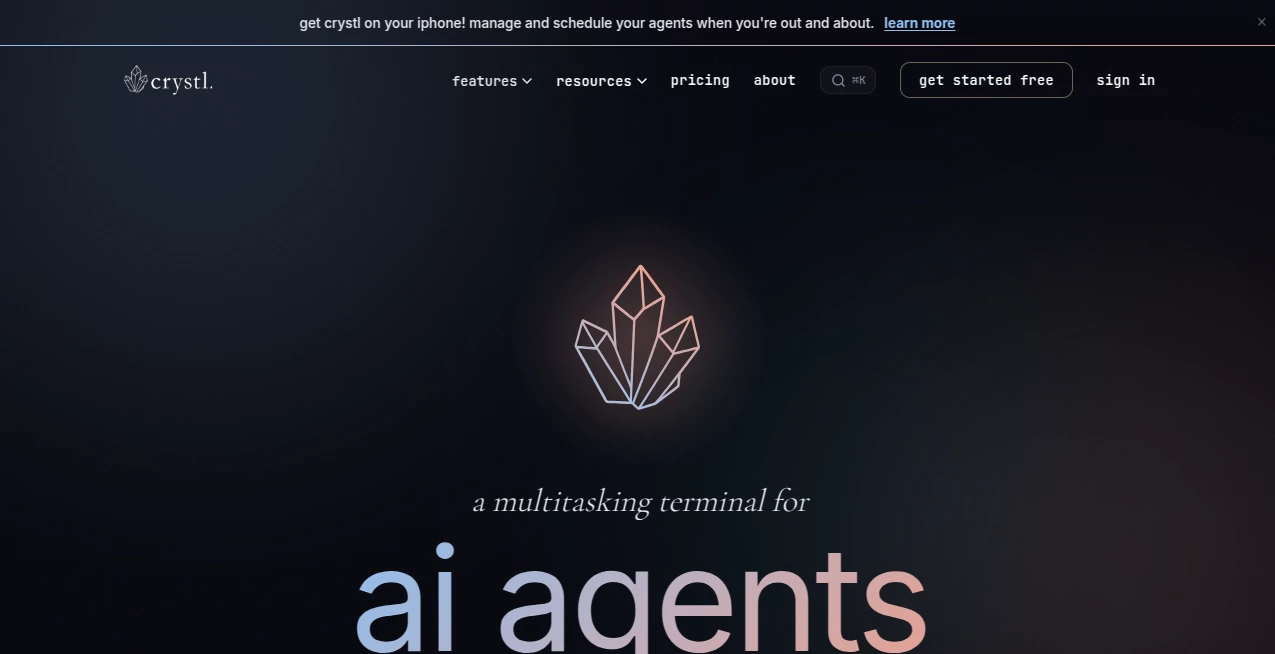
crystl is a multitasking terminal for AI agents designed for developers who regularly work with more than one coding agent or project at a time. Instead of filling the desktop with terminal windows and tabs, it brings projects, agent sessions, approvals, notifications, and workspaces into one organized environment.
The idea is particularly useful for modern development workflows where several AI agents may be working simultaneously. One agent might be reviewing code while another handles a frontend task and a third works on documentation. The application makes these parallel activities easier to monitor without constantly switching between separate terminal sessions.
Built specifically for macOS, it combines a native terminal experience with tools for agent orchestration, isolated development, session history, task management, and project organization. It also supports a wide range of command-line agents rather than locking users into a single AI provider.
Key Features
- Run multiple AI coding agents simultaneously across different projects.
- Use isolated Git worktrees so agents can work on the same repository without interfering with one another.
- Monitor approvals, questions, errors, and completed tasks through action panels.
- Coordinate groups of agents through orchestration and shared quests.
- Track token usage and estimate remaining turns for individual sessions.
- Search previous conversations, tool calls, and terminal activity through persistent history.
- Manage MCP servers and API keys from the same workspace.
- Use remote development through SSH while retaining the main workspace features.
- Work with instruction files such as CLAUDE.md, AGENTS.md, codex.md, and other supported agent configuration files.
- Use a shared workbench where both developers and agents can manage project tasks.
User Interface
The interface is built around a simple project-and-session concept. Projects are organized as gems, while individual terminal sessions are handled as shards. This structure makes it easier to identify where each agent is working instead of relying on long lists of terminal tabs.
A particularly practical part of the interface is the action panel system. When an agent needs approval, asks a question, finishes a task, or encounters an important event, the relevant information can be surfaced without requiring the developer to search through terminal output.
The split-view workspace is also useful when comparing two sessions side by side. For developers managing several active projects, this can make the difference between a manageable workflow and a desktop full of confusing windows.
Accuracy & Performance
The application does not attempt to replace the underlying coding models. Instead, it provides the environment in which command-line agents operate. Its performance focus is therefore centered on managing multiple sessions efficiently and keeping their activity visible.
Its Cavrn terminal engine uses Metal-accelerated GPU rendering and structures terminal output with metadata that agents can interpret. Background sessions can reduce rendering work when they are not currently visible, which is useful when several agents are running at the same time.
For developers who regularly run two, five, or even more agents in parallel, this approach can make a noticeable difference to how easy it is to follow ongoing work.
Capabilities
The strongest part of the platform is its multi-agent workflow. Developers can run agents in parallel, assign isolated worktrees, and coordinate several AI workers around the same project or across multiple repositories.
Its orchestration features allow an agent to act as an organizer for other agents, while the quest system can assemble specialized agents into a collaborative group. Different roles can be assigned for tasks such as frontend development, backend work, testing, security, research, documentation, SEO, and performance.
The platform also works as a conventional terminal. Git, npm, Docker, SSH, and other command-line workflows can be used normally, meaning developers do not have to abandon familiar tools just because they want to add AI-assisted development to their workflow.
Another useful capability is token tracking. Developers can see how much token capacity individual sessions are consuming and identify plugins or skills that may be using unnecessary context.
Security & Privacy
API key management is handled through the macOS Keychain. Keys are stored using the operating system's encrypted credential storage and can be injected into shell sessions as environment variables instead of being placed directly in plain-text configuration files.
The platform also supports custom API key providers in addition to recognized providers such as Anthropic, OpenAI, Google AI, and OpenRouter. This makes it possible to work with different model infrastructures while keeping credentials managed from one location.
Session history is stored locally, while remote development can be performed through SSH. Developers should still review their own provider, repository, and SSH security settings when working with sensitive projects.
Use Cases
Parallel software development: A developer can assign separate agents to frontend, backend, testing, or documentation work while keeping each session isolated.
Code review: One agent can inspect a repository while another investigates possible improvements or prepares a refactoring plan.
Large repositories: Git worktree-based isolation is helpful when multiple agents need to work against the same codebase without constantly overwriting each other's changes.
AI-assisted research: Developers can create specialized agent roles for research, analysis, documentation, or technical investigation and let them work concurrently.
Long-running projects: Persistent session history and project workbenches make it easier to return to unfinished work without starting from scratch.
Remote development: Developers working on another machine can connect through SSH while continuing to use the broader workspace environment.
Multi-model development: Teams that use different command-line agents can bring them into one environment rather than managing every provider through a separate application.
Pros and Cons
Pros
- Excellent approach to managing multiple AI coding agents.
- Supports different CLI-based AI agents instead of being tied to one model.
- Git worktree isolation makes parallel development safer and cleaner.
- Useful visibility into agent activity, approvals, questions, and completed tasks.
- Strong orchestration features for developers experimenting with agent teams.
- API keys can be stored securely through the macOS Keychain.
- Includes practical developer features such as SSH, MCP, token tracking, history, and workbench support.
- Can still function as a regular terminal for everyday command-line work.
Cons
- It is currently designed for macOS, so Windows and Linux users cannot use the native application.
- The large number of features may take some time for new users to understand.
- Some advanced orchestration capabilities are available only on the paid Guild plan.
- The benefits are strongest for developers who actually run multiple agents or complex AI-assisted workflows.
Pricing Plans
A free plan is available and already includes a substantial collection of development features, including isolated shards, parallel sessions, action panels, the agent activity panel, split view, session history, token tracking, the workbench, project optimization, agent file editing, MCP server management, API key storage, SSH development, GPU-accelerated rendering, and facet inserts.
For users who need additional orchestration capabilities, the Guild plan is listed at $170 per year. It adds access to the Prompt Library integration, formations for saving and restoring workspaces, CLI orchestration, agent scheduling, and priority support.
The pricing structure makes the product approachable for developers who want to experiment with multi-agent development first, while offering additional automation and orchestration features to heavier users.
How to Use It
- Install the macOS application and launch it.
- Create a project, represented as a gem, for the repository or workspace you want to manage.
- Create one or more shards for individual terminal sessions.
- Launch your preferred command-line coding agent inside a shard.
- Use isolated sessions when multiple agents need to work on the same repository.
- Monitor agent activity, questions, approvals, and completed work from the workspace.
- Use the workbench to maintain a shared task list between you and your agents.
- For more advanced workflows, create an agent team or use orchestration to distribute work between specialized agents.
- Review session history and token usage as the project progresses.
Comparison with Similar Tools
Traditional terminal applications are excellent for running command-line programs, but they are not generally designed around the problem of supervising several AI coding agents at once. This product takes a different approach by treating agents, projects, sessions, approvals, and history as parts of one connected workspace.
It also differs from AI coding editors that primarily focus on a single development environment. Here, the emphasis is on coordinating multiple command-line agents, potentially from different vendors, while maintaining separate sessions and worktrees.
For a developer who only uses one AI assistant occasionally, a conventional terminal or coding editor may be sufficient. For someone running several agents across multiple repositories, the centralized monitoring and orchestration approach becomes much more compelling.
Conclusion
Managing AI coding agents becomes considerably more complicated once several sessions are running at the same time. The real challenge is not simply launching another agent; it is knowing which one is working, which one is waiting for input, what has changed, and where unfinished work is sitting.
This platform addresses that problem by turning the terminal into a workspace built around multi-agent development. Parallel sessions, Git worktree isolation, agent orchestration, action panels, token tracking, searchable history, MCP support, and secure API key management give developers a practical way to handle increasingly complex AI-assisted projects.
It is especially appealing to developers who have already moved beyond the one-agent-at-a-time workflow. If your development process involves several AI coding agents, multiple repositories, or long-running automated tasks, the structured approach can make those workflows considerably easier to supervise.
Frequently Asked Questions (FAQ)
What is this tool designed for?
It is a macOS terminal designed specifically for developers who want to run, monitor, and coordinate multiple AI coding agents across projects.
Does it work only with Claude Code?
No. It can run any CLI agent because every shard is a full terminal session. It supports agents including Claude Code, Codex, Antigravity CLI, Kimi Code, OpenCode, Aider, Goose, and Ollama, although deeper integrations can vary between agents.
Can multiple agents work on the same repository?
Yes. Parallel sessions can use separate Git worktrees and branches, allowing multiple agents to work on the same repository with greater isolation.
Is there a free plan?
Yes. The free plan includes many of the core workspace, monitoring, session, terminal, MCP, API key, and development features.
Does it work on Windows or Linux?
No. The native application is currently macOS-only and uses macOS-specific technologies such as Metal and Keychain.
Can it be used as a normal terminal?
Yes. Each shard is a full terminal session, so standard command-line workflows involving Git, npm, Docker, SSH, and other tools can be performed normally.
How are API keys stored?
API keys are stored in the macOS Keychain and injected into shell sessions as environment variables, avoiding the need to keep credentials in plain-text configuration files.
Is it useful for developers who only use one AI agent?
It can still serve as a capable terminal, but its biggest advantage appears when developers need to supervise multiple agents, projects, or parallel coding sessions.
What is the main advantage over using multiple terminal windows?
The main advantage is visibility and organization. Instead of manually checking numerous terminal windows, developers can see agent activity, approvals, questions, history, token usage, and project tasks through a unified workspace.
AI Code Assistant , AI Developer Docs , AI Developer Tools , AI DevOps Assistant .
These classifications represent its core capabilities and areas of application. For related tools, explore the linked categories above.

Crystl Alternatives Product

Emergent

MyToolster W…

PatentFig AI

AIQualityHQ

Verne

DeepSeek V4

AI Agent Ski…

Schema Synth

globalize.now
