
Mixea
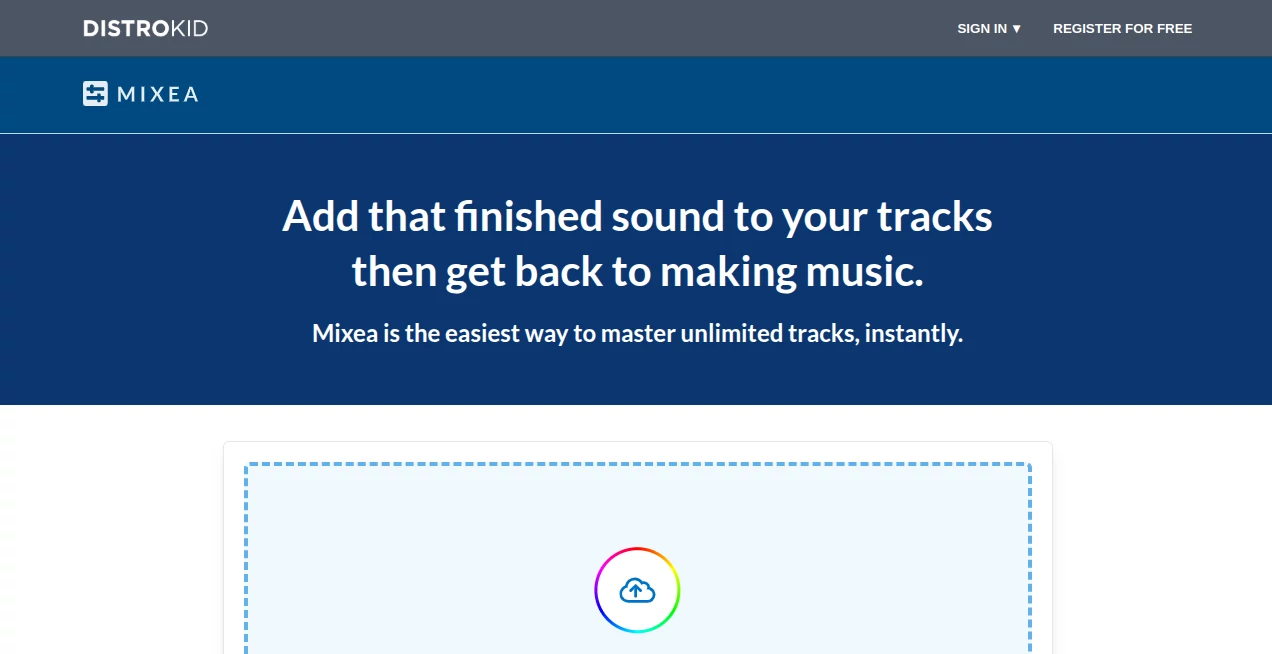
What is Mixea?
Mixea is an online music mastering service designed to give finished tracks a more polished, release-ready sound without requiring advanced mastering skills. It takes a completed mix and processes it through an automated mastering engine, giving musicians a practical way to prepare their songs before releasing them on streaming platforms and other music services.
What makes the experience appealing is how little technical knowledge is required. Instead of spending hours adjusting compressors, limiters, EQ curves, and other mastering tools, artists can upload a track, listen to different results, and choose the version that fits their music. For an independent musician working from a bedroom studio or a producer who needs a quick master for a new release, that simplicity can be genuinely useful.
The service also leaves room for personal taste. Mastering is not simply a matter of making a song louder, and the available controls let users decide whether their track should feel warmer, brighter, more neutral, or more intense.
Key Features
- Automated online mastering for finished music tracks
- 15 different mastering options generated for each track
- Adjustable intensity settings for controlling loudness and dynamics
- EQ controls ranging from brighter to warmer tonal profiles
- Original and mastered versions available for comparison
- Support for WAV, FLAC, MP3, AIFF, and MP4 files
- High-resolution downloads suitable for music distribution
- Unlimited mastering with the annual subscription
- A first mastered track can be tried for free
User Interface
The interface is built around a straightforward upload-and-preview workflow. Users can select an audio file or drag it into the mastering area, after which the mastering engine creates multiple versions of the track. The preview dashboard uses waveforms to make comparing the original and processed audio easier.
The controls are intentionally simple. Rather than presenting a large collection of technical parameters, the service focuses on two main choices: Intensity and EQ. This makes the interface approachable for artists who understand how their music should sound but do not necessarily want to become mastering engineers.
Accuracy & Performance
Performance is particularly useful when the goal is to prepare a track quickly. The mastering engine generates 15 options, allowing users to hear different interpretations instead of being locked into a single automated result.
The processing can take several minutes depending on the uploaded file. That waiting time is understandable because the system is producing multiple mastering variations rather than applying one fixed preset. The ability to compare the results before downloading also makes it easier to avoid choosing a master simply because it sounds louder.
For the best results, users should start with a clean mix. The service recommends avoiding clipping, reducing unnecessary noise, and removing mastering plugins from the master bus before uploading. Lossless formats such as WAV, AIFF, or FLAC are preferred when available.
Capabilities
The main strength is automated mastering rather than music creation. It can take a completed mix and apply processing intended to make the final track sound more polished across everyday listening environments such as headphones, speakers, and car stereos.
Intensity provides Low, Medium, and High options. Increasing intensity generally produces a louder and more compressed result, while lower settings preserve more dynamic range. The EQ controls provide five tonal positions, from Brighter and Bright through Neutral to Warm and Warmer.
Once a preferred result has been selected, users can download the finished track in different quality levels. Ultra HD provides a 24-bit, 48 kHz WAV file, while the High Quality option provides 16-bit, 44.1 kHz WAV. A Medium Quality MP3 option at 256 kbps is also available.
Security & Privacy
Because the service works with uploaded audio files, artists should still review the provider's current privacy and terms documentation before uploading commercially sensitive or unreleased material. This is especially important for musicians working with client recordings, label projects, or tracks covered by confidentiality agreements.
From a workflow perspective, keeping original mixes backed up locally is also a sensible practice. Automated mastering should be treated as an additional production step rather than a replacement for maintaining the original project files.
Use Cases
- Independent musicians: Prepare finished songs for digital distribution without hiring a mastering engineer for every release.
- Bedroom producers: Give home-recorded mixes a more finished presentation before sharing them publicly.
- Songwriters: Create polished versions of demos when a professional-sounding reference is useful.
- Electronic music producers: Experiment with intensity and EQ settings to find a suitable final balance.
- Album projects: Master multiple tracks while retaining the ability to make decisions on an individual track basis.
- Quick release workflows: Produce a release-ready master when turnaround time matters.
Pros and Cons
Pros
- Very simple workflow for beginners
- First mastered track is available to try for free
- Generates 15 mastering options for comparison
- Useful intensity and EQ controls without overwhelming technical settings
- Supports several common audio formats
- Offers high-resolution WAV downloads
- Annual subscription allows unlimited mastering for multiple artists
Cons
- It is designed for automated mastering rather than detailed manual engineering
- Processing may take several minutes while the different mastering options are generated
- Users looking for deep multiband processing or highly technical mastering controls may find the interface limited
- The quality of the final result still depends heavily on the quality of the original mix
Pricing Plans
The service uses a subscription model. The current annual price is $99 USD, billed once per year. The subscription provides unlimited mastering for an unlimited number of tracks and artists.
There is also a free way to get started: the first mastered track can be processed without paying for the full subscription. This is a useful approach because musicians can hear the result on an actual track before deciding whether unlimited mastering is worth the annual cost.
Pricing and availability can change, so users should check the current offer before purchasing. For artists who release music regularly, unlimited mastering can be considerably more practical than paying for every track individually.
How to Use It
Start by uploading a finished track in a supported format such as WAV, FLAC, MP3, AIFF, or MP4. For the strongest starting point, a clean lossless file is preferable.
After uploading, the mastering engine processes the track and generates multiple mastering options. The process may take several minutes. Once the results are ready, compare the mastered preview with the original waveform and listen carefully rather than choosing the loudest version automatically.
Use the Intensity control to decide how aggressively the track should be processed. Then experiment with the EQ settings. A brighter setting can help bring clarity and presence to vocals, while warmer settings emphasize more of the low and mid frequencies.
When you find a version that works for the song, select the preferred output quality and download the master. Ultra HD is the strongest choice when you want a high-resolution WAV file for release or archival purposes.
Comparison with Similar Tools
Online mastering services generally fall somewhere between fully manual mastering software and traditional professional mastering studios. This service sits firmly on the automated side, which is its biggest advantage for users who want speed and simplicity.
Compared with a traditional mastering engineer, the workflow is much faster and easier to repeat across many tracks. The trade-off is that an automated system cannot have the same human interpretation of an artist's creative goals that an experienced engineer can bring to a project.
Compared with complex digital audio workstations, the learning curve is dramatically smaller. There is no need to understand a long chain of processors just to create a usable master. Instead, users can concentrate on listening and making a few meaningful tonal and intensity choices.
For an experienced producer who wants complete control over every stage of mastering, dedicated mastering software may remain the better choice. For an independent artist who wants a polished result without turning mastering into another technical project, the simpler approach can be much more attractive.
Conclusion
Mixea takes one of the more technical stages of music production and turns it into a remarkably straightforward workflow. Upload a finished mix, compare the generated mastering options, adjust the tonal character and intensity, and download the version that sounds right.
The combination of multiple mastering options, simple controls, high-resolution exports, and unlimited annual use makes it particularly interesting for independent artists and producers who release music frequently. It does not attempt to replace every aspect of professional mastering, and it should not be treated as a magic fix for a poor mix. But when the underlying recording is solid, it offers a convenient way to add that final layer of polish before a track goes public.
Frequently Asked Questions (FAQ)
What does this service do?
It is an automated online mastering service that processes completed music mixes and creates polished versions suitable for release and distribution.
Can I try it for free?
Yes. The first mastered track can be processed for free, allowing you to hear the result before committing to the annual subscription.
How many mastering options are generated?
The mastering engine generates 15 different options for a track, which users can compare before selecting a preferred result.
What audio formats are supported?
Supported formats include WAV, FLAC, MP3, AIFF, and MP4. Lossless formats such as WAV and FLAC are recommended when possible.
What download formats are available?
Finished tracks can be downloaded as Ultra HD 24-bit/48 kHz WAV, High Quality 16-bit/44.1 kHz WAV, or Medium Quality 256 kbps MP3.
Can I adjust the sound myself?
Yes. The Intensity control offers Low, Medium, and High settings, while the EQ options range from Brighter and Bright to Neutral, Warm, and Warmer.
How much does the subscription cost?
The annual subscription currently costs $99 USD and provides unlimited mastering for an unlimited number of tracks and artists.
Is automated mastering suitable for professional releases?
It can be useful for release preparation, particularly when the original mix is already well balanced. However, artists with demanding projects or highly specific creative requirements may still prefer a professional mastering engineer.
AI Audio Enhancer , AI Voice & Audio Editing .
These classifications represent its core capabilities and areas of application. For related tools, explore the linked categories above.

Mixea Alternatives Product

Fish Voice

Adobe Podcast

Mp3ToMidi

Speech Text

happyhorse

Inpodcast AI

SAM Audio

Ssave App

Qwen3 TTS