
FikaClip
What is FikaClip?
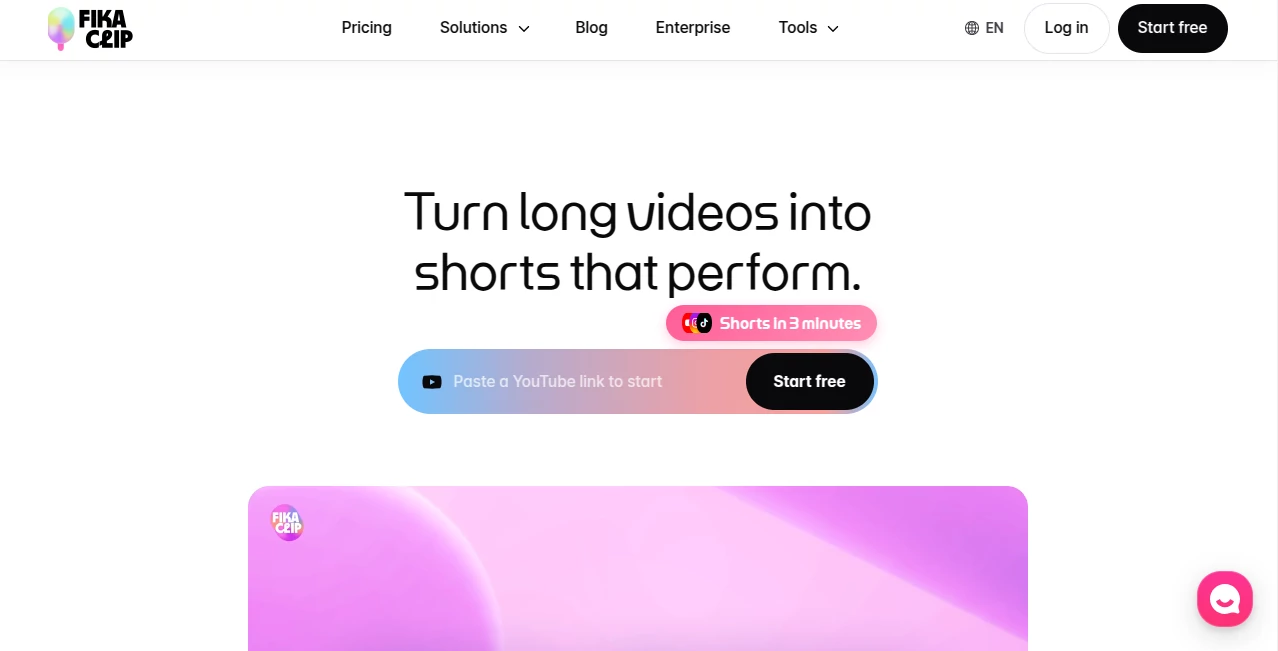
Fika Clip is an AI-powered short-form video platform built for creators and teams that want to turn existing long videos into engaging Shorts with far less manual editing. Instead of spending hours searching through recordings for useful moments, users can provide a video link and let the platform analyze the content, identify standout sections, and prepare short-form clips.
The workflow is particularly useful for YouTube creators, media teams, educators, marketers, interview channels, and anyone sitting on a large library of long-form footage. The platform says its users have generated more than 700,000 Shorts, with content associated with 370 million cumulative views.
What makes the experience appealing is the balance between automation and control. The AI can handle repetitive work, while the editor still gives creators room to adjust captions, titles, layouts, audio, and other elements before publishing.
Key Features
- AI short-form generation: Turn longer videos into multiple short-form candidates without manually reviewing every minute of footage.
- Context-aware highlight detection: The system analyzes context, pacing, and emotional moments to identify sections that may work well as Shorts.
- Automatic captions: Generate and refine subtitles while editing the video through its transcript-based workflow.
- Transcript-based editing: Edit the video by working directly with the transcript, making it easier to remove words or sections without navigating through a traditional timeline.
- AI title recommendations: Generate title ideas based on the flow and subject of the source video.
- Automatic reframing: The platform analyzes people, products, and screen elements to create compositions suitable for short-form content.
- Motion captions: Add animated subtitles, highlighted phrases, and text treatments that match the video's tone.
- AI thumbnail generation: Select a frame and create thumbnail options designed around the video's title and mood.
- AI voice generation: Convert written text into an AI voice track that can be used in short-form videos.
- Silence removal: Automatically identify quiet sections and reduce unnecessary pauses.
- Music and sound library: Add background music and sound effects directly from the editing environment.
- Multi-platform workflow: Prepare short-form content for platforms such as YouTube, TikTok, and Instagram.
User Interface
The interface is designed around a straightforward editing workflow rather than forcing users to learn a complicated professional video editor first. A typical process starts by providing a video, generating Shorts, and then refining the resulting clips.
One of the more interesting editing approaches is transcript-based editing. Instead of searching through a timeline every time a sentence needs to be removed, users can work with the text and make corresponding changes to the video. This can be especially convenient for interviews, podcasts, commentary, educational recordings, and talking-head content.
The platform also brings several editing functions into one workspace, including titles, captions, text, images, transitions, effects, audio, uploads, templates, and AI editing features. That reduces the need to constantly move between different applications during production.
Accuracy & Performance
The platform's main strength is its ability to analyze the broader context of a video instead of treating every frame as an isolated piece of footage. Its website states that even videos longer than an hour can be analyzed for context, with the system helping identify suitable highlights and suggesting titles and thumbnail concepts.
For creators, this can make a noticeable difference when working with long recordings. A two-hour interview, for example, may contain several useful moments, but finding them manually can be tedious. Automated highlight suggestions give the editor a starting point, while the final selection can still be reviewed and adjusted.
Performance also depends on the original footage, speech clarity, pacing, and the type of content being processed. AI suggestions are best treated as a strong first pass rather than a replacement for editorial judgment.
Capabilities
The platform goes beyond simply cutting long videos into smaller pieces. Its feature set covers much of the short-form production process, from discovering potential highlights to preparing captions, titles, layouts, thumbnails, audio, and final exports.
For international creators, multilingual content is another useful capability. The service supports automatic caption translation into more than 20 languages on its media solution, helping teams adapt existing content for audiences in different markets.
There is also support for reusable styles and templates. Creators who publish regularly can establish a recognizable visual format instead of rebuilding the same caption, layout, and branding choices for every new video.
Security & Privacy
Because the service processes uploaded or linked video content, privacy is an important consideration for professional users. The website provides dedicated Privacy Policy and Terms of Service pages for users to review before submitting content.
Teams handling interviews, private recordings, client material, or unreleased media should review the current privacy terms carefully and make sure their workflow is appropriate for the type of footage they intend to process.
Use Cases
- YouTube creators: Convert long videos, interviews, streams, and educational content into a steady supply of Shorts.
- Podcasters: Find memorable quotes and discussion points from long episodes and turn them into short social clips.
- Media organizations: Process archives and create short-form versions of news, documentaries, interviews, and broadcast content.
- Marketing teams: Repurpose webinars, product presentations, interviews, and promotional videos for social channels.
- Educators: Break longer lessons and lectures into focused clips that are easier to consume and share.
- Personal brands: Maintain a regular short-form publishing schedule without personally editing every clip from scratch.
- Agencies: Speed up repetitive editing tasks when producing short-form content for multiple clients or channels.
Pros and Cons
Pros
- Quick workflow for converting long-form videos into Shorts.
- Context-aware highlight suggestions.
- Transcript-based editing makes cutting spoken content intuitive.
- Built-in captions, titles, thumbnails, audio, and visual editing features.
- Automatic reframing helps prepare content for vertical short-form formats.
- Supports multilingual caption workflows.
- Reusable templates can help maintain a consistent channel style.
- No-watermark exports are available on paid plans.
Cons
- AI-selected highlights may still need human review before publishing.
- Credit usage varies depending on the video length and features used.
- Some advanced automation features are limited to higher-tier plans.
- Professional teams may need an Enterprise plan for customized workflows and infrastructure.
Pricing Plans
The service uses a credit-based pricing model, with monthly plans designed around different levels of short-form production.
- Lite: $4.99 per month, or $3.99 per month on the displayed annual pricing, with 500 credits per month. It includes video templates, 1080p exports, no watermark, and the option to purchase additional credits.
- Creator: $9.99 per month, or $5.99 per month on the displayed annual pricing, with 1,500 credits per month. It adds a larger production allowance while retaining the core editing features.
- Pro: $24.99 per month, or $13.99 per month on the displayed annual pricing, with 5,000 credits per month. It adds features such as silence removal, name tags, early access to new AI features, and higher production capacity.
- Enterprise: Custom pricing for agencies, media organizations, and education teams. Custom credits, dedicated onboarding, support, algorithms, and templates are available.
Credits are also available as one-time top-ups for paid users. The amount consumed depends on the operation. For example, source video conversion is priced according to video length, while features such as title regeneration, subtitle regeneration, AI text assets, dubbing, and background music use different credit amounts.
How to Use It
- Step 1: Start by providing a video or YouTube link supported by the platform.
- Step 2: Let the AI analyze the source and identify potential short-form highlights.
- Step 3: Review the generated clips and choose the moments that fit your audience.
- Step 4: Adjust the transcript, captions, title, layout, audio, or other visual elements as needed.
- Step 5: Use automatic reframing, subtitles, thumbnail creation, and other available tools to polish the clip.
- Step 6: Export the finished Short and prepare it for the platforms where you publish.
The best results usually come from treating the generated clips as a first editorial draft. A quick human review can make sure the opening is clear, the context makes sense, and the selected moment actually delivers value to viewers who have never seen the original video.
Comparison with Similar Tools
Traditional video editors give creators extensive manual control, but they can require considerable time when the goal is simply to extract multiple Shorts from a long recording. Basic clipping tools are faster, yet they often leave the creator responsible for finding highlights, writing captions, selecting titles, reframing footage, and preparing thumbnails.
This platform takes a more automated approach by combining highlight discovery with short-form editing features in the same workflow. That makes it particularly attractive for creators who produce content frequently and care more about production speed than performing every edit manually.
It is also different from tools focused exclusively on AI video generation. Instead of primarily creating new footage from prompts, its core purpose is to transform existing long-form content into publishable short-form material.
Conclusion
For anyone sitting on a growing collection of long videos, the hardest part of short-form production is often not recording. It is finding the right moments, cutting them cleanly, adding captions, choosing a compelling title, and repeating the process often enough to maintain a consistent publishing schedule.
Fika Clip addresses that bottleneck with a practical combination of AI highlight detection, transcript-based editing, automatic reframing, captions, titles, thumbnails, audio tools, and publishing features. Its credit-based plans also make it possible to choose a package according to production volume rather than committing to a single workflow.
It is a strong option for creators and media teams that want to get more value from existing video libraries. The biggest benefit is simple: instead of starting every Short from an empty editing timeline, you can begin with AI-generated suggestions and spend your time deciding what is actually worth publishing.
Frequently Asked Questions (FAQ)
What type of videos can be turned into Shorts?
The platform is designed for long-form material such as YouTube videos, interviews, podcasts, educational content, news, documentaries, streams, and other recordings that contain useful moments for short-form distribution.
Can it automatically find highlights?
Yes. Its AI analyzes the context, pacing, and emotional beats of a video to suggest sections that may work well as short-form clips.
Does it support automatic captions?
Yes. Captions can be generated and refined through the editing workflow, and transcript-based editing allows users to work directly with the spoken text.
Can I edit the generated Shorts?
Yes. Generated content can be refined using tools for captions, text, titles, layouts, images, transitions, effects, audio, and other editing elements.
Does it support vertical video?
Yes. Its AI reframing feature analyzes people, products, and screen elements to help create compositions suitable for short-form formats.
Can I create thumbnails with AI?
Yes. Users can select a frame and generate thumbnail options based on the video's title and overall mood.
Does it have AI voice generation?
Yes. Text can be converted into an AI-generated voice track for use in short-form videos.
Is there a free option?
The service provides a free starting experience, while paid plans offer monthly credits and additional features. The available free allowance and feature limits can change, so users should check the current pricing information before choosing a plan.
Which plan is suitable for frequent creators?
The Creator plan is aimed at channels publishing every week, while the Pro plan is designed for higher-volume creators and teams that need additional automation and a larger monthly credit allowance.
Can businesses use it for large content libraries?
Yes. The Enterprise offering is designed for agencies, media organizations, and education teams, with custom credits, onboarding, support, algorithms, and templates.
Can content be adapted for international audiences?
Yes. The platform supports multilingual caption workflows, including automatic translation into more than 20 languages in its media-focused solution.
AI Video Editor , AI Short Clips Generator .
These classifications represent its core capabilities and areas of application. For related tools, explore the linked categories above.

FikaClip Alternatives Product

Quso AI

Shoorts AI

lyric video …

VideoSnap

Motion Hero

Sora by Open…

Yevideo

SlideStorm AI

AI Dog Dance