
Formpost
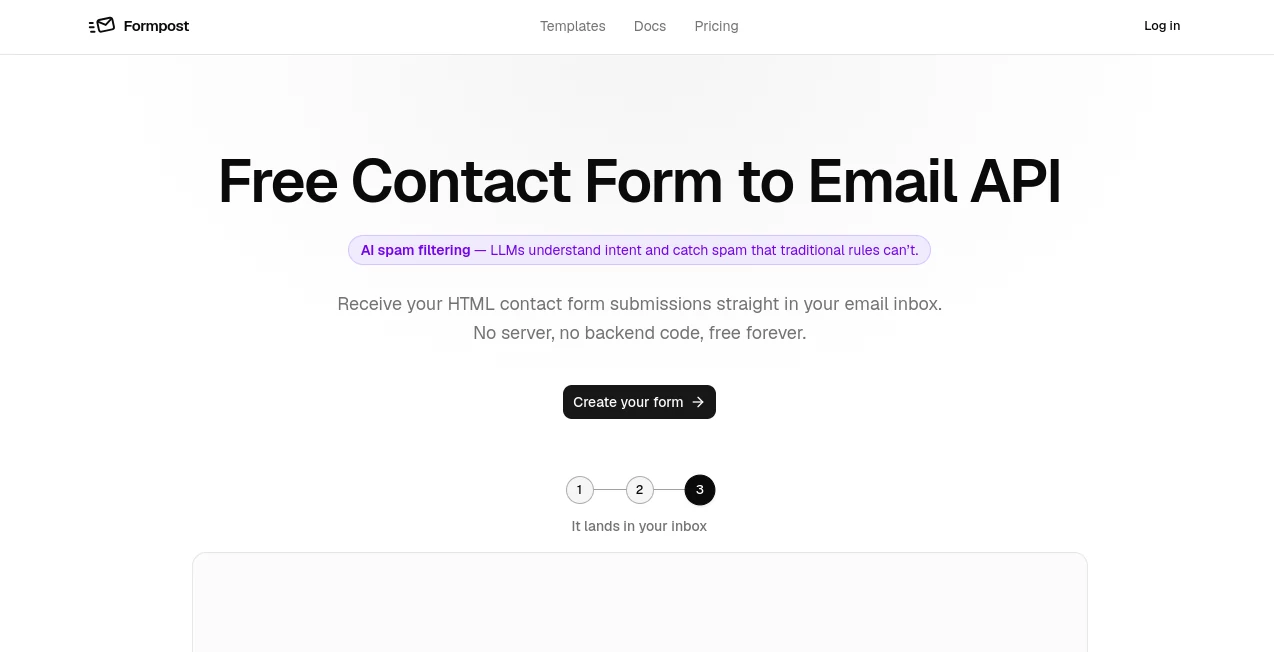
What is Formpost?
Formpost is a practical contact form solution for websites that need to collect messages without building or maintaining a backend. It lets developers connect a regular HTML form to an email delivery endpoint, so submissions can reach an inbox without requiring a server, database, or custom form-processing code.
What makes the service particularly appealing is its focus on the part of contact forms that is often overlooked: everything that happens after someone clicks Submit. Alongside email delivery, it provides spam protection, submission storage, file uploads, autoresponders, redirects, webhooks, integrations, and an API for accessing collected submissions.
For a static website, landing page, portfolio, documentation site, or small business website, this can remove a surprisingly large amount of development work. A developer can keep the existing HTML and CSS while using the service purely as the submission layer behind the form.
Key Features
- Contact form submissions delivered directly to email
- No backend code or server required
- AI-powered review for identifying spam that passes traditional filters
- Honeypot, CAPTCHA, keyword, IP, and domain-based spam protection
- Submission storage with search and export capabilities
- File uploads for forms that need attachments
- Custom thank-you pages and redirects
- Automatic autoresponder emails
- Webhooks for sending submission data to external services
- Slack, Discord, and Telegram integrations
- Read-only REST API for retrieving submissions
- Support for HTML, JavaScript, React, Next.js, Vue, and cURL workflows
User Interface
The dashboard is designed around configuration rather than complicated development work. After creating a form, users can choose where submissions should be delivered and configure options such as subject lines, spam protection, autoresponders, forwarding, and redirects.
The approach is refreshingly straightforward. Instead of replacing an existing website form with a hosted widget, developers can keep their own markup and styling. This is useful when a site has a carefully designed contact page and the owner does not want an external interface or branding appearing inside it.
Accuracy & Performance
The strongest performance advantage comes from keeping the submission endpoint lightweight. The service separates the initial form request from slower tasks such as email delivery and integrations, helping visitors avoid waiting for a mail provider or downstream service to respond.
Spam detection is also more sophisticated than relying on a single CAPTCHA. Traditional protections such as honeypots and keyword rules can be combined with AI review, giving site owners another layer for identifying unwanted submissions based on their intent.
Capabilities
The platform goes beyond simple email forwarding. A contact form can accept different types of fields, collect attachments, send automatic confirmations, forward submissions to team communication tools, or expose collected data through a REST API.
For example, a company could use one form for general enquiries, another for job applications with CV uploads, and another for technical support. Each can have its own endpoint and delivery settings while remaining part of the same overall workflow.
There is also a useful domain-locking feature. If somebody copies the HTML of a form and places it on another website, the endpoint can be restricted so that the copied form does not continue working elsewhere.
Security & Privacy
Security is an important part of the service because contact forms routinely collect names, email addresses, messages, and sometimes uploaded documents. Submissions are transmitted over HTTPS and encrypted at rest, while attachments are stored on managed cloud infrastructure.
The service also states that it does not use tracking pixels in the contact form flow, sell collected information, or profile visitors. Users can export or delete submissions, and deleting a form also removes its associated submissions.
Use Cases
- Business websites: Add a working contact form without developing a custom backend.
- Landing pages: Capture enquiries and leads from otherwise static marketing pages.
- Job applications: Collect applicant information and allow CV or document uploads.
- Customer support: Send support requests to email while forwarding alerts to team communication channels.
- Bug reports: Let visitors report problems and notify a development team through Slack, Discord, or Telegram.
- Feedback forms: Collect structured feedback without building a database-backed form system.
- Agency projects: Set up forms across multiple client websites without maintaining separate backend systems.
- Static websites: Give an HTML-only website a reliable form submission layer without adding a server.
Pros and Cons
- Pros: No backend development, generous free plan, unlimited forms and domains, multiple spam protection methods, AI review, file uploads, autoresponders, webhooks, integrations, and a submissions API.
- Pros: Developers retain complete control over the form's HTML and CSS instead of embedding a hosted widget.
- Pros: Submission history provides an additional record instead of relying entirely on an email inbox.
- Cons: Higher-volume websites may need a paid plan as their monthly submission count grows.
- Cons: Some advanced capabilities, including larger upload limits, custom sending domains, and longer submission history, are reserved for paid tiers.
Pricing Plans
The Free plan costs $0 forever and includes up to 250 submissions per month, unlimited forms and domains, email notifications, basic spam protection, custom redirects, 30-day submission history, AI review, file uploads, autoresponders, webhooks, and integrations.
The Pro plan costs $15 per month when billed annually and supports up to 10,000 submissions per month. It adds features such as multiple notification recipients, more verified sending addresses, larger file uploads, Slack, Discord and Telegram integrations, the submissions REST API, one year of submission history, and a custom sending domain.
The Business plan costs $40 per month when billed annually and raises the limit to 20,000 submissions per month. It also provides more recipients and verified sending addresses, file uploads up to 25 MB, unlimited submission history, custom sending domains with DKIM, and priority support.
How to Use It
Getting started requires only a few steps. First, create a form from the dashboard. The service provides a dedicated endpoint for that form.
Next, configure where submissions should go and select the options you need, such as spam filtering, an autoresponder, forwarding, and a custom subject line.
Finally, add the form endpoint to the action attribute of your existing HTML form. Once the form is published, visitors can submit it normally while the service handles the processing and delivery in the background.
The same basic concept can be used with modern frameworks and developer workflows, making it suitable for both simple HTML pages and more structured web projects.
Comparison with Similar Tools
Many contact form services focus primarily on forwarding a POST request to an email address. This solution takes a broader approach by combining form handling with spam protection, submission storage, integrations, API access, and automated responses.
Another important distinction is control over presentation. Because the form remains part of the website's own markup, designers can build the exact interface they want rather than adapting their site around an embedded third-party widget.
For a developer who only needs occasional contact submissions, the free tier can be enough. For agencies, lead-generation websites, or busier projects, the higher submission limits and integrations make the paid plans more relevant.
Conclusion
A contact form should be one of the easiest features on a website, yet building a dependable one can involve servers, email configuration, spam prevention, storage, and maintenance. This service simplifies that entire chain by providing a ready-made submission endpoint while allowing the website owner to keep control of the actual form design.
Its combination of AI spam review, multiple anti-spam techniques, submission history, file uploads, autoresponders, integrations, and API access makes it more capable than a basic form-to-email relay. For static websites and developers who would rather spend their time building the product than maintaining form infrastructure, it is a particularly practical option.
Frequently Asked Questions (FAQ)
Is the service free?
Yes. The Free plan costs $0 forever and includes up to 250 submissions per month along with several core features.
Does it require a backend?
No. The main advantage is that a website can send form submissions to the provided endpoint without maintaining its own backend code.
Can visitors upload files?
Yes. File uploads are supported, making the service suitable for applications such as job forms and support requests that require documents.
How does it protect forms from spam?
Spam protection can use several methods, including honeypots, CAPTCHA services, keyword rules, domain locking, and AI-based review of submissions that pass the initial filters.
Can submissions be sent to services other than email?
Yes. Webhooks and integrations allow submissions to be forwarded to external endpoints as well as communication platforms such as Slack, Discord, and Telegram.
Can developers access submissions programmatically?
Yes. Paid plans provide a read-only REST API that can be used to retrieve submissions and connect collected data with other applications, dashboards, or workflows.
Can the contact form keep its own design?
Yes. The service works as a form API rather than an embedded widget, so developers can continue using their own HTML and CSS.
AI Workflow Management , AI Customer Service Assistant , AI Forms & Surveys , AI Developer Tools .
These classifications represent its core capabilities and areas of application. For related tools, explore the linked categories above.

Formpost Alternatives Product

freellm.net

Designmd.fun

Where Is Thi…

Standard Com…

Sendmux

globalize.now

AI Agent Ski…

Prava Ai

Mage Flow AI…