

















html2wp
What is html2wp?
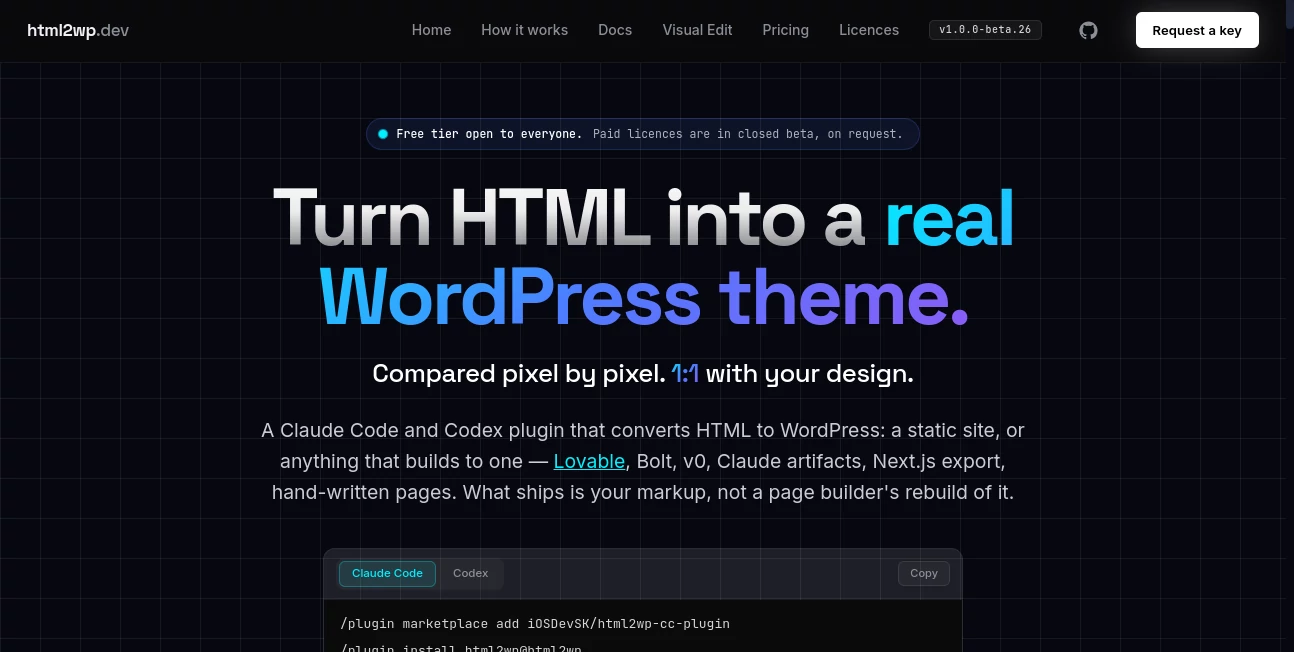
Moving a finished HTML website into WordPress can be surprisingly frustrating. The design may look perfect in the browser, yet rebuilding it with a traditional page builder often changes the markup, spacing, typography, responsive behavior, and even the overall feel of the original site. html2wp takes a different approach by converting existing HTML-based projects into standalone WordPress themes while keeping the original markup at the center of the process.
The tool works as a plugin for Claude Code and Codex and can handle static websites as well as projects that build into static HTML. This includes projects created with tools such as Lovable, Bolt, v0, Claude artifacts, Next.js exports, Vite, Astro, shadcn, and hand-written HTML. Instead of asking users to rebuild their design from scratch, it turns the existing project into an installable WordPress theme.
What makes the approach particularly interesting is the emphasis on visual verification. Converted pages are compared with the original at multiple viewport sizes, giving developers an opportunity to catch problems before the WordPress site is considered finished.
Key Features
- Converts HTML and static-site projects into standalone WordPress themes.
- Works with Claude Code and Codex.
- Supports projects originating from Lovable, Bolt, v0, Next.js, Vite, Astro, and other static-site workflows.
- Generates readable PHP, CSS, and JavaScript instead of rebuilding the website through a page builder.
- Converts blogs into native WordPress posts.
- Can convert licensed shop projects into WooCommerce.
- Includes page, menu, form, SEO, and redirect functionality in the generated theme.
- Produces an installable WordPress theme ZIP together with a conversion report.
- Provides visual comparison across desktop, tablet, and mobile viewport sizes.
User Interface
The main workflow is designed for developers rather than casual drag-and-drop website editing. The conversion starts from the project directory inside a supported coding agent, where a simple command tells the system what should be converted. There is no separate npm installation, build command, or lengthy configuration process required for the basic workflow.
For users who want to make changes after conversion, the optional Visual Edit component adds click-to-edit functionality for text, images, links, forms, and menus. The Pro edition also adds AI-assisted editing through the user's own API key, while keeping the underlying theme structure intact.
Accuracy & Performance
Visual fidelity is one of the strongest parts of the workflow. Rather than simply checking whether a WordPress theme loads successfully, the conversion process renders the pages and compares them with the original design at 1440, 820, and 390 pixel viewport widths.
The process is not presented as a magical one-click guarantee. The project documentation openly explains that automated checks can miss subtle visual problems, which is why every converted page receives a human review before the conversion is considered complete. This is a sensible approach for professional work where a small layout error can become a noticeable client issue.
A typical conversion takes around two to three hours, with most of that time being unattended. Actual processing time depends on the number and complexity of the pages.
Capabilities
The conversion pipeline can work with both finished HTML folders and projects that need to be built first. For applications that depend on JavaScript to reveal content, the workflow can render the project in a real browser and capture the resulting state before creating the WordPress theme.
The generated theme can contain front-page, index, single-post, page, and 404 templates, together with reusable theme parts and assets. Blogs can become native WordPress posts, while supported commercial projects can be converted into WooCommerce stores under the appropriate licence.
Another useful detail is that the finished theme is designed to remain independent. Pages, blogs, forms, menus, SEO settings, and redirects are intended to work without requiring a page builder plugin to keep the site running.
Security & Privacy
The service provides a clear explanation of what leaves the user's machine. The built website and a manifest of conversion decisions are uploaded for processing, while sensitive credential-shaped files such as environment files, SSH credentials, AWS credentials, npm configuration files, and private-key material are excluded from the payload.
The uploaded workspace is deleted after seven days. Conversion gate results are returned without sending the site's URL, domain, markup, copy, screenshots, file paths, licence key, or site name. This separation is useful for developers who need to understand exactly what information is involved in the conversion process.
Use Cases
The tool is particularly useful for developers who have already created a polished website outside WordPress but later discover that the client needs WordPress for content management.
For example, a designer can build a marketing website as a static project, hand-written HTML, or through a modern AI website builder and then convert the finished result into a WordPress theme instead of recreating every section manually. Agencies can also use the workflow when moving client designs into WordPress while keeping the original visual identity.
It is also practical for portfolio websites, blogs, photography sites, business websites, landing pages, travel websites, and selected WooCommerce projects. The real advantage appears when the original design is already finished and preserving that design matters more than starting over with a WordPress page builder.
Pros and Cons
Pros
- Designed specifically for converting existing HTML into WordPress.
- Strong focus on preserving the original markup and visual design.
- Supports modern AI-generated and static-site projects.
- Provides automated structural checks plus human visual review.
- Generates an installable WordPress theme rather than locking the site into a page builder.
- Includes a detailed conversion report.
- The resulting theme can remain functional without the editing plugin.
Cons
- The workflow is primarily aimed at developers familiar with coding agents.
- The product is currently in beta, so some conversions may still require manual correction.
- A human page-by-page review is still necessary for professional results.
- Commercial client work and some advanced capabilities require a licence.
- Processing can take several hours depending on project size and complexity.
Pricing Plans
The service currently offers a free tier for evaluation and personal or other non-commercial work. The free workflow can be started without a key or credit card, while commercial client projects require a licence.
Paid licences are currently handled during a closed beta and are available by request. Beta licences provide additional conversion capacity, support for client work, unlimited re-runs, and access to features such as WooCommerce conversion. The beta licence also includes Visual Edit Pro for a limited introductory period.
The Visual Edit component has its own editions. The Lite version provides click-based editing for content, forms, menus, and SEO fields, while Pro adds AI chat editing through the user's own API key, theme export, Turnstile spam protection, and a larger history allowance.
How to Use It
- Prepare the static website or project you want to convert on your computer.
- Install the conversion plugin in Claude Code or Codex.
- Open the project directory in the supported coding environment.
- Ask the agent to convert the project.
- The workflow analyzes the project, identifies page types, builds the project when necessary, and generates the WordPress theme.
- The generated theme is checked inside a temporary WordPress environment.
- Review the original and converted pages at the provided viewport sizes.
- Correct any remaining visual or structural issues and run the conversion again when necessary.
- Install the resulting theme ZIP through the WordPress administration panel.
Comparison with Similar Tools
Traditional HTML-to-WordPress services often involve manually rebuilding the original website with a theme framework or page builder. That approach can work, but it may introduce differences in markup, spacing, responsive behavior, and component structure.
This workflow takes a more conversion-oriented route. Instead of treating the original website as a visual reference that needs to be recreated, it uses the existing markup as the foundation for the WordPress theme. That makes it particularly attractive for developers who care about keeping a finished design intact.
Compared with conventional page builders, the generated theme also has an important advantage: the website does not depend on a builder to remain intact. The editing layer is optional, while the underlying WordPress theme remains usable on its own.
Conclusion
For developers sitting on a finished HTML website and facing the familiar request of “Can you make this WordPress?”, this conversion approach can save a considerable amount of repetitive work. Its biggest strength is not simply turning files into a WordPress theme, but trying to preserve the design and structure that already exist.
The combination of automated conversion, browser-based checks, viewport comparisons, conversion reporting, and human review makes the workflow more practical for real projects than a simple HTML-to-theme generator. It is especially compelling for agencies, freelancers, and developers working with modern AI-generated websites who want WordPress without rebuilding the entire interface from scratch.
Because the product is still in beta, a final visual inspection remains important. For professional projects, that is a reasonable trade-off: the system handles much of the repetitive conversion work while leaving the final quality decision in the developer's hands.
Frequently Asked Questions (FAQ)
Can HTML websites be converted into WordPress with this tool?
Yes. The workflow is designed to convert finished HTML projects and projects that can be built into static HTML into standalone WordPress themes.
Does it work with AI-generated websites?
Yes. Projects created with platforms and workflows such as Lovable, Bolt, v0, Claude artifacts, and several modern frontend tools can be processed when they can be built into static pages.
Does the converted website require a page builder?
No. The generated theme is designed to operate independently. Pages, posts, forms, menus, SEO features, and redirects can be included in the theme without requiring a page builder.
Can a blog be converted into WordPress posts?
Yes. The conversion workflow can identify blog content and turn it into native WordPress posts.
Does it support WooCommerce?
Shop conversion to WooCommerce is available as part of the licensed workflow. A licence is required for commercial shop conversions.
How long does a conversion take?
A typical conversion takes approximately two to three hours, mostly unattended. Larger or more complicated projects can take longer.
Is the result guaranteed to be pixel perfect?
The system is built around close visual matching and compares converted pages against their originals at multiple viewport sizes. However, the project is in beta and explicitly recommends human review because automated checks can miss subtle visual problems.
What happens to uploaded project data?
The built output and conversion-related information are uploaded for processing. Sensitive credential-shaped files are excluded, and the uploaded workspace is deleted after seven days according to the service's current data policy.
Is there a free option?
Yes. A free tier is available for evaluation and non-commercial use without requiring a key or payment card. Commercial client work requires the appropriate licence.
Who is this tool best suited for?
It is best suited to developers, freelancers, agencies, and designers who already have a finished HTML or static website and want to move it into WordPress without rebuilding the entire design manually.
AI Website Builder , AI No-Code & Low-Code , AI Code Assistant , AI Developer Tools .
These classifications represent its core capabilities and areas of application. For related tools, explore the linked categories above.

html2wp Alternatives Product

DeepSeek V4

Somnio

Claude and C…

Velokey

AllInOneTools

Ideavibes AI

Mythx AI

NetlifyAPP

CodeProt
