
Grok Imagine
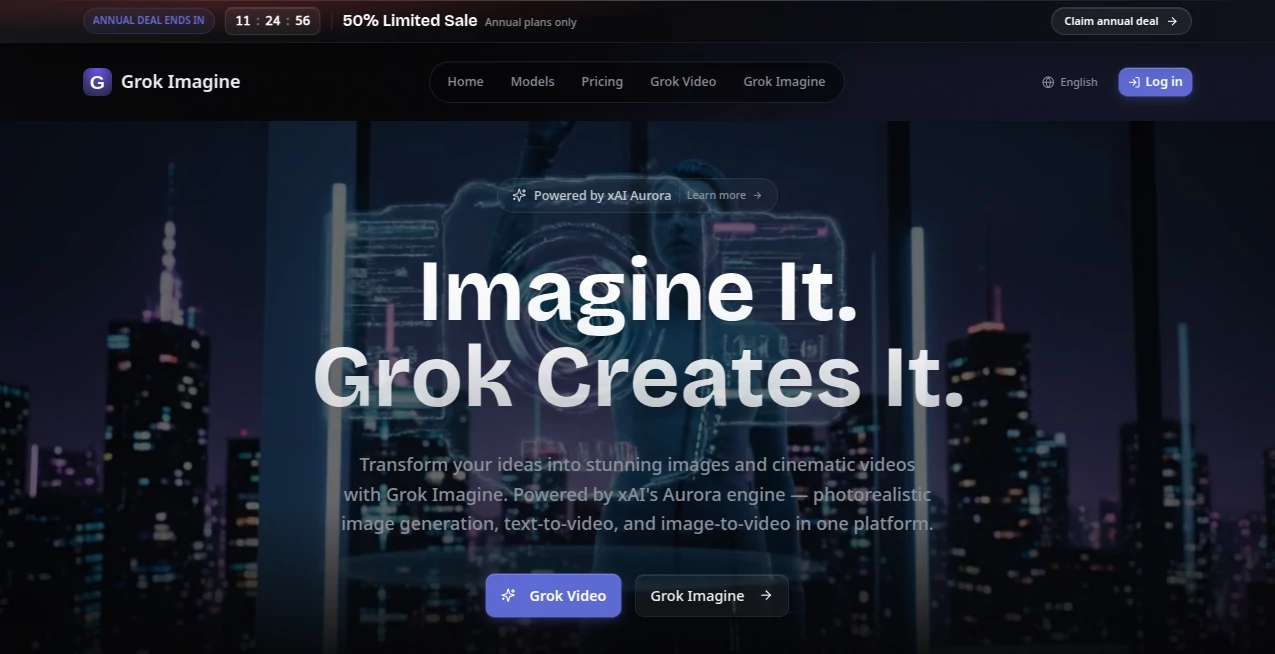
What is Grok Imagine?
Creating visual content often requires multiple applications, different subscriptions, and a significant amount of editing. This platform brings everything together in one place, allowing creators to generate photorealistic images, cinematic videos, and animated scenes from simple text prompts or existing images. Powered by xAI's Aurora engine, it delivers high-quality results that are suitable for both creative experimentation and professional production.
Whether you are building marketing campaigns, designing social media content, producing promotional videos, or simply exploring creative concepts, the experience feels remarkably smooth. The generated visuals feature realistic lighting, detailed textures, and impressive scene composition, making the output useful for creators who expect more than ordinary AI-generated content.
Another strength is its ability to handle both image creation and video generation within the same workflow. Instead of exporting files between multiple services, users can move from an idea to a finished visual project with fewer interruptions and greater creative freedom.
Key Features
- Photorealistic image generation powered by Aurora.
- Text-to-video generation with cinematic quality.
- Image-to-video animation capabilities.
- Support for detailed creative prompts.
- High-resolution visual output.
- Natural lighting and realistic textures.
- Fast content generation.
- Suitable for commercial and creative projects.
- Modern browser-based workflow.
- Designed for beginners and professionals alike.
User Interface
The interface is clean, modern, and easy to navigate. Prompt input is straightforward, while the generation process remains simple even for users with little experience in AI creative tools. The workflow encourages experimentation without overwhelming the user with unnecessary complexity.
Accuracy & Performance
The rendering engine produces visuals with impressive realism, paying close attention to composition, colors, lighting, and fine details. Even complex prompts can generate consistent results, while video generation maintains smooth transitions that help scenes appear more cinematic and natural.
Capabilities
Beyond creating static artwork, the platform supports multiple creative workflows. Users can transform written ideas into realistic images, animate existing pictures into engaging videos, and generate visual content suitable for advertising, storytelling, product showcases, educational presentations, and social media campaigns.
Creative professionals can rapidly prototype concepts before investing time in traditional production, while marketers can produce eye-catching promotional assets in minutes.
Security & Privacy
The service operates entirely online, allowing users to create content without installing complex software. As with any cloud-based AI platform, users should review the official privacy policy and terms of service before uploading confidential or sensitive material.
Use Cases
- Marketing campaigns and digital advertisements.
- Social media posts and promotional visuals.
- Product showcase videos.
- Creative storytelling and concept art.
- YouTube thumbnails and video assets.
- Website illustrations.
- Presentation graphics.
- Educational content creation.
- Creative inspiration for designers.
- Visual prototyping for business ideas.
Pros and Cons
Pros
- Produces highly realistic images.
- Supports both text-to-video and image-to-video generation.
- Simple workflow for beginners.
- Professional-quality visual output.
- Fast generation process.
- Suitable for commercial creative projects.
Cons
- Results depend heavily on prompt quality.
- Internet connection is required.
- Complex scenes may require multiple prompt refinements.
Pricing Plans
The platform offers access through online plans that may vary over time. Users should check the official pricing page for the latest subscription options, available credits, and feature availability before starting commercial projects.
How to Use
- Open the platform in your web browser.
- Describe the image or video you want to create.
- Select the preferred generation mode.
- Submit the prompt and allow the system to generate the content.
- Review the results and refine the prompt if needed.
- Download the finished visual for your project.
Comparison with Similar Tools
Unlike many creative AI platforms that focus only on image generation, this solution combines photorealistic images, text-to-video creation, and image animation within a unified environment. That combination reduces the need to switch between separate applications and helps creators maintain a faster production workflow.
Its emphasis on cinematic quality also makes it attractive for content creators who need visuals that feel polished enough for professional marketing, presentations, and digital media.
Conclusion
For creators looking to transform simple ideas into realistic visuals, this platform offers an impressive combination of image generation and cinematic video creation. Its modern interface, high-quality rendering engine, and flexible creative workflow make it suitable for designers, marketers, entrepreneurs, educators, and content creators who want professional-looking results without the traditional production process.
The ability to move seamlessly from text prompts to realistic images and animated videos makes it a valuable addition to today's growing ecosystem of AI-powered creative tools.
Frequently Asked Questions (FAQ)
Can I create both images and videos?
Yes. The platform supports photorealistic image generation, text-to-video, and image-to-video creation.
Is it suitable for commercial projects?
Yes. Many of its features are designed for marketing materials, advertising, product promotion, and other professional creative work.
Do I need design experience?
No. Beginners can generate impressive visuals using natural language prompts, while experienced creators can refine prompts for more detailed results.
Can existing images be animated?
Yes. Image-to-video generation allows users to transform static images into animated visual sequences.
What produces the visual quality?
The platform uses xAI's Aurora engine to generate highly detailed, photorealistic images and cinematic video content.
AI Photo & Image Generator , AI Image to Video , AI Video Generator , AI Text to Image .
These classifications represent its core capabilities and areas of application. For related tools, explore the linked categories above.

Grok Imagine Alternatives Product

Seedance 2.0

Leonardo.ai

PhotoEditorAI
Resize Image…

BananaPro

ds image

image to vid…
Kling 4.0 AI
Krea 2 AI