Knogra
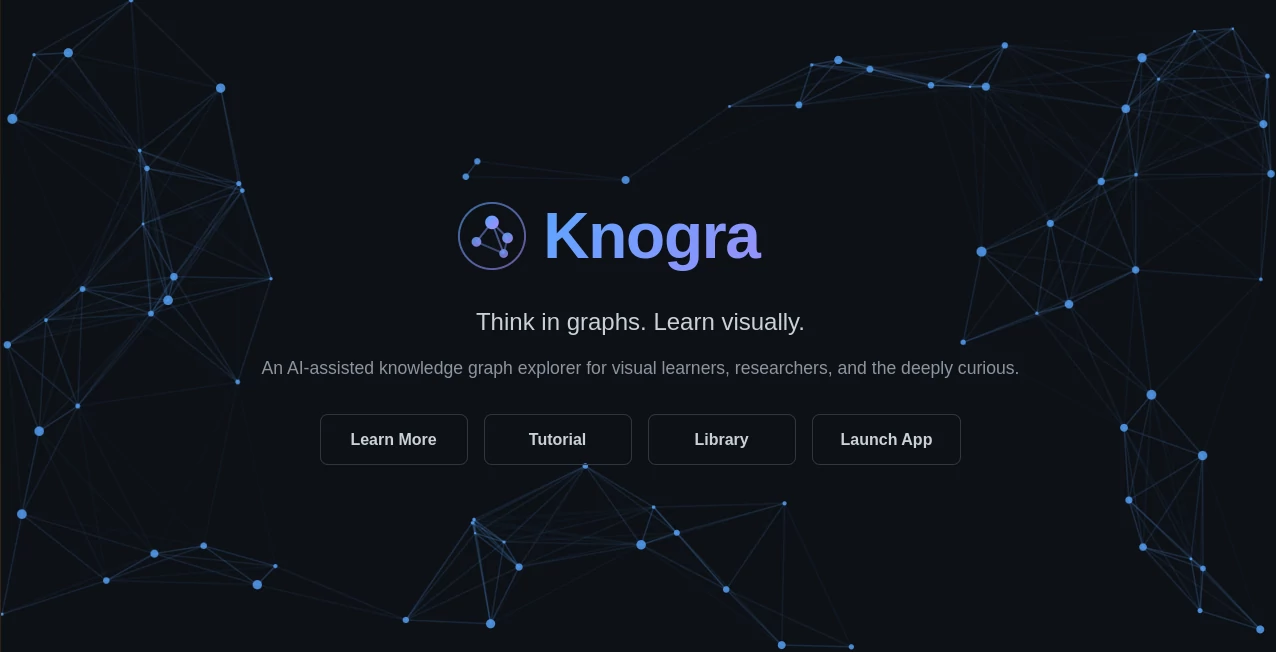
What is Knogra?
I’ve always been the kind of person who learns best when I can see how ideas connect. Traditional notes feel too linear, and mind maps often become messy after a while. Then I found this tool, and it finally clicked. It lets you build rich, living knowledge graphs that you can explore spatially, break into focused scenes, and even walk through like a memory palace. The first time I used it to map out a complex topic, I felt like my brain was working in a new dimension. Connections I hadn’t noticed before suddenly became obvious, and the spatial layout made everything stick in my memory far better than any flat document ever could.
Introduction
Most knowledge tools force you into rigid outlines or endless bullet points. This one gives you the freedom to think visually and spatially while keeping everything connected. It’s a desktop app designed for visual learners, researchers, students, and anyone who wants to explore ideas deeply. You can create mind maps, concept maps with labeled relationships, memory palaces with scenes, equation collections with LaTeX, and semantic networks that grow naturally. What makes it special is how it turns navigation itself into part of the learning process—moving between connected ideas feels intuitive and memorable.
Key Features
User Interface
The interface is clean and focused, built specifically for working with graphs. You can zoom, pan, and rearrange nodes naturally, then break large graphs into manageable “scenes” so you never feel overwhelmed. Transitions between scenes are animated smoothly, helping your brain encode the spatial relationships. It never fights you — everything feels like an extension of how you naturally think when doodling connections on paper, but with far more power and organization.
Accuracy & Performance
The AI assistant understands the actual structure of your graph — which ideas are central, which are isolated, and what connections might be missing. Suggestions feel relevant and useful rather than generic. Performance stays smooth even as your graphs grow large, with fast rendering and responsive interactions. The spatial memory aspect really works; after spending time in a graph, I find myself remembering where certain concepts live in the layout, which helps retention in surprising ways.
Capabilities
You can build free-form mind maps, labeled concept maps, spatial memory palaces, LaTeX equation collections, and full semantic networks. Scenes let you focus on specific parts while everything stays connected underneath. Paths allow you to create guided walks through your knowledge for presentations or studying. The AI can suggest new connections or additions based on what you’ve already built. It supports everything from personal learning projects to deep research explorations.
Security & Privacy
Your graphs live locally on your computer first and foremost. You control what gets shared or synced. There’s no forced cloud storage or data mining — it respects that your knowledge work is personal. That local-first approach gives a real sense of ownership and peace of mind.
Use Cases
A researcher mapping connections between historical events and modern theories creates a massive graph that reveals unexpected links. A student building a memory palace for exam preparation turns abstract concepts into memorable spatial scenes. A writer organizing a nonfiction book uses it to see the full structure and flow of ideas before drafting. A developer exploring new technologies builds semantic networks that help them connect concepts across different programming paradigms. It adapts beautifully to almost any deep thinking or learning project.
Pros and Cons
Pros:
- Spatial navigation and scenes make complex knowledge much more manageable.
- Beautiful transitions turn movement between ideas into part of the learning process.
- AI assistant that actually understands your graph’s topology.
- Supports math, free-form thinking, and structured relationships in one place.
- Local-first approach gives you full ownership of your data.
Cons:
- Being a desktop app means it’s not instantly accessible from any device (though worth it for the experience).
- Some advanced collaboration features are still growing.
Pricing Plans
It offers a solid free version that lets you explore the core experience fully. Paid plans unlock additional scenes, advanced AI features, more export options, and priority support. The pricing feels fair for the depth and quality of the tool — many users find the free tier already transformative for personal use, while serious researchers and teams quickly see the value in upgrading.
How to Use Knogra
Download the desktop app and start a new graph. Add nodes by typing or dragging in ideas, then connect them with relationships. Create scenes to focus on specific areas without losing the bigger picture. Use the AI assistant to suggest connections or fill in gaps. Build paths for guided tours through your knowledge. The workflow feels natural — you think, connect, explore, and the tool stays out of your way while quietly enhancing how you understand the material.
Comparison with Similar Tools
Traditional mind mapping tools often feel flat and rigid. Notion and similar apps are great for documents but lack true spatial thinking. This one combines the best of both worlds with real graph exploration, animated transitions, and an AI that understands structure. It stands out for visual learners who want more than linear notes or simple diagrams — it gives you a genuine thinking space that grows with your ideas.
Conclusion
If you’ve ever felt limited by linear notes or messy mind maps, this tool opens up a new way of thinking. It respects how visual brains work and gives you powerful, beautiful ways to explore and remember complex ideas. For researchers, students, writers, or anyone who loves connecting dots across domains, it’s one of those rare tools that genuinely changes how you work with knowledge. The spatial, connected approach feels natural once you try it — and hard to go back from.
Frequently Asked Questions (FAQ)
Is it only for advanced users?
Not at all — beginners love the free-form thinking, while power users appreciate the depth and AI assistance.
Can I use LaTeX for equations?
Yes, it has first-class support for math inside your graphs.
Does it work offline?
Yes — it’s a desktop app with strong local-first design.
Is collaboration possible?
Basic sharing is available, with more advanced team features in development.
What makes the spatial aspect special?
Animated transitions and scenes turn navigation into part of how you remember and understand connections.
AI Knowledge Management , AI Notes Assistant , AI Mind Mapping , AI Knowledge Graph .
These classifications represent its core capabilities and areas of application. For related tools, explore the linked categories above.

Knogra Alternatives Product

Omphalis

Sovi.AI
Online White…

Caspian

onuml

SuperAI
Anti Noise F…

AI Pastor

YouMind