


















Lambda
What is Lambda?
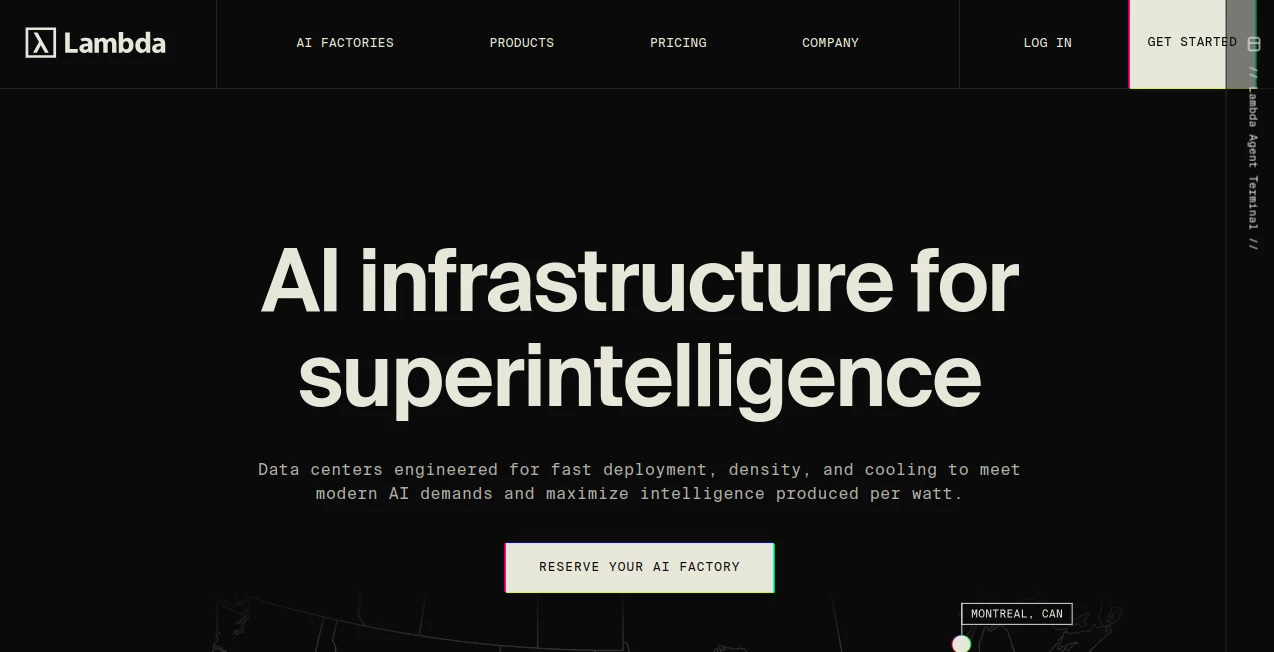
Lambda is a dedicated AI cloud platform built for teams that need serious computing power for training, fine-tuning, and deploying machine learning models. Instead of treating AI workloads as just another cloud use case, the platform is designed around them, with NVIDIA GPUs, optimized infrastructure, and tools intended to get researchers and developers from an idea to a working model without spending days preparing hardware.
The service covers a surprisingly broad range of workloads. A developer experimenting with a new model can start with a single GPU instance, while a research team running large distributed training jobs can move into interconnected clusters or much larger private infrastructure. That range makes it useful for both experimentation and production.
One particularly appealing detail is the emphasis on getting compute running quickly. GPU instances can be launched in minutes, while larger environments are available for organizations that need dedicated capacity. For teams tired of waiting for hardware or maintaining their own GPU servers, this can remove a significant operational headache.
Key Features
- On-demand NVIDIA GPU instances for AI development, training, fine-tuning, and inference.
- Support for NVIDIA B200, H100, A100, GH200, A6000, A10, and other GPU configurations.
- Multi-GPU instances with configurations ranging from one to eight GPUs.
- 1-Click Clusters designed for distributed AI workloads with 16 to more than 2,000 GPUs.
- Large-scale Superclusters for organizations requiring thousands or tens of thousands of GPUs.
- API and CLI access for automation, deployment, CI/CD workflows, and infrastructure management.
- Lambda Stack with commonly required machine learning software and NVIDIA drivers.
- Built-in monitoring for GPU, memory, and network performance.
- Persistent filesystem options for datasets, model checkpoints, and generated outputs.
- Single-tenant infrastructure and enterprise-oriented security features.
User Interface
The interface is built around a practical goal: helping users get access to compute rather than forcing them through a complicated cloud configuration process. From the dashboard, users can select an available GPU configuration and launch an instance, while API and CLI options provide a better fit for teams that prefer infrastructure-as-code or automated workflows.
The experience is especially useful for developers who already understand GPU workloads. Instead of hiding the underlying hardware, the service exposes important details such as GPU memory, system resources, and storage. That makes it easier to select an environment that matches a particular model or dataset.
Accuracy & Performance
Performance here depends heavily on the GPU configuration and the workload, but the underlying infrastructure is clearly aimed at demanding AI applications. Current offerings include high-end NVIDIA hardware such as H100 and B200 systems, with configurations designed for training, fine-tuning, and high-throughput inference.
The platform also provides live visibility into GPU, memory, and network performance. This is useful when a training job suddenly slows down because the bottleneck is not where you expected it to be. Instead of guessing, developers can inspect resource behavior while workloads are running.
For larger projects, interconnected GPU clusters are available. These environments are intended for distributed workloads where a single machine is no longer enough, making the service more suitable for serious model development than a basic GPU rental platform.
Capabilities
The platform can support several stages of the AI development lifecycle. Researchers can use GPU instances for experimentation, developers can fine-tune existing models, and production teams can use larger environments for inference and model serving.
There is also a clear path for scaling. A small project might begin with one GPU and later move to multi-GPU instances. Larger organizations can use 1-Click Clusters, while enterprises with long-term infrastructure requirements can explore dedicated Superclusters.
Automation is another strong point. The cloud API allows instances to be created, stopped, and restarted programmatically, making it practical to integrate GPU resources into development pipelines and internal tooling.
Security & Privacy
Security becomes especially important when AI workloads involve proprietary models, customer information, or sensitive research. The platform provides single-tenant infrastructure options and a shared-nothing architecture for environments where isolation matters.
The service also states that its infrastructure has SOC 2 Type II certification. Larger deployments can use caged clusters with hardware-level isolation, giving organizations additional control over where and how sensitive workloads are processed.
Users should still review the applicable security documentation and configuration options before moving regulated or highly confidential data into any cloud environment. Infrastructure-level security is only one part of a complete data protection strategy.
Use Cases
AI model training: Teams developing foundation models or specialized machine learning systems can rent powerful GPUs without purchasing physical hardware.
Fine-tuning: Developers working with existing language, vision, or multimodal models can use high-memory GPUs for customized training runs.
Inference: Applications that need substantial computing capacity to serve models can use dedicated GPU resources for production workloads.
AI research: Universities, independent researchers, and research groups can access modern NVIDIA hardware without maintaining a private GPU cluster.
Startups: Young AI companies can begin with a relatively small deployment and increase capacity as their product and customer base grow.
Large-scale distributed workloads: Organizations working on demanding training projects can use interconnected GPU clusters instead of managing individual machines themselves.
Pros and Cons
Pros
- Focused specifically on AI and machine learning workloads.
- Access to modern NVIDIA GPUs, including B200 and H100 systems.
- Instances can be launched within minutes.
- Flexible scaling from individual GPUs to very large clusters.
- API and CLI support for automation.
- AI-focused software stack reduces initial environment setup.
- Monitoring tools provide useful visibility into workload performance.
- Enterprise-oriented security and single-tenant infrastructure options.
Cons
- High-end GPU computing can become expensive for workloads that run continuously.
- Some large-scale infrastructure options require longer-term commitments.
- The platform is primarily aimed at technical users rather than beginners looking for a simple AI application.
- GPU availability and pricing can vary depending on hardware and capacity.
Pricing Plans
Pricing is usage-based for on-demand instances, with billing calculated in one-minute increments. The current public pricing page lists instances starting at $0.50 per hour, while specific configurations vary considerably depending on the GPU and system resources selected.
For example, current listed instance pricing includes NVIDIA A6000 configurations from around $1.09 per GPU hour, A100 configurations around $1.99, H100 configurations from around $3.29, and B200 configurations from around $6.69 per GPU hour. Actual pricing can vary by configuration and applicable taxes.
For larger deployments, 1-Click Clusters are priced per GPU per hour and are available for reservations ranging from weeks to longer periods. Current examples include H100 clusters starting at approximately $6.16 per GPU hour for certain 16-GPU configurations, while B200 clusters are priced higher.
Superclusters are intended for substantially larger deployments and are generally handled through longer-term contracts. This makes the pricing structure flexible enough for experimentation while also supporting organizations planning major AI infrastructure deployments.
How to Use This Platform
- Create an account and access the cloud dashboard.
- Choose an NVIDIA GPU configuration based on the model, dataset, and workload requirements.
- Launch an instance and wait for the environment to become ready.
- Use the prepared AI software environment to install or run the required models and code.
- Upload or connect the required datasets and project files.
- Run training, fine-tuning, evaluation, or inference workloads.
- Monitor GPU, memory, and network utilization while the workload is running.
- Stop or terminate resources when they are no longer needed to control costs.
Comparison with Similar Tools
Compared with general-purpose cloud providers, this platform takes a much narrower approach by focusing heavily on AI computing. That specialization can be valuable for developers who already know which GPU resources they need and want a more direct route to an operational machine learning environment.
Traditional hyperscalers may offer a wider selection of unrelated cloud services, regions, databases, storage systems, and enterprise products. In contrast, this service places GPU computing and AI infrastructure at the center of the experience.
It also stands apart from smaller GPU rental marketplaces by offering a progression from individual instances to interconnected clusters and very large private deployments. For a project that may grow significantly, having that scaling path available from the beginning can be a practical advantage.
Conclusion
For developers, researchers, startups, and enterprises that need real GPU computing rather than another browser-based AI application, this platform is a compelling option. Its strongest advantage is the combination of modern NVIDIA hardware, AI-focused software infrastructure, straightforward access to GPU instances, and a clear route toward much larger deployments.
The service is not necessarily the right choice for someone who simply wants to generate an image or write text with AI. Its value becomes much clearer when the workload involves training models, fine-tuning large systems, running inference at scale, or building infrastructure around serious machine learning projects.
For a small experiment, an individual GPU may be enough. For a growing AI company or research organization, the ability to move from a single machine to interconnected clusters can make the same platform useful much further down the road.
Frequently Asked Questions (FAQ)
What is this platform mainly used for?
It is primarily used for AI and machine learning computing, including model training, fine-tuning, inference, research, and large-scale AI workloads.
Which GPUs are available?
Available hardware includes NVIDIA B200, H100, A100, GH200, A6000, A10, and several other NVIDIA GPU configurations. Availability can change over time.
Can I rent only one GPU?
Yes. On-demand instances support configurations from one to eight NVIDIA GPUs, making them suitable for smaller experiments as well as more demanding workloads.
Does it support multiple GPUs?
Yes. Multi-GPU instances are available, and larger distributed workloads can use interconnected 1-Click Clusters with substantially more GPUs.
Can developers automate GPU instances?
Yes. API and CLI access allow developers to create, stop, and restart instances programmatically and integrate GPU resources into automated development workflows.
Is the infrastructure suitable for enterprise workloads?
Yes. Enterprise-oriented options include single-tenant infrastructure, hardware-level isolation for certain deployments, and SOC 2 Type II certification.
How is usage billed?
On-demand instances are billed according to usage in one-minute increments. Larger cluster reservations use a different pricing model based on GPU hours and reservation terms.
Is this suitable for AI researchers?
Yes. Researchers can use individual GPU instances for experimentation and move to multi-GPU or interconnected environments when their workloads require additional computing capacity.
AI API Design , Large Language Models (LLMs) , AI Developer Tools , AI DevOps Assistant .
These classifications represent its core capabilities and areas of application. For related tools, explore the linked categories above.

Lambda Alternatives Product

LPM 1.0

Nestify

JSON-Tools

Project Mela

NetlifyAPP

Ideavibes AI

JSON to TOON…
Timestamp Ro…

Simple Dev T…
