LaunchChair
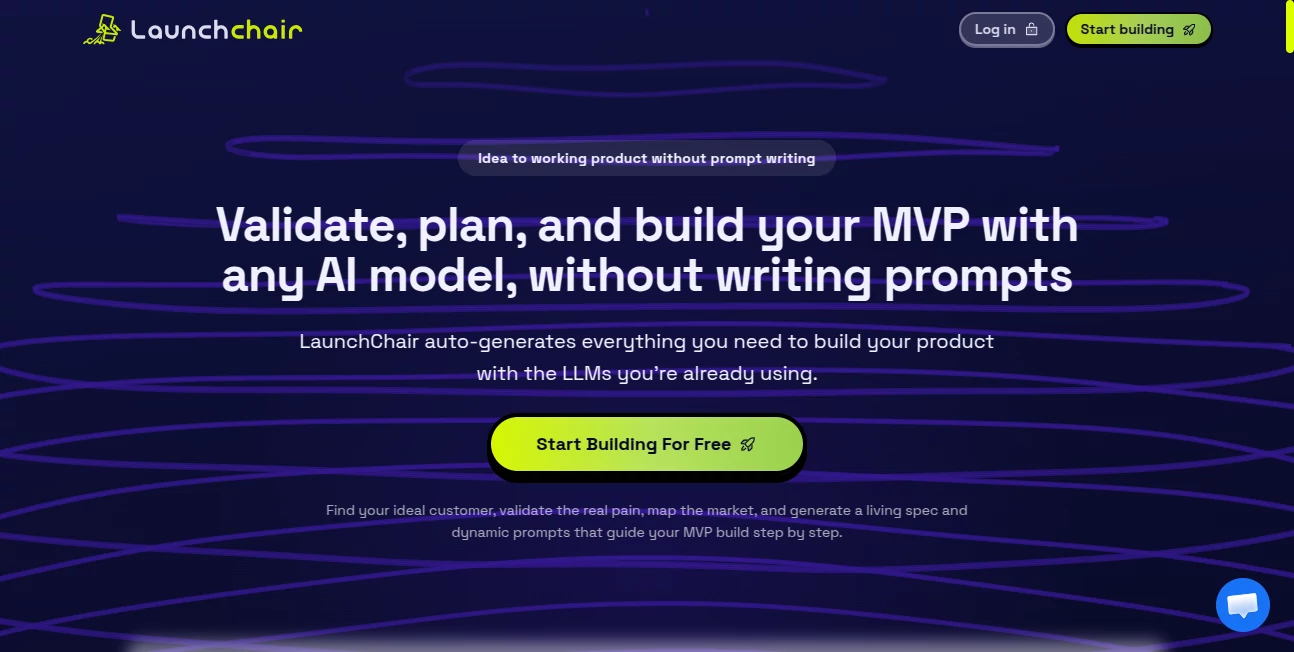
What is LaunchChair?
Most founders don't fail because they lack ambition. They fail because they start building before they've figured out what to build, who it's for, and whether anyone actually wants it. They open a chat window, type out a rough idea, and start vibing through code — only to realize three weeks later that the scope has drifted, the prompts are getting vaguer, and the product no longer resembles what they originally imagined.
This is the problem this platform was designed to fix. It's a founder context system — a structured workflow that takes you from a messy, half-formed idea all the way through market validation, product scoping, AI-assisted build execution, and go-to-market launch, without losing the thread along the way. It works with the AI tools you're already using: GPT, Claude, Codex, and Claude Code. You bring the models; this brings the spec, the structure, and the prompts.
The result is a tighter build, less token waste, and an MVP that actually reflects what the market wants — not just what seemed like a good idea at 11pm on a Tuesday.
Key Features
User Interface
The interface is clean, phase-driven, and built around the reality of how solo founders and small teams actually work. There's no sprawling dashboard with twenty panels competing for attention. Instead, the workflow moves you through four connected phases — validation, spec, build, and distribution — in a logical sequence that keeps your product story intact from start to finish.
The build board uses a kanban layout, which makes it easy to track where you are across features without switching between tools. Everything stays in one place: your market research, your spec, your prompts, your QA notes. If you've ever lost context trying to remember what you decided three weeks ago about a feature's acceptance criteria, this is the kind of structure you've been missing.
Accuracy & Performance
The core performance claim is token efficiency, and it's a credible one. Standard vibe coding workflows tend to burn through tokens quickly — vague prompts, broad context windows, frequent retries, and a codebase that keeps expanding into the prompt. The platform's dynamic prompt engine generates feature-specific prompts from your living spec, attaching only the context that's relevant to the current task.
The estimated token savings per prompt run sit between 40 and 65 percent compared to manual prompt writing — roughly 9,000 to 14,000 tokens versus the typical 24,000. Over a full MVP build, that adds up. Less token waste also means fewer hallucinations, fewer rewrites, and better output quality. It's not magic — it's scoped context, strict agent contracts, and guardrails baked into each prompt.
Capabilities
The platform covers the full founder workflow across three connected workspaces:
- Validation Intelligence: Before a single line of code gets written, you can map where the pain is strongest, where the market is already saturated, and where there's genuine room to win. Competitor gaps, substitute analysis, ICP pain scoring, and first killer workflow discovery all feed into a clear go/no-go direction.
- Living MVP Spec: Your validation output feeds directly into a structured product spec with scope, feature direction, acceptance criteria, and phase-by-phase context. This spec doesn't sit in a document somewhere — it becomes the source of truth for every prompt you run and every feature you build.
- Dynamic Prompt Engine: Feature-by-feature prompts are auto-generated from your current spec. No more writing prompts from scratch or copying context between chat windows. Each run starts tighter, with guardrails and QA criteria already built in. Export the output to DOCX or MD for handoff or documentation.
- Distribution Workspace: Once the product is taking shape, your validated positioning and market wedge drive your landing page messaging, SEO structure, lead capture approach, and go-to-market planning. The public story stays aligned with what you're actually building.
- Agent API & MCP Support: Paid plans include Agent API and MCP integration, so teams can connect spec context directly into agent-driven workflows and more advanced build pipelines.
Security & Privacy
One of the more thoughtful design decisions here is that the platform doesn't meter or handle your AI tokens. You use your own model accounts — whether that's OpenAI, Anthropic, or another provider — which means your API keys, usage data, and model preferences stay under your control at all times. The platform provides the workflow and prompt infrastructure; the model layer is entirely yours.
For teams handling sensitive product research or proprietary market positioning, this separation matters. Your competitive intelligence, ICP analysis, and product strategy live in your workspace — not in a shared model endpoint you don't control.
Use Cases
The most obvious fit is a solo founder who's done the hard part of coming up with an idea but keeps getting stuck on the next step. Should I validate first or just build? What's the actual scope of version one? How do I explain what this does to someone who's never heard of it? This platform answers all three questions in sequence, which is genuinely useful when you don't have a co-founder or a product manager to push back on your assumptions.
Indie hackers building multiple products in parallel get strong value from the Builder plan — three projects, clear phase separation, and prompt generation that doesn't require starting from scratch every time. Imagine managing two or three MVPs simultaneously without losing the context of each one. That's not hypothetical; it's exactly what the multi-project tier is built for.
- First-time founders who need a structured process to avoid building the wrong thing
- Indie hackers running multiple micro-SaaS projects who need consistent spec management across products
- Product-minded developers who are strong on execution but want help with market validation and go-to-market direction
- Startup teams using Claude Code or Cursor who want tighter prompt quality and less drift during the build phase
- Agencies building MVPs for clients who need white-labeled output and scalable prompt workflows across projects
Pros and Cons
What works particularly well:
- The validation-to-spec-to-build continuity is genuinely rare — most tools cover one phase or another, not the whole chain
- Token efficiency gains are meaningful over a full project, especially for developers paying for premium model access
- The distribution workspace is a thoughtful addition that most build-focused tools ignore entirely
- Works with every major AI coding tool — no lock-in, no proprietary model dependency
- The Founder plan at $19/month makes it accessible to early-stage builders who don't want to over-invest in tooling before validating revenue
- Infinite project resets mean you can iterate on your product direction without worrying about hitting a ceiling
Things worth knowing before you sign up:
- This is not a no-code app builder — if you want something that writes and deploys code for you end-to-end, this isn't the tool. You still need to run prompts in your chosen AI coding environment
- The value compounds over time; if you're only building a quick weekend project, the structured workflow might feel like more process than you need
- The content library and team collaboration features are still developing — larger bid teams may want to watch for upcoming updates
- Payment information is collected at checkout even for the 7-day trial, so it's not a completely frictionless evaluation
Pricing Plans
Three plans cover the range from solo founder to agency:
- Founder — $19/month: One project, one team seat, infinite project resets, Agent API and MCP access. A 7-day free trial is included. Designed for founders building and iterating on a single product.
- Builder — $39/month (Recommended): Three projects, two seats, infinite project resets, Agent API and MCP. The right tier for indie hackers or small teams managing multiple products simultaneously.
- Agency — $99/month: Unlimited projects, ten seats, unlimited Agent API and MCP, plus white-labeled and shareable summary pages. Built for agencies delivering MVPs to clients at scale.
All plans use your own model accounts — the platform doesn't charge for AI tokens separately, which keeps costs predictable regardless of how many prompts you run. The 7-day trial is available on all tiers, giving you enough time to move through at least one full validation-to-spec cycle before committing.
How to Use LaunchChair
Getting started is straightforward. Sign up, start a free trial, and create your first project. From there, the platform walks you through four phases in sequence:
- Phase 1 — Validate: Describe your idea and let the validation intelligence layer help you map ICP pain, competitor gaps, market saturation, and wedge opportunity. The output here is a clear product direction — not a rough idea, but a defensible position worth building toward.
- Phase 2 — Spec: Your validation outputs convert into a living MVP spec. You refine scope, define features, set acceptance criteria, and establish the cross-phase context that will drive every subsequent prompt. This is the foundation everything else builds on.
- Phase 3 — Build: Open your AI coding tool of choice — GPT, Codex, Claude, Claude Code — and use the auto-generated prompts for each feature. Work through the kanban board feature by feature, with QA notes and acceptance criteria already attached to each task.
- Phase 4 — Distribute: Use the distribution workspace to build your landing page messaging, SEO structure, and launch assets. Your validated positioning drives the copy — you're not starting from a blank page or making up a value proposition post-launch.
MD file exports and launch asset exports are available throughout, so your work is portable and can move into other tools or documentation systems without extra manual effort.
Comparison with Similar Tools
The clearest comparisons are with AI app builders like Lovable, Bolt, and Base44 — tools that generate and deploy code directly. Those platforms are fast and impressive for getting something visible on screen quickly. But they don't validate your market before you build. They don't maintain a living spec. They don't keep your prompts aligned with your product direction as scope evolves. You can build a beautiful prototype in an afternoon using those tools and still have no idea whether anyone wants it.
Direct AI coding workflows — just using ChatGPT or Claude Code in a chat window — have the same problem at a different level. Context drifts across sessions. Prompts get vaguer as the project grows. The connection between your original product vision and the code you're shipping starts to fray. This platform doesn't replace those tools; it gives them something to work with.
Notion and other documentation tools can house a product spec, but they're passive — they don't generate prompts from the spec, they don't enforce cross-phase alignment, and they don't connect your market research to your landing page copy automatically. The difference is between having a document and having a system.
The closest comparison is probably a combination of a market research tool, a product management system, a prompt engineering workflow, and a go-to-market planner — all connected and sharing the same underlying context. That stack doesn't really exist anywhere else in a single product.
Conclusion
The gap between "I have an idea" and "I have a product people actually want" is where most founders get lost. Not because they can't build — most technical founders can build almost anything. But because they build without enough clarity about who it's for, what problem it's solving, and what scope makes sense for version one.
This platform addresses that gap directly, without adding unnecessary process or replacing the tools you're already comfortable with. If you're using AI to build software and you're tired of losing context, rewriting prompts, and shipping things that feel disconnected from your original vision, the structured workflow here is worth trying. At $19 a month with a 7-day free trial, the barrier to finding out whether it works for you is genuinely low.
Frequently Asked Questions (FAQ)
Is this a no-code app builder?
No. This is a founder context system, not an app builder. It doesn't write or deploy code on your behalf. Instead, it generates spec-aware prompts that you run in your own AI coding environment — whether that's GPT, Claude, Codex, or Claude Code. You keep full control over the build; this gives you better prompts and clearer direction going in.
What AI models does it work with?
It works with any model you're already using — GPT, Codex, Claude, Claude Code, and others. The prompts are model-agnostic by design. You use your own model accounts, so there's no platform-level token metering or model lock-in.
How is this different from just using ChatGPT or Claude directly?
Direct AI chat workflows are fast but stateless. Context drifts across sessions, prompts get looser over time, and the connection between your product vision and your code starts to erode. This platform keeps your market research, spec, prompts, build workflow, and go-to-market outputs connected in one place, so you're not starting from a blank chat every time you sit down to build.
Can I use this before I'm ready to write any code?
Yes, and many teams do exactly that. The validation and spec phases are fully independent of the build phase. You can spend several sessions mapping your ICP, analyzing competitors, and refining your product scope before writing a single line of code — which is often exactly the right order of operations.
Does it work for non-technical founders?
The validation, spec, and distribution workspaces are accessible to anyone with a clear product idea. The build phase generates prompts intended for use in AI coding tools, so some comfort with those environments helps — but you don't need to be a developer to get value from the earlier phases.
What happens if I want to change my product direction mid-build?
Projects support infinite resets, so you can revisit your validation, update your spec, and regenerate prompts for the new direction without losing the structure you've already built. The living spec model is designed to accommodate iteration, not lock you into your first instinct.
AI SEO Assistant , AI Project Management , AI Business Ideas Generator , AI Developer Tools .
These classifications represent its core capabilities and areas of application. For related tools, explore the linked categories above.

LaunchChair Alternatives Product

Prelight

Naxely

Somnio

Website Audi…

seedancetwo2…

Sourcetable

Shufaf

Luffy

freellm