


















Make-It
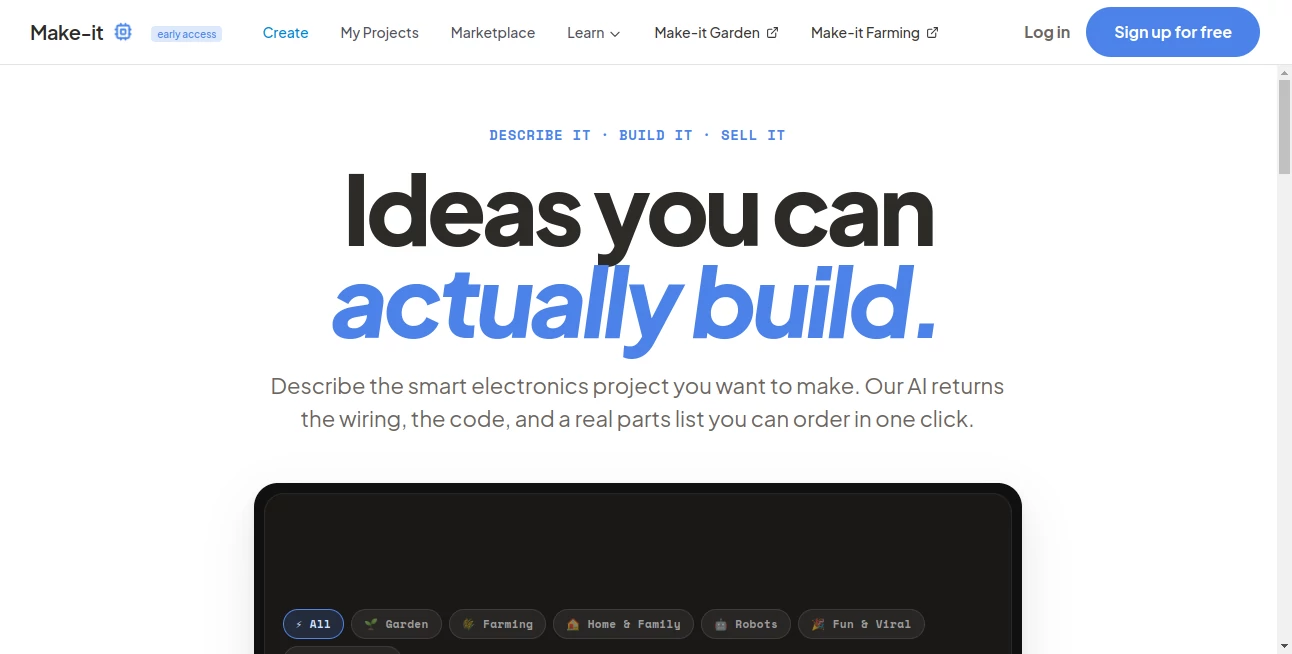
What is Make-It?
Turning an idea into a working electronic device usually requires hours of research, component selection, wiring diagrams, firmware development, and troubleshooting. This platform dramatically simplifies that journey by allowing anyone to describe a project in plain English and receive everything needed to start building. Instead of spending days searching for compatible hardware and writing code from scratch, users receive a complete development blueprint within minutes.
Whether the goal is creating a smart home device, building an Arduino experiment, designing an IoT solution, or developing a fun weekend project, the platform removes many of the technical barriers that often discourage beginners. At the same time, experienced makers benefit from faster prototyping, ready-to-use firmware, and optimized component recommendations that accelerate product development.
The result is an enjoyable building experience where creativity becomes the focus instead of repetitive technical preparation. From hobbyists to professional engineers, it provides a practical starting point for transforming concepts into functional hardware.
Key Features
User Interface
The interface is intentionally simple and conversation-driven. Users only need to explain what they want to build using everyday language. The system then generates project documentation, recommended components, wiring layouts, source code, and step-by-step instructions in an organized workflow that feels approachable even for first-time makers.
Accuracy & Performance
The platform focuses on producing buildable electronics projects rather than theoretical concepts. It recommends real hardware components, generates firmware compatible with popular development boards, and prepares practical shopping lists that reduce guesswork. Projects can also be refined through additional conversations, making iteration fast and intuitive.
Capabilities
- Generate complete DIY electronics projects from natural language.
- Create wiring diagrams automatically.
- Produce ready-to-edit firmware code.
- Generate shopping lists with real electronic components.
- Support Arduino, Raspberry Pi, ESP boards, and similar hardware.
- Help beginners start projects without advanced programming knowledge.
- Accelerate rapid hardware prototyping.
- Provide step-by-step assembly guidance.
- Allow project refinement through AI conversations.
- Offer a growing marketplace of community-created projects.
Security & Privacy
The generated firmware is designed to run locally on supported hardware instead of depending on continuous cloud connectivity. The platform also emphasizes open hardware principles, allowing builders to customize, inspect, and extend their projects according to their own requirements. Users remain responsible for verifying safety and validating projects before physical implementation.
Use Cases
- Building smart home automation devices.
- Creating Arduino and Raspberry Pi projects.
- Learning embedded programming through practical examples.
- Developing IoT prototypes for startups.
- Designing robotics experiments.
- Building environmental monitoring systems.
- Creating educational STEM classroom projects.
- Rapid prototyping before manufacturing.
- Weekend DIY electronics projects.
- Generating inspiration for new hardware products.
Pros and Cons
Pros
- Very beginner-friendly workflow.
- No advanced coding experience required.
- Generates complete hardware documentation.
- Includes firmware, wiring diagrams, and component lists.
- Speeds up hardware development significantly.
- Supports multiple maker skill levels.
- Useful for both education and professional prototyping.
Cons
- Projects should always be reviewed before physical assembly.
- Complex industrial engineering still requires professional validation.
- Some advanced features are available only in paid plans.
Pricing Plans
A free tier allows users to explore the platform and generate projects. Premium subscription plans unlock additional project generations, enhanced AI capabilities, and expanded features for frequent builders, professionals, and commercial users.
How to Use Make-It
- Describe the electronic device you want to build.
- Review the generated project blueprint.
- Check the wiring diagram and hardware recommendations.
- Download or edit the generated firmware.
- Order the suggested electronic components.
- Assemble the hardware following the provided instructions.
- Test and improve the project through additional AI conversations.
Comparison with Similar Tools
Most AI coding assistants concentrate on software development, while CAD applications focus on mechanical design. This platform occupies a unique position by combining hardware planning, firmware generation, wiring visualization, and component recommendations into a single workflow. Rather than helping users write isolated code snippets, it delivers complete electronics projects that are intended to be physically assembled.
Compared with traditional electronics tutorials, the experience is considerably more personalized because every project begins with the user's own idea instead of a predefined template. This flexibility makes experimentation faster while encouraging creativity throughout the design process.
Conclusion
For anyone interested in building smart electronic devices without spending countless hours researching components and writing firmware from scratch, this platform provides an impressive solution. It transforms simple ideas into practical hardware projects complete with diagrams, code, assembly instructions, and shopping lists.
Whether you are a curious beginner building your first Arduino project or an experienced maker looking to accelerate product development, the platform delivers an efficient workflow that removes much of the complexity from electronics design while keeping creativity at the center of the building experience.
Frequently Asked Questions (FAQ)
Can beginners use this platform?
Yes. It is specifically designed so that users without extensive programming or electronics experience can start building functional projects.
Does it generate source code?
Yes. It creates editable firmware that can be customized before deployment.
Which hardware platforms are supported?
Projects commonly support popular boards such as Arduino, Raspberry Pi, ESP-based devices, and similar development hardware.
Can I build commercial prototypes?
Professional subscription plans are designed for users developing commercial products and client projects.
Is every generated project guaranteed to work?
The generated plans provide an excellent starting point, but every project should be tested and verified before real-world deployment or production use.
AI App Builder , AI No-Code & Low-Code , AI Code Generator , AI Developer Tools .
These classifications represent its core capabilities and areas of application. For related tools, explore the linked categories above.

Make-It Alternatives Product

AI Workflow …

globalize.now

Ptero

ClawBridge

ace.me

Ito AI

VercelAPP

CrawlReady

Somnio
