

















MakerSuiteAI
What is MakerSuiteAI?
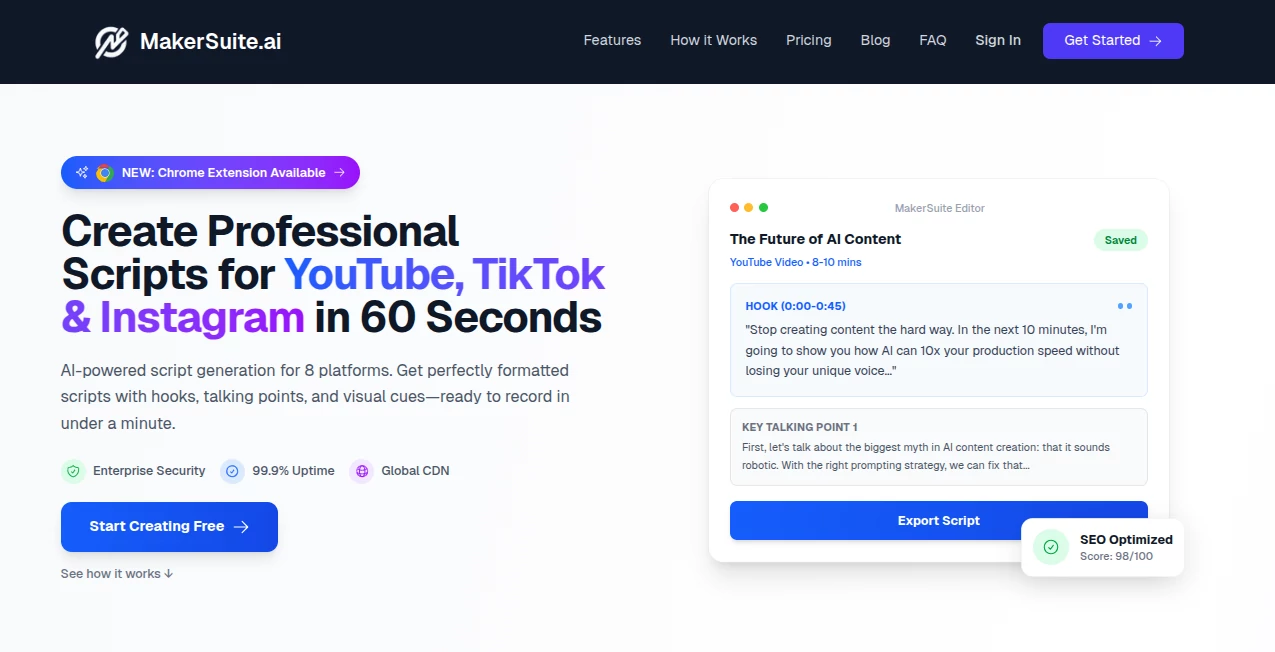
Building with modern AI models often feels overwhelming for developers and creators who just want to test ideas quickly. This platform was designed to remove that friction and give users a clean, fast environment where experimentation becomes simple, intuitive, and surprisingly enjoyable.
Instead of dealing with complex infrastructure or long setup processes, users can jump straight into prompt testing, model interaction, and rapid prototyping. It creates a smooth bridge between idea and execution, especially for those exploring large language models and generative AI workflows.
Key Features
User Interface
The interface is intentionally minimal, focusing on clarity rather than complexity. Everything is arranged so users can focus on prompt creation, testing outputs, and iterating quickly without distractions. Even first-time users can understand the workflow within minutes.
Accuracy & Performance
The platform is built to work closely with powerful language models, allowing users to evaluate responses in real time. This makes it easy to compare outputs, refine prompts, and understand how different inputs influence results.
Capabilities
It supports a wide range of generative AI experiments including text generation, prompt chaining, and model behavior testing. Developers can prototype conversational experiences, content generation systems, and AI-powered workflows without heavy setup.
Security & Privacy
The environment is designed with a focus on safe experimentation. User inputs and outputs remain within a controlled workspace, ensuring that development and testing can be done with confidence.
Use Cases
- Rapid prototyping of AI-powered applications
- Testing and refining prompt engineering strategies
- Building conversational AI experiences
- Experimenting with generative workflows for products
- Learning how large language models respond to different inputs
Pros and Cons
Pros
- Very fast setup and onboarding
- Ideal for experimentation and prototyping
- Clean and distraction-free interface
- Strong integration with modern AI models
Cons
- Not intended for full production deployment
- Limited advanced customization for enterprise-level systems
- Requires familiarity with prompt-based workflows for best results
Pricing Plans
The platform typically follows a flexible access model depending on usage and account type. Many users start with free experimentation options before scaling into more advanced usage tiers when needed. This makes it accessible for both beginners and professional developers.
How to Use MakerSuite.ai
Getting started is straightforward. After signing in, users can begin by creating a new prompt project. From there, they can input instructions, test different outputs, and refine responses step by step. The real-time feedback loop helps users quickly understand how changes affect results.
Over time, projects can evolve into more structured AI workflows, making it easier to transition from experimentation to real-world application design.
Comparison with Similar Tools
Compared to other AI prototyping environments, this platform stands out for its simplicity and speed. While some tools focus heavily on enterprise integration or complex development pipelines, this one prioritizes quick experimentation and learning. It is especially appealing for developers who want to validate ideas before investing in full-scale infrastructure.
Conclusion
For anyone exploring generative AI, this platform offers a practical and efficient starting point. It removes unnecessary complexity and focuses on what truly matters: testing ideas quickly and understanding how AI responds. Whether you're a developer, researcher, or curious builder, it provides a solid foundation for innovation.
Frequently Asked Questions (FAQ)
Is this tool suitable for beginners?
Yes, it is designed to be approachable even for users who are new to AI development and prompt engineering.
Can it be used for production applications?
It is mainly focused on prototyping and experimentation rather than full production deployment.
Do I need coding skills to use it?
Basic understanding of prompts is helpful, but coding is not strictly required for basic use.
What makes it different from other AI tools?
Its simplicity and fast iteration cycle make it ideal for testing ideas without complex setup or configuration.
AI No-Code & Low-Code , AI API Design , Large Language Models (LLMs) , AI Developer Tools .
These classifications represent its core capabilities and areas of application. For related tools, explore the linked categories above.

MakerSuiteAI Alternatives Product

Latency Atlas

Fugte

Xvibe

Nano Banana …

JSON to TOON…

GLM 5

NetlifyAPP

MidJourney

Ptero
