Movie Maker Gemini
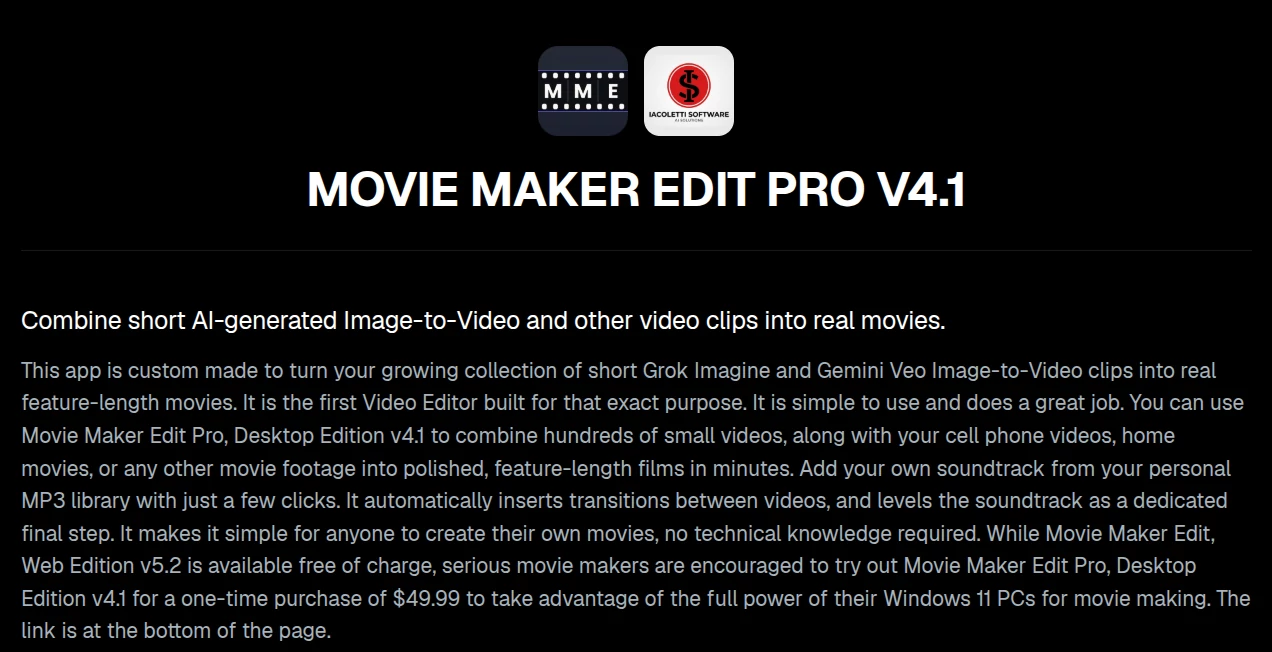
What is Movie Maker Gemini?
Creating cinematic videos with today's AI image-to-video models is easier than ever, but most generators still produce clips that last only a few seconds. Turning dozens or even hundreds of these fragments into a polished, feature-length production usually requires advanced editing skills and complex software. This solution removes that barrier by offering a streamlined editing experience specifically designed for AI-generated footage.
Whether you are building a science-fiction short film, social media project, educational presentation, or family movie, the editor provides an intuitive workflow for combining multiple clips into a seamless MP4. It also supports traditional videos recorded on smartphones or cameras, making it a practical choice for creators who want to mix AI-generated scenes with real-world footage.
One of its strongest advantages is its focus on simplicity. Instead of overwhelming users with professional editing panels, it concentrates on the features creators actually need: importing clips, trimming unwanted frames, adding transitions, inserting music, adjusting resolution, previewing the result, and exporting a high-quality movie that is ready to share.
Key Features
User Interface
The interface is clean, organized, and beginner-friendly. Importing videos automatically generates thumbnails and places them on a timeline where clips can be rearranged and edited with minimal effort. The editing process follows a logical sequence, allowing even first-time users to produce professional-looking results without spending hours learning video editing software.
Accuracy & Performance
The application is optimized for handling large collections of AI-generated video clips while maintaining smooth playback and fast rendering. The desktop edition takes advantage of multi-core processors and NVIDIA hardware encoding for significantly faster exports. It also supports projects that extend beyond three hours, making it suitable for ambitious productions.
Capabilities
- Merge dozens or hundreds of short AI-generated video clips.
- Trim unwanted frames with simple timeline controls.
- Automatically apply smooth blur transitions between scenes.
- Replace, mix, or preserve original audio tracks.
- Add custom MP3 or WAV soundtracks.
- Normalize audio volume for a consistent listening experience.
- Export videos from 480p up to 4K resolution.
- Create widescreen, vertical, or square videos.
- Preview projects before final export.
- Save complete projects for future editing.
- Export standard MP4 files compatible with virtually every platform.
Security & Privacy
Creators maintain full ownership of their projects and exported videos. Since editing is performed locally in the desktop edition, users keep control over their original footage without relying on continuous cloud processing. This approach is especially valuable for filmmakers and professionals working with private or commercial content.
Use Cases
- Combine AI-generated video clips into complete movies.
- Create YouTube documentaries and storytelling videos.
- Edit cinematic trailers and promotional videos.
- Build educational presentations using AI visuals.
- Produce family movies from smartphone recordings.
- Create social media compilations for TikTok, Instagram, and YouTube Shorts.
- Merge gameplay recordings with AI-generated scenes.
- Develop independent films without expensive editing software.
Pros and Cons
Pros
- Purpose-built for AI-generated video workflows.
- Simple interface suitable for beginners.
- Supports numerous video formats.
- Fast rendering on supported Windows hardware.
- Audio normalization improves overall viewing quality.
- Project saving enables long-term editing.
- Free web edition available for testing.
Cons
- Desktop version is limited to Windows 11.
- Advanced cinematic effects are intentionally kept minimal.
- Maximum performance depends on available hardware.
Pricing Plans
A free browser-based edition is available for smaller editing tasks and allows users to experience the core workflow without installation. For creators producing longer or more demanding projects, the professional desktop edition is offered as a one-time purchase priced at $49.99, eliminating recurring subscription costs while unlocking significantly greater performance and larger project support.
How to Use Movie Maker Gemini
Begin by importing your first video clip into the timeline. Continue adding additional AI-generated or traditional videos until your sequence is complete. Trim unnecessary sections, allow automatic blur transitions to smooth scene changes, and select whether to keep the original audio, replace it with music, or combine both. Choose the desired resolution, orientation, and export quality before previewing the final project. Once satisfied, export everything as a single MP4 file and optionally normalize the soundtrack for consistent audio levels.
Comparison with Similar Tools
Unlike many traditional video editors that are designed for general-purpose editing, this solution focuses specifically on solving a modern challenge: assembling short AI-generated clips into coherent movies. While professional editors often include hundreds of advanced features that require significant learning, this editor emphasizes speed, accessibility, and a workflow optimized for today's AI video generation ecosystem. The ability to process large collections of clips, apply automatic transitions, normalize sound, and export feature-length productions makes it particularly attractive for creators working with image-to-video models.
Conclusion
For anyone producing videos with modern AI image-to-video generators, this editor fills an important gap between short generated clips and finished cinematic productions. Its thoughtful workflow, straightforward interface, high-performance desktop engine, and practical editing features make it an excellent option for hobbyists, content creators, educators, and independent filmmakers alike. Instead of fighting with overly complicated editing software, users can focus on storytelling and transform collections of brief AI clips into polished movies that are ready for audiences.
Frequently Asked Questions (FAQ)
Can beginners use this video editor?
Yes. The interface is intentionally designed to be simple enough for first-time users while still providing the tools needed to create professional-looking movies.
What video formats are supported?
The editor accepts numerous popular formats including MP4, MOV, AVI, MKV, WebM, WMV, FLV, 3GP, MTS, and additional formats that are converted during import.
Does it support 4K exports?
Yes. Users can export videos in resolutions ranging from 480p up to 4K, depending on their project requirements.
Can I add my own music?
Yes. Custom MP3 and WAV files can be used as replacement soundtracks or mixed with the original video audio.
Is there a free version?
Yes. A browser-based edition is available for smaller projects, while the desktop version offers greater performance and support for significantly larger productions.
AI Image to Video , AI Video Generator , AI Video Editor , AI Short Clips Generator .
These classifications represent its core capabilities and areas of application. For related tools, explore the linked categories above.
Movie Maker Gemini details
Website unavailable — View Alternatives
Pricing
- Free
Apps
- Web App
Categories

Movie Maker Gemini Alternatives Product

Wan 2.6

image to vid…

AI Dance Vid…
Artaivo
seedance2-pro

FastMoro AI

ViraFlow

ImageVids AI

Seedance 2 P…