

















What is Muse Voice?
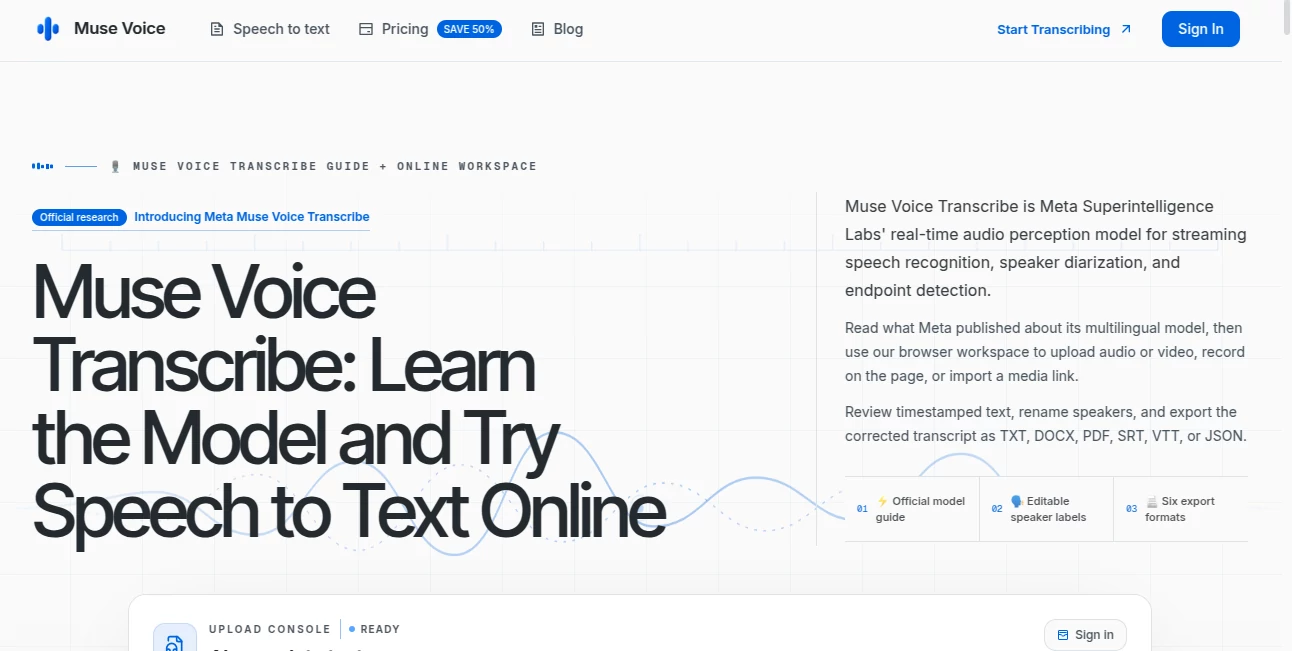
Muse Voice is a browser-based speech-to-text workspace designed for people who need more than a rough transcript. It takes audio or video recordings and turns them into timestamped text that can be reviewed, corrected, organized by speaker, and exported in several useful formats.
The workflow is refreshingly straightforward. You can upload a recording, capture audio directly from your browser, or start from a supported hosted media link. The service supports around 100 languages and can automatically detect the spoken language, making it useful for everything from interviews and meetings to lectures, podcasts, research recordings, and video captions.
One particularly useful detail is the ability to review the transcript before exporting it. If a person's name is misspelled or a technical term is misunderstood, you can correct it rather than accepting the first transcription as final.
Key Features
- Speech-to-text transcription for audio and video
- Support for approximately 100 languages
- Automatic language detection or manual language selection
- Optional speaker separation and speaker labels
- Word-level timestamps for checking specific moments
- Searchable and editable transcripts
- Browser-based audio recording
- Hosted media URL import
- Audio and video uploads up to 1 GB per file
- Export to TXT, DOCX, PDF, SRT, VTT, and JSON
- Five free transcription minutes for new verified accounts
User Interface
The interface is built around the actual transcription workflow rather than unnecessary controls. After entering the workspace, users can choose between uploading media, recording directly in the browser, or using a supported media URL.
Once processing is complete, the transcript can be searched and edited. Speaker labels can also be renamed, which is handy when a conversation initially appears as generic labels such as Speaker 1 and Speaker 2. Timestamped words make it easier to jump back to the corresponding part of the recording when something needs verification.
For someone processing interviews or meetings regularly, this approach saves a surprisingly tedious step: repeatedly switching between a media player and a separate document just to check one sentence.
Accuracy & Performance
The transcription system uses OpenAI Whisper and is designed to produce timed speech recognition across a broad range of languages. The quality of any automatic transcript still depends on the recording itself. Clear, close-miked speech generally requires less correction, while background noise, strong accents, overlapping speakers, and unusual vocabulary can make review more important.
The editable workflow is therefore an important part of the product. Instead of treating the generated transcript as untouchable output, users can search for phrases, correct errors, rename speakers, and verify questionable sections against the original recording.
Capabilities
The service accepts common audio formats such as MP3, WAV, M4A, and FLAC, along with video formats including MP4 and MOV. Files can be as large as 1 GB, while recordings can also be captured directly through the browser.
Speaker separation can divide conversations into individual turns, while word-level timestamps provide a precise reference point inside the recording. This is especially useful when the transcript contains names, numbers, quotations, or terminology that needs to be checked carefully.
The export options are another strong point. A finished transcript can be delivered as TXT or DOCX for writing and editing, PDF for sharing, SRT or VTT for subtitles and captions, or JSON when timestamped data needs to move into another workflow.
Security & Privacy
Recordings and their associated transcripts remain in the user's account until they are deleted. According to the service, deleting a recording also removes its transcript. The company states that submitted media is not sold and is not used for model training.
As with any online transcription service, users working with confidential interviews, private meetings, or sensitive business material should still review the applicable privacy policy and service terms before uploading important recordings.
Use Cases
Interviews: Journalists, researchers, recruiters, and content teams can convert recorded conversations into searchable transcripts and identify individual speakers.
Meetings: Recorded discussions can be transformed into written material that is easier to search, review, quote, and archive.
Podcasts: Creators can turn episodes into transcripts and then produce subtitle files or text-based content without manually typing the conversation.
Lectures and education: Students and educators can convert recorded lessons into searchable study material and keep the original timing information when needed.
Video subtitles: SRT and VTT exports make the workflow practical for creators who need captions for recorded videos.
Research and qualitative analysis: Timestamped transcripts and speaker separation can make long conversations considerably easier to examine and reference.
Pros and Cons
Pros:
- Supports audio and video transcription in the browser
- Approximately 100 supported languages
- Speaker labels and word-level timestamps
- Editable transcripts before export
- Six practical export formats
- Browser recording is built into the workflow
- Five free minutes make it possible to test the service with real audio
- Supports files up to 1 GB
Cons:
- Automatic transcription can still require manual correction
- Recognition quality varies with background noise, accents, overlapping speech, and vocabulary
- Subscription allowances do not carry unused minutes into the next billing period
- Users handling highly sensitive recordings should carefully review privacy terms before uploading them
Pricing Plans
New accounts receive five free transcription minutes after email verification. For users who need more capacity, the service offers Starter, Pro, and Max plans, as well as one-time minute packs for less predictable workloads.
The Starter plan provides 120 minutes per month when billed annually, with an annual charge of $58.80. The Pro plan provides 600 minutes per month on an annual billing cycle for $178.80 per year. The Max plan increases the allowance to 3,000 minutes per month, with an annual charge of $298.80.
The plans include the same core transcription workflow, while the higher tiers primarily increase the available transcription capacity. One-time minute packs can also be useful for someone who has a large backlog of recordings but does not need a recurring subscription.
How to Use the Transcription Workspace
Start by creating an account and verifying your email to receive the initial free minutes. From the transcription workspace, choose whether to upload an audio or video file, record directly in the browser, or use a supported hosted media link.
Select the spoken language or allow automatic detection. After processing, review the generated transcript and use the search function to find specific phrases. Correct names, terminology, punctuation, or other mistakes and rename generic speaker labels where necessary.
When the transcript is ready, choose the format that matches your next step. TXT and DOCX work well for written content, PDF is useful for sharing, SRT and VTT are designed for captions, and JSON preserves structured timing information.
Comparison with Similar Tools
Compared with meeting-focused transcription platforms, this service puts more emphasis on a simple path from an existing recording to an edited transcript and downloadable file. Compared with video editors, it avoids requiring users to work inside a full media-editing environment just to obtain text.
Its combination of browser recording, file upload, hosted media import, speaker labels, word-level timestamps, transcript editing, and six export formats makes it particularly attractive for users who already have recordings and primarily need reliable text they can check and reuse.
For users who need human-verified transcription, advanced video editing, extensive team collaboration, or specialized enterprise workflows, a different platform may be a better fit. The best choice ultimately depends on whether transcription itself or a broader production environment is the main requirement.
Conclusion
For anyone regularly turning spoken material into written content, this transcription workspace offers a practical combination of speed, editing control, speaker identification, timestamps, and flexible exports. It is especially well suited to interviews, meetings, podcasts, lectures, research recordings, and subtitle creation.
The ability to correct the transcript before exporting is perhaps its most useful everyday feature. Automatic transcription gets the first draft out of the way, while the editor gives users the final say over names, wording, speakers, and formatting.
With five free minutes available for testing and plans designed around different recording volumes, it is easy to try the workflow with an actual recording before committing to a paid plan.
Frequently Asked Questions (FAQ)
What types of media can be transcribed?
The service supports common audio formats including MP3, WAV, M4A, and FLAC, as well as video formats such as MP4 and MOV. Individual uploads can be up to 1 GB.
How many languages are supported?
The workspace covers approximately 100 languages. Users can allow automatic language detection or select the source language manually.
Can different speakers be identified?
Yes. Speaker separation can divide a conversation into individual turns and assign labels to different speakers. Those generic labels can then be renamed throughout the transcript.
Can transcripts be edited?
Yes. Users can search the transcript, correct recognition mistakes, adjust speaker names, and review specific sections using timestamps before exporting the finished version.
Which formats can be exported?
Completed transcripts can be exported as TXT, DOCX, PDF, SRT, VTT, or JSON.
Is there a free option?
New accounts receive five free transcription minutes after email verification. This is enough to test a real recording and experience the workflow before selecting a paid plan.
Is it suitable for creating subtitles?
Yes. SRT and VTT exports make the service useful for producing subtitles and closed captions from recorded audio or video.
Does automatic transcription always produce perfect results?
No transcription system should be expected to be flawless across every recording. Audio quality, background noise, accents, overlapping speech, and specialized vocabulary can affect recognition, which is why reviewing important transcripts against the original recording is recommended.