noise cleaner
What is noise cleaner?
Noise Cleaner is an AI-powered tool designed to reduce unwanted background noise from saved audio and video recordings while keeping spoken content clear and natural. It is particularly useful for podcasts, interviews, voiceovers, meetings, lessons, voice memos, and talking-head videos where fan noise, microphone hiss, room tone, wind, or light rain can distract from the speaker.
The workflow is refreshingly simple: upload a compatible recording, let the AI process the speech, compare the original with the cleaned version, and download the result when the improvement is worth keeping. A guest can even test a real processed preview of up to 30 seconds before committing to a full export.
Key Features
- AI-powered reduction of background noise around speech
- Support for MP3, WAV, M4A, FLAC, MP4, MOV, and WEBM files
- Before-and-after comparison using the same passage
- Real guest preview of up to 30 seconds
- Processing for both audio and video recordings
- Private processing with short-lived media access
- One-time Processing Minutes that do not expire
- Monthly Processing Minutes for recurring projects
User Interface
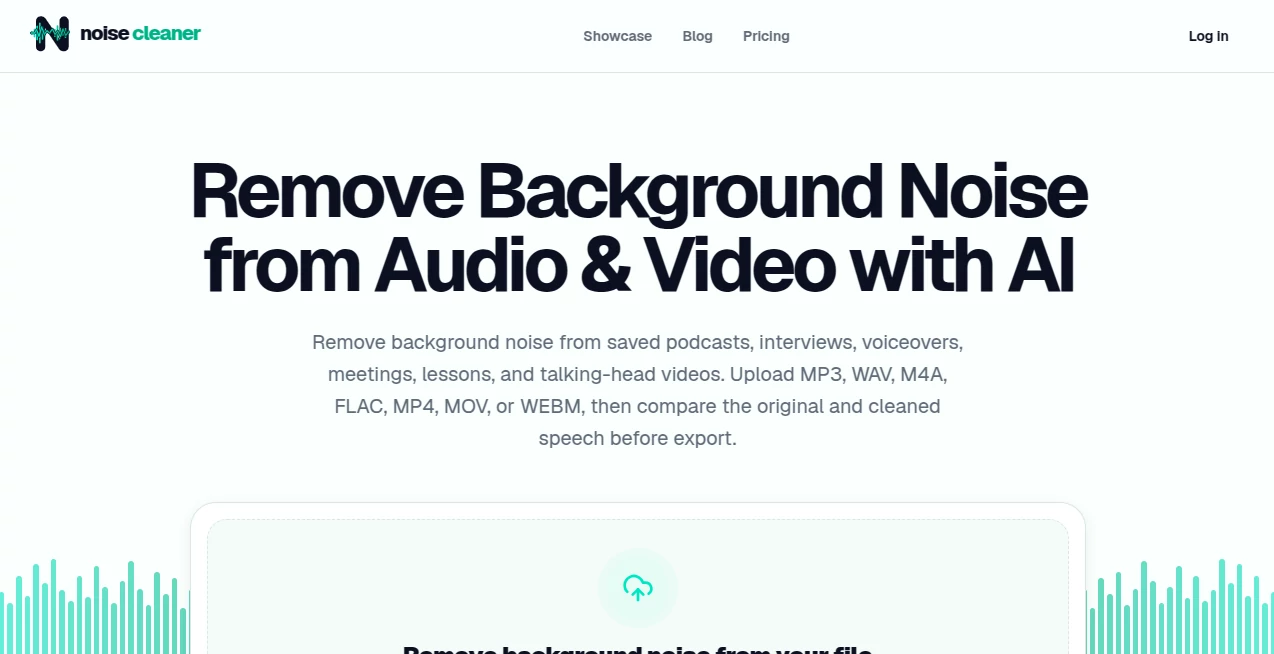
The interface focuses on getting a recording cleaned without unnecessary editing controls. Users can drag and drop an audio or video file into the uploader and begin the process from there. The before-and-after comparison is especially useful because it lets you judge the actual change instead of relying on an abstract quality score.
For someone cleaning a podcast before editing, for example, being able to listen to the same section before and after processing makes it much easier to decide whether the noise reduction has improved the recording or gone too far.
Accuracy & Performance
The AI cleanup is intended for recordings where the speech is already understandable and unwanted noise sits underneath it. Steady fan or equipment noise, microphone hiss, light room tone, and some wind or rain can often be reduced effectively.
There are sensible limitations. The service does not promise to reconstruct speech that has already been masked, clipped, or distorted. It also does not remove echo or separate overlapping speakers. This makes the comparison step important, particularly with quiet voices or recordings containing several people.
Capabilities
The tool handles both audio and video workflows. Audio users can upload MP3, WAV, M4A, or FLAC files, while video processing supports MP4, MOV, and WEBM. For compatible video files, the original video stream can be retained while the processed audio track replaces the original default audio.
This makes the workflow practical for creators who do not want to extract an audio track manually before cleaning a talking-head video or interview.
Security & Privacy
Privacy is built around bounded access and temporary storage. Media access uses signed links that expire after 15 minutes. Guest media expires after 24 hours, while paid or Processing Minutes-based results remain available for up to seven days. Users can also delete a project sooner.
These limits are useful for people working with recordings who would rather not leave uploaded media stored indefinitely.
Use Cases
Podcasters can use the service to reduce fan noise, microphone hiss, or room noise before moving into their normal editing and mastering workflow. Interviewers can clean recordings made in less-than-perfect environments, while creators can improve talking-head videos recorded indoors or outdoors.
It can also be useful for recorded meetings, online lessons, courses, presentations, voice memos, and voiceovers. A practical example would be a lesson recorded near a laptop fan: instead of trying to manually filter the noise with several editing controls, the recording can be processed and checked against the original.
Pros and Cons
- Pros: Simple workflow, audio and video support, useful before-and-after comparison, broad format compatibility, real guest preview, private temporary access, and flexible one-time or monthly processing options.
- Cons: It is designed for saved recordings rather than live calls or streams. It does not provide dedicated echo removal, speaker separation, clipping repair, or restoration of speech that is already heavily masked by noise.
Pricing Plans
The pricing model is based on Processing Minutes rather than forcing every user into a recurring subscription. One-time packages start at USD 3 for 200 minutes, and those minutes do not expire. Monthly plans start at USD 3 for 400 minutes per month, providing fresh processing time for users with ongoing cleanup needs.
The guest preview is also a useful way to evaluate the processing before paying for a larger amount of processing time.
How to Use Noise Cleaner
- Upload a supported audio or video recording.
- Allow the AI to process the background noise around the speech.
- Compare the original recording with the cleaned version using the same passage.
- Check important words, speaker transitions, breaths, and quiet sections.
- Download the processed file if the result improves the recording.
Comparison with Similar Tools
Many audio cleanup applications combine noise reduction with large editing suites, which can be helpful for professional post-production but unnecessary when the immediate goal is simply to make recorded speech cleaner. This service takes a more focused approach by concentrating on background noise reduction for saved speech recordings.
Its support for video files is another practical advantage. Instead of creating a separate audio-cleaning workflow, compatible MP4, MOV, and WEBM files can be processed while retaining the original video stream. The before-and-after comparison also encourages users to judge the actual recording rather than automatically accepting every AI-generated result.
Conclusion
For creators, educators, interviewers, podcasters, and anyone working with recorded speech, Noise Cleaner offers a straightforward way to deal with one of the most common recording problems: distracting background noise. Its focused workflow, support for both audio and video, practical file formats, and transparent limitations make it easy to understand what the service is designed to do.
The ability to hear a real processed preview before committing to a full export is particularly valuable. Rather than promising that every recording can be magically repaired, the service encourages users to compare the cleaned result with the original and keep it only when the speech remains natural. That approach makes it a practical addition to a modern audio or video editing workflow.
Frequently Asked Questions (FAQ)
What types of recordings can be cleaned?
The service is designed for saved recordings containing speech, including podcasts, interviews, voiceovers, voice memos, recorded meetings, lessons, courses, presentations, and talking-head videos.
What background noises can be reduced?
Steady fan and equipment noise, microphone hiss, light room tone, and some wind or rain may be reduced when the speech remains understandable.
Can it remove echo?
No. Echo and room reflections are not part of the advertised noise-removal workflow.
Can it separate two people speaking at the same time?
No. Overlapping voices remain together, so the service should not be considered a speaker-separation tool.
Can video files be processed?
Yes. Compatible MP4, MOV, and WEBM files can be processed while retaining the original video stream and replacing the processed default audio track.
Is there a free way to test the service?
Guests receive one real processed preview of up to 30 seconds, allowing them to evaluate the result before choosing a full export.
Do Processing Minutes expire?
One-time Processing Minutes do not expire. Monthly plans provide a fresh allocation each month.
Is it suitable for live calls?
No. The service is designed for saved recordings and does not function as a real-time microphone filter for live calls or streams.
AI Noise Cancellation , AI Audio Enhancer , AI Video Enhancer , AI Voice & Audio Editing .
These classifications represent its core capabilities and areas of application. For related tools, explore the linked categories above.
noise cleaner details
Website unavailable — View Alternatives
Pricing
- Freemium
Apps
- Web App
Categories

noise cleaner Alternatives Product

Krisp

sam tts

WonderShare …

AIMusicFlow

LatentSync

TonesMatch

Chatterbox T…

MaxArt AI

Seed Audio