

















Kane CLI
Verified Blue CheckMark
Verified Blue CheckMark products are featured above free or unverified listings.
This badge indicates authenticity and builds trust, giving your product higher visibility across the platform.
Upgrade to get verified
Verified Blue CheckMark products are featured above free or unverified listings. This badge indicates authenticity and builds trust, giving your product higher visibility across the platform.
Upgrade to get verified
What is Kane CLI?
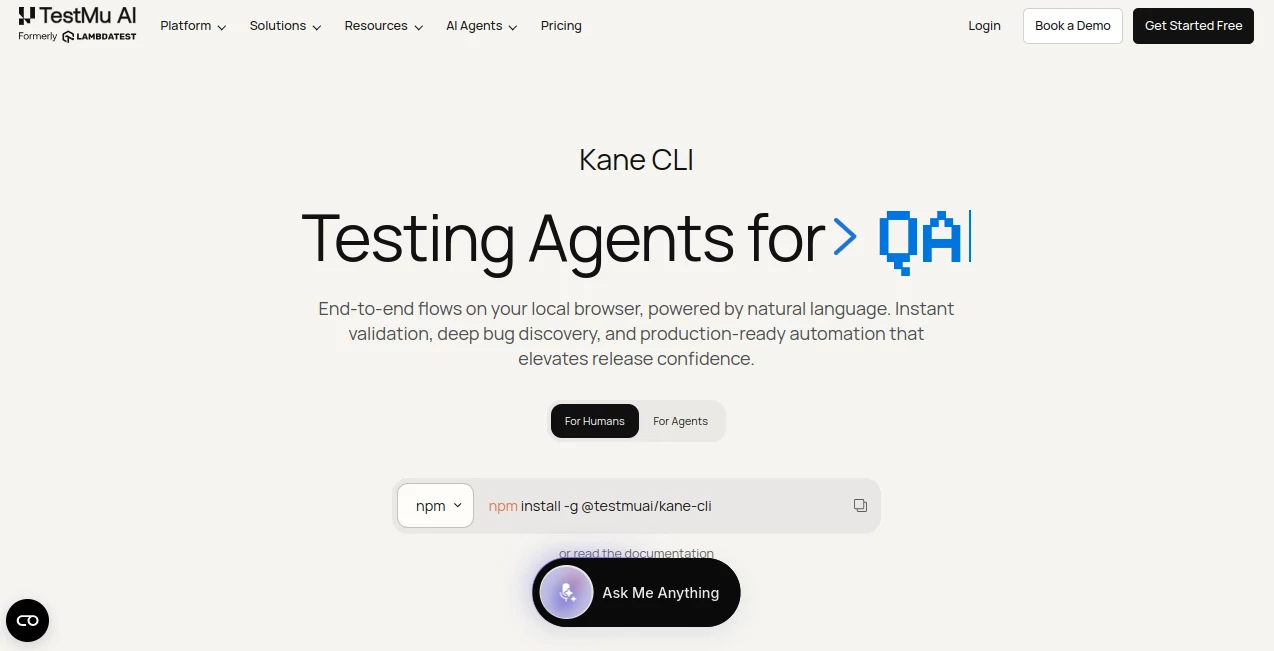
Anyone who's spent a weekend untangling brittle Selenium selectors or watching a Playwright suite go red because a button's class name changed knows the pain of traditional test automation. You write the script, the UI shifts slightly, and suddenly you're back in the code debugging something that has nothing to do with an actual bug. This terminal-native testing agent takes a different approach entirely: you describe what should happen in natural language, it drives a real Chrome browser to make it happen, checks every step along the way, and hands you back a pass or fail. No selectors. No custom scripting language to learn. Just intent, translated into action.
Key Features
User Interface
There isn't really a traditional interface here — and that's the point. Everything runs from your terminal via a simple npm install, which already tells you who this was built for. You can run flows in visible mode to watch exactly what's happening step by step while you're debugging, then flip to headless for CI pipelines without rewriting anything. Runs triggered from the command line also sync to a web dashboard, so if you do want the visual replay and step-by-step logs afterward, they're sitting there waiting.
Accuracy & Performance
This is where it actually differs from a scripted test runner. Instead of hunting for a CSS selector that breaks the moment a developer renames a div, it relies on auto-healing, smart waiting, and dynamic querying built directly into the engine. A checkout flow that used to take a developer significant time to script can run from a terminal command and return a pass or fail against a real browser. It works with an actual Chrome instance doing the clicking rather than a simulated DOM, helping the test reflect what a real user experiences.
Capabilities
Beyond the basics of clicking and typing, there's a genuinely useful "ask" mechanism that pauses execution and loops a human back in when something needs a one-time code or a CAPTCHA — instead of just failing silently and leaving you to guess what went wrong. It supports custom browser profiles and authenticated sessions, so flows that require being logged in don't need to re-authenticate every single run. Multi-environment testing is built in too: point the same flow at staging, then swap the URL and run it against production, no duplicate scripts required.
Bifurcation can branch one objective into parallel sub-flows, with each sub-flow running in its own browser. Resilient runs can push through up to 50 steps instead of failing at the first unexpected change. For teams that already have automated tests, two-way migration supports importing existing Playwright and Selenium scripts, not just exporting them.
For teams that want to keep one foot in traditional code, flows can also be exported as native Python Playwright scripts. Every run can provide a 7-day ShareLink with screenshots and a full step trace, making it easy to share test evidence in a pull request or Jira ticket. Standard POSIX exit codes also make it possible to integrate the CLI directly into GitHub Actions or Jenkins without additional glue code.
The terminal-first workflow also works well with AI coding agents such as Claude Code, Cursor, Codex, and Gemini. These agents can invoke Kane CLI as a shell command from the terminal, allowing an agent to author and verify a browser flow as part of its own workflow rather than treating testing as a separate manual step.
Security & Privacy
Secrets and variables can be parameterized into flows rather than hardcoded, which keeps credentials out of plain test files. Custom profiles allow reuse of existing authenticated sessions without re-entering sensitive login data on every run. For organizations with stricter compliance needs, there's an enterprise tier built around enterprise-grade security, privacy, and compliance requirements.
Use Cases
- Running a checkout or signup flow from the terminal right before opening a pull request, catching regressions before review
- QA engineers replacing fragile Playwright or Selenium scripts with natural-language flow descriptions
- AI coding agents that need a dependable way to drive and verify a browser as part of a larger automated task
- DevOps teams wiring browser-based checks into CI without maintaining a separate test codebase
- Validating the same flow across staging and production environments with a single URL change
- Importing existing Playwright and Selenium scripts while moving toward natural-language browser automation
- Sharing screenshots and full execution traces with developers through a temporary ShareLink
Pros and Cons
Pros:
- No selectors or custom DSL. Flows are written and read in natural language.
- Auto-healing and smart waiting cut down on the flaky-test problem that plagues most automation suites
- Works equally well for human testers and for AI coding agents invoking it from the terminal
- Native Python Playwright export gives technical teams an escape hatch into raw code when they want it
- Bifurcation branches one objective into parallel sub-flows, each in its own browser
- Resilient runs push through up to 50 steps instead of failing at the first surprise
- Two-way migration lets teams import existing Playwright and Selenium scripts, not just export them
- Every run returns a 7-day ShareLink with screenshots and a full step trace, ready to drop into a PR or Jira ticket
- Standard POSIX exit codes make it easy to integrate browser checks into GitHub Actions or Jenkins without glue code
Cons:
- Requires an account on the broader platform to sync runs and use cloud execution, so it's not a fully standalone CLI
- Credit-based pricing means heavy daily use can eat through the lower tiers faster than expected
- Best results currently center on Chrome-driven flows rather than a wide spread of browser engines
Pricing Plans
Kane CLI does not have its own price. It is included in KaneAI's credit plans, which are licensed per agent, per month. Signing up needs no credit card, and the free evaluation is enough to try Kane CLI end to end with local authoring.
- Starter — $19/agent/month ($17 billed annually). 2,000 credits, roughly 25 test creations of about 40 steps. Includes local authoring through Kane CLI and one Test Manager seat.
- Pro — $99/agent/month ($89 billed annually). 12,000 credits, roughly 150 test creations. Adds Cloud KaneAI Web authoring and 100 HyperExecute minutes a month.
- Max — $199/agent/month ($179 billed annually). 25,000 credits, roughly 313 test creations. Adds Cloud KaneAI Web and Mobile authoring.
- Enterprise — custom pricing for larger teams needing multiple seats plus enterprise-grade security, privacy and compliance support.
Annual billing saves about 10%.
There is no free KaneAI plan. Instead, users can sign up without a credit card and use the free evaluation to try Kane CLI end to end with local authoring. The three-month launch bonus credits previously associated with the product are not currently running. The live promotion is different: 10,000 Kane CLI credits are available free for a month, where applicable.
How to Use Kane CLI
- Install it globally via npm with a single command
- Sign up for an account without needing a credit card at signup
- Describe the flow you want tested in natural language — for example, logging in and verifying a billing page shows the right plan
- Run it in visible mode first to watch what happens, then switch to headless for CI
- Review pass/fail results in the terminal, or open the shareable evidence link for screenshots and a full step-by-step replay
- Use the same flow across staging and production by changing the target URL
Comparison with Similar Tools
Classic frameworks like Selenium, Cypress, or Playwright give you precision and full programmatic control, but that control comes at the cost of maintenance — every selector change can require updates to test code. This tool sits closer to the emerging category of natural-language browser agents, but with a distinct terminal-first identity that scripted record-and-playback tools don't have. Where many AI browser testing products live entirely in a web dashboard, this one is built to be summoned from a shell prompt or invoked directly by an AI coding agent, which makes it a natural fit for developers who already live in the terminal and don't want to leave it just to validate a flow.
It also bridges the gap between newer natural-language automation and existing test infrastructure through two-way migration. Teams can import existing Playwright and Selenium scripts, while flows can be exported as native Python Playwright code when deeper programmatic control is needed.
Conclusion
What stands out isn't just that it understands natural language — plenty of tools claim that now — it's that the whole experience is built around how developers actually work: quick checks before a PR, headless runs in CI, and a willingness to hand the keys to an AI agent when that's the workflow you're running. The terminal-first approach, auto-healing, resilient runs, bifurcation, two-way migration, ShareLinks, and CI-friendly POSIX exit codes make it more than a simple natural-language browser controller.
For teams tired of babysitting selector logic, or for anyone wiring AI coding agents into a real testing loop, this is a practical way to describe, execute, and verify browser workflows without maintaining every interaction as hand-written test code.
Frequently Asked Questions (FAQ)
Do I need to know a scripting framework to use it?
No. Flows are written and read in natural language describing the intended steps and outcome, with no selectors or custom syntax required.
Is it free to use?
Kane CLI does not have its own separate price. It is included in KaneAI's credit plans. There is no free KaneAI plan, but users can sign up without a credit card and use the free evaluation to run Kane CLI locally end to end.
Can AI coding agents use it directly?
Yes. It's built to be agent-native, with AI coding agents such as Claude Code, Cursor, Codex, and Gemini able to invoke Kane CLI from the terminal as a shell command to author and run browser flows as part of their own workflows.
What happens if a test needs a CAPTCHA or OTP?
A built-in ask mechanism pauses execution and brings a human back into the loop instead of failing the run outright when a one-time code, CAPTCHA, or other manual action is required.
Can I export flows into real code?
Yes. Flows can be exported as native Python Playwright scripts for teams that want to take manual control afterward.
Can I import existing Playwright or Selenium tests?
Yes. Two-way migration supports importing existing Playwright and Selenium scripts, in addition to exporting flows as native Python Playwright code.
Can I use the same flow across different environments?
Yes. You can use the same flow across environments such as staging and production by changing the target URL rather than maintaining duplicate flows.
What is a ShareLink?
Each run can provide a 7-day ShareLink containing screenshots and a full step trace, making it easy to share execution evidence with developers through a pull request or Jira ticket.