
TotalMedia
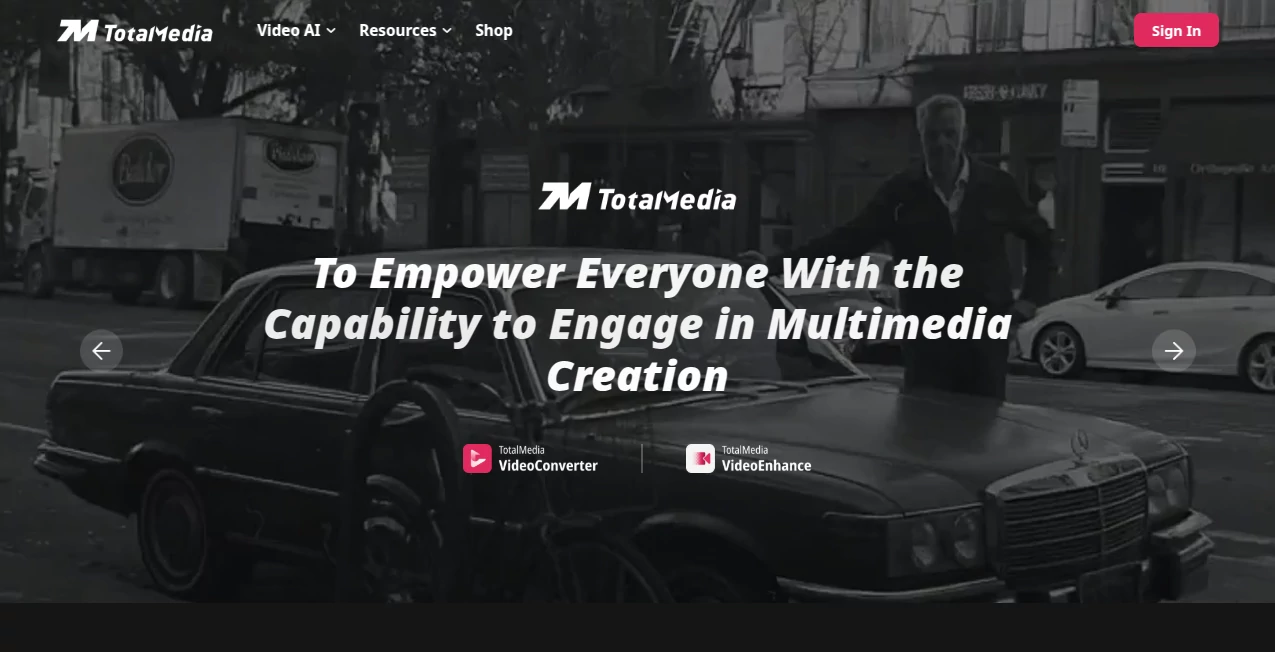
What is TotalMedia?
Creating high-quality video content often requires a combination of editing software, conversion tools, enhancement platforms, and workflow utilities. This all-in-one multimedia solution simplifies that process by bringing powerful AI-driven video technologies into a single ecosystem. Whether you need to convert video formats, improve visual quality, compress large files, or upscale old footage, the platform provides a streamlined experience designed for both beginners and professionals.
What makes this solution particularly appealing is its balance between advanced technology and ease of use. Content creators, marketers, educators, and businesses can enhance and prepare videos for multiple platforms without spending hours learning complex software. With support for a vast range of video formats and AI-powered enhancement features, it delivers practical value for everyday media production.
Key Features
User Interface
The platform features a clean and intuitive interface that focuses on efficiency. Users can upload media, select enhancement or conversion settings, and start processing with only a few clicks. Navigation is straightforward, making it accessible even for individuals with little technical experience.
Batch processing tools are thoughtfully integrated, allowing users to manage multiple files simultaneously. This approach significantly reduces repetitive tasks and helps maintain a smooth workflow when handling large content libraries.
Accuracy & Performance
AI models are used to improve video quality through intelligent analysis of every frame. The system can automatically optimize sharpness, color balance, brightness, and overall visual clarity. Instead of applying generic filters, the technology adapts enhancements based on the content itself.
Performance is another strong point. Advanced processing technologies help accelerate conversions, compression tasks, and video enhancement projects, making the platform suitable for creators who work under tight deadlines.
Capabilities
- AI-powered video enhancement and restoration.
- Super-resolution upscaling for higher-quality output.
- Frame interpolation for smoother motion.
- Video conversion across more than a thousand formats.
- Smart compression for reducing file sizes while preserving quality.
- Cloud-based processing accessible from various devices.
- Batch processing for handling multiple videos at once.
- Support for professional and consumer video workflows.
These capabilities make it useful for everything from restoring family memories to preparing commercial marketing content.
Security & Privacy
Security is an important consideration when uploading media files online. The platform employs secure payment processing and professional infrastructure to protect user transactions and account information. For businesses and professional creators, this adds confidence when managing valuable media assets.
Regular updates and ongoing improvements further demonstrate a commitment to maintaining a reliable environment for users worldwide.
Use Cases
- Enhancing old family videos and archived footage.
- Upscaling low-resolution content for modern displays.
- Converting videos into formats compatible with different devices and platforms.
- Compressing large files before sharing with clients or team members.
- Improving travel videos, social media clips, and YouTube content.
- Preparing marketing videos for multi-platform distribution.
- Increasing frame rates for smoother sports, gaming, and action footage.
- Managing large-scale video libraries through batch processing.
Pros and Cons
Pros
- Easy-to-use interface suitable for all skill levels.
- Comprehensive collection of AI video tools.
- Supports a very large number of video formats.
- Strong enhancement and upscaling capabilities.
- Cloud accessibility with minimal hardware requirements.
- Efficient batch processing features.
- Free trial available for testing results.
Cons
- Some advanced processing tasks may require premium plans.
- Upload times depend on internet connection speed.
- Professional users may need additional specialized editing software for complex creative projects.
Pricing Plans
The platform offers multiple pricing options designed to accommodate different types of users. Free trial access allows users to test core capabilities before committing to a paid plan. Subscription plans provide ongoing access to AI-powered features, while lifetime licensing options are available for certain desktop products. This flexibility makes the platform attractive for casual creators as well as professional media teams.
How to Use TotalMedia
Getting started is straightforward:
- Create an account or start with the available trial.
- Upload the video you want to process.
- Select the desired tool such as enhancement, conversion, compression, or upscaling.
- Adjust settings if customization is needed.
- Start processing and allow the AI engine to complete the task.
- Preview the results and export the finished video.
Most users can complete their first project within minutes, making the learning curve remarkably short.
Comparison with Similar Tools
Many video processing platforms focus on a single function, such as editing, conversion, or enhancement. This solution stands out by combining multiple capabilities into one unified environment. Instead of switching between separate applications, users can handle format conversion, quality improvement, compression, and optimization from a single dashboard.
Compared with traditional video converters, the inclusion of AI-powered enhancement technologies provides a substantial advantage. Compared with dedicated enhancement software, the broad format support and workflow features add significant practical value for everyday content production.
Conclusion
This platform delivers a well-rounded multimedia toolkit that combines convenience, speed, and intelligent automation. Its AI-driven enhancement capabilities can breathe new life into aging footage, while powerful conversion and compression tools simplify modern content workflows.
Whether you are a creator looking to improve video quality, a marketer distributing content across multiple channels, or a business managing large media libraries, the platform offers a compelling blend of accessibility and performance. The combination of user-friendly design and advanced technology makes it a strong choice in the growing AI video software landscape.
Frequently Asked Questions (FAQ)
What is this platform primarily used for?
It is designed for video enhancement, format conversion, compression, upscaling, and overall multimedia workflow optimization.
Can beginners use it effectively?
Yes. The interface is simple and intuitive, making it suitable for users with little or no technical background.
Does it support high-resolution video output?
Yes. AI-powered super-resolution technology can upscale content to higher resolutions, including 4K and beyond.
Is batch processing available?
Yes. Multiple videos can be processed simultaneously, improving efficiency for larger projects.
Is there a free trial?
Yes. Users can test features and review results before purchasing a subscription or license.
AI Video Generator , AI Video Editor , AI Video Enhancer , AI Productivity Tools .
These classifications represent its core capabilities and areas of application. For related tools, explore the linked categories above.

TotalMedia Alternatives Product

Brainrotshor…

Chrome Sidek…

YouMind

AI Fruit

AiZolo

Flitz AI

Motion Contr…

JSON to Video

MiniMax H3