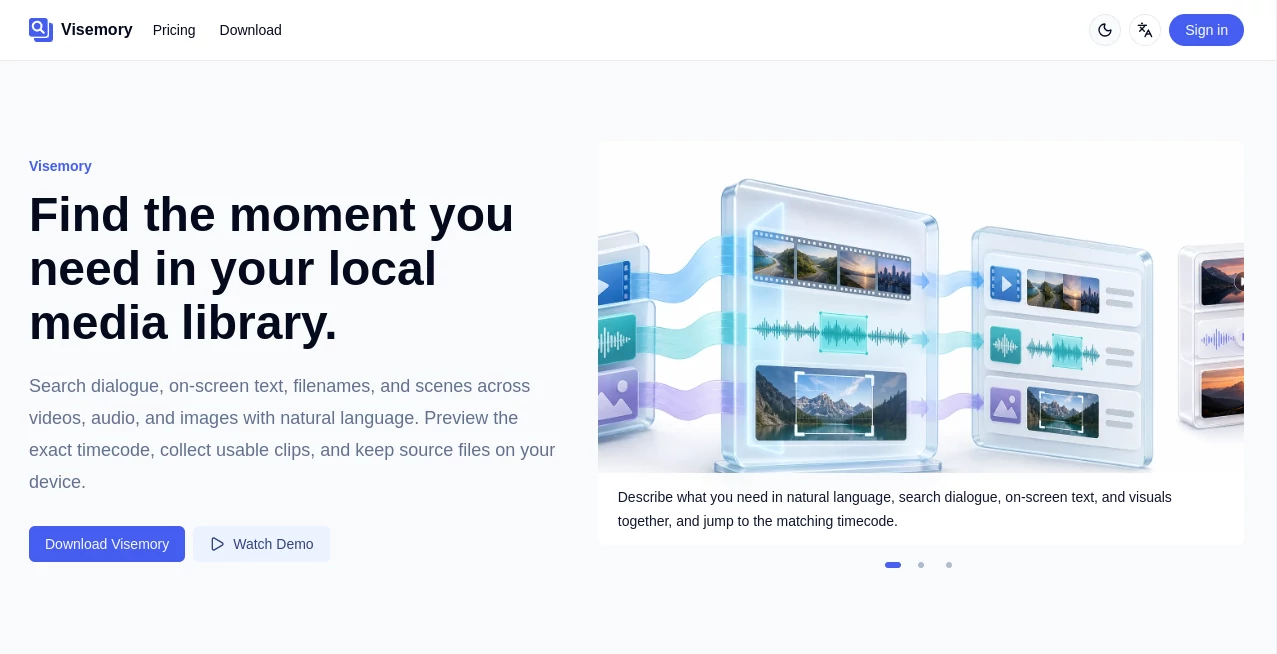
Import your local folders and make every video, audio file, and image findable with a single search.
Local Media Library
Import multiple local folders and scan videos, audio, and images as media sources, with automatic detection of files that move, change, or go missing. Visemory only references your local files and never copies the originals.
Dialogue Search
Generate searchable dialogue and timecodes automatically, then jump straight to one line inside a long recording. When your media already includes valid subtitles, Visemory uses them first.
On-Screen Text Search
Recognize the text that appears on screen, such as slides, screen recordings, and text shown within a scene, so both what was said and what was shown can be searched.
Visual Search
Describe a scene, an object, a color, or a person in natural language to bring back the moments that were never spoken and exist only in the visuals.
Cross-Language Search
Describe a moment in English and find a line delivered in another language, or search in whichever language comes to mind.
Timecode Navigation and Preview
Every result shows why it matched, the supporting frame, and its timecode. Jump to it, preview the surrounding context, and only then take the clip into your edit.
Clip Baskets and Media Package Export
Collect matches into separate clip baskets, fine-tune the export start and end points, and export a media package that contains the media files and a clip manifest.
Local by Default
Local processing never uploads your media, file paths, dialogue, on-screen text, or search terms. If you need cloud transcription, Visemory first shows the processing scope and estimated Credit cost, then uploads only the audio tracks of the media you confirmed.
Cloud Transcription
Choose local or cloud processing for transcription across the app. Cloud transcription is billed by audio duration, and cloud copies are kept only briefly before they are deleted.