
W-Agent
What is W-Agent?
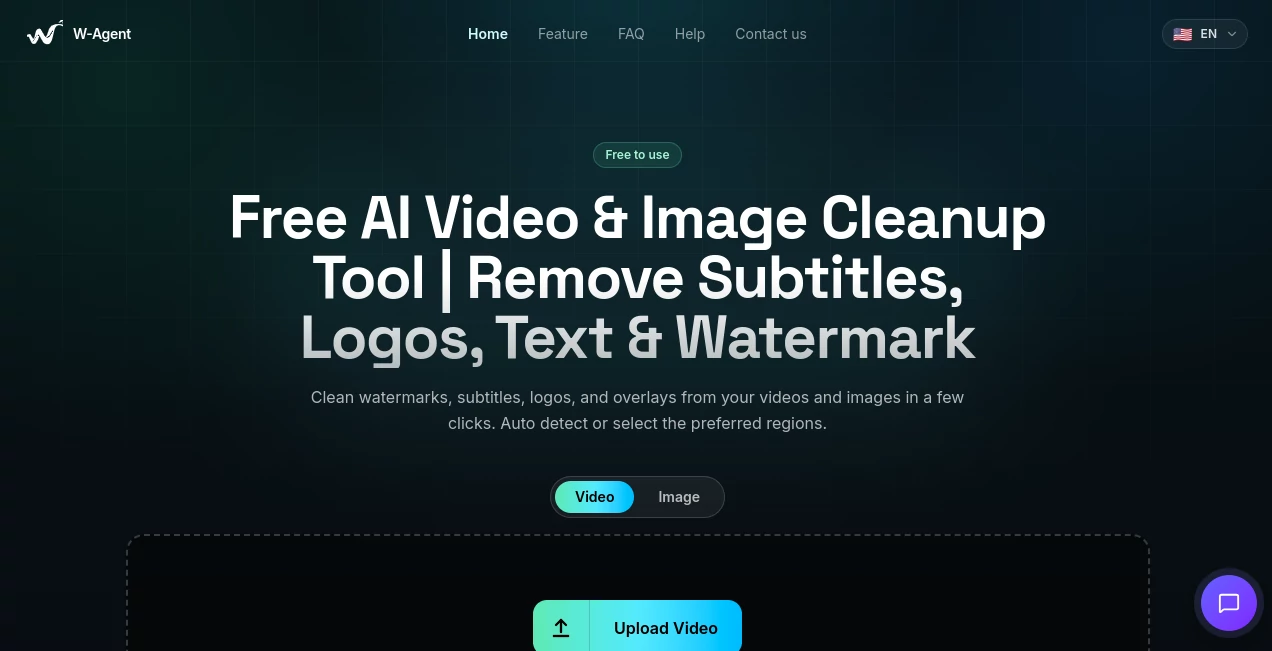
W-Agent is a free AI-powered cleanup tool designed to make unwanted elements disappear from videos and images without requiring complicated editing software. It can remove visible watermarks, subtitles, logos, text, stickers, and other overlays while keeping the surrounding content looking as natural as possible.
The idea is refreshingly simple: upload a file, tell the system what needs to be cleaned, and download the result. There is no software installation or plugin setup involved, making it useful for creators, editors, marketers, and anyone who occasionally needs to fix visual content quickly.
For example, imagine you have a short video with an unwanted piece of text covering part of the scene. Instead of opening a professional editor and spending several minutes building masks manually, you can upload the clip and let the AI handle the cleanup. When more control is needed, manual selection tools are available as well.
Key Features
- AI-powered removal of watermarks, subtitles, logos, text, and other visual overlays.
- Support for both video and image cleanup.
- Automatic detection for a faster editing workflow.
- Bounding box and brush masks for precise manual selection.
- Time-range masking for controlling when an unwanted element should be removed from a video.
- Browser-based processing with no software installation.
- Support for common video formats including MP4, MOV, WEBM, MKV, and AVI.
- Support for image formats such as JPG, JPEG, PNG, and WebP.
- Free access without subscriptions or hidden fees.
User Interface
The interface is built around the task rather than unnecessary editing controls. Users can choose between video and image processing, upload their file, and select the area that needs attention.
For simple jobs, automatic detection keeps the process quick. When an overlay is harder to identify, users can define the affected region with a box or brush. This combination makes the tool approachable for beginners while still giving more experienced users useful control over the cleanup process.
Accuracy & Performance
The system uses AI-assisted inpainting to reconstruct areas after unwanted elements have been removed. According to the product information, the process is designed to preserve edges, colors, motion, and overall visual quality as much as possible.
Results will naturally depend on the original footage, the size and position of the object being removed, and how complicated the background is. A small subtitle over a relatively simple background can be easier to reconstruct than a large overlay covering a detailed moving scene.
Video uploads can be up to two minutes long, with a maximum resolution of 2560x2560, up to 60 FPS, and a maximum file size of 500MB. These limits make the service particularly practical for short clips and everyday cleanup tasks.
Capabilities
The main strength is its flexibility. Automatic processing can identify common visual overlays such as subtitles, logos, watermarks, and text, while manual masks allow users to point the system toward a specific area.
Video editing also gets an extra layer of control through time-range masking. This means a mask can be applied only during a particular part of a video rather than affecting the entire clip. That is especially useful when an unwanted element appears temporarily.
The same workflow can be used for images, making the service more than a single-purpose video utility. A creator working with screenshots, photographs, short social clips, or promotional material can use the same cleanup approach across different types of media.
Security & Privacy
Privacy is an important consideration whenever personal or unpublished media is uploaded to an online editing service. The platform states that uploaded files are processed securely and automatically deleted after processing is completed.
Users should still make sure they have the appropriate rights or permission to edit the media they upload. The service itself places responsibility on users to comply with copyright and privacy laws, which is particularly important when removing identifying or ownership-related elements from visual content.
Use Cases
There are many practical situations where a lightweight cleanup service can save time.
- Content creators: Clean up authorized videos before publishing them on social media or other platforms.
- Video editors: Remove distracting overlays without opening a full desktop editing application.
- Marketing teams: Prepare cleaner promotional visuals when unwanted text or elements appear in source material.
- Social media managers: Polish short-form content before repurposing it for different channels.
- Photographers: Remove distracting text, logos, or unwanted visual elements from images.
- Researchers and educators: Clean up authorized screenshots and recordings used in presentations or teaching materials.
- Everyday users: Quickly fix a photo or short video without learning professional editing software.
Pros and Cons
- Pros: Free to use, supports both images and videos, automatic detection, manual masking options, time-based video masks, multiple file formats, and no installation required.
- Cons: Video processing is currently limited to two-minute clips, and the quality of reconstruction can vary depending on the complexity of the background and the area being removed.
Pricing Plans
One of the most appealing aspects is the pricing: the service is presented as free to use, with no subscriptions or hidden fees required. This makes it easy to test the cleanup workflow without committing to a paid plan or purchasing credits first.
For users who only occasionally need to remove an unwanted visual element, that can be a significant advantage. It also lowers the barrier for creators who need a quick fix rather than a complete professional editing suite.
How to Use It
Getting started takes only a few steps.
- 1. Upload your file: Choose a video or image and upload it through the browser interface.
- 2. Select the cleanup method: Use automatic detection for a quick workflow, or define the area manually with a bounding box or brush.
- 3. Process the media: Let the AI detect the unwanted element and reconstruct the selected area.
- 4. Review the result: Check whether the removed area blends naturally with its surroundings.
- 5. Download the result: Save the cleaned video or image when the processing is complete.
For video projects where an unwanted element appears only at certain moments, using a time-specific mask can provide better control than applying the same mask to the entire clip.
Comparison with Similar Tools
Many online cleanup tools focus on a single task, such as removing watermarks from images or processing a particular type of video. This service takes a broader approach by combining image and video cleanup in the same browser-based workflow.
Another useful distinction is the balance between automation and manual control. Automatic detection is convenient for straightforward jobs, while box and brush masks provide a way to guide the process when the AI needs more precise instructions.
Compared with traditional desktop editors, the biggest advantage is simplicity. There is no timeline to learn, no complicated masking interface, and no installation process. For quick cleanup jobs, that streamlined approach can be considerably more convenient.
Conclusion
For anyone who regularly encounters unwanted text, subtitles, logos, watermarks, or other overlays in authorized visual content, this tool offers a remarkably straightforward way to clean things up. Its combination of automatic detection, manual masking, image support, and video-specific controls makes it useful for both quick personal edits and everyday creator workflows.
The free pricing model is another strong point. Instead of turning a simple cleanup task into a larger editing project, users can upload their media, make the necessary selections, process the file, and move on with their work.
It is not intended to replace a complete professional video editor, but that is also not really the point. Its strength lies in handling one specific problem efficiently: getting unwanted visual elements out of images and short videos with as little friction as possible.
Frequently Asked Questions (FAQ)
What can the tool remove?
It can remove visible watermarks, subtitles, logos, text, stickers, and other unwanted overlays from supported images and videos.
Can I remove an element from only part of a video?
Yes. Video masking can be limited to specific time ranges, giving users more precise control over when an element should be removed.
Does it support image cleanup?
Yes. The service supports image cleanup as well as video processing, with common formats such as JPG, JPEG, PNG, and WebP.
Is the service free?
Yes. The service is presented as free to use and does not require a subscription or hidden fees.
What video formats are supported?
Supported formats include MP4, MOV, WEBM, MKV, and AVI. The service accepts videos up to two minutes long, with a maximum file size of 500MB.
Do I need to install software?
No. The cleanup workflow runs through the browser, so there is no plugin or desktop application that needs to be installed.
Are uploaded files stored permanently?
The service states that uploaded files are processed securely and automatically deleted after processing is completed.
Will the original quality be preserved?
The AI-assisted reconstruction is designed to preserve resolution, colors, edges, and motion as much as possible. Actual results can vary depending on the source material and the complexity of the area being removed.
Is it legal to remove a watermark or logo?
Users should only edit content they own or have permission to modify. Removing ownership or copyright information from someone else's content without authorization may violate applicable laws or the rights of the content owner.
Photo & Image Editor , AI Video Editor .
These classifications represent its core capabilities and areas of application. For related tools, explore the linked categories above.

W-Agent Alternatives Product

ImageKontext…

Image Text E…

RemoveVideoBG

VideoDubber

GPT Image 2

GPT Imagine

Sora Waterma…

Brainrotshor…

AI Clothes