

















Zalcro
What is Zalcro?
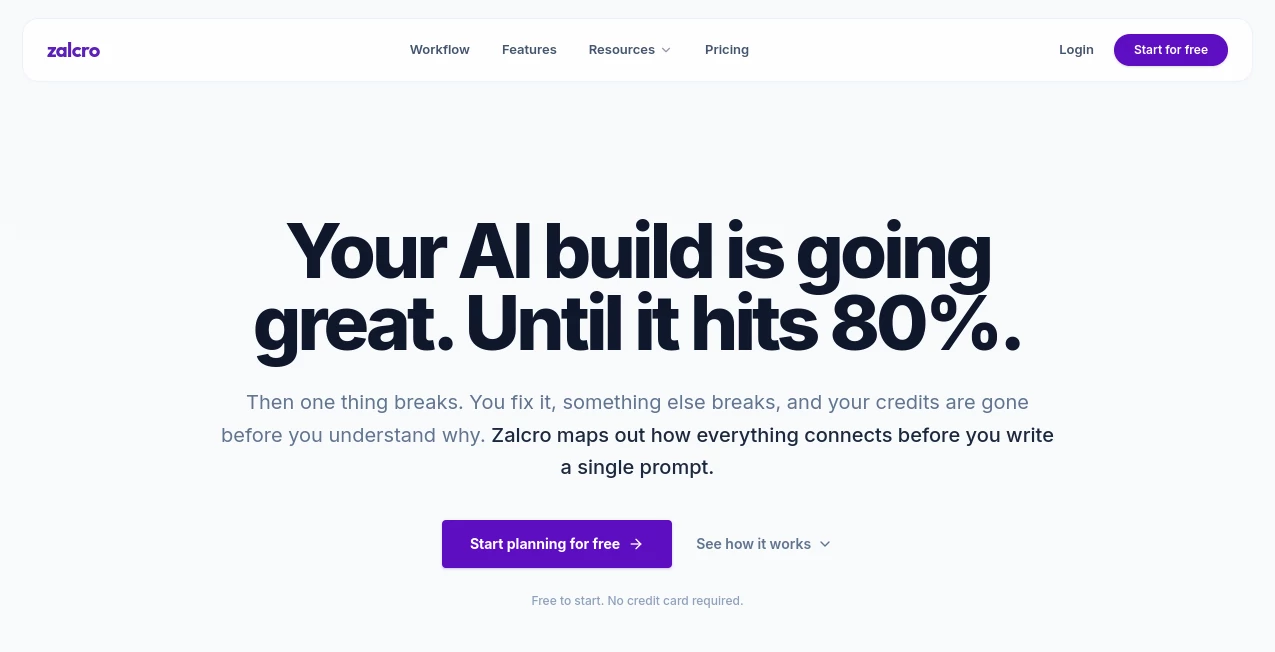
Find, Submit & Explore AI Solutions with a smarter approach to AI-assisted software development. Zalcro helps users turn software ideas into structured architecture, implementation plans, prompts, and development tickets before writing code. By organizing the technical foundation first, it gives developers and non-technical builders a clearer path from concept to a working product.
Introduction
Building an application with AI coding tools can feel surprisingly easy at the beginning. The real challenge often appears later, when features conflict, the architecture becomes difficult to maintain, or an AI-generated implementation loses track of the original idea. Zalcro addresses this planning gap by acting as an AI tech lead before the coding process begins.
The platform guides users through their project requirements, helps map system architecture, and prepares practical development instructions. Whether you are experimenting with a new SaaS concept, creating an internal business application, or working on a personal project, having a structured plan can make the next steps more manageable.
Its approach is particularly relevant for people using modern AI development environments. Instead of repeatedly explaining the same project context to different coding assistants, users can prepare organized artifacts that support a more consistent workflow.
Key Features
User Interface
The platform is designed around a guided planning experience rather than a traditional code editor. Users describe what they want to build and work through focused questions about their project, users, requirements, and technical decisions.
This conversational approach can be useful for founders and early-stage builders who have a clear product idea but need help turning it into a more detailed technical direction. The workflow encourages users to think about connections between components before implementation starts.
Accuracy & Performance
A well-organized architecture plan can reduce misunderstandings between a developer and an AI coding assistant. The platform focuses on creating connected planning materials, including implementation phases, prompts, and dependency-aware tickets.
These outputs are intended to provide better context for development work, although the quality of the resulting architecture and generated instructions still depends on the project requirements and the user's review. Teams should validate technical decisions before using them in production.
Capabilities
- Generate a structured architecture design document for software projects.
- Map system architecture and visualize relationships between components.
- Create implementation plans organized into development phases.
- Prepare paste-ready prompt packs for AI coding platforms such as Lovable, Bolt, and Replit.
- Generate dependency-aware tickets for organizing development tasks.
- Support workflows for agentic development environments, including Cursor, Claude Code, and Codex.
- Connect planning outputs with project management tools such as Jira, Linear, and ClickUp.
- Export selected planning documents and diagrams in formats such as Markdown, PDF, DOCX, image, and Draw.io.
One practical advantage is the connection between planning and execution. Rather than receiving a single generic response, users can work with different artifacts that support the stages of building an application.
Security & Privacy
When working on a software project, users may enter information about product ideas, business processes, architecture, and technical requirements. This makes it important to understand how project information is stored, processed, and protected.
Before sharing confidential business plans, proprietary code, or sensitive customer information, users should review the platform's current privacy policy, security documentation, and applicable service terms. The availability of a planning workflow does not by itself guarantee that every project is suitable for uploading confidential information.
Use Cases
AI-Assisted App Development: Builders using platforms such as Lovable, Bolt, or Replit can use structured prompts and implementation phases to organize their work before asking an AI tool to generate application components.
Technical Planning for Startups: Early-stage founders can use the guided planning process to explore the architecture behind a product idea. This can help reveal missing requirements and encourage more deliberate decisions before development begins.
Agentic Coding Workflows: Developers working with Cursor, Claude Code, or Codex can benefit from a project plan that provides additional context for AI agents. Dependency-aware tickets may also help break larger projects into smaller tasks.
Project Management: Teams that already use Jira, Linear, or ClickUp can explore a workflow that connects software planning with task organization. This may be useful when a project contains several interconnected features and development stages.
Learning Software Architecture: Developers who are still improving their planning skills can use the question-driven process to think about users, system components, and dependencies before implementation. It can serve as a starting point for discussion rather than a replacement for engineering judgment.
Pros and Cons
Pros
- Focuses on planning before AI-assisted coding begins.
- Combines architecture, prompts, implementation plans, and tickets in one workflow.
- Supports both vibe-coding and agentic development approaches.
- Can help users identify project requirements and component relationships.
- Offers a free starting tier for exploring the service.
- Provides outputs designed for several popular development and project management tools.
Cons
- The usefulness of generated plans depends on the quality and completeness of the user's project description.
- Complex software projects still require experienced technical review.
- Users should verify architecture decisions before applying them to production systems.
- Current paid-plan pricing and feature limits should be confirmed directly before purchasing.
- Teams handling sensitive information should carefully review applicable privacy and security documentation.
Pricing Plans
The platform offers a Starter tier that allows users to begin exploring its planning workflow without an upfront subscription commitment. The Builder subscription is intended for users who need access to more extensive implementation plans, prompts, tickets, and additional capabilities.
The exact current Builder price and usage limits should be checked on the official pricing page, as subscription details may change. Users evaluating the service should compare the available allowances with their project size and expected development frequency.
For someone working on a small prototype, starting with the available entry-level access can be a practical way to understand the workflow. Teams planning larger applications should review the paid features and confirm whether the available outputs fit their development process.
How to Use the Tool
- Step 1: Create an account. Start by signing up and exploring the available entry-level access.
- Step 2: Choose your development workflow. Select the approach that matches your needs, such as a vibe-coding platform or an agentic coding environment.
- Step 3: Describe your software idea. Explain what you want to build, who will use it, and the main features you have in mind.
- Step 4: Answer the planning questions. Provide information about users, requirements, budget, and relationships between different parts of the application.
- Step 5: Review the architecture. Examine the generated system structure and identify any missing components or decisions that need clarification.
- Step 6: Generate development artifacts. Use the available planning workflow to create implementation phases, prompt packs, or development tickets.
- Step 7: Begin implementation. Transfer the relevant prompts or tasks to your chosen development tools, reviewing the results as the project progresses.
For a better result, avoid describing a project with only a short sentence such as "Build me a marketplace." Include the target users, important features, authentication requirements, data relationships, and any technical limitations you already know. More precise project context can make the planning process more useful.
Comparison with Similar Tools
Several AI development tools focus on generating code or building applications directly from natural-language instructions. This platform takes a different approach by emphasizing planning and technical structure before the coding stage.
AI application builders such as Lovable, Bolt, and Replit are commonly used to turn ideas into working software through AI-assisted development. The planning workflow described here is designed to prepare architecture and implementation instructions that can support work in those environments.
Agentic development tools such as Cursor, Claude Code, and Codex are designed to assist with coding tasks and software changes. A structured architecture plan and dependency-aware task list can provide additional context when using these tools, but developers should still assess the quality and compatibility of generated instructions.
The main distinction is the stage of the development process. Users looking for direct code generation may prefer an AI coding platform, while those who want to organize requirements and technical decisions before implementation may find a dedicated planning layer more relevant.
Conclusion
Planning is often the part of software development that receives the least attention when AI makes coding feel faster. Zalcro offers a focused way to address that challenge by bringing architecture, implementation planning, prompt creation, and task organization into a connected workflow.
Its approach can be helpful for founders, developers, product managers, and technical teams who want to bring more structure to AI-assisted development. The value of the platform ultimately depends on how well its generated plans fit the project and how carefully users review the technical decisions.
For anyone exploring a new application idea or trying to improve an AI-based coding workflow, this is a tool worth investigating as part of the planning stage. Starting with a small project can help users understand its capabilities before applying the process to more complex development work.
Frequently Asked Questions (FAQ)
What is this AI planning platform used for?
It is designed to help users plan software projects before coding. It can generate architecture documents, diagrams, implementation plans, prompt packs, and development tickets.
Does it generate application code directly?
Its primary focus is pre-coding planning and development instructions rather than functioning as a traditional code editor. The resulting artifacts can be used alongside AI coding and agentic development tools.
Can beginners use the platform?
Yes. The guided questions and structured planning approach can be useful for beginners who have a software idea but need help organizing its technical requirements. However, complex architectural decisions may still require guidance from an experienced developer.
Which AI coding tools does it support?
The documented workflow includes tools such as Lovable, Bolt, Replit, Cursor, Claude Code, and Codex. Available integrations and capabilities should be confirmed as the service evolves.
Is there a free plan?
A Starter tier is available for beginning users. The Builder subscription provides access to additional planning and development capabilities. Check the current official pricing information for the latest limits and terms.
Can the generated plans be used in team development?
They can support team planning by organizing architecture, implementation stages, and development tickets. Teams should review and adapt the outputs to match their own engineering standards and project requirements.
Should I share confidential project information?
Before entering sensitive business or technical information, review the service's current privacy and security documentation. Avoid sharing confidential data until you understand how it is handled and whether the platform meets your requirements.
Who can benefit most from this type of tool?
Non-technical founders, vibe coders, developers, product managers, technical leads, and solutions architects may find a structured pre-coding planning workflow useful for organizing software projects.