BlurData
What is BlurData?
Protecting private information before sharing screenshots or documents is often more difficult than it should be. Whether you're preparing customer support conversations, financial records, legal paperwork, medical documents, or development screenshots, manually hiding every sensitive detail is time-consuming and easy to get wrong.
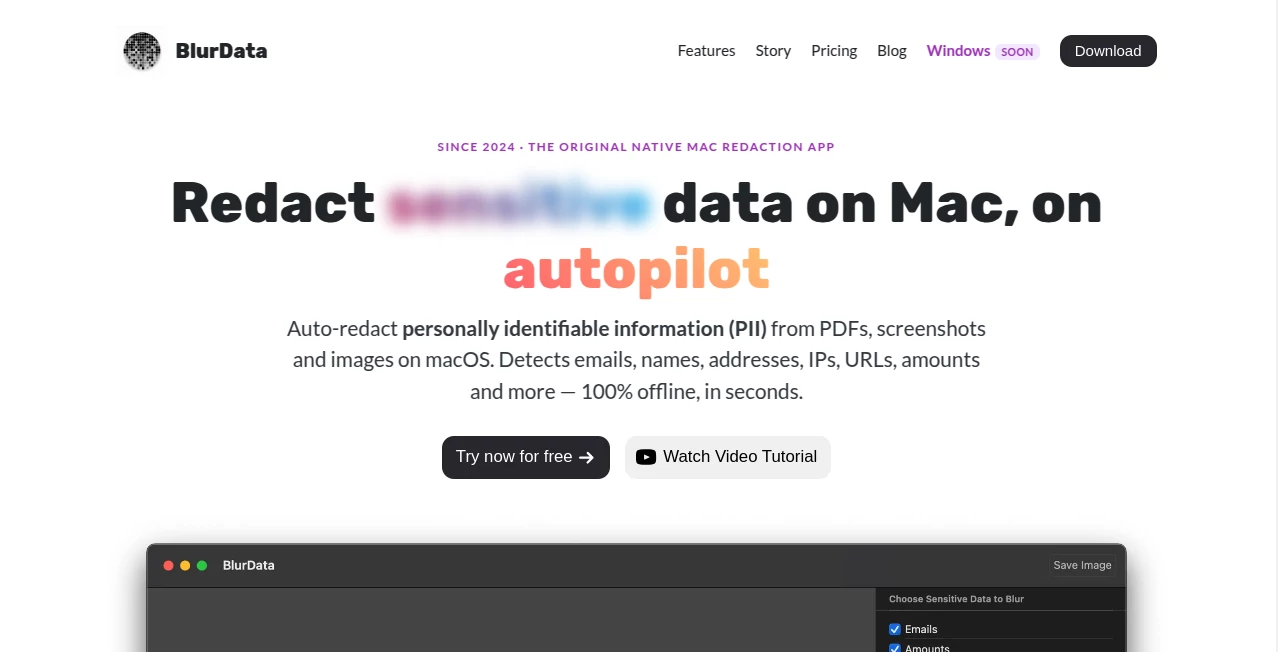
This privacy-focused solution simplifies the entire process by automatically detecting personally identifiable information and permanently redacting it from screenshots, images, and PDF files. Instead of spending valuable time searching for names, email addresses, account numbers, or IP addresses one by one, users can simply drag and drop their files and let the software handle the work within seconds.
Designed specifically for macOS, the application performs every operation locally on the device without uploading files to external servers. This approach offers both impressive speed and complete peace of mind, making it an excellent choice for professionals who regularly work with confidential information.
Its combination of automation, offline processing, and support for multiple document formats makes it a valuable addition to the workflow of developers, consultants, designers, legal professionals, healthcare teams, journalists, and anyone who values digital privacy.
Key Features
User Interface
The interface is refreshingly minimal and practical. Files can be imported with simple drag-and-drop actions, while detected sensitive information is highlighted automatically for review before export. Even users with no technical experience can begin redacting documents almost immediately without reading lengthy documentation.
Accuracy & Performance
The software automatically recognizes multiple types of sensitive information, including names, email addresses, physical addresses, IP addresses, URLs, monetary values, account numbers, and license plates. Custom regular expressions allow organizations to detect internal identifiers, API keys, ticket numbers, or virtually any confidential text pattern unique to their business.
Processing happens in seconds, even when working with large PDFs or batches of screenshots, making repetitive privacy tasks significantly faster than manual editing.
Capabilities
- Automatic detection of multiple PII categories.
- Support for screenshots, images, and PDF documents.
- Batch processing for multiple files or folders.
- Permanent redaction that removes sensitive text from exported documents.
- Custom regex rules for organization-specific information.
- Multi-language OCR support for numerous international languages.
- Export cleaned images and PDF files with confidential information removed.
Security & Privacy
Privacy is clearly the strongest advantage. Every detection, analysis, and export operation is performed entirely on the user's Mac without requiring cloud uploads or internet connectivity. Because files never leave the device, organizations with strict compliance requirements can confidently process confidential documents while maintaining greater control over sensitive information.
Use Cases
- Removing customer information before publishing support screenshots.
- Sharing financial documents while hiding account numbers and personal data.
- Preparing legal documents for clients or public distribution.
- Protecting patient information during medical collaboration.
- Cleaning software bug reports before sending them to vendors.
- Publishing tutorials without exposing confidential credentials.
- Redacting employee information from internal documentation.
Pros and Cons
- Pros
- Works entirely offline.
- Fast automatic detection of sensitive information.
- Supports both PDFs and image files.
- Batch processing improves productivity.
- Custom detection rules offer excellent flexibility.
- Simple interface with almost no learning curve.
- Cons
- Currently designed specifically for macOS.
- Advanced customization may not be necessary for occasional users.
Pricing Plans
A free trial allows users to evaluate the software before purchasing. Paid plans include an affordable yearly subscription as well as a lifetime license for users who prefer a one-time payment. Both options provide access to the complete feature set, ongoing updates, and customer support.
How to Use BlurData
Install the application on a compatible Mac and open it. Drag screenshots, images, or PDF documents into the workspace. The software automatically scans each file, highlights sensitive information, and allows users to verify the detected areas. After confirmation, export the cleaned documents with confidential information permanently removed. For organizations processing large volumes of files, batch mode makes the workflow even more efficient.
Comparison with Similar Tools
Many traditional editing tools require users to manually search for every piece of confidential information before covering it individually. This solution takes a much more intelligent approach by identifying sensitive data automatically and performing the redaction process within seconds. Combined with complete offline processing, PDF support, batch operations, and customizable detection rules, it offers a more efficient workflow for professionals who handle private information every day.
Conclusion
Privacy protection should never become a bottleneck in daily work. This macOS application transforms what is normally a repetitive manual task into a fast, automated workflow that respects user privacy at every step. Its combination of offline processing, intelligent detection, permanent redaction, and support for both documents and images makes it an outstanding choice for anyone who regularly shares files containing sensitive information. For professionals seeking speed without compromising security, it delivers an excellent balance of convenience and reliability.
Frequently Asked Questions (FAQ)
Can it process PDF files?
Yes. Both PDF documents and common image formats are fully supported.
Does it upload my files to the cloud?
No. All processing is performed locally on the Mac, keeping files on the user's device.
Can it detect more than email addresses?
Yes. It automatically recognizes several types of personally identifiable information, including names, addresses, IP addresses, URLs, monetary values, account numbers, and license plates.
Is batch processing available?
Yes. Multiple files or entire folders can be processed in a single operation, making it suitable for high-volume workflows.
Can custom sensitive information be detected?
Yes. Users can define custom regular expressions to identify internal IDs, API keys, or any other confidential text patterns.
AI PDF , AI Productivity Tools , AI Image Scanning , AI Developer Tools .
These classifications represent its core capabilities and areas of application. For related tools, explore the linked categories above.

BlurData Alternatives Product

ace.me

Geekflare AI

ShipBoost

Denoisr

Agent Grid

FINIITE AI

gpt-plus.ai

Zush

cznull