
Bobr AI
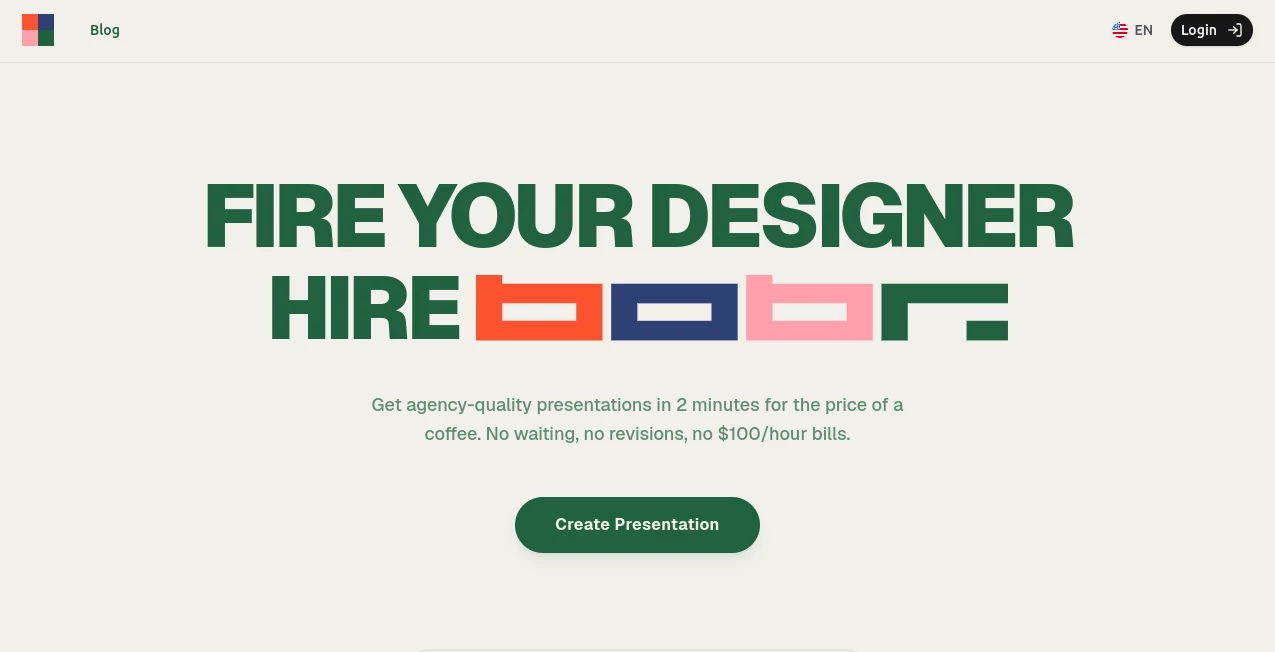
What is Bobr AI?
Creating a polished presentation often takes far longer than expected. Collecting information, organizing ideas, designing slides, and refining layouts can consume hours or even days. This AI-powered presentation platform changes that process by transforming raw ideas, documents, PDFs, Notion pages, or website URLs into professional slide decks within minutes. Instead of relying on static templates, it researches topics, generates original layouts, builds compelling narratives, and creates visually appealing slides that feel professionally designed.
Whether you are preparing an investor pitch, sales presentation, business proposal, educational lecture, or internal company report, the platform significantly reduces the time spent on design while maintaining high visual quality. Its intelligent workflow combines content research, design automation, branding, and AI-powered editing into one seamless experience, making presentation creation faster and more enjoyable for individuals and teams alike.
Key Features
User Interface
The interface is refreshingly simple. Users can begin with a prompt, upload documents, connect Notion content, or paste a website URL. Everything is organized in a clean workspace that focuses on productivity rather than overwhelming users with countless design options. AI chat editing makes revisions feel natural, allowing entire presentations to evolve through simple conversations instead of manual slide editing.
Accuracy & Performance
One of the biggest strengths is its ability to perform real web research before generating slides. Rather than relying solely on language prediction, it gathers relevant information, extracts branding elements from websites, creates supporting visuals, and organizes content into a logical presentation structure. Most presentations are generated in only a few minutes while maintaining professional consistency and strong visual storytelling.
Capabilities
- Generate complete presentations from text prompts.
- Create slide decks from PDFs and documents.
- Convert Notion pages into presentations.
- Research information directly from the web.
- Extract logos, colors, and branding from websites.
- Create unique layouts without templates.
- Edit presentations through AI chat.
- Generate charts based on actual data.
- Export presentations as PPTX and PDF.
- Support collaborative team workspaces.
- Maintain brand consistency using Brand Kits.
- Provide API access for enterprise workflows.
Security & Privacy
Business users benefit from collaborative workspaces, controlled sharing, and dedicated brand management tools. Uploaded files and source materials remain associated with individual projects, making it suitable for organizations that require consistent branding and structured teamwork. Team plans also simplify collaboration by allowing members to work together using shared resources.
Use Cases
- Startup investor pitch decks.
- Sales presentations.
- Marketing campaign reports.
- Business proposals.
- Educational lectures.
- Corporate training materials.
- Quarterly business reviews.
- Consulting presentations.
- Conference speaking sessions.
- Internal company documentation.
Pros and Cons
Pros
- Produces professional presentations in minutes.
- Performs real research instead of simple text generation.
- No design experience required.
- Creates unique slide layouts without templates.
- Supports editable PowerPoint export.
- Excellent branding capabilities.
- Easy AI-based editing workflow.
- Ideal for both individuals and teams.
Cons
- Advanced collaboration features require paid plans.
- Heavy presentations may consume more usage credits.
- Internet access is required for research-based generation.
Pricing Plans
The platform offers a free starting option with included usage credits, allowing new users to explore its core capabilities before upgrading.
- Free: Limited usage credits.
- Starter: Suitable for occasional presentation creation.
- Pro: Includes priority generation and Brand Kit support.
- Business: Designed for growing teams with higher usage.
- Scale: Enterprise-level usage with API access.
How to Use Bobr AI
- Enter a presentation topic or upload source material.
- Add PDFs, documents, Notion pages, or website links if needed.
- Allow the AI to research, organize, and design the presentation.
- Review the generated slides.
- Request edits through the built-in AI chat.
- Export the finished presentation as PPTX, PDF, or share it online.
Comparison with Similar Tools
Unlike many presentation generators that rely heavily on fixed templates, this solution creates layouts dynamically for every project. Its ability to research live information, extract branding from websites, redesign slides automatically, and generate presentations from multiple content sources provides a more complete workflow than many traditional AI slide builders. It is particularly valuable for professionals who want visually polished presentations without spending hours adjusting layouts manually.
Conclusion
For professionals who regularly prepare presentations, this platform offers an impressive combination of speed, design quality, and intelligent automation. From startup founders and consultants to educators and marketing teams, users can transform rough ideas into polished presentations without hiring designers or spending hours formatting slides. Its research-driven workflow, AI editing capabilities, and branding features make it one of the most practical productivity tools for modern presentation creation.
Frequently Asked Questions (FAQ)
Can presentations be exported to PowerPoint?
Yes. Presentations can be exported as editable PPTX files as well as PDF documents.
Can I generate presentations from documents?
Yes. Users can upload PDFs, documents, Notion pages, and other source materials to generate complete slide decks.
Does it use presentation templates?
No. Each presentation is designed from scratch with AI-generated layouts instead of fixed templates.
Can teams collaborate on presentations?
Yes. Team workspaces allow members to share presentations and maintain consistent branding across projects.
Is there a free plan?
Yes. New users can begin with free usage credits before choosing a paid subscription.
AI Documents Assistant , AI Productivity Tools , AI Team Collaboration , AI Presentation Generator .
These classifications represent its core capabilities and areas of application. For related tools, explore the linked categories above.

Bobr AI Alternatives Product

Nifty

LorePanic

Hairstyle An…

Rename files…

broop

EasyVC

Zush

Clearterms

BookTranslat…