
Memdex
What is Memdex?
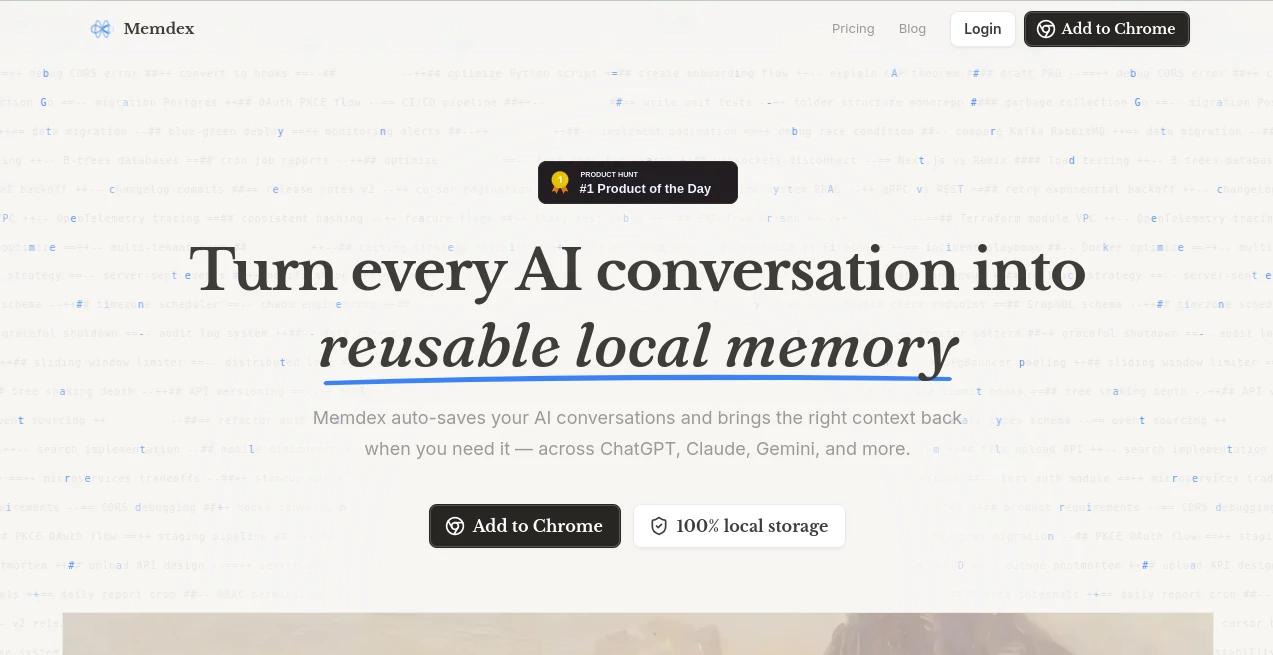
Working with multiple AI assistants often means losing valuable context between conversations. Important ideas, research notes, coding discussions, and project decisions quickly become scattered across different platforms. This creates unnecessary repetition, forcing users to explain the same background information over and over again.
This solution eliminates that frustration by creating a unified memory layer for AI conversations. Instead of treating every new chat as a fresh start, it allows users to instantly bring relevant discussions into new conversations, making collaboration with AI significantly faster and more productive. Whether someone switches between ChatGPT, Claude, Gemini, or other supported platforms, previous knowledge remains available without endless scrolling or manual copy-pasting.
One of its biggest strengths is its privacy-first philosophy. Conversations remain encrypted and stored locally on the user's device rather than uploaded to external servers, giving professionals, developers, researchers, and businesses greater confidence when working with sensitive information.
Key Features
User Interface
The Chrome extension integrates naturally into supported AI platforms without disrupting existing workflows. Relevant conversations appear while typing, allowing users to insert previous context with a single click. The interface feels lightweight, intuitive, and requires almost no learning curve.
Accuracy & Performance
Real-time keyword detection helps identify conversations related to the current prompt. Instead of manually searching through hundreds or even thousands of previous chats, matching discussions are suggested automatically, saving valuable time while maintaining workflow continuity.
Capabilities
- Automatically save AI conversations.
- Manual conversation saving for complete control.
- Cross-platform memory across multiple AI assistants.
- One-click context injection into new chats.
- Real-time conversation matching while typing.
- Search previous AI discussions quickly.
- Import existing conversation history.
- Unlimited conversation storage on supported plans.
- Native support for ChatGPT, Claude, and Gemini.
- Works with Chromium-based browsers.
Security & Privacy
Privacy is a defining advantage. Conversations are encrypted and stored entirely on the local device rather than being transmitted to external cloud servers. The stored information is never used for AI model training, giving users complete ownership over their conversation history.
Use Cases
- Managing long-term software development projects across multiple AI assistants.
- Keeping research conversations organized for students and academics.
- Maintaining business discussions without repeating project details.
- Building a searchable personal knowledge base.
- Remembering writing preferences and editing styles.
- Supporting customer communication drafts with previous context.
- Improving productivity for consultants and freelancers.
- Organizing AI-assisted brainstorming sessions.
Pros and Cons
- Pros
- Excellent cross-platform AI memory.
- Local encrypted storage improves privacy.
- Simple one-click context insertion.
- Automatic conversation recording on premium plans.
- Fast search across previous discussions.
- No need to repeatedly explain ongoing projects.
- Lightweight browser integration.
- Cons
- Currently limited to Chromium-based browsers.
- Some advanced features require a paid subscription.
- Native browser extension installation is required.
Pricing Plans
The platform offers a Free plan suitable for casual users, including manual conversation saving, access to recent conversations, basic search, and limited context insertion.
The Pro subscription unlocks automatic conversation recording, unlimited access to saved conversations, unlimited context injection, advanced search and management features, priority support, and enhanced productivity tools. A Lifetime license is also available for users who prefer a one-time purchase instead of recurring payments.
How to Use Memdex
Install the Chrome extension and connect it with your preferred AI platforms. Save conversations manually or enable automatic recording on supported plans. As you begin typing inside an AI chat, the extension detects relevant previous discussions and highlights matching context. With a single click, those conversations can be inserted into the current prompt, allowing the AI to continue where previous sessions ended.
Comparison with Similar Tools
Traditional note-taking applications can archive conversations but rarely integrate directly into AI workflows. Standard browser bookmarks also fail to provide intelligent context retrieval. Compared to standalone knowledge management tools, this solution focuses specifically on AI conversation continuity, making it much more practical for users who frequently switch between different language models.
Unlike cloud-based memory platforms, its local-first architecture provides stronger privacy while keeping conversation history fully under the user's control. This combination of convenience, security, and seamless AI integration makes it especially appealing for professionals who depend on multiple AI assistants every day.
Conclusion
Anyone who regularly works with several AI assistants understands how quickly valuable knowledge becomes fragmented. By preserving conversations, surfacing relevant context automatically, and protecting user privacy through local encrypted storage, this tool transforms disconnected chats into a searchable, reusable knowledge base. The result is a smoother workflow, fewer repeated explanations, and a far more efficient AI experience from one conversation to the next.
Frequently Asked Questions (FAQ)
Does it support multiple AI platforms?
Yes. It integrates with major AI assistants including ChatGPT, Claude, Gemini, and several additional supported platforms.
Where are conversations stored?
All saved conversations are encrypted and stored locally on the user's device instead of external servers.
Can previous conversations be reused in new chats?
Yes. Relevant conversations are detected automatically and can be inserted into new prompts with a single click.
Is there a free version?
Yes. A free plan includes manual conversation saving and access to core functionality, while premium plans unlock automation and advanced features.
Who benefits most from this tool?
Developers, researchers, content creators, consultants, students, and professionals who frequently use multiple AI assistants will benefit the most.
AI Knowledge Management , AI Productivity Tools , AI Chatbot , AI Notes Assistant .
These classifications represent its core capabilities and areas of application. For related tools, explore the linked categories above.

Memdex Alternatives Product

GPT Image 2 …

Firefox

FiveMinChat

LorePanic

Ovulation Ca…

Arobis AI Vi…

Your Own AI

Wisegrid

Notion