MP3 to MIDI
What is MP3 to MIDI?
MP3 to MIDI Converter is a free browser-based tool that turns recorded MP3 audio into editable MIDI notes using AI-powered note detection. Instead of simply changing one audio file format into another, it analyzes the musical content and creates note data that can be adjusted, previewed, and downloaded.
This makes it particularly useful for musicians, producers, songwriters, and anyone who wants to extract a melody or musical idea from an existing recording. There is no account to create and no desktop application to install, so you can get started directly from a modern web browser.
The approach is refreshingly practical. Upload a recording, select the audio type that best matches it, review the detected notes, make corrections where necessary, and download the resulting MIDI file for further work in compatible music software.
Key Features
- AI-powered detection of musical notes from MP3 recordings
- Free online conversion with no account required
- Browser-based processing for improved privacy
- Support for voice, piano, guitar, bass, and other pitched instruments
- Polyphonic note detection for multiple pitches at the same time
- Built-in piano-roll preview
- Editable MIDI notes before downloading
- Standard MIDI output compatible with DAWs and MIDI editors
- Controls for sensitivity and minimum note length
- Optional pitch-bend handling for expressive recordings
User Interface
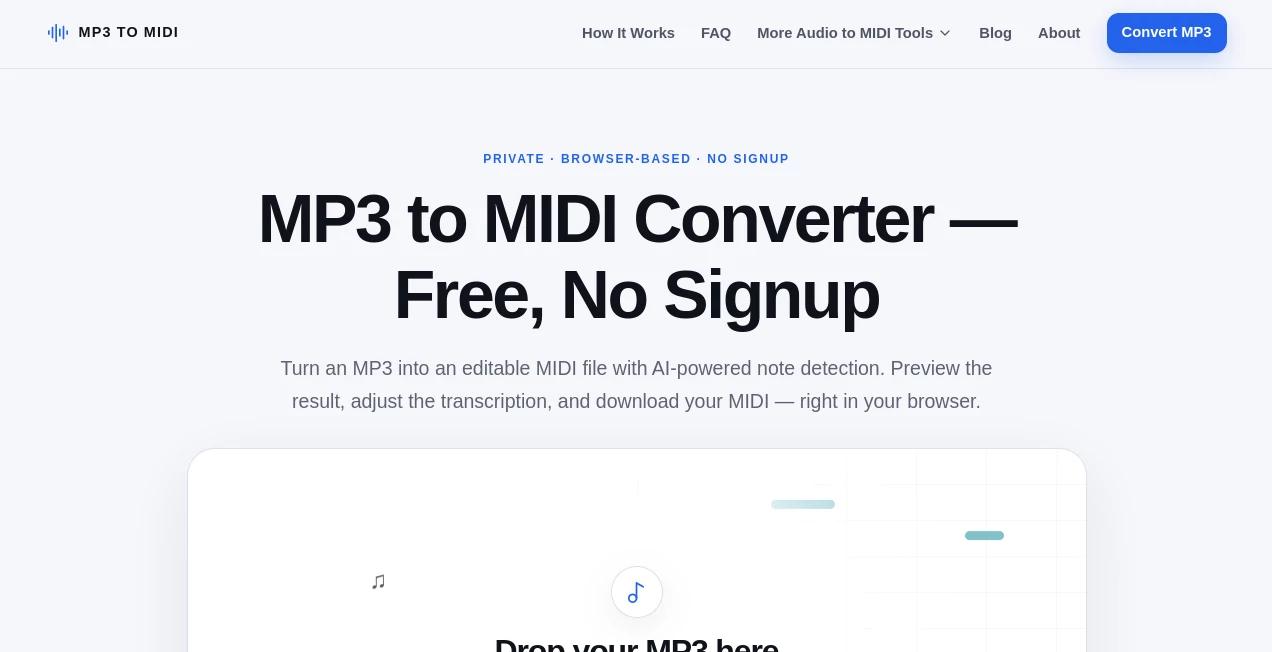
The interface keeps the conversion process straightforward. The main upload area lets you choose an MP3 file from your device or try a sample recording. After uploading, you can select the closest audio type, which helps the detection model adapt to the material being analyzed.
The piano-roll view is especially useful because you do not have to blindly download the result and hope for the best. Detected notes can be inspected visually, and individual notes can be moved, resized, joined, or removed before the MIDI file is saved.
For someone who has ever tried to clean up automatically generated MIDI, this small editing layer can make a noticeable difference. A quick correction in the browser can save another trip into a full music-production application.
Accuracy & Performance
Accuracy depends heavily on the recording. Clean melodies, isolated instruments, piano performances, guitar parts, bass lines, humming, and vocals with clearly defined pitches are generally better candidates than dense commercial mixes.
The converter can recognize more than one pitch simultaneously, which means chords and polyphonic material are supported. However, that should not be confused with stem separation. A complete song containing drums, vocals, bass, guitars, effects, and background noise is considerably more difficult to transcribe cleanly.
For the best results, start with a short and relatively clean section. Reducing background noise and excessive reverb can help, while sensitivity and minimum-note-length controls give you additional ways to reduce unwanted detections.
Processing happens locally in the browser, so performance depends partly on the user's device and the length of the recording. Short clips are particularly convenient, while longer files may benefit from a recent desktop or laptop.
Capabilities
The main strength of the tool is its ability to transform recorded musical information into something that can be edited. MIDI does not contain the original sound of a singer or instrument. Instead, it represents musical instructions such as pitch, timing, duration, and velocity.
This distinction makes the converter valuable for experimentation. A musician could take a hummed melody and turn it into MIDI, a guitarist could extract a rough idea from a recording, or a producer could use a transcription as the foundation for a new arrangement.
The built-in editor also makes the workflow more flexible. Notes can be corrected before the final file is exported, while the resulting standard MIDI file can then be opened in a DAW or another compatible music application.
Security & Privacy
Privacy is one of the more notable aspects of the workflow. The audio is decoded and analyzed directly in the browser rather than being uploaded to a remote server for transcription. This means the MP3 remains on the user's device during the conversion process.
The browser still downloads the machine-learning model and normal website resources required to operate the application, but the actual audio processing is performed locally. For musicians working with unreleased recordings or personal musical ideas, keeping the source audio on the device can be a reassuring feature.
Use Cases
Extracting melodies: A songwriter can take a recorded melody and turn it into MIDI notes that can be rearranged or assigned to another instrument.
Turning humming into music: A quick vocal recording can serve as the starting point for a musical idea. Once converted, the notes can be refined in a DAW.
Working with piano recordings: Piano performances can be converted into editable note data, making it easier to experiment with timing, arrangement, and instrumentation.
Guitar and bass transcription: Clear recordings of pitched string instruments can provide a useful first draft of a MIDI arrangement.
Music production: Producers can use generated MIDI as a starting point rather than manually entering every note into a piano roll.
Musical experimentation: Even when the transcription is imperfect, the detected notes can reveal musical ideas that are worth refining manually.
Pros and Cons
Pros
- Free to use
- No signup required
- Runs directly in a modern browser
- Audio processing stays on the user's device
- Includes a useful MIDI editing interface
- Supports polyphonic note detection
- Produces standard MIDI files
- Works with several common pitched audio types
Cons
- The first version is limited to MP3 files up to 20 MB and 3 minutes
- Complex full-song recordings can require substantial cleanup
- It does not separate a mixed recording into individual instrument tracks
- It does not generate sheet music, tabs, stems, or MusicXML
- Processing speed depends on the user's device
Pricing Plans
The converter is currently free to use and does not require an account or paid subscription to access the core MP3-to-MIDI workflow. Users can upload a supported MP3, process the recording in their browser, review the transcription, edit the detected notes, and download the MIDI result.
For musicians who only occasionally need audio-to-MIDI conversion, this makes the tool particularly appealing because there is no software purchase or recurring plan standing between an idea and the first editable MIDI draft.
How to Use the Converter
Start by selecting an MP3 file from your device or dragging it into the upload area. The current version supports MP3 recordings up to 20 MB and 3 minutes in length.
Next, choose the audio type that most closely matches your recording. Available choices include voice, piano, guitar, bass, another solo instrument, a full song, or an option for when you are unsure.
Once processing is complete, review the generated notes in the piano-roll interface. Listen to the original audio alongside the MIDI preview and make any necessary adjustments. You can move, resize, join, or delete notes and use the available controls to improve the transcription.
When the result looks useful, download the standard MIDI file and continue editing it in your preferred DAW or MIDI-compatible software.
Comparison with Similar Tools
Many audio-to-MIDI solutions focus primarily on generating a file and leaving the cleanup process to another application. This approach is slightly different because transcription and basic MIDI editing are combined in the same browser workflow.
Another important distinction is local processing. Instead of requiring the original recording to be uploaded for analysis, the conversion takes place on the user's device. That can be especially useful when working with private demos, unfinished compositions, or recordings that a musician would rather not send to a third-party server.
It is also worth setting realistic expectations. This is not a replacement for professional stem separation or a full music-production workstation. For clean recordings, however, it can provide a surprisingly convenient first pass that is much easier to refine than manually recreating every note.
Conclusion
For anyone who needs to turn a musical recording into editable MIDI, this browser-based converter offers a simple and approachable workflow. Its combination of automatic note detection, local processing, visual MIDI editing, and standard MIDI export makes it more useful than a basic file-conversion utility.
The best results come from clean, focused recordings, particularly when one pitched instrument or a clear melody is involved. Even when a transcription needs some correction, having the notes generated automatically gives musicians a valuable starting point.
For a free tool that requires no signup and keeps audio processing on the user's device, it is a practical option for experimenting with melodies, developing arrangements, and moving musical ideas from recordings into an editable production environment.
Frequently Asked Questions (FAQ)
Is the MP3 to MIDI converter free?
Yes. The current version is available for free and does not require an account or desktop installation.
Does the converter upload my MP3?
No. The audio is processed directly in the browser, so the MP3 remains on your device during transcription.
What types of recordings work best?
Clear recordings of voice, humming, piano, guitar, bass, and other pitched instruments generally produce better results than noisy or heavily mixed recordings.
Can it detect chords?
Yes. The system can detect multiple pitches at the same time, allowing it to work with polyphonic material and chords. However, dense arrangements can be considerably harder to transcribe accurately.
Can it separate vocals, drums, bass, and guitar?
No. Polyphonic detection does not mean stem separation. A mixed song is analyzed as a whole rather than being separated into individual instrument tracks.
Can I edit the MIDI before downloading it?
Yes. The piano-roll editor lets you move, resize, join, and delete detected notes, with additional controls available for refining the result.
What is the current file limit?
The current version accepts MP3 files up to 20 MB and 3 minutes in length.
Does the result preserve the original sound?
No. MIDI contains musical instructions rather than the original audio recording. The resulting notes can be played using instruments in a DAW or other compatible MIDI software.
Can I use it on a phone?
Yes, it can be used through a supported modern mobile browser. However, local AI processing may be slower on older phones, so short recordings are a better starting point on mobile devices.
Does it create sheet music?
No. The current version creates a standard MIDI file and provides a piano-roll preview. It does not export PDF sheet music, MusicXML, tabs, or separate instrument stems.
These classifications represent its core capabilities and areas of application. For related tools, explore the linked categories above.

MP3 to MIDI Alternatives Product

Lyria 3

Sonicker

Speech Notes

Qwen3 TTS
sam tts

Krisp

PureMIDI

Speech Text

Audio Convert