
Statuz App
What is Statuz App?
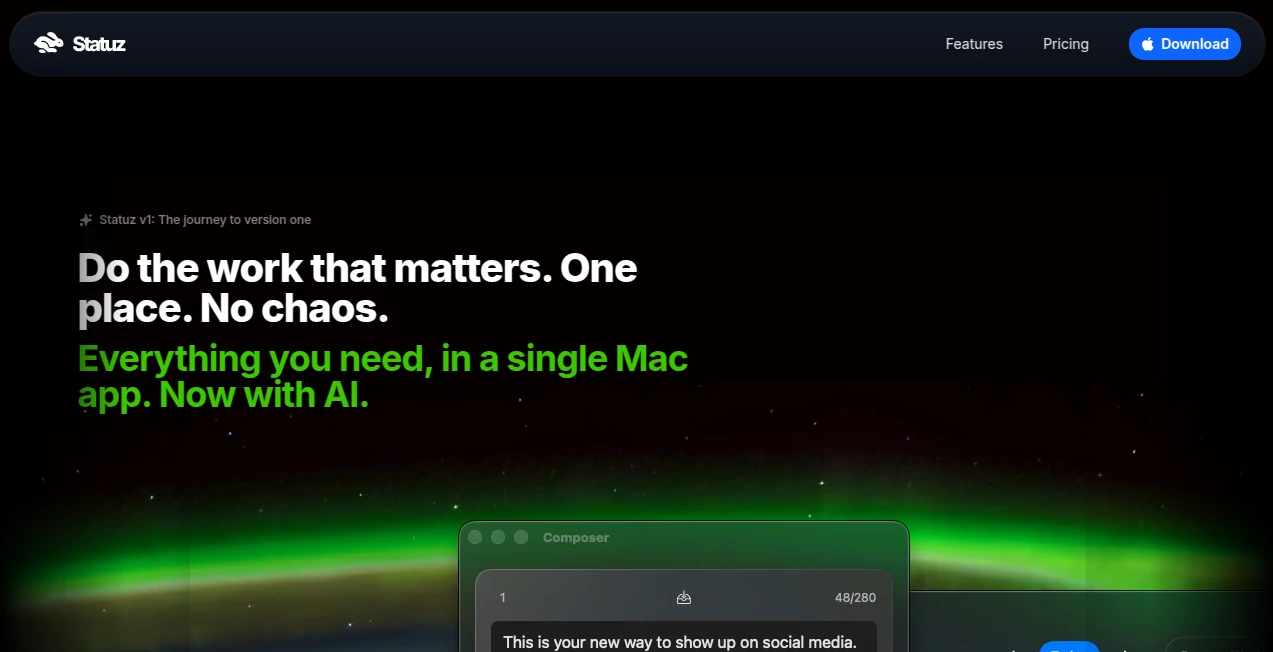
In a digital world where uptime and reliability define user trust, having a clear and reliable status communication system is no longer optional. This platform is designed to help teams keep their users informed about system performance, outages, and service updates in a clean and structured way.
Instead of relying on scattered updates or support tickets, companies can centralize all system status information in one place. This improves transparency, reduces support load, and builds stronger trust with users who expect real-time clarity when something goes wrong.
Key Features
User Interface
The interface is clean, minimal, and designed for fast navigation. Teams can quickly publish updates, manage incidents, and organize service components without unnecessary complexity. Everything feels structured and easy to understand, even for non-technical users.
Accuracy & Performance
The platform focuses on delivering real-time updates with minimal delay. It ensures that status changes are reflected quickly, allowing users to stay informed without needing to refresh or search for information elsewhere.
Capabilities
- Create and manage public or private status pages
- Post real-time incident updates
- Organize multiple services under one dashboard
- Notify users during downtime or maintenance
- Maintain historical uptime transparency
Security & Privacy
Security is a key priority, ensuring that sensitive operational data remains protected. Access control options allow teams to decide what information is public and what remains internal. This balance helps companies maintain transparency without compromising security.
Use Cases
- SaaS companies communicating system outages
- IT teams managing infrastructure transparency
- Startups building trust with early users
- DevOps teams monitoring service health
Pros and Cons
Pros
- Simple and intuitive setup
- Improves user trust through transparency
- Reduces support ticket volume
- Real-time incident communication
Cons
- May require integration for advanced monitoring
- Customization options may be limited for complex enterprises
Pricing Plans
Pricing typically depends on usage scale and required features. Some plans may offer basic functionality for free, while advanced features such as custom domains, integrations, or team collaboration tools may be part of paid tiers.
How to Use Statuz.app
Getting started is usually straightforward. Teams begin by creating an account, setting up their service components, and configuring their status page. Once configured, incidents can be posted instantly, and users are automatically notified about updates or outages.
Comparison with Similar Tools
Compared to other status page and uptime communication platforms, this tool emphasizes simplicity and fast deployment. While some competitors focus heavily on advanced analytics or complex monitoring stacks, this platform prioritizes clarity, speed, and ease of communication.
Conclusion
For teams that value transparency and user trust, this platform offers a practical way to communicate system health without unnecessary complexity. It bridges the gap between technical incidents and user communication, ensuring that everyone stays informed when it matters most.
Frequently Asked Questions (FAQ)
What is this platform used for?
It is used to create and manage public or private status pages that communicate system health and incidents in real time.
Is it suitable for small startups?
Yes, it is designed to be lightweight and easy to use, making it a good fit for startups and growing teams.
Can it replace internal monitoring tools?
No, it is primarily focused on communication rather than deep system monitoring, so it often works alongside existing tools.
Does it require technical knowledge to use?
Not necessarily. The setup is generally simple and can be handled by both technical and non-technical team members.
Can I customize the status page?
Yes, most implementations allow a degree of customization to match branding and communication needs.
AI Productivity Tools , AI Team Collaboration , AI DevOps Assistant .
These classifications represent its core capabilities and areas of application. For related tools, explore the linked categories above.

Statuz App Alternatives Product

UPDF AI

Zloth

Magpie

CloudByte PMS

Hairstyle An…

Zivy

Online White…

Flitz AI

Weekly Brief