
Workflow Machine
What is Workflow Machine?
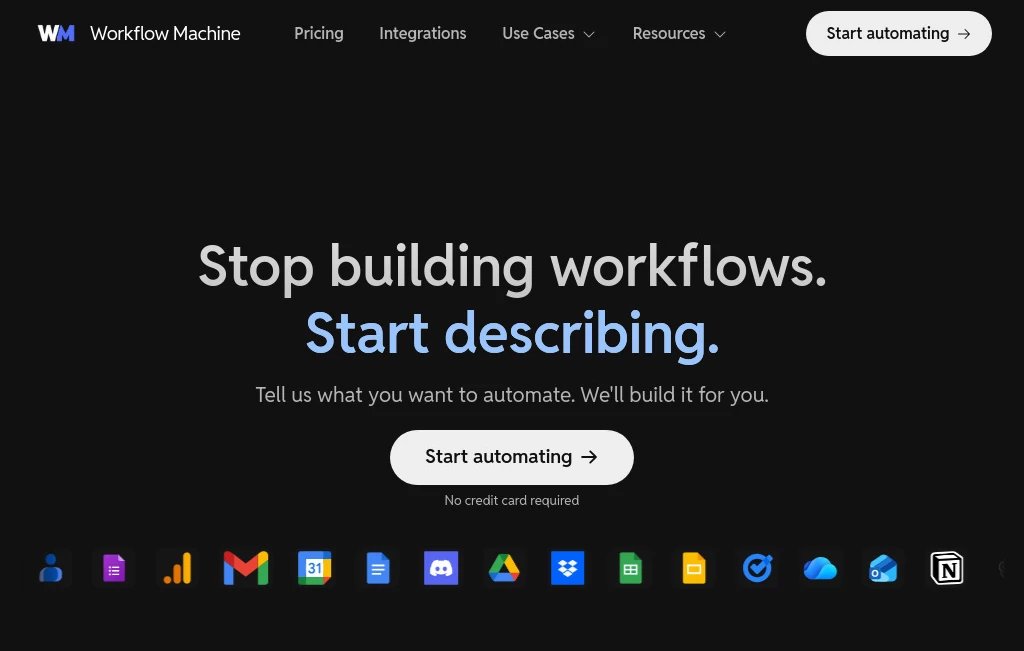
Workflow Machine is an AI-powered automation platform designed to help individuals and teams create smarter workflows without spending hours building complex systems. The platform allows users to describe what they want to automate and turn those ideas into practical workflows that connect different applications and services.
Instead of manually moving information between tools, managing repetitive tasks, or writing custom scripts, users can create automated processes that handle everyday operations. From managing leads and organizing data to creating content workflows and improving productivity, this platform makes automation more accessible for businesses of all sizes.
Key Features
User Interface
The platform focuses on simplicity with a visual workflow-building experience. Users can create automation flows using clear trigger, condition, and action steps, making it easier to understand how information moves through each process.
The interface is designed for both beginners and experienced users. Someone without programming knowledge can build useful automations, while advanced users can customize workflows with additional logic and reusable patterns.
Accuracy & Performance
Reliable workflow execution is one of the strongest advantages of this platform. Each workflow run can be monitored through execution records, allowing users to understand what happened at every step and quickly identify potential issues.
With background processing, testing options, and detailed workflow visibility, businesses can create automation systems that are easier to maintain and improve over time.
Capabilities
The platform connects with popular applications and services including email platforms, communication tools, productivity apps, document systems, and AI services. Users can combine multiple tools together to create powerful automated processes.
- Create AI-powered workflow automations
- Connect different business applications
- Build lead management processes
- Automate content creation tasks
- Process and organize business data
- Create reusable workflow templates
- Use AI steps for summarization, classification, and generation tasks
Security & Privacy
Workflow reliability and transparency are important parts of modern automation. The platform provides workflow history and execution visibility, helping users understand how their automations operate and giving teams better control over their processes.
Use Cases
Businesses can use this automation solution in many practical situations where repetitive work takes valuable time.
- Lead Management: Automatically review incoming inquiries, analyze customer information, and organize sales opportunities.
- Customer Support: Create workflows that categorize requests and send important updates to team members.
- Content Creation: Combine AI tools with productivity platforms to speed up research, writing, and publishing processes.
- Research & Monitoring: Collect information from different sources and organize results automatically.
- Data Processing: Extract, clean, and transfer information between applications without manual work.
- Team Productivity: Reduce repetitive tasks and allow teams to focus on higher-value activities.
Pros and Cons
Pros
- Simple workflow creation without complicated coding
- Supports AI-powered automation processes
- Connects with many popular business applications
- Provides workflow monitoring and execution records
- Useful for individuals, freelancers, and teams
- Helps reduce repetitive manual tasks
Cons
- Advanced automation scenarios may require learning workflow concepts
- Large-scale operations may need higher subscription plans
- Some specialized integrations may require additional configuration
Pricing Plans
The platform offers multiple pricing options designed for different types of users. A free plan is available for individuals who want to explore automation with limited workflow runs and active workflows.
- Free: Suitable for testing automation ideas and personal projects.
- Starter: Designed for freelancers and small businesses that need more workflow capacity.
- Pro: Built for teams managing more advanced automation systems and higher usage requirements.
How to Use Workflow Machine
Getting started is simple. Users can describe the process they want to automate, connect their preferred applications, and build a workflow using available steps.
- Select a trigger that starts the workflow
- Add actions that should happen automatically
- Connect required apps and services
- Test the workflow with sample data
- Publish and monitor automation performance
Comparison with Similar Tools
Compared with traditional automation platforms, this solution focuses more on AI-assisted workflow creation and making automation easier to understand. While many automation tools require users to manually configure every step, this approach helps users move from an idea to a working process faster.
It can be a strong choice for users who want a balance between simplicity and flexibility, especially teams looking to combine AI capabilities with everyday business workflows.
Conclusion
Automation is becoming an essential part of modern business operations, and having a simple way to create intelligent workflows can save significant time. This platform provides an approachable solution for turning repetitive tasks into automated processes while keeping workflows visible and manageable.
Whether you are a freelancer looking to improve productivity, a startup building efficient operations, or a team trying to reduce manual work, this tool offers a practical way to connect your favorite applications and create smarter systems.
Frequently Asked Questions (FAQ)
What can this automation platform be used for?
It can be used for business automation, lead management, customer support workflows, content processes, data organization, and productivity improvements.
Do I need coding skills to create workflows?
No. The platform is designed so users can build workflows visually without needing advanced programming knowledge.
Can AI be included in automated workflows?
Yes. Users can add AI-powered steps for tasks such as summarizing information, generating content, extracting data, and making workflow decisions.
Is there a free plan available?
Yes. Users can start with a free option to explore automation features before upgrading to plans with higher limits.
Who can benefit from using this tool?
Freelancers, startups, marketing teams, operations teams, and businesses that want to reduce repetitive work can benefit from using automated workflows.
AI Workflow Management , AI Productivity Tools , Business .
These classifications represent its core capabilities and areas of application. For related tools, explore the linked categories above.
Workflow Machine details
Website unavailable — View Alternatives
Pricing
- Free
Apps
- Web App
Categories

Workflow Machine Alternatives Product

Zush

KronoPrompt

Receipt AI

Online White…

VideoLens

Debate Tello…

Your Own AI
AnyToURL

Lexikon AI