
Workmate
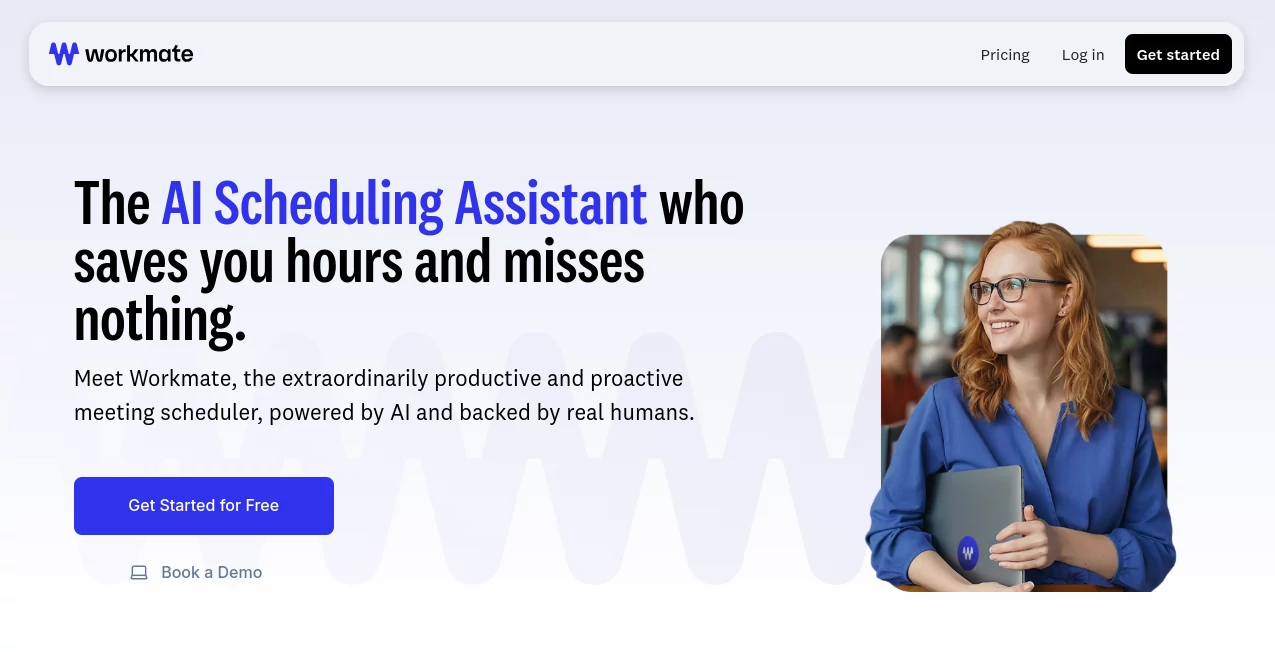
What is Workmate?
Managing a busy calendar often turns into an endless exchange of emails, rescheduling requests, and follow-up messages. This intelligent scheduling assistant transforms that experience by acting like a reliable executive assistant that works around the clock. Instead of manually coordinating availability, users simply include the assistant in scheduling conversations and let it handle the details.
Designed for professionals, founders, sales teams, recruiters, consultants, and growing businesses, the platform combines artificial intelligence with human-backed support to deliver accurate scheduling while keeping users in complete control. Rather than forcing people into unfamiliar workflows, it integrates naturally with existing email conversations, calendars, and communication tools, making adoption effortless.
What makes the platform particularly appealing is its ability to remove repetitive administrative work without sacrificing professionalism. Every meeting invitation, reminder, follow-up, and calendar update feels polished, allowing users to focus on meaningful conversations instead of scheduling logistics.
Key Features
User Interface
The platform offers a remarkably clean experience that requires almost no learning curve. Users connect their preferred calendar, configure scheduling preferences, and begin coordinating meetings directly from their existing email workflow. Integration with Google Calendar, Microsoft services, Slack, and SMS ensures scheduling can happen wherever work already takes place.
Accuracy & Performance
The scheduling engine intelligently checks calendar availability, detects conflicts before they become problems, and automatically follows up with attendees who have not responded. It can coordinate meetings across multiple participants while respecting availability preferences, reducing the chance of double bookings and unnecessary delays.
Capabilities
- Automatic meeting scheduling from email conversations.
- Smart calendar conflict detection.
- Automatic reminder and follow-up emails.
- Booking links for instant appointments.
- Support for multiple connected calendars.
- Scheduling across different time zones.
- Custom assistant identity and branded email options.
- Integration with Google Workspace, Microsoft, Slack, and SMS.
- Shared scheduling for teams.
- Flexible scheduling instructions based on user preferences.
Security & Privacy
The service is designed for business environments where calendar data requires careful handling. Business plans include enterprise-grade security options such as Single Sign-On, audit logs, dedicated infrastructure choices, security documentation, role-based controls, and Data Processing Agreement support. Human review is also available for complex scheduling situations, adding another layer of reliability.
Use Cases
- Sales teams coordinating client discovery calls.
- Recruiters arranging candidate interviews.
- Executives managing packed calendars.
- Consultants scheduling meetings across multiple clients.
- Customer success teams organizing onboarding sessions.
- Startup founders balancing investor and customer meetings.
- Remote teams working across multiple time zones.
- Operations teams reducing repetitive administrative work.
Pros and Cons
Pros
- Very easy to integrate into existing email workflows.
- Excellent automation for meeting coordination.
- Automatic follow-ups reduce missed opportunities.
- Supports multiple calendars and communication channels.
- Custom branding creates a professional experience.
- Scales well from individuals to enterprise organizations.
- Enterprise security features are available for larger businesses.
Cons
- Advanced branding and enterprise capabilities require higher-tier plans.
- Internet connectivity is required for real-time scheduling.
- Organizations with highly customized workflows may require initial configuration.
Pricing Plans
The platform offers free credits for new users, allowing teams to evaluate its scheduling capabilities without providing a credit card. Paid Team plans include shared credits, unlimited team members, connected calendars, conflict detection, instant scheduling, and integrations. Business plans provide enterprise features such as dedicated onboarding, advanced security controls, priority support, Single Sign-On, audit logs, and flexible infrastructure options.
How to Use Workmate
Begin by creating an account and connecting your preferred calendar. Configure your scheduling preferences, availability, and meeting rules. During any scheduling conversation, simply include the assistant in the email thread. It automatically checks availability, suggests suitable meeting times, follows up with attendees when necessary, resolves conflicts, and updates everyone's calendars once a meeting has been confirmed. Users can continue monitoring conversations while allowing the assistant to handle the repetitive coordination.
Comparison with Similar Tools
Unlike traditional booking applications that rely primarily on scheduling links, this platform behaves more like a genuine executive assistant. It actively participates in email conversations, follows up with attendees, identifies scheduling conflicts before they become problems, and communicates naturally throughout the scheduling process. This creates a far more personal experience while reducing administrative work for professionals who coordinate meetings every day.
Conclusion
For professionals whose calendars are constantly full, automating scheduling can save several hours every week. This solution goes beyond simple appointment booking by acting as an intelligent executive assistant capable of managing conversations, resolving conflicts, sending reminders, and coordinating meetings with remarkable efficiency. Its combination of AI automation, enterprise-ready security, flexible integrations, and human-backed reliability makes it an excellent choice for individuals and organizations looking to streamline their scheduling process while maintaining a polished professional image.
Frequently Asked Questions (FAQ)
Can it schedule meetings automatically?
Yes. It can coordinate meeting times, communicate with participants, and update calendars automatically.
Does it support Google and Microsoft calendars?
Yes. It integrates with both Google and Microsoft calendar ecosystems for seamless scheduling.
Can teams use the platform together?
Yes. Team plans support shared credits, unlimited members, and collaborative scheduling features.
Does it send follow-up emails automatically?
Yes. Automatic reminders and follow-up messages help ensure meeting requests do not get overlooked.
Is it suitable for enterprise organizations?
Yes. Enterprise customers can benefit from advanced security controls, Single Sign-On, audit logs, dedicated support, and custom infrastructure options.
AI Productivity Tools , AI Team Collaboration , AI Meeting Assistant , AI Scheduling .
These classifications represent its core capabilities and areas of application. For related tools, explore the linked categories above.

Workmate Alternatives Product

Receipt AI

Claude and C…

Zinng

Sourcetable

AfterSession

Audio Convert

MachineTrans…

TrySchedule

VercelAPP