
OmniTranscript
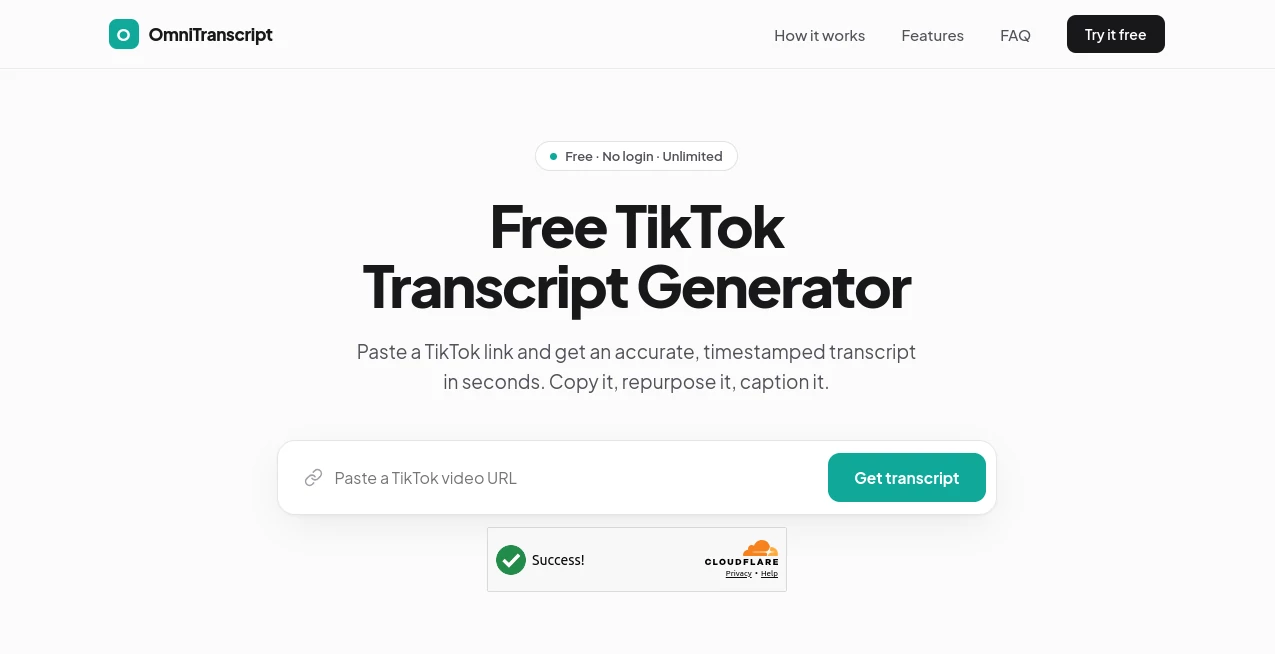
What is OmniTranscript?
Turning spoken conversations into clear, searchable text can save countless hours for professionals, researchers, educators, journalists, and content creators. This platform is designed to simplify that process by transforming audio recordings into editable transcripts with remarkable speed and precision. Whether you're working with interviews, lectures, podcasts, meetings, or language documentation, it provides a reliable workspace where transcription and editing happen seamlessly.
Beyond basic speech-to-text conversion, the platform combines an intuitive transcript editor with synchronized playback, waveform visualization, timestamp editing, speaker management, and multiple export options. Instead of forcing users to switch between different applications, everything is organized in a single browser-based environment that supports an efficient transcription workflow from upload to final export.
Categories:
- AI Speech to Text
- AI Transcription
- AI Notes Assistant
- AI Productivity Tools
Key Features
User Interface
The interface is clean, responsive, and built around productivity. Uploaded recordings appear alongside an interactive transcript where every word is synchronized with the original audio. Clicking on any section instantly jumps to the corresponding playback position, making corrections quick and natural.
Waveform and spectrogram views provide additional visual context, while keyboard shortcuts significantly reduce repetitive editing tasks. Search functionality makes it easy to locate keywords, speakers, or phrases even in lengthy recordings.
Accuracy & Performance
Accurate transcription is one of the platform's strongest qualities. It supports multiple languages, recognizes different speakers, and generates timestamped transcripts that require minimal manual refinement. The ability to specify language preferences and speaker counts before processing further improves transcription quality.
Performance remains smooth even when processing larger audio collections or compressed archive uploads, making it suitable for both individual users and larger documentation projects.
Capabilities
The platform offers much more than automatic transcription. Users can edit words and timestamps directly inside the browser, search entire transcript libraries, organize projects, and export results into several professional formats including TXT, JSON, SRT, ELAN EAF, and Praat TextGrid.
Its support for linguistic research workflows is particularly valuable. Researchers documenting endangered languages or phonetic data can benefit from specialized export formats while creators can quickly generate subtitles for multimedia projects.
Security & Privacy
User accounts provide secure access to saved transcription projects while keeping files organized in a personal library. Since transcription work often involves confidential interviews, meetings, or research material, maintaining a controlled workspace gives users greater confidence when managing sensitive recordings.
Use Cases
- Transcribing interviews for journalism and media production.
- Converting lectures into searchable study notes.
- Creating subtitles for online videos.
- Documenting academic field research.
- Generating transcripts for podcasts.
- Preparing legal or business meeting records.
- Supporting linguistic annotation projects.
- Building searchable archives of recorded conversations.
Pros and Cons
Pros
- Easy browser-based workflow without complicated installation.
- Interactive transcript synchronized with audio playback.
- Supports multiple languages.
- Speaker identification support.
- Waveform and spectrogram visualization.
- Rich export options for subtitles and research.
- Efficient editing with keyboard shortcuts.
- Library for organizing transcription projects.
Cons
- Manual review is still recommended for difficult recordings.
- Audio quality directly affects transcription accuracy.
- Some advanced collaboration capabilities may be limited compared to enterprise meeting platforms.
Pricing Plans
The service offers account-based access to its transcription workspace. Available plans and included features may evolve over time, so users should review the official pricing page for the latest subscription details before choosing a plan.
How to Use OmniTranscript
- Upload an audio file or an archive containing recordings.
- Select the preferred transcription language.
- Optionally specify the expected number of speakers.
- Start automatic transcription.
- Review and edit the generated transcript using synchronized playback.
- Search, refine timestamps, and adjust speaker labels if necessary.
- Export the finished transcript in the format best suited for your workflow.
Comparison with Similar Tools
Many transcription platforms focus primarily on meeting summaries or simple subtitle generation. This solution distinguishes itself by combining automatic transcription with advanced editing tools, waveform visualization, linguistic annotation support, and multiple professional export formats within one workspace.
For researchers, educators, linguists, and professionals who need more than plain text output, the integrated editing environment provides a practical advantage. Instead of downloading transcripts and correcting them elsewhere, every stage of the workflow remains connected to the original recording.
Conclusion
For anyone who regularly works with spoken content, this transcription platform delivers an impressive combination of accuracy, usability, and professional editing capabilities. Its thoughtful interface, synchronized transcript editor, support for numerous export formats, and efficient workflow make it suitable for everything from academic research to business documentation and media production.
The platform succeeds because it focuses on real productivity rather than unnecessary complexity. Users spend less time managing files and more time refining valuable content, making it an excellent choice for modern speech-to-text workflows.
Frequently Asked Questions (FAQ)
Can the platform transcribe multiple languages?
Yes. Users can select the transcription language before processing recordings, improving recognition quality for multilingual content.
Can transcripts be edited after generation?
Absolutely. Every transcript can be edited directly inside the browser while remaining synchronized with the original audio.
Does it support subtitle creation?
Yes. Users can export transcripts in subtitle-friendly formats such as SRT for video publishing.
Is speaker identification available?
Yes. Speaker detection can be configured during transcription and further refined during editing.
Who benefits most from this platform?
Researchers, journalists, educators, podcasters, students, businesses, linguists, and content creators who regularly convert speech into searchable text will find it especially valuable.
AI Productivity Tools , AI Transcription , AI Speech to Text , AI Notes Assistant .
These classifications represent its core capabilities and areas of application. For related tools, explore the linked categories above.

OmniTranscript Alternatives Product

ChatView-AI …
TierCove
KoloQR

Whisper Web

Free AI Chat

Wild and Fre…

FLINT AI
justmarkdown

Sovi.AI