
🧠 AI Quiz
Think you really understand Artificial Intelligence?
Test yourself and see how well you know the world of AI.
Answer AI-related questions, compete with other users, and prove that
you’re among the best when it comes to AI knowledge.
Reach the top of our leaderboard.


















AI Animate Image
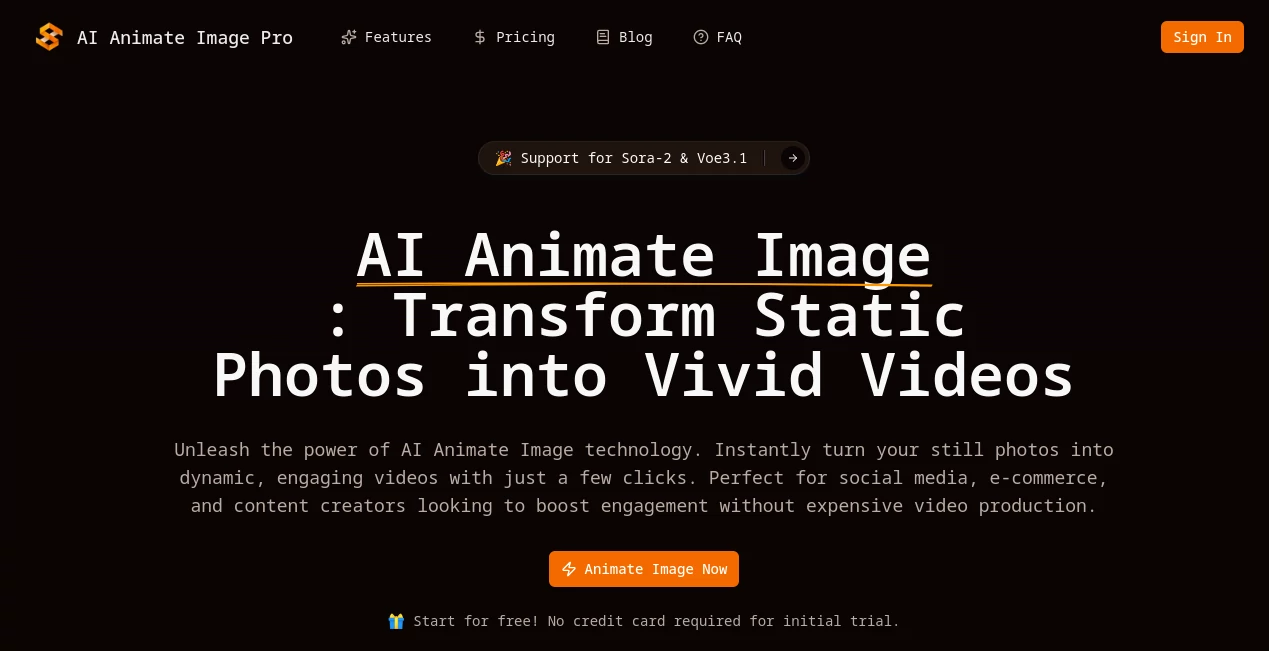
What is AI Animate Image?
There’s a quiet thrill in watching a still photo suddenly come alive—hair gently swaying in the breeze, flames flickering across a scene, or a product rotating smoothly like it’s waiting to be picked up. This tool captures that exact feeling without any fuss. You drop in a photo, add a few words about the motion you want, and seconds later you have a short, fluid video that looks surprisingly polished. I’ve seen friends turn old family snapshots into little moving memories that get shared instantly, and the results feel far more personal than a static frame ever could.
Introduction
Video grabs attention in ways photos simply can’t, especially on feeds where everything scrolls past in a heartbeat. This platform was built precisely for that moment—taking a single image and breathing natural movement into it so your content stops the thumb. It’s not about complicated timelines or frame-by-frame editing; it’s upload, describe what should move, and let smart models handle the rest. Early users quickly discovered how much more engaging a subtle animation can be for stories, products, or just fun personal posts. The variety of AI engines available means you can lean toward speed for quick tests or cinematic quality when polish matters most. For anyone who’s ever wished their images could tell a little more of the story, this feels like the natural next step.
Key Features
User Interface
The whole experience stays refreshingly simple: drag your photo in or click to browse, type a short motion prompt if you want guidance, choose your model, and hit generate. A clean preview appears almost immediately so you can decide whether to keep it or tweak the description. There’s no dashboard overload or hidden menus—just the essentials laid out plainly. I appreciate how it feels approachable even on a phone; no pinching and zooming to find buttons.
Accuracy & Performance
The motion prediction is impressively natural—subjects stay sharp while backgrounds or elements move exactly as described, without that rubbery distortion you sometimes see elsewhere. Generations are quick, often finishing in under a minute, and the output stays crisp at 1080p. When I tried a product shot with “slow rotation on white background,” the spin was smooth and professional-looking from the first attempt. Even on more creative prompts like “gentle wind through leaves,” the physics feel believable.
Capabilities
You can guide the animation with text (“fire burning brighter,” “hair flowing in wind”), pick from different AI models for speed versus quality, and generate short clips ready for social platforms. Backgrounds animate naturally while keeping the main subject intact, and the tool handles a range of styles from subtle product spins to more artistic effects. Commercial rights come with paid generations, so it’s safe for ads or client work. It’s surprisingly versatile for how straightforward it remains.
Security & Privacy
Your photos are processed securely on cloud servers and aren’t stored longer than necessary. Paid plans include full commercial licensing, so you own the output without lingering concerns. It’s reassuring when you’re uploading client products or personal shots—no one wants to wonder where their images end up.
Use Cases
Small online shops animate product photos so buyers can see how a necklace catches light or a candle flickers, boosting clicks and trust. Social creators turn static selfies into looping stories that feel more alive in Reels or Shorts. Marketers test campaign visuals quickly without shooting new footage. Even someone sharing travel memories can make a still landscape breathe with wind or waves—little touches that make posts stand out in crowded feeds.
Pros and Cons
Pros:
- Motion feels organic and guided exactly by your words.
- Multiple models let you balance speed and cinematic finish.
- Commercial rights on paid clips open doors for real business use.
- Fast turnaround keeps creative momentum going.
Cons:
- Best results come from clean, well-lit source images.
- Short clip length suits social formats but not long storytelling.
Pricing Plans
You can jump in for free to try a few generations—no card required. Paid credits cover the cost per video, with options that scale up for heavier use or commercial needs. It’s transparent: you see exactly what each clip costs upfront, and the value feels solid once you see the quality difference on social.
How to Use AI Animate Image
Upload a JPG or PNG (keep it under 10MB for best speed), add a short description of the desired movement if you want more control, select a model based on whether you prioritize quick results or higher polish, then generate. Preview the clip, download the MP4 if it hits the mark, or adjust the prompt and try again. The whole loop takes just a couple of minutes, so experimenting feels easy and low-pressure.
Comparison with Similar Tools
Many animation tools either lock you into rigid templates or produce jittery motion that needs heavy editing afterward. This one stands out by letting your own words steer the movement while keeping the subject sharp and natural. It’s less about overwhelming options and more about reliable, ready-to-post clips that actually look good on the first or second try—exactly what busy creators need.
Conclusion
Bringing motion to still images shouldn’t feel like a chore, and this tool proves it can be simple, fast, and genuinely impressive. Whether you’re trying to catch more eyes online, sell products more vividly, or just make memories move a little, the results speak louder than any static shot ever could. Give it a photo you love and watch it come to life—it’s one of those small upgrades that changes how you think about visual content.
Frequently Asked Questions (FAQ)
What kind of photos work best?
Clear, well-lit images with a distinct subject give the strongest motion—busy or dark shots can still work but may need a clearer prompt.
How long are the generated videos?
Short clips designed for social—perfect length for Reels, Shorts, or stories without dragging.
Can I use these commercially?
Paid generations include full commercial rights, safe for ads, products, or client work.
Do I need to sign up to try it?
No card needed for the free trial—you can generate right away and see the quality firsthand.
What if the first result isn’t perfect?
Tweak the motion description slightly and regenerate—small changes often nail it on the next go.
AI Animated Video , AI Image to Video , AI Video Generator , AI Text to Video .
These classifications represent its core capabilities and areas of application. For related tools, explore the linked categories above.
AI Animate Image details
Pricing
- Free
Apps
- Web Tools
Categories

AI Animate Image Alternatives Product

HypeClip

Runway Gen-4…

Paper Animat…

Sora 2 AI

VidiOne

WonderShare …

MixHub AI

wan2-6.org

AiSora
