
🧠 AI Quiz
Think you really understand Artificial Intelligence?
Test yourself and see how well you know the world of AI.
Answer AI-related questions, compete with other users, and prove that
you’re among the best when it comes to AI knowledge.
Reach the top of our leaderboard.

















AI Anime
What is AI Anime?
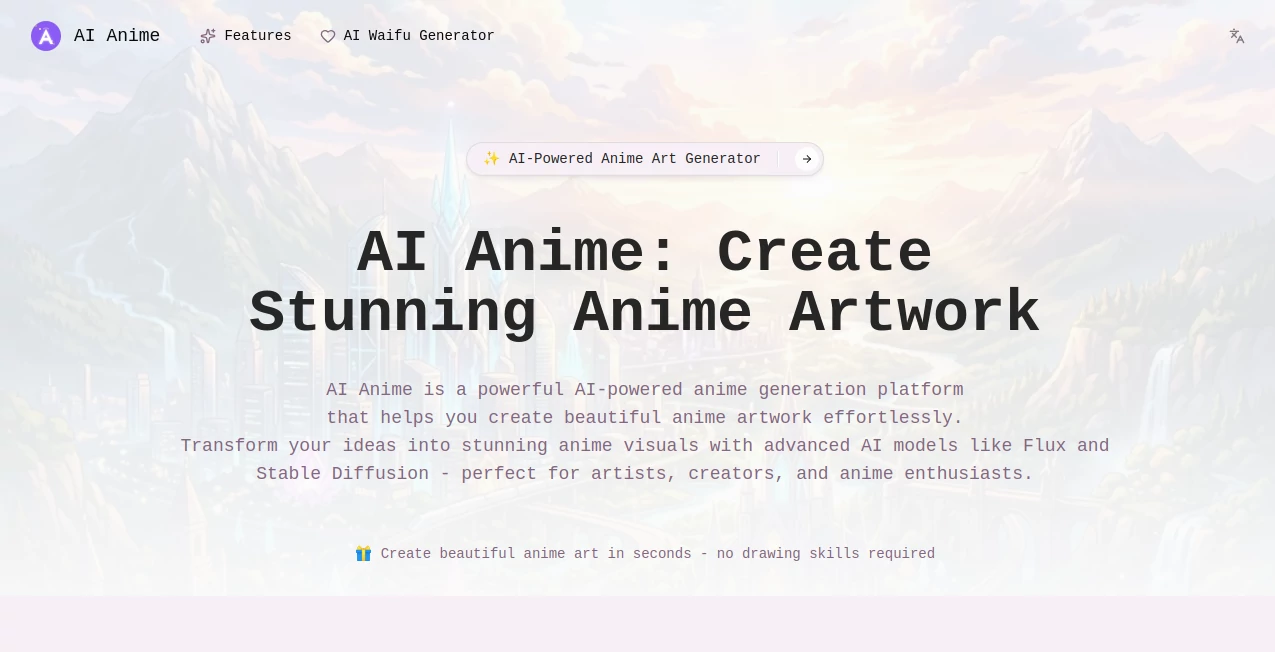
There’s something special about seeing your imagination rendered in that classic anime style — the expressive eyes, flowing hair, dramatic lighting, and vibrant colors that make characters feel alive. This tool makes that moment remarkably easy. You type a description, add a reference image if you want, and a few seconds later you get a clean, high-quality anime illustration that captures the mood you were going for. I’ve watched friends who can’t draw a stick figure light up when their vague idea of “a girl with silver hair standing on a rainy rooftop at night” turns into something they’d happily set as their wallpaper. It’s not just fast — it feels genuinely creative.
Introduction
Anime art has a unique charm that’s hard to replicate with traditional tools unless you’ve spent years practicing. Most people love the aesthetic but don’t have the time or skill to create it themselves. This platform bridges that gap beautifully. It turns simple text prompts into polished anime-style images with impressive consistency in character design, background detail, and overall atmosphere. Whether you’re a fan looking for custom artwork, a content creator needing visuals for videos or social posts, or just someone who enjoys playing with styles, it delivers results that feel professional without the usual frustration. The best part? It keeps the soul of anime — those expressive faces, dynamic poses, and emotional lighting — while making the process feel effortless.
Key Features
User Interface
The interface is clean and welcoming. A big prompt box sits front and center, with options for style strength, aspect ratio, and quality level placed intuitively nearby. You can upload a reference image to guide the output, and the preview loads quickly so you can iterate without waiting around. There’s no clutter or overwhelming menus — just enough controls to shape your vision while keeping the focus on creativity. Even first-time users usually get a good result on their initial try.
Accuracy & Performance
The model has a strong understanding of anime aesthetics. It consistently produces clean line work, vibrant yet balanced colors, and expressive character faces that feel right for the style. Generation speed is excellent — most images appear in under 10 seconds — and the quality holds up well even at higher resolutions. It handles both simple character portraits and more complex scenes with backgrounds, lighting effects, and multiple subjects without falling apart. The consistency from prompt to prompt is one of its strongest points.
Capabilities
You can generate everything from single character portraits to full scenes, dynamic action shots, and atmospheric landscapes. It supports detailed prompts (hairstyle, clothing, expression, lighting, art style influences) and works beautifully with reference images for stronger character consistency. Multiple quality and aspect ratio options give you flexibility for social media, wallpapers, prints, or thumbnails. The output is crisp, well-composed, and ready to use right away.
Security & Privacy
Your prompts and generated images are processed privately. The tool doesn’t store your creations long-term unless you choose to save them, and there’s no aggressive data collection. For users creating personal artwork or client previews, that respectful approach to privacy is appreciated.
Use Cases
A content creator generates custom anime-style thumbnails that stand out on YouTube. A writer visualizes their novel characters to better describe them or share with readers. A gamer creates profile pictures or fan art of their favorite characters in a consistent style. Cosplayers use it to plan outfits and poses before committing to fabric. Even casual fans spend relaxing evenings turning their favorite anime tropes into fresh original art. It fits anywhere creativity meets anime aesthetics.
Pros and Cons
Pros:
- Beautiful, authentic anime style with excellent line work and coloring.
- Fast generation that keeps the creative flow going.
- Strong support for both text prompts and reference images.
- Clean, high-resolution outputs ready for multiple uses.
- Simple interface that doesn’t intimidate new users.
Cons:
- Very complex or crowded scenes can sometimes lose detail.
- Free daily limits mean heavy users will want a paid plan.
- Extremely specific art styles may need clear prompting or multiple tries.
Pricing Plans
The free tier gives you a good number of generations per day — enough to experiment and create several pieces. Paid plans remove limits, offer faster processing, higher resolutions, and priority queue during busy times. The upgrade feels worthwhile once you start using it regularly for projects or daily creative sessions.
How to Use AI Anime
Start by typing a clear description of what you want to see — include character details, pose, clothing, background, and mood. Optionally upload a reference image to guide the style or character consistency. Choose your preferred aspect ratio and quality level. Hit generate and review the result. If it’s close but not perfect, tweak the prompt or adjust the reference strength and try again. Download your favorite versions once you’re happy. The whole process is quick enough that you can explore several variations in one sitting.
Comparison with Similar Tools
Many AI art generators can do anime, but the results often feel generic or inconsistent. This one stands out for its strong grasp of anime aesthetics — better line work, more expressive faces, and more natural coloring. It balances speed, quality, and ease of use better than most alternatives, especially when you want that classic anime look without heavy post-editing.
Conclusion
Anime art has a special magic that’s hard to capture unless you’re already skilled with a tablet and years of practice. This tool brings that magic much closer to everyone. It turns casual ideas into beautiful illustrations without killing the joy of creation. Whether you use it for fun, content, planning, or pure creative exploration, it consistently delivers results that feel inspiring rather than artificial. For anyone who loves anime style, it’s one of those tools that makes you smile every time you use it.
Frequently Asked Questions (FAQ)
How detailed should my prompt be?
The more specific you are about character, pose, clothing, lighting, and mood, the better the results — but even short prompts often produce surprisingly good images.
Can I use reference images?
Yes — uploading a reference image helps maintain character consistency and overall style.
Are the images high resolution?
Yes, especially on paid plans — suitable for wallpapers, prints, and social media.
Is there a daily limit on free use?
Yes, the free tier has a reasonable daily limit; paid plans remove restrictions.
Can I use the generated art commercially?
Check the terms for your plan — paid users generally have broader commercial rights.
AI Image to Image , AI Art Generator , AI Design Generator , AI Anime Art .
These classifications represent its core capabilities and areas of application. For related tools, explore the linked categories above.
AI Anime details
Pricing
- Free
Apps
- Web Tools
Categories

AI Anime Alternatives Product

Seedream 5.0

Flux 2 Klein

ImageKontext…
Nano Banana 2

Banana Pro

Nano Banana 2

PolyBuzz

Brat Generat…

Thumbspick
