
🧠 AI Quiz
Think you really understand Artificial Intelligence?
Test yourself and see how well you know the world of AI.
Answer AI-related questions, compete with other users, and prove that
you’re among the best when it comes to AI knowledge.
Reach the top of our leaderboard.

















AiArtist

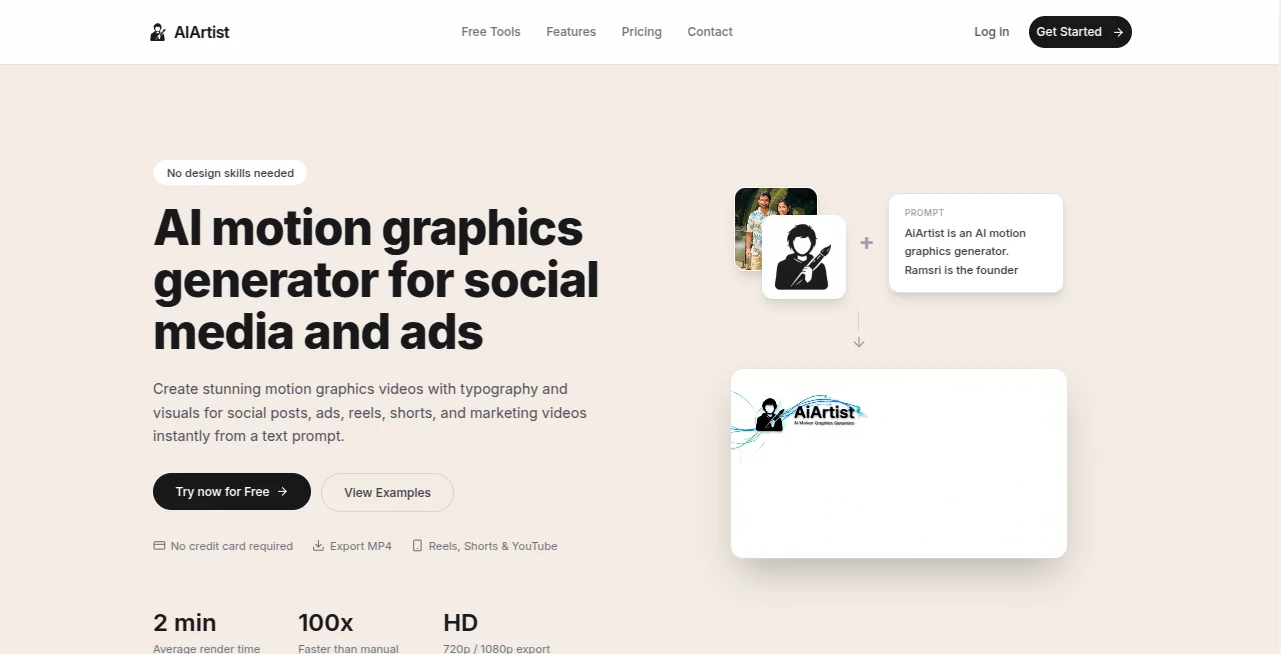
What is AiArtist?
There's something quietly magical about typing a few words—“a lone samurai standing on a cherry-blossom cliff at sunset, cinematic lighting, detailed ink style”—and watching a complete, gallery-worthy piece appear seconds later. No brushes, no layers, no years of practice. Just your idea, translated into visual form with surprising depth and emotion. I've sat with friends as they tried their first prompt, typed something half-joking, and then went silent when the result looked like it belonged in an art book. That moment—when imagination meets instant execution—is what makes this tool feel special.
Introduction
Digital art used to demand talent, time, expensive software, or all three. This platform changes the equation entirely. Describe what you see in your mind, tweak a few settings if you feel like it, and get polished artwork that captures mood, composition, and detail in ways that still surprise even seasoned creators. It’s become a daily creative outlet for people who never considered themselves artists—writers sketching book covers, marketers mocking up campaign visuals, hobbyists exploring styles they’d never attempt by hand. The joy comes from how personal it feels; the AI doesn’t just draw, it interprets your words with intention and care.
Key Features
User Interface
The workspace is clean and inviting. A large prompt box sits front and center, surrounded by simple style presets and sliders for aspect ratio, quality, and detail level. No overwhelming panels or hidden menus. Type, hit generate, and watch variations appear in a neat grid. You can favorite, upscale, or remix any result with one click. It’s designed so you spend time dreaming up ideas, not figuring out tools—exactly how creative flow should feel.
Accuracy & Performance
It reads prompts with remarkable nuance—understands artistic styles (“cyberpunk neon,” “soft watercolor,” “studio ghibli vibes”), lighting directions, composition rules, and emotional tone. Faces, hands, and complex scenes hold together far better than most tools in this space. Generations are fast (often 5–20 seconds), and higher-quality modes produce crisp 4K-ready results without long waits. Consistency across multiple generations is strong; ask for the same character in different poses and it actually remembers what they look like.
Capabilities
Text-to-image in virtually any style, negative prompts for fine control, image-to-image for remixing or upscaling your own uploads, outpainting to extend canvases, inpainting to edit specific areas, multiple aspect ratios (portraits, landscapes, square, cinematic), and batch generation for exploring variations quickly. It handles detailed scenes, character designs, concept art, book covers, posters, album art—anything visual you can describe. The level of artistic understanding makes even abstract or poetic prompts produce coherent, beautiful results.
Security & Privacy
Your prompts and generated images are processed privately—nothing is used for training or shared without explicit consent. No mandatory account for basic use, so casual exploration stays completely anonymous. Paid plans offer private generations and saved history if you want it, but the default is minimal data collection. For personal projects, client mockups, or sensitive creative work, that clean approach feels essential.
Use Cases
A novelist generates cover concepts for their upcoming book, narrowing down three strong directions in an afternoon instead of weeks with a designer. A small business owner creates professional social media graphics that match their brand without hiring help. A game dev mocks up character portraits and environment concepts to pitch to collaborators. A musician turns song lyrics into striking album artwork that captures the exact feeling of the track. Wherever imagination needs to become visual fast, this tool quietly becomes indispensable.
Pros and Cons
Pros:
- Results often look hand-crafted—strong understanding of art fundamentals and styles.
- Fast enough to support real creative iteration in one sitting.
- Image-to-image and inpainting give serious creative control.
- Generous free tier lets you explore quality before committing.
- High-res outputs suitable for print, portfolios, or commercial use.
Cons:
- Very abstract or contradictory prompts can occasionally produce unexpected results (common to all models).
- Unlimited generations and advanced features require a paid plan.
- Complex multi-subject scenes sometimes need prompt refinement for perfect coherence.
Pricing Plans
Free tier offers several high-quality generations per day—enough to experiment, create social content, or mock up ideas. Paid plans unlock unlimited creations, faster processing, higher resolutions, private mode, and priority during peak times. Pricing feels fair for the creative freedom it provides—many users say one month replaces what they used to spend on stock art or freelance illustrators for a single project.
How to Use AI Artist
Go to the generator page, type a detailed description of what you want to see (style, mood, composition, lighting—be as specific as you like). Optionally add negative prompts to exclude elements. Choose aspect ratio and quality level. Hit generate and browse the variations. Like one? Click to upscale or use it as a base for image-to-image edits. Download when you’re happy. The loop is fast enough to refine several concepts in one creative session.
Comparison with Similar Tools
Many image generators still struggle with anatomy, composition, or style consistency. This one handles artistic intent and detail with unusual care—faces look human, lighting feels motivated, scenes hold together. Where some tools produce only one fixed look, the style range and control here let you match your exact vision. Speed, quality, and natural-looking results place it ahead of most free and even some paid competitors.
Conclusion
Art doesn’t have to be locked behind years of practice or expensive tools. This platform opens the door wide—letting anyone turn imagination into something beautiful and shareable in moments. It respects your vision, rewards good prompts, and delivers results that feel personal rather than mechanical. Whether you’re creating for joy, work, or just curiosity, it gives you the power to see what’s in your head, exactly the way you pictured it. That’s not just convenient—it’s inspiring.
Frequently Asked Questions (FAQ)
How detailed should my prompt be?
The more specific, the better—mention style, lighting, mood, composition, colors. Vague prompts still work, but detailed ones produce magic.
Can I use the images commercially?
Yes—paid plans include full commercial rights; free tier allows personal & non-commercial use.
What resolutions can I get?
Up to 4K+ on higher plans; free tier offers solid high-res for most uses.
Do I need an account to start?
No—generate right away; sign up only if you want to save favorites or go unlimited.
Can I edit specific parts of the image?
Yes—use inpainting to change areas, outpainting to expand, or image-to-image to remix the whole thing.
AI Photo & Image Generator , AI Art Generator , AI Design Generator , AI Text to Image .
These classifications represent its core capabilities and areas of application. For related tools, explore the linked categories above.
AiArtist details
This tool is no longer available on submitaitools.org; find alternatives on Alternative to AiArtist.
Pricing
- Free
Apps
- Web Tools
Categories

AiArtist Alternatives Product

Picsart

Z-Image Gene…
GPT Image 2
gpt image
Nano Banana …

HY Motion

Lexica AI

NanoBanana2F…
Pic 2 Meme
