
🧠 AI Quiz
Think you really understand Artificial Intelligence?
Test yourself and see how well you know the world of AI.
Answer AI-related questions, compete with other users, and prove that
you’re among the best when it comes to AI knowledge.
Reach the top of our leaderboard.


















AI Dance Video
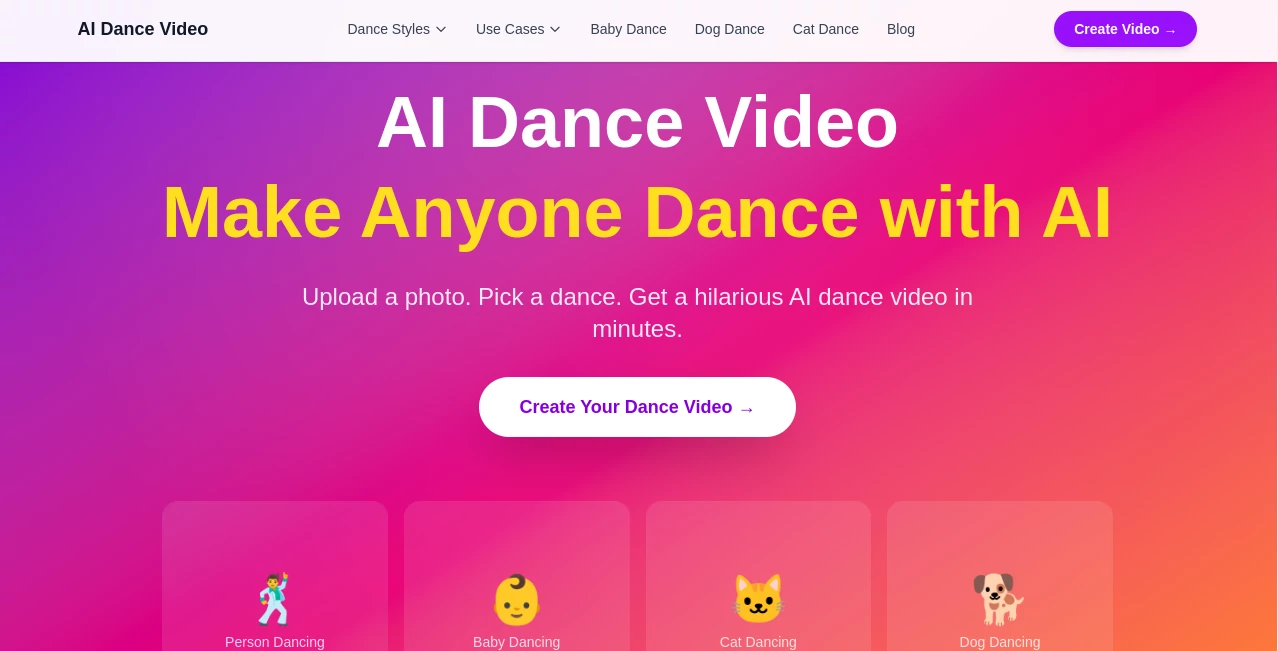
What is AI Dance Video?
Picture uploading a simple selfie or a photo of your dog, choosing a trending dance move, and watching it come alive in seconds—hips swaying, arms waving, full of personality and surprisingly smooth motion. That’s the kind of instant fun this tool delivers. It turns ordinary photos into hilarious, shareable dance videos that make people stop scrolling and hit share. I’ve seen friends light up when they saw their own face busting moves they’d never attempt in real life, or their cat grooving like a pro. It’s silly, it’s clever, and it never fails to get a laugh.
Introduction
In a world full of serious content, sometimes you just need something light and joyful. This platform specializes in one delightful thing: turning still photos into dynamic AI dance videos. Whether it’s a baby, a pet, a friend, or yourself, it animates the subject with realistic motion while keeping their face and character intact. No filming, no editing skills, no green screen—just upload and watch the magic happen. It’s become a favorite for quick social media laughs, birthday surprises, or just brightening someone’s day. The results feel playful rather than robotic, which is why people keep coming back for more.
Key Features
User Interface
The process is delightfully simple. You land on a clean page with a big upload area, browse trending dance styles, and hit generate. Everything is visual and intuitive—no complicated menus or technical jargon. Previews load quickly so you can try different dances until one makes you smile. It’s the kind of tool you can use while waiting for your coffee, and still end up with something worth posting.
Accuracy & Performance
The motion looks natural—limbs move with weight and rhythm instead of the jerky glitches you often see in other AI videos. Faces stay recognizable even during energetic dances, and the synchronization with the beat feels spot-on. Generation is fast enough that you can experiment with multiple styles in one sitting. The consistency across different photo types (selfies, pets, group shots) is impressive, which makes the whole experience reliable and fun.
Capabilities
You can animate people, babies, dogs, cats—pretty much any clear subject. There’s a growing library of trending and classic dance moves to choose from. The tool handles everything from subtle sways to high-energy routines while keeping the original photo’s lighting and style intact. Outputs are short, vertical videos perfect for social media, and they come out ready to download and share. It’s especially strong at keeping the subject’s personality alive while adding that irresistible dance energy.
Security & Privacy
Your photos are processed quickly and not stored long-term unless you choose to save the video. The platform focuses on fun, so it doesn’t ask for unnecessary personal data. That clean, low-commitment approach makes it feel safe to upload silly family photos or pet pictures without worrying about where they might end up.
Use Cases
A new parent turns baby photos into adorable dance videos for the family group chat. Someone creates a funny birthday greeting by making their friend “dance” to a favorite song. Pet owners make their dogs or cats go viral with silly routines that get thousands of likes. Content creators use it to produce quick, engaging Reels that stand out in crowded feeds. It’s perfect anytime you want to bring a smile or get some easy engagement without filming anything yourself.
Pros and Cons
Pros:
- Results are genuinely entertaining and shareable right away.
- Face and character consistency is better than most similar tools.
- Super simple workflow—upload, pick dance, generate.
- Great for pets and babies, which is rare and delightful.
- Fast enough to play with multiple ideas in one session.
Cons:
- Best results come from clear, well-lit photos.
- Clip length is short (ideal for social media but not long-form).
- Some advanced customization lives behind paid options.
Pricing Plans
You can start for free with a daily allowance of generations—enough to have fun and test the quality. Paid plans unlock more videos per day, higher quality, priority processing, and watermark-free downloads. The pricing is reasonable for how much joy and engagement one good video can create, especially if you use it regularly for content or gifts.
How to Use Aidance Video
Go to the generator page, upload a clear photo of the person or pet you want to animate. Browse the dance styles and pick one that matches the mood (funny, cool, cute, energetic). Hit generate and wait a short moment. Preview the result—if you love it, download and share. Want something different? Try another dance style or a new photo. The whole process is quick enough that you can create several versions and pick the funniest one.
Comparison with Similar Tools
Many AI video tools feel experimental or produce stiff, unnatural movement. This one focuses specifically on dance and delivers smoother, more entertaining results with better face consistency. It’s lighter and more fun than heavy video generators, and it excels at the one thing it does—turning still images into dancing joy—better than general-purpose tools that try to do everything.
Conclusion
In a world that can feel heavy, sometimes you just need something silly and joyful to share. This tool makes creating that joy ridiculously easy. It takes the pressure off filming or editing and lets anyone make something that sparks laughter and connection. Whether you’re brightening a friend’s day, entertaining your kids, or feeding your social media, it delivers consistent smiles with minimal effort. If you’ve ever wanted to make someone dance on command, this is as close as it gets—and it’s a lot of fun.
Frequently Asked Questions (FAQ)
How long are the generated videos?
Usually short clips perfect for social media (a few seconds each).
Can I use photos of pets or babies?
Yes—some of the most popular and adorable results come from pets and babies.
Do I need special lighting or photo quality?
Clear, well-lit photos work best, but the tool handles everyday shots surprisingly well.
Is there a watermark on free videos?
Free generations may include a small watermark; paid plans remove it.
AI Animated Video , AI Image to Video , AI Fun Tools , AI Video Generator .
These classifications represent its core capabilities and areas of application. For related tools, explore the linked categories above.
AI Dance Video details
Pricing
- Free
Apps
- Web Tools
Categories

AI Dance Video Alternatives Product

Seedance 2 A…

seedance 2.0

Whisper Thun…

JoyFlix AI

Flow Veo 3

Seedance 3.0…

videodance

Mimo AI

Kling 3.0 – …
