🧠 AI Quiz
Think you really understand Artificial Intelligence?
Test yourself and see how well you know the world of AI.
Answer AI-related questions, compete with other users, and prove that
you’re among the best when it comes to AI knowledge.
Reach the top of our leaderboard.


















AI Hug
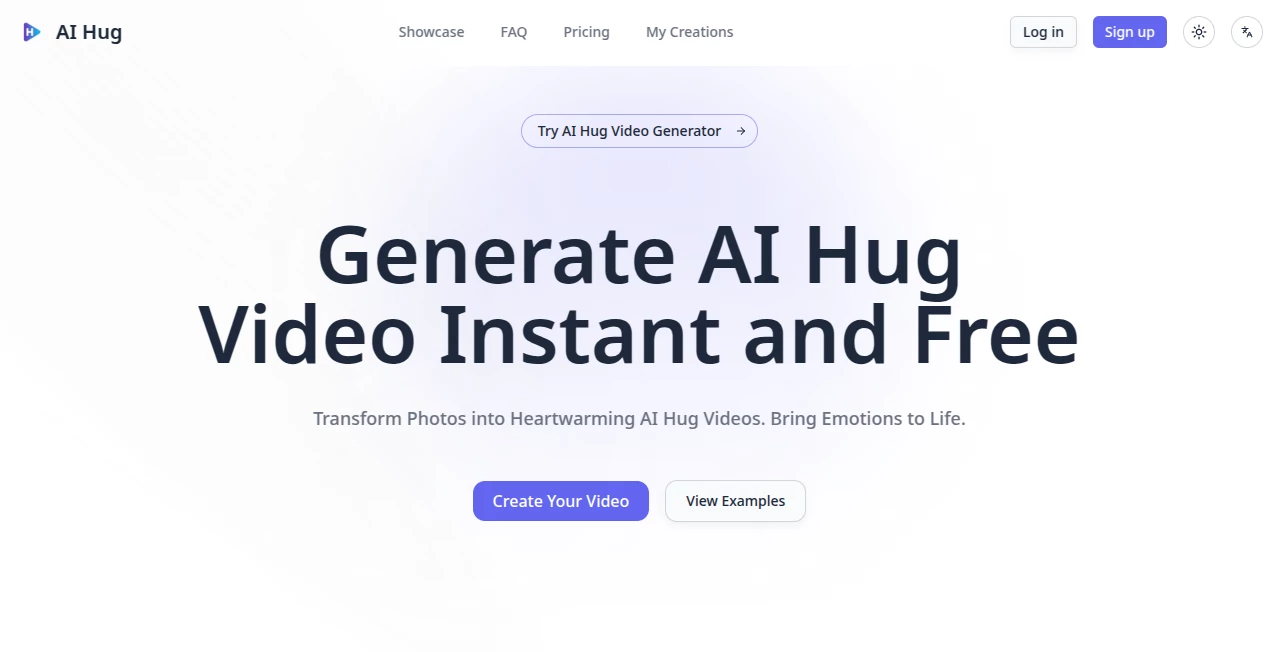
What is AI Hug?
There’s something deeply touching about seeing two people embrace, even when it’s only possible through pixels and imagination. This tool captures that warmth in a way that feels surprisingly real. You upload a couple of photos—maybe a parent and child, old friends, or a couple separated by distance—and it creates a short, gentle video where they come together in a natural hug. The movements are smooth, the expressions stay true to the originals, and the emotion lands without feeling forced or uncanny. I’ve watched people tear up sharing these with family; they’re not just cute animations—they’re little digital bridges across time or miles.
Introduction
In a world where physical distance often separates the people we care about most, this platform offers a simple, heartfelt way to bring them closer. It takes static photos and animates a realistic hugging moment, preserving faces, clothing details, and emotional nuance. No green screen, no actors, no complicated editing—just upload and watch the scene unfold. It’s become a favorite for birthdays, anniversaries, memorials, or just because. The results feel personal rather than generic, which is why so many users end up sending them as surprise gifts or keepsakes. It turns a quiet photo into something that moves, literally and emotionally.
Key Features
User Interface
The experience is wonderfully straightforward. A clean upload area lets you drop in one or two photos, with helpful guidance on positioning faces for the best hug animation. A few style options appear once images are loaded, and a prominent generate button starts the magic. Previews load reasonably fast, and the whole flow feels designed for regular people, not just tech enthusiasts. You don’t need to fiddle with timelines or keyframes—it handles the animation intelligently so you can focus on choosing the right photos.
Accuracy & Performance
The tool excels at keeping character consistency: faces stay recognizable, clothing details hold, and the hug motion looks natural rather than robotic. It avoids common AI pitfalls like distorted limbs or mismatched lighting between subjects. Generation times are quick enough to keep the experience enjoyable, and the output quality feels polished—smooth motion, believable interaction, and emotional warmth that doesn’t cross into uncanny territory. Many users note how surprisingly lifelike the embraces feel, even from casual snapshots.
Capabilities
It specializes in turning pairs of photos into short, heartfelt hug videos with realistic arm movements, gentle body language, and natural facial expressions. You can adjust styles for different moods—warm and tender, playful, or more cinematic. Batch processing lets you create multiple videos at once, and outputs work well for social media, personal messages, or digital keepsakes. The focus on emotional authenticity sets it apart; it’s not just animating figures, it’s trying to preserve the connection between the people in the images.
Security & Privacy
Your uploaded photos are handled with care—processed for the task and not stored long-term unless you choose to save creations. No unnecessary data collection, and the platform respects that these images often carry personal or sentimental value. For users creating videos of loved ones or private moments, that thoughtful approach provides welcome peace of mind.
Use Cases
A daughter creates a hug video from photos of her late father for Mother’s Day; the family watches it together with tears and smiles. Long-distance partners send each other animated hugs when visits aren’t possible. A group of old college friends reunites virtually by sharing a collective hug video made from separate portraits. Content creators use it for emotional storytelling in Reels or TikToks. Even pet lovers animate “hugs” between their dog and a family member using clever photo pairings. The uses feel as varied and personal as the relationships they celebrate.
Pros and Cons
Pros:
- Creates genuinely touching, emotionally resonant animations that feel personal.
- Strong character consistency—faces and details stay true during the hug.
- Simple, fast workflow that anyone can use without technical skills.
- Perfect for meaningful gifts, social posts, or personal keepsakes.
- Free tier available to try the magic before committing.
Cons:
- Best results come from clear, well-lit photos with visible faces.
- Clip length is short, focused on the hug moment rather than long scenes.
- Advanced customization or batch features require paid plans.
Pricing Plans
It starts with a free option that lets you create several videos to experience the quality firsthand. Paid plans (Basic, Pro, Max) increase monthly credits, unlock higher quality, private generation, commercial licensing, and more storage/management tools. Yearly subscriptions offer good savings. The structure feels fair—pay more only when you need volume or professional features, while casual users can enjoy the core experience without cost.
How to Use AI Hug Video
Head to the create page and upload the first photo (usually the main person), then add the second for the hug partner. The tool suggests good positioning; adjust if needed. Choose a style or mood if options appear, then hit generate. Watch the short preview—most videos finish quickly. Download the result and share it directly or save for later. For multiple videos, paid users can batch upload and process efficiently. The entire process is gentle and intuitive, designed around the emotional moment rather than technical hurdles.
Comparison with Similar Tools
Many AI animation tools focus on general motion or dancing effects, often resulting in stiff or unnatural movement. This one specializes in the hug gesture with a clear emphasis on emotional authenticity and character preservation. Where others produce generic animations, the outputs here feel warmer and more intentional. It strikes a nice balance between simplicity for everyday users and quality that stands out when shared.
Conclusion
In a digital world that can sometimes feel distant, this tool offers a small, meaningful way to bring people closer. It turns ordinary photos into videos that carry real feeling—perfect for celebrations, comfort, or just because. Whether you’re surprising a loved one, preserving a memory, or adding warmth to your content, it delivers with heart and simplicity. Sometimes the most powerful creations are the ones that simply help us express what words alone cannot.
Frequently Asked Questions (FAQ)
How many photos do I need?
Usually two—one for each person in the hug—but it handles single-subject creative interpretations well too.
Do the videos look realistic?
They aim for natural, lifelike motion and expressions rather than cartoonish effects, preserving the original photo’s essence.
Can I use these videos commercially?
Paid plans include commercial licensing; check your tier for details on usage rights.
How long are the generated videos?
Short and focused—typically a few seconds centered on the hug moment, ideal for sharing.
Is there a free way to try it?
Yes, a free tier lets you create several videos to see the quality before upgrading.
AI Animated Video , AI Image to Video , AI Fun Tools , AI Video Generator .
These classifications represent its core capabilities and areas of application. For related tools, explore the linked categories above.
AI Hug details
Pricing
- Free
Apps
- Web Tools
Categories

AI Hug Alternatives Product

kling 4.0

Wan-Animate.…

Seedance Pro…

seedance 2

Seedance 2.0…

JoyFlix AI

gpt video

Plottie

ModelsLab