
🧠 AI Quiz
Think you really understand Artificial Intelligence?
Test yourself and see how well you know the world of AI.
Answer AI-related questions, compete with other users, and prove that
you’re among the best when it comes to AI knowledge.
Reach the top of our leaderboard.


















AI Motion Control
What is AI Motion Control?
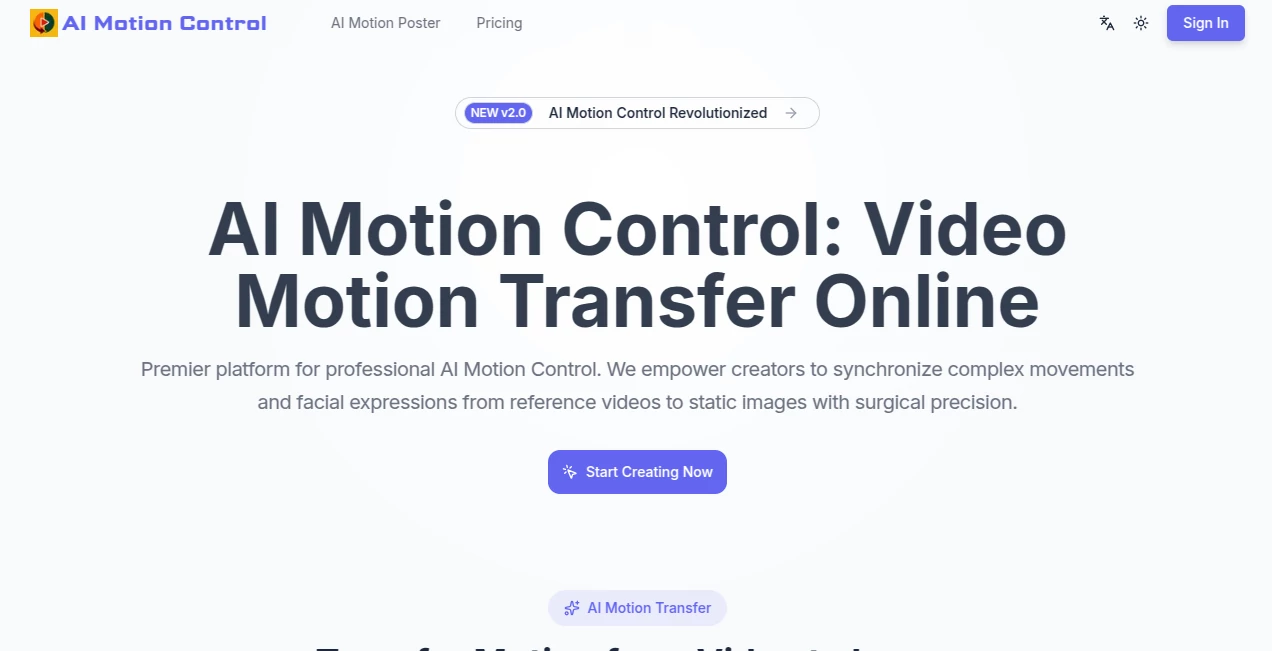
There's something downright thrilling about watching a still image spring to life with fluid dance moves or subtle smiles that feel stolen from real life. This platform nails that magic, letting you upload a favorite character snapshot and a clip of someone moving, then blending them into animated clips that look eerily natural. I've tinkered with it on a rainy afternoon, turning a simple anime sketch into a graceful yoga sequence, and the way it captured every twist and glance left me grinning—it's the kind of tool that makes you feel like a director without the crew or budget.
Introduction
Animating characters used to mean hours in front of complex software or hiring specialists, but this service flips that on its head with smart tech that transfers motions and moods seamlessly. Feed it a photo and a video reference, and it handles the heavy lifting—mapping limbs, syncing faces, even adjusting for different body types so everything flows without awkward glitches. Creators rave about the 99% accuracy on anatomy, how it keeps the character's look locked in across frames, and the lip sync that makes dialogue feel alive. Whether you're crafting viral shorts or prepping game assets, it's built to deliver broadcast-ready results from the cloud, no fancy rig required.
Key Features
User Interface
Everything unfolds in a straightforward browser setup—sign in, pick your plan's perks, and dive into uploads with a gallery of examples to spark ideas. Drag in your character image and motion clip, tweak settings like audio or style, and watch previews build. It's refreshingly uncluttered, with controls that make sense right away, letting you focus on the fun of mixing moves rather than hunting menus.
Accuracy & Performance
The precision here is what sets it apart—full-body sync hits near-perfect marks on joints and weight shifts, while faces capture those tiny tells like a raised brow or quick glance that sell the emotion. It powers through long clips up to a minute without dropping the ball, churning out smooth 60fps outputs on beefy cloud servers that keep waits short and quality high.
Capabilities
It excels at retargeting real moves onto stylized figures, adapting strides and balance for proportions that differ wildly, all while blending motions from a built-in library or your uploads. Add audio for spot-on lip movements, gaze direction, and those fleeting emotional flickers that make characters breathe. Style holds steady too, preserving art directions through the chaos of motion.
Security & Privacy
Running on enterprise clouds with compliance badges in tow, your uploads get processed securely and cleared out responsibly, especially handy for commercial gigs where ideas need guarding. It's the quiet assurance that lets you experiment boldly, knowing the backend handles the safeguards.
Use Cases
Social stars pump out dancing avatars for reels that rack up views, syncing tunes to custom characters without filming a thing. Filmmakers rough out scenes for pitch decks, testing timing on digital stand-ins. Game makers build sprite cycles from live references, saving animation drudgery. Fashion folks showcase outfits swaying on models, or influencers breathe life into virtual selves for consistent branding.
Pros and Cons
Pros:
- Incredible consistency that keeps characters true through wild moves.
- Cloud power means pro results on any device, no upgrades needed.
- Blends motions creatively for unique sequences that feel fresh.
- High-frame smoothness perfect for polished shares.
Cons:
- Best with matching orientations in references to avoid extra tweaks.
- Credit-based for heavier use, so plan accordingly.
Pricing Plans
Yearly options keep it committed but rewarding—Starter around five hundred bucks for solid monthly credits and 100 seconds of transfers, Pro doubles that for busier creators at about a grand, and Ultimate pushes limits with 400 seconds for two grand. All toss in high-quality access, no watermarks, and commercial rights, with big savings off the listed rates.
How to Use AI Motion Control
Log in, grab your character image—clear and front-facing works wonders—and a video clip of the desired moves. Upload both, add audio if you're syncing speech, pick length or style tweaks, and let the cloud crunch. Preview pops up quick; regenerate spots if needed, then download the seamless clip. I once layered a Tai Chi routine onto a cartoon hero—upload, wait a bit, and suddenly it was flowing like a master.
Comparison with Similar Tools
Plenty of animators out there handle basic transfers, but few match this one's grip on micro-expressions, long coherence, or adaptive retargeting that bridges real to stylized without losing soul. It's more deliberate for character-driven clips, trading broad brushes for that fine-tuned fidelity creators crave when consistency counts.
Conclusion
This platform hands you the keys to animation that feels alive and authentic, bridging the gap between inspiration and execution with grace. It's a joy for anyone who's ever wanted to see their drawings dance or stories move, delivering results that spark shares and smiles. Give it a spin with a favorite clip—you might just find your characters stealing the show in ways you never imagined.
Frequently Asked Questions (FAQ)
What references work best?
Clear videos with similar orientations to your character for the smoothest sync.
How long can clips be?
Up to a full minute, holding steady without drifts or jitters.
Does it handle stylized art?
Beautifully—retargets human moves while keeping the unique flair intact.
Need powerful hardware?
Nope, all cloud-based so your laptop does the watching, not the working.
Commercial use okay?
Absolutely on paid plans, watermark-free and ready for business.
AI Animated Video , AI Image to Video , AI Video Generator , AI Video Editor .
These classifications represent its core capabilities and areas of application. For related tools, explore the linked categories above.
AI Motion Control details
Pricing
- Free
Apps
- Web Tools
Categories

AI Motion Control Alternatives Product

Nano Banana …

Seedance 2.0

PostPlus AI

VidiOne

Veo4

VO4 AI

seedance 2

Leonardo.ai

Seedance 2.5
