🧠 AI Quiz
Think you really understand Artificial Intelligence?
Test yourself and see how well you know the world of AI.
Answer AI-related questions, compete with other users, and prove that
you’re among the best when it comes to AI knowledge.
Reach the top of our leaderboard.


















All Cloud Hub

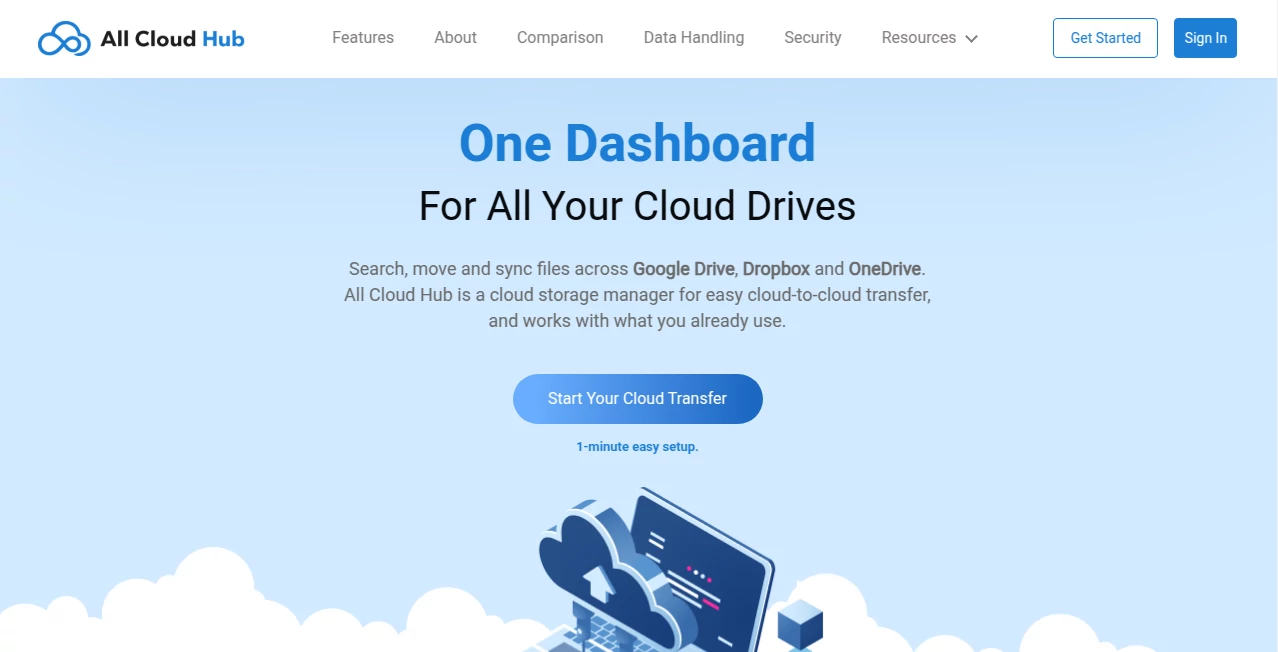
What is All Cloud Hub?
Deploying a side project, a client site, or even a small SaaS should feel like flipping a switch—not wrestling with servers for hours. This platform gets that. You connect your Git repo or drop a Docker image, pick a region, and in under sixty seconds your app is live with a custom domain, SSL, and scaling already handled. I’ve seen solo founders go from “I built it” to “people are actually using it” in the time it takes to make coffee. The speed is addictive, and the fact that it just works—without surprise bills or config nightmares—makes it hard to go back to anything else.
Introduction
Cloud hosting has become table stakes, but most options still punish you with complexity: manual scaling rules, confusing pricing calculators, fragile build pipelines. This one strips all that away. It’s built for makers who want production-grade infrastructure without production-grade headaches. Connect GitHub/GitLab, push code, and it auto-detects your stack (Node, Python, Next.js, Laravel, Docker, static sites—you name it), builds, deploys, and gives you a live URL. No YAML wrestling, no DevOps degree required. Early users talk about the relief of finally shipping instead of configuring. That mental shift—from deployment dread to deployment delight—is what makes it quietly powerful.
Key Features
User Interface
The dashboard is calm and focused: a single “New Project” button, Git integration that feels instant, and a deployment log that actually explains what’s happening instead of vomiting cryptic errors. Preview URLs appear before the main domain, environment variables are dead simple to set, and logs/monitoring are right there—no jumping between five different tabs. It’s the kind of UI that disappears when you don’t need it and appears exactly when you do.
Accuracy & Performance
Builds are fast and reliable—caching is smart, so repeated deploys don’t re-download the world. Global edge network means low latency almost anywhere. Auto-scaling kicks in smoothly under load without manual intervention. Downtime during deploys is near-zero thanks to zero-downtime swaps. In real projects, it consistently outperforms many “enterprise” hosts on speed-to-live and stability, especially for small-to-medium traffic apps.
Capabilities
Supports static sites, full-stack apps, Docker containers, background workers, cron jobs, custom domains with automatic SSL, preview deployments on every branch, environment variables per branch, basic analytics, logs, and one-click rollbacks. It auto-detects most frameworks and runtimes—no forced Dockerfile unless you want it. Built-in database add-ons (Postgres, Redis, etc.) spin up in seconds. It’s surprisingly complete for how simple it feels.
Security & Privacy
Every deploy gets free automatic SSL via Let’s Encrypt. Private repos stay private. No unnecessary access to your code beyond the build step. Logs and metrics are encrypted at rest, and you control who can see project details. For indie makers and agencies alike, the minimal surface area and transparent data handling give real peace of mind.
Use Cases
A solo dev pushes a Next.js app on Friday night and wakes up to real users on Saturday morning—no frantic SSH sessions. A small agency deploys client landing pages in minutes instead of hours, winning more work because of speed. A SaaS founder tests pricing pages on feature branches and shares live previews with beta users. A designer launches a portfolio with custom domain and HTTPS without touching server configs. Wherever “ship fast and reliably” is the goal, it quietly becomes the default choice.
Pros and Cons
Pros:
- Deployment in under a minute—literally changes how fast you can iterate.
- Zero-downtime deploys and automatic SSL make it feel enterprise-grade.
- Smart auto-detection means less configuration, more building.
- Pricing is predictable and fair—no surprise bills at the end of the month.
- Preview branches and rollbacks give real confidence when shipping.
Cons:
- Database add-ons are convenient but more expensive than self-managed alternatives.
- Very high-traffic apps may eventually need dedicated resources (though auto-scaling helps a lot).
- Custom buildpacks or exotic runtimes sometimes require a Dockerfile.
Pricing Plans
Free tier covers hobby projects, personal sites, and small experiments with generous build minutes and bandwidth. Starter plan unlocks custom domains, team members, and higher limits for serious side projects. Pro and Team plans add priority support, advanced analytics, larger resource pools, and dedicated IPs for larger apps. Pricing is transparent and scales with usage—most makers stay comfortably on the lower tiers for a long time.
How to Use AllCloudHub
Sign up (GitHub login works great), click “New Project,” connect your repo or drag a Dockerfile. It auto-detects your stack. Set environment variables if needed (API keys, database URLs). Choose a region closest to your users. Hit deploy—watch the build log scroll (it’s actually readable). Once green, grab the auto-generated URL or add your custom domain. Push new commits to trigger automatic redeploys. For branches, preview URLs appear automatically. That’s the entire flow—shockingly simple for how powerful the result is.
Comparison with Similar Tools
Vercel and Netlify are fantastic for static/front-end, but struggle with full backends or custom runtimes. Railway and Render are close competitors, but this one often edges out on deployment speed, pricing clarity, and how aggressively it hides complexity. Traditional VPS or Kubernetes setups offer ultimate control but at 10× the mental overhead. It lands perfectly for makers who want production-grade infra without production-grade ops work.
Conclusion
Great ideas deserve to see the world quickly and reliably. This platform removes almost every excuse for delay. It gives you hosting that scales, secures, and stays out of your way—so you can focus on building, shipping, and learning from real users. When deployment stops being the bottleneck, creativity gets to run free. For indie hackers, small teams, and anyone who ships often, that freedom is worth more than any feature list.
Frequently Asked Questions (FAQ)
How fast is deployment really?
First deploy usually 30–90 seconds; subsequent pushes are often under 20 seconds thanks to caching.
Do I need Docker knowledge?
Not usually—it auto-detects most frameworks. Docker is optional for full control.
What happens if my app gets popular?
Auto-scaling handles bursts; you can upgrade resources with one click if needed.
Is SSL really automatic?
Yes—free Let’s Encrypt certificates on every custom domain, renewed automatically.
Can I preview changes before going live?
Every branch gets its own preview URL—shareable and isolated from production.
These classifications represent its core capabilities and areas of application. For related tools, explore the linked categories above.
All Cloud Hub details
This tool is no longer available on submitaitools.org; find alternatives on Alternative to All Cloud Hub.
Pricing
- Free
Apps
- Web Tools
Categories

All Cloud Hub Alternatives Product

AIDir

Yo Directory

AIToolFame

SeeWhatNewAI…

ATOZAITOOLS

aiwget

ToolAtlas

Digitool

Fazier