
🧠 AI Quiz
Think you really understand Artificial Intelligence?
Test yourself and see how well you know the world of AI.
Answer AI-related questions, compete with other users, and prove that
you’re among the best when it comes to AI knowledge.
Reach the top of our leaderboard.


















AnyToURL
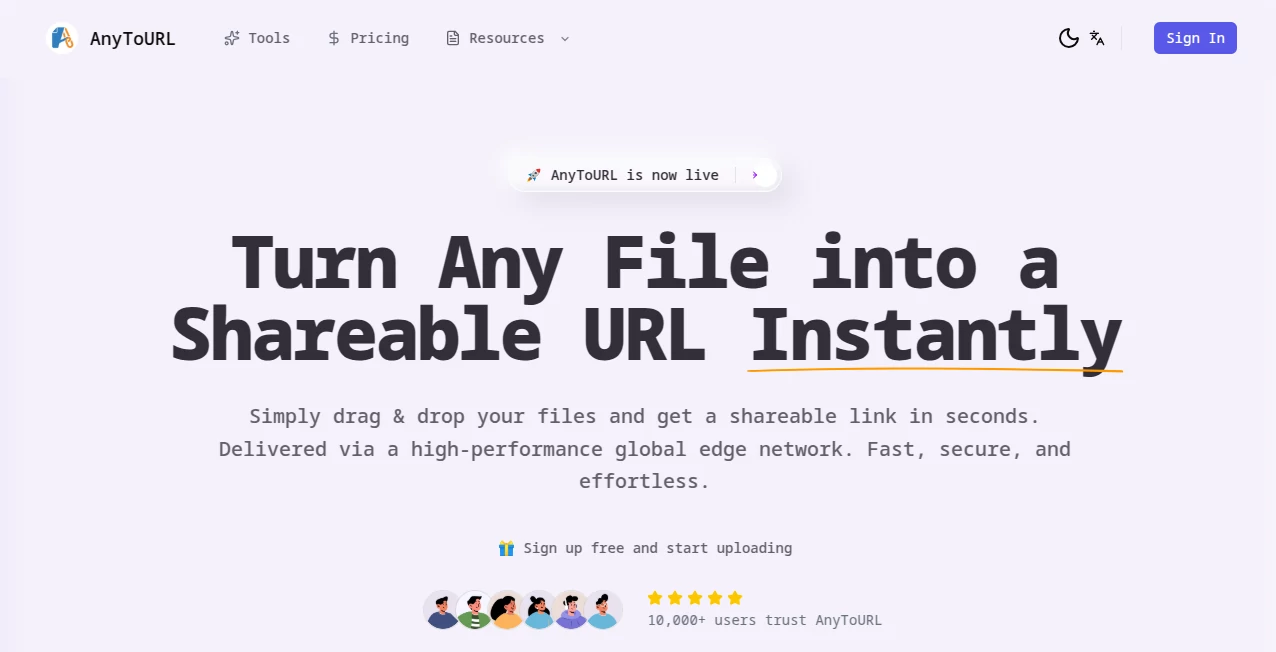
What is AnyToURL?
There's something genuinely satisfying about dragging a file onto a page and—poof—having a clean, short link ready to fire off in seconds. This tool nails that simple joy, making file sharing feel almost too easy, with smart previews and speedy delivery that turns everyday exchanges into smooth sails. I've used it for sending bulky design mocks to clients who are halfway across the globe, and the way it loads previews without a full download? Pure gold—saves time, cuts frustration, and keeps conversations moving.
Introduction
In our always-on world, fumbling with email attachments or clunky cloud links just slows everything down. This platform sweeps that aside with a straightforward drag-and-drop setup that hosts your files on a lightning-fast global network, handing you a tidy URL that's perfect for chats, emails, or embeds. What stands out is the thoughtful extras—like in-browser previews for images and PDFs—that make receiving files as painless as sending them. Trusted by thousands who've shared millions of files, it's built for reliability with near-perfect uptime, proving it's more than a quick fix; it's a daily driver for anyone juggling documents, photos, or assets on the regular.
Key Features
User Interface
It's refreshingly bare-bones in the best way: a big open area begging for your drop, or a click to browse if you prefer, with clipboard paste as a bonus for screenshots. Uploads track progress clearly, and once done, the link copies with one tap—no ads crowding the view or confusing steps to navigate. My go-to for quick shares on mobile, where it feels just as snappy as on desktop, turning a rushed moment into a seamless send.
Accuracy & Performance
Powered by a worldwide edge network, files load blazing fast no matter where your recipient sits, with that 99.9% uptime backing it up. Previews render sharp and true for supported types, skipping the download dance entirely. In practice, it's handled high-res photos or multi-page docs without a hiccup, delivering exactly what you uploaded, every time.
Capabilities
Up to 50MB on the free side covers most daily needs—think design files, lesson plans, or campaign assets—with instant short links that are easy to remember and share. Add password locks for sensitive stuff, and upgrade for keepsakes that don't vanish. The browser previews are a standout, letting folks peek at PDFs or images right in the link, making it ideal for collaborative glances without extra tools.
Security & Privacy
Password protection wraps your shares in an extra layer, while strict checks keep malware at bay and isolation ensures nothing crosses streams. Free files fade after a day to keep things tidy, but paid options hold them steady. It's that balanced approach—secure without being overbearing—that builds quiet confidence for professional or personal drops.
Use Cases
Designers fling mockups to clients for quick feedback, watching previews spark instant chats. Teachers pass lesson materials to students who view without downloads, keeping classes flowing. Photographers share high-res shots with editors across time zones, leveraging the global speed. Marketers distribute campaign assets to teams, password-protected for eyes-only access. Even freelancers send invoices or portfolios in a snap, turning potential delays into done deals.
Pros and Cons
Pros:
- Effortless drag-and-drop that feels intuitive from the first try.
- Smart previews save everyone time and bandwidth.
- Blazing global delivery that erases distance woes.
- Password option for that needed peace of mind.
Cons:
- Free files expire after 24 hours, nudging toward paid for keepers.
- 50MB cap might pinch for occasional oversized videos.
Pricing Plans
Dive in free with no sign-up hassles for on-the-fly shares that auto-expire, perfect for casual or testing runs. Upgrade for permanent hosting and extras like custom touches—plans scale gently to fit light or heavy users, keeping costs sensible while unlocking longevity. It's the fair setup that rewards loyalty without locking you in early.
How to Use AnyToURL
Grab your file—a screenshot, doc, or photo—and drag it right onto the zone, or click to pick. Watch the bar fill, add a password if it's private, and snag the short link that pops up. Paste it wherever—email, Slack, texts—and recipients preview or grab it direct. For batches, repeat as needed; it's that loop of simplicity that makes heavy sharing days feel light.
Comparison with Similar Tools
Where big cloud drives bog you down with accounts and folders, this one keeps it laser-focused on instant links with previews that shine. Against bare-bones uploaders, it adds the global speed and security polish without the bloat. It's the sweet spot for quick, clean shares that feel professional yet painless, edging out the rest when speed and simplicity matter most.
Conclusion
This tool quietly revolutionizes the little things—like sharing a file without the fuss—that add up in a busy day. It blends speed, smarts, and security into something you didn't know you needed until it's there, smoothing workflows and sparking smoother collaborations. Give it a whirl next time you've got something to send; the ease might just win you over for good.
Frequently Asked Questions (FAQ)
How long do free files last?
24 hours—plenty for quick exchanges, with upgrades for forever.
What's the file size limit?
50MB covers most shares nicely, from docs to detailed images.
Do previews work for everything?
Images, PDFs, and docs shine in-browser; others download direct.
Can I protect with passwords?
Yes, a simple toggle keeps prying eyes out.
Is it really that fast worldwide?
Edge network magic ensures it—loads quick no matter the location.
AI Productivity Tools , AI Files Assistant .
These classifications represent its core capabilities and areas of application. For related tools, explore the linked categories above.
AnyToURL details
Pricing
- Free
Apps
- Web Tools
Categories

AnyToURL Alternatives Product

Motion

eesel AI

Slackactivity

Jamy.ai | Au…

Skywork Supe…

Image to URL…

PDFgear

Watermark in…

GenPPT AI
