
🧠 AI Quiz
Think you really understand Artificial Intelligence?
Test yourself and see how well you know the world of AI.
Answer AI-related questions, compete with other users, and prove that
you’re among the best when it comes to AI knowledge.
Reach the top of our leaderboard.


















Atono
Build Better Software, Together

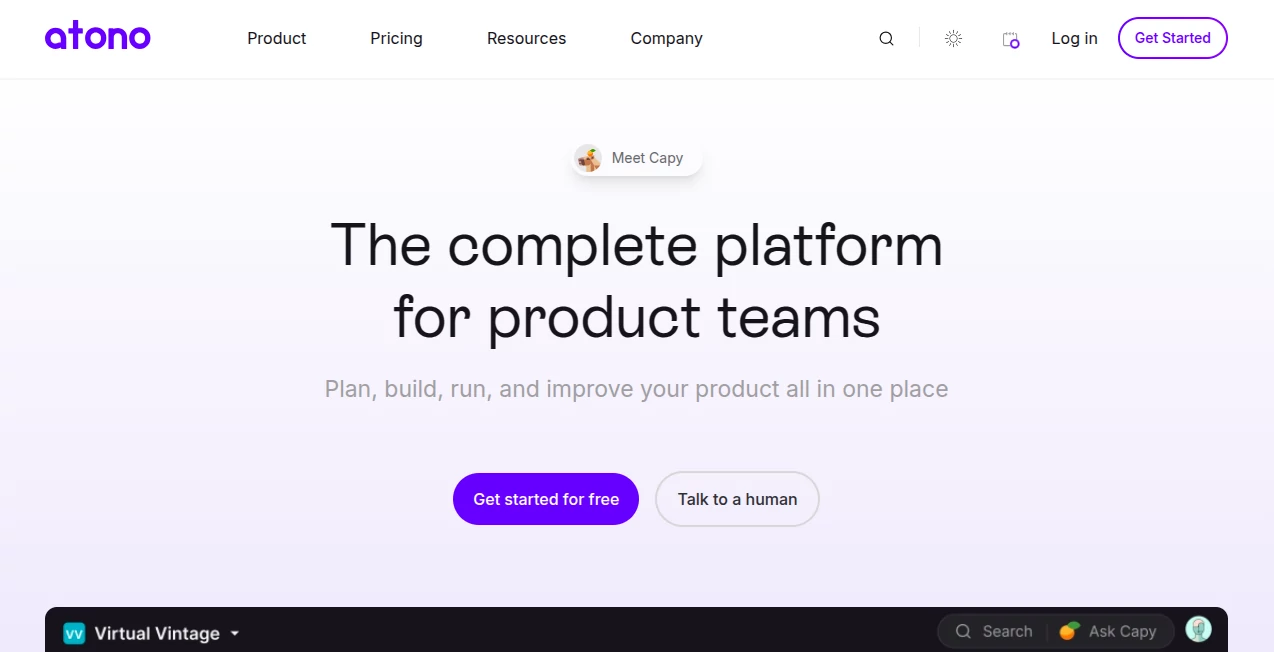
What is Atono?
Atono pulls scattered teams into one smooth spot, where planning a feature feels as easy as chatting over coffee instead of wrestling spreadsheets. This fresh take on dev tools hands product folks, coders, and designers a shared canvas to sketch, ship, and tweak without the usual tool-juggling headaches. It's drawing nods from crews tired of bloated suites, promising a lighter load that still packs the punch for real-world builds.
Introduction
Atono hit the scene in 2024, cooked up by a band of devs and product leads who'd had enough of the endless app-swapping that turns sprints into slogs. They aimed to knit together the bits that matter—stories, flags, bugs—into something that just works, without the Jira-level jargon overload. Early adopters, from scrappy startups to mid-size shops, started buzzing about how it cut the noise, letting them focus on shipping stuff that clicks with users. With a fresh $4 million infusion, it's gearing up to shake things up, proving you don't need a monster stack to make monsters of progress.
Key Features
User Interface
The dashboard lands like a clean desk after a purge, with timelines stretching out in simple drags and stories popping as clickable cards that link everything tight. No buried menus or endless scrolls; grab a workspace for prod, test, or play, and it shifts gears without a blink. Teams dig the way acceptance criteria link up like footnotes you can actually follow, turning group chats into guided paths that keep everyone synced without extra pings.
Accuracy & Performance
It tracks cycles with a sharp eye, spitting out forecasts that hug real rhythms instead of pie-in-sky guesses, often nailing delivery windows closer than old-school estimates. Handles heavy lifts like flag flips across envs without a stutter, even mid-sprint, so deploys stay snappy. Users point to how the risk tags on bugs flag real threats early, dodging those late-night scrambles that used to derail weeks.
Capabilities
From backlog boards that visualize the whole flow to AI nudges that draft stories with personas baked in, it covers the cradle-to-grave of building—plan with timeboxes, build with linked criteria, run via flags that toggle by user or spot, and tweak bugs with one-click reports from the browser. Themes bundle related work for big-picture tracking, while custom flows bend to your quirks, whether agile scrums or looser loops.
Security & Privacy
Workspaces lock down per role, with flags that gate features tight until they're vetted, keeping half-baked bits from prying eyes. It sticks to the basics like encrypted chats and audit trails without the fuss, letting teams share just enough without spilling secrets. For those handling sensitive deploys, the env-specific controls mean prod stays pristine while sandboxes run wild.
Use Cases
Product leads map out quarters with themes that tie features to goals, pulling eng in early for feasible scopes. Coders snap bugs mid-flow via the extension, auto-grabbing logs that speed fixes without context hunts. Cross crews run betas with flags that roll to subsets, testing waters before full floods. Even solo side-hustlers use the demo space to mock full cycles, ironing kinks before going live.
Pros and Cons
Pros:
- Welds tools into one flow, slashing the switcheroo fatigue.
- AI smarts lighten story spins and bug hunts without overreach.
- Flags and links make handoffs feel like handshakes.
- Custom bends fit odd teams without config nightmares.
Cons:
- Young pup means some edges still fuzzy for mega-enterprises.
- No free ride yet, so trial teases without full test drives.
- Relies on browser quirks for extensions, occasional hiccups.
Pricing Plans
They keep it under wraps till you chat, but whispers point to tiered setups starting around the mid-hundreds yearly per user for core crews, scaling with add-ons like extra workspaces or AI deep dives. No freemium float, but demos and pilots let you dip toes before diving, with flex for growing pains.
How to Use Atono
Spin up a workspace for your gig—prod for the real deal, sandbox for wild tests—then drop stories with AI-guided prompts that flesh out criteria on the fly. Link 'em to backlogs, flag features for staged ships, and when glitches hit, clip from Chrome to log with auto-diags. Track themes across sprints, tweak flows as you go, and pull reports to spot bottlenecks before they bite.
Comparison with Similar Tools
Jira's a beast for scale but buries you in buttons; Atono trims the fat for quicker quarters, though it might miss Jira's plugin zoo. Against Linear's sleek sprints, it layers in flags and AI for fuller cycles, but Linear edges on pure speed for tiny teams. It slots best for blended squads craving unity over silos.
Conclusion
Atono charts a calmer course through dev chaos, stitching solo shines into team triumphs without the toolbelt tangle. It bets on smarts and simplicity to free up headspace for what counts—crafting code that connects. As stacks keep stacking higher, this one's a breath of fresh air, nudging software squads toward smoother sails and sharper ships.
Frequently Asked Questions (FAQ)
How does it stack against Jira?
Leaner and less locked-in, with built-in flags and AI skips that Jira bolts on extra.
Can I test before buying?
Pilots and demos yes, full free no—but they tailor walkthroughs to your flow.
What's the AI do exactly?
Guides story drafts, rates bug risks, and crunches cycle insights for smarter calls.
Supports big teams?
Yup, with role gates and shared spaces that scale without sprawl.
Chrome extension perks?
One-click bugs with screenshots and console grabs—saves the 'what happened?' dance.
AI Code Assistant , AI Developer Tools , AI Workflow Management , AI Project Management .
These classifications represent its core capabilities and areas of application. For related tools, explore the linked categories above.
Atono details
This tool is no longer available on submitaitools.org; find alternatives on Alternative to Atono.
Pricing
- Free
Apps
- Web Tools
Categories

Atono Alternatives Product

UPDF AI

DiRe-RAPIDS

VisualGPT

Zapier

Website Clon…

Notion

LocaFlow

ChatFlowchart

MyToolster W…
