🧠 AI Quiz
Think you really understand Artificial Intelligence?
Test yourself and see how well you know the world of AI.
Answer AI-related questions, compete with other users, and prove that
you’re among the best when it comes to AI knowledge.
Reach the top of our leaderboard.


















AutoChangelog
Verified Blue CheckMark
Verified Blue CheckMark products are featured above free or unverified listings.
This badge indicates authenticity and builds trust, giving your product higher visibility across the platform.
Upgrade to get verified
Verified Blue CheckMark products are featured above free or unverified listings. This badge indicates authenticity and builds trust, giving your product higher visibility across the platform.
Upgrade to get verified
What is AutoChangelog?
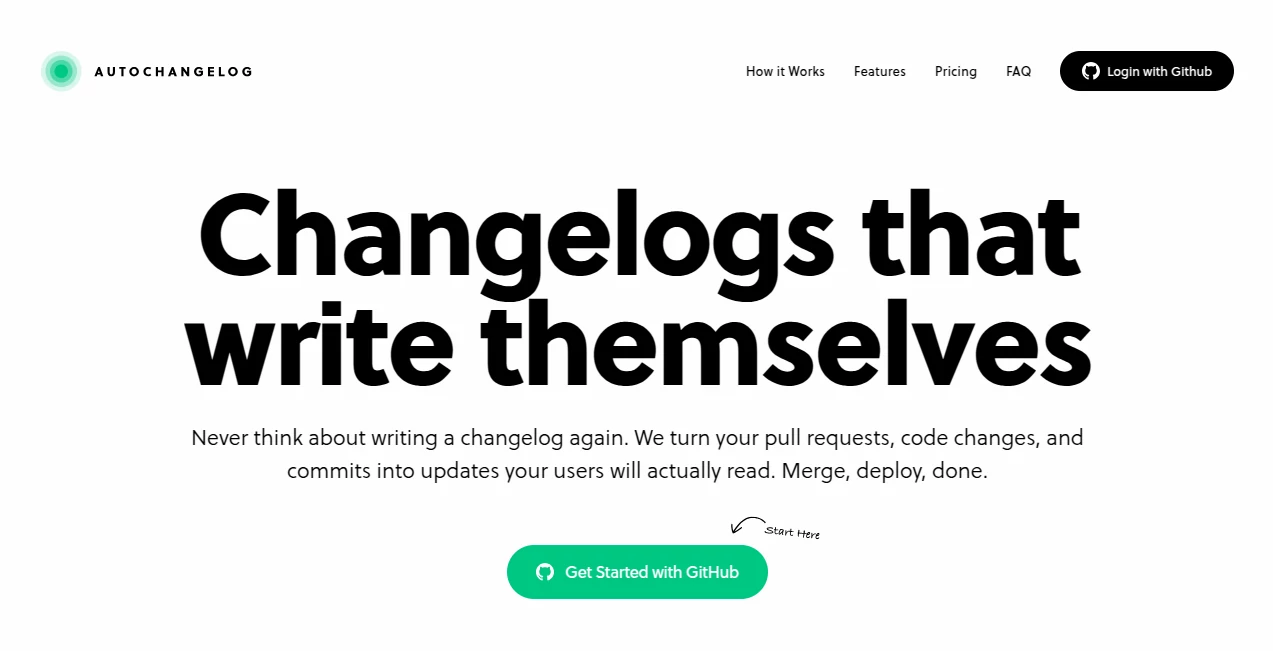
AutoChangelog slips into a developer's routine like a well-timed coffee break, quietly handling the chore of update notes so you can focus on the code that matters. This handy service pulls together the story of your project's evolution from commits and merges, crafting summaries that make sense to everyone from teammates to end users. Over the years, it's earned nods from solo coders and full squads who've ditched the drudgery of manual logs for something that just works, often sharing how it freed up Fridays for actual features instead of formatting.
Introduction
AutoChangelog came about from those late-night gripes in dev chats, where folks wondered why tracking changes still felt like pulling teeth. A small team of builders, fresh off their own release headaches, pieced it together to bridge the gap between raw git history and readable recaps. It took off quietly at first, hooking early users with its no-fuss setup, and soon tales spread of teams that slashed doc time by half. What keeps it clicking is that balance of smarts and simplicity—letting AI chew the tech talk into plain stories, while giving you the reins to tweak if needed. In a world where releases roll weekly, it's become that reliable sidekick turning chaos into clarity, one push at a time.
Key Features
User Interface
The dashboard feels like a tidy workbench, with clear sections for picking repos and tweaking hooks, all laid out without the usual menu maze. You glance at recent runs in a simple list, click to peek or polish entries, and swap themes with a few taps—dark mode flips on seamless, and previews show how it'll look live. It's the kind of setup that clicks after one spin, welcoming even if you're juggling screens during a sprint.
Accuracy & Performance
It sifts through merges and messages with a keen eye, boiling down fixes and adds into bites that ring true without fluff or fumbles. Updates hit the page in a heartbeat after your pipeline pings, keeping things fresh even mid-day deploy. Coders often point out how it rarely mangles a commit's intent, delivering drafts that need minimal massage to match your voice.
Capabilities
Beyond auto-pulling from your repo, it lets you slip in off-script notes for those quick patches or big news drops, all while supporting feeds for followers and embeds for your site. You can lock it down for private views or go wide with custom domains, and it plays nice with any workflow that hooks in. The real stretch comes in team shares on higher tiers, turning solo logs into group guides that keep everyone looped.
Security & Privacy
It sticks to peek-only pulls from your repos, never touching code or keys, with everything tucked behind solid walls that stay up round the clock. Private runs stay just yours on paid paths, and you call the shots on what shares out. Builders lean on that peace of mind, knowing their project pulse won't pulse to the wrong crowd.
Use Cases
Open-source maintainers weave it into release cycles, auto-crafting notes that draw contributors without the weekly write-up. Internal teams hook it to deploys, flashing changes to QA so bugs don't sneak back in. Product leads embed snippets in user hubs, keeping folks in the loop on tweaks that touch their day-to-day. Even indie devs use it for portfolio polish, turning git scraps into pro-looking histories that wow potential gigs.
Pros and Cons
Pros:
- Cuts doc drag to zero, freeing heads for heavier lifts.
- Turns git gibberish into guest-friendly gems.
- Hooks in easy, runs forever without babysitting.
- Custom looks that match your brand's beat.
Cons:
- Tethered to GitHub for now, eyeing other lanes later.
- Free floats cap deploys, nudging growth to paid.
- Edits add a step if auto misses a nuance.
Pricing Plans
Start free with one repo and a handful of deploys monthly, covering basics like public pages and simple shares. Pro at fourteen bucks a month unlocks endless runs and private hides for that solo deep dive. Teams at twenty-nine handle unlimited spots and crew invites, with yearly dips trimming the tab. Switches slide smooth, and alerts keep you from hitting walls unawares.
How to Use AutoChangelog
Link up via GitHub sign-in, pick your repos to watch, and slip the webhook into your build script or trigger by hand. When the next merge lands, it grabs the gist, spins a draft, and posts it live—or queues for your quick scan first. Tweak tones or tags if it fits, then share the link, set a feed, or drop it in your readme. Check back as habits build, refining hooks to match your rhythm.
Comparison with Similar Tools
Where some scanners spit raw lists that need nursing, AutoChangelog layers on the narrative nudge, though those might suit script-heavy shops better. Against full doc suites, it zeros in on change tales without the sprawl, saving space but skipping broader blueprints. It edges for quick-setup crews, blending ease with enough elbow room over bulkier bets.
Conclusion
AutoChangelog wraps the wrap-up worry in a neat bow, letting projects breathe through stories that stick. It turns the afterthought of updates into an asset, proving small shifts can spotlight big strides. As code keeps churning faster, this one's primed to keep pace, turning every release into a ripple worth the read.
Frequently Asked Questions (FAQ)
How does it differ from hand-written logs?
It auto-grabs the changes so you skip the scribe work, focusing on flair if you want.
Can I tweak before it goes live?
Yes, review mode lets you polish pulls before the push.
What if I hit the free cap?
Notices nudge you, but it won't cut off mid-run—upgrade to keep rolling.
Works with private spots?
Sure, paid paths lock it down for eyes-only access.
Any plans beyond GitHub?
Expansions are brewing, but it shines there for now.
AI Code Assistant , AI Code Explanation , AI Developer Docs , AI Developer Tools .
These classifications represent its core capabilities and areas of application. For related tools, explore the linked categories above.
AutoChangelog details
Pricing
- Free
Apps
- Web Tools
Categories

AutoChangelog Alternatives Product

OhNoCode

Blackbox AI

Emergent

Vibe Coding

DiRe-RAPIDS

ShipAhead

Interview Co…

DeepSeek

CodeSpy AI