
🧠 AI Quiz
Think you really understand Artificial Intelligence?
Test yourself and see how well you know the world of AI.
Answer AI-related questions, compete with other users, and prove that
you’re among the best when it comes to AI knowledge.
Reach the top of our leaderboard.


















Banana 2 Editor
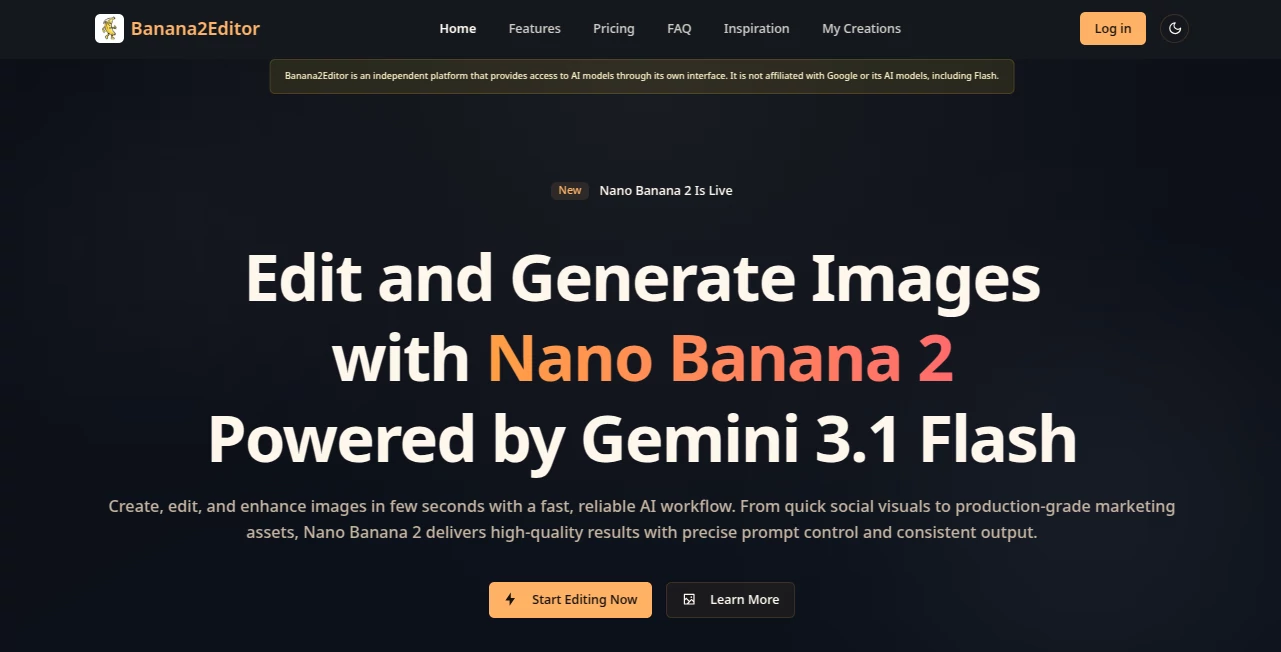
What is Banana 2 Editor?
Most of us have great ideas for videos, but the actual editing part feels overwhelming. You record the clips, then spend hours cutting, adding text, transitions, and music just to make it look decent. This tool changes that experience completely. You simply describe what you want in plain English, and it turns your words into a polished, well-timed video edit. No timeline scrubbing, no learning complicated software—just type your vision and watch it come to life. I’ve seen busy creators go from “I’ll edit this later” to sharing a finished piece the same day, and the results look far more professional than you’d expect from such a simple process.
Introduction
Video editing has always been one of the biggest bottlenecks for content creators, marketers, and educators. Banana2Editor removes that bottleneck by letting you edit with text instead of mouse clicks. Tell it what scenes to keep, what text to overlay, which music to use, or how you want the pacing to feel, and it intelligently builds the video for you. It’s especially refreshing because the output doesn’t feel robotic — the cuts have rhythm, the text appears at the right moment, and the overall flow feels intentional. For anyone who loves making videos but hates the technical side, this feels like finally having a smart assistant who actually understands storytelling.
Key Features
User Interface
The interface is wonderfully straightforward. You upload your raw video clips, type your instructions in a clean text box, and the tool does the rest. There’s no intimidating timeline or endless buttons. You can preview changes quickly, tweak your description if needed, and see the updated version almost immediately. It feels more like chatting with a helpful editor than wrestling with software. Even complete beginners can create something watchable on their first try.
Accuracy & Performance
The AI is surprisingly good at understanding natural language instructions like “make the intro energetic,” “add subtle text at 12 seconds,” or “slow down the emotional part.” It follows timing cues well and keeps the important moments intact. Processing is fast enough that you can iterate several versions in one sitting without losing patience. The final videos maintain good quality and feel coherent rather than randomly stitched together.
Capabilities
You can add text overlays, choose music style, adjust pacing, cut unwanted sections, create smooth transitions, highlight key moments, and even generate simple captions. It works well for short social media clips, explainer videos, vlogs, product showcases, and motivational content. The ability to edit by describing what you want instead of manually dragging clips makes the whole process feel creative again instead of technical.
Security & Privacy
Your uploaded videos are processed securely and not stored longer than necessary for generation. There’s no unnecessary data collection, and you maintain full control over your content. For creators who work with client material or personal videos, that peace of mind matters a lot.
Use Cases
A small business owner records a product demo on their phone and turns it into a polished Instagram Reel with text and music in minutes. A teacher records a lesson and quickly adds clear on-screen text and smooth cuts for their students. A content creator films raw footage for a YouTube Short and lets the tool handle pacing and captions while they focus on the message. Even hobbyists use it to turn family vacation clips into nice highlight videos without spending an entire weekend editing.
Pros and Cons
Pros:
- Turns vague ideas written in plain English into actual video edits.
- Saves hours compared to traditional editing software.
- Results look surprisingly professional for how simple the process is.
- Great for short-form content where speed matters most.
- Very approachable for non-technical users.
Cons:
- Best suited for shorter videos rather than long-form projects.
- Highly complex or very specific creative visions may still need manual finishing.
- Free tier has usage limits; heavier creators will want a paid plan.
Pricing Plans
The free tier lets you test the tool and create several videos per day, which is generous for trying things out. Paid plans remove limits, offer higher quality exports, faster processing, and more advanced editing options. The pricing feels reasonable considering how much time it saves compared to learning and using traditional editors.
How to Use Banana2Editor
Upload your raw video clips, then type clear instructions in the text box — for example: “Create an energetic 30-second reel. Start with the product reveal, add upbeat music, show key benefits with text overlays at 8, 15, and 22 seconds, and end with the call-to-action.” Review the generated version, tweak your description if needed, and export the final clip. The whole process is fast and iterative, so you can refine until it feels just right.
Comparison with Similar Tools
Traditional video editors give you total control but demand hours of work. Other AI video tools often focus on generating clips from text rather than editing existing footage. Banana2Editor sits in a sweet spot: it works with your own videos and lets you direct the edit using natural language, making it faster and more intuitive than both classic editors and pure generation tools.
Conclusion
Video editing doesn’t have to be a technical headache that kills your creative spark. Banana2Editor brings back the joy by letting you focus on the story and vision instead of the mechanics. It’s fast, approachable, and delivers results that look far more professional than the effort you put in. For creators, marketers, teachers, and anyone who wants to make better videos without burning out on editing, this tool feels like a genuine breakthrough.
Frequently Asked Questions (FAQ)
How long can my videos be?
It works best with shorter clips (up to a few minutes). Longer videos can be edited in sections.
Do I need editing experience?
Not at all. You only need to describe what you want in plain English.
Can I use my own music?
Yes — you can upload audio or describe the style you want.
Is there a free version?
Yes, the free tier lets you create several videos per day to test the tool.
AI Animated Video , AI Video Generator , AI Video Editor , AI Short Clips Generator .
These classifications represent its core capabilities and areas of application. For related tools, explore the linked categories above.
Banana 2 Editor details
Pricing
- Free
Apps
- Web Tools
Categories

Banana 2 Editor Alternatives Product

kling 3 AI

Fast Wan
Seedance Pro…

ltx 2.3

Kling 5.0

AI Motion Co…

VIGGLE

Sora AI Vide…

FinalLayer
