🧠 AI Quiz
Think you really understand Artificial Intelligence?
Test yourself and see how well you know the world of AI.
Answer AI-related questions, compete with other users, and prove that
you’re among the best when it comes to AI knowledge.
Reach the top of our leaderboard.


















Nano Banana 2
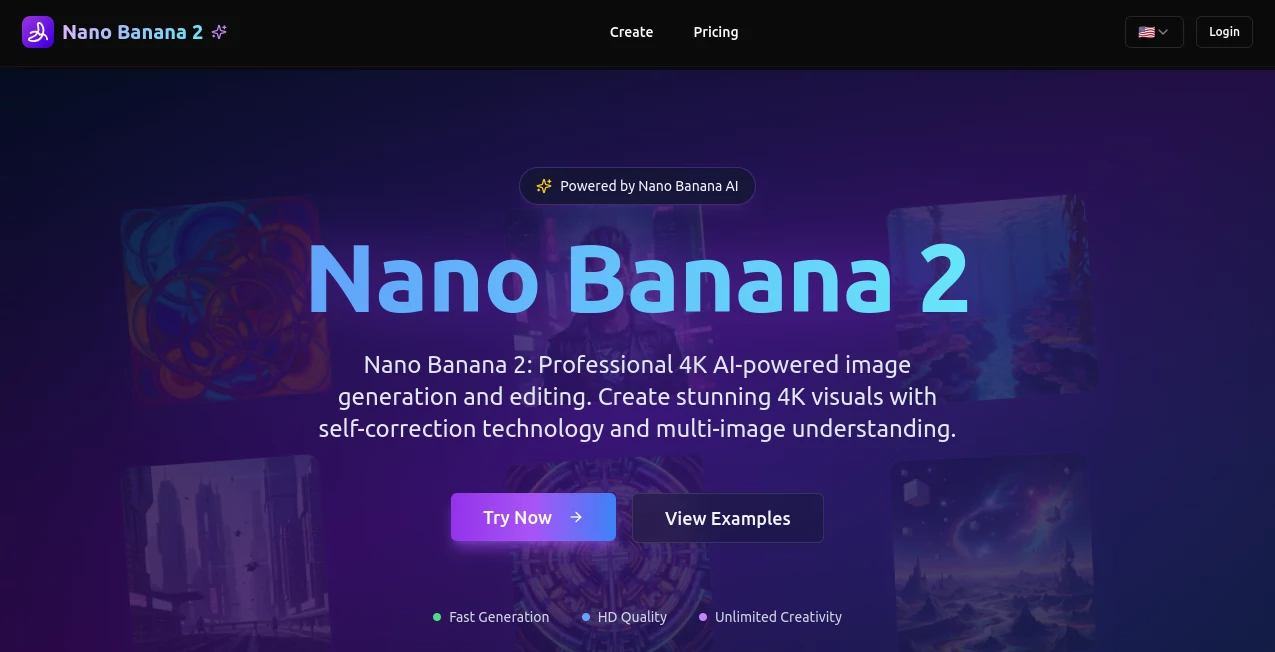
What is Nano Banana 2?
You know that moment when an idea hits you so vividly you can almost see it, but turning it into a real image feels like a chore? This tool changes that completely. It takes your words and turns them into stunning, high-resolution visuals in seconds—sharp, coherent, and surprisingly true to what you had in mind. I’ve had days where I threw in a half-formed thought during a coffee break and walked away with something I’d happily frame. It’s the kind of speed and quality that makes you wonder why you ever bothered with slower alternatives.
Introduction
This platform was built by people who got tired of waiting ages for decent results and then having to fix them anyway. They wanted something that felt instant but still looked like it took real effort. From the moment you land on the page, it’s clear they succeeded. The focus is on delivering crisp, detailed images fast—often under 10 seconds—without sacrificing the little things that make a picture feel alive: accurate lighting, natural proportions, readable text, even tricky compositions with multiple elements. It’s become a daily habit for a lot of us who need visuals for social posts, mood boards, or just to see a story idea come to life quickly.
Key Features
User Interface
The whole experience is refreshingly simple. You type your description into a generous text box that even counts your words as you go. A few quick toggles let you choose resolution or sharpness, then one click and it’s off. Results appear almost immediately, laid out cleanly so you can compare variations side by side. No buried menus, no confusing sliders—just the essentials right in front of you. It’s the kind of design that makes you feel like the tool is working with you, not against you.
Accuracy & Performance
What really stands out is how well it understands complex prompts. You can describe a scene with five or six distinct elements—people, objects, lighting, mood—and it manages to keep them all coherent without melting faces or throwing random hands into the frame. The speed is honestly impressive; most generations finish before you’ve finished your coffee. And when you upscale to higher resolutions, the details hold up beautifully—no weird artifacts or softening.
Capabilities
It handles everything from photorealistic portraits to stylized illustrations, anime scenes to product mockups. Text rendering is surprisingly clean, which is rare, and it manages multi-subject prompts with impressive consistency. Want a cyberpunk city at golden hour with a character in the foreground and a dragon flying overhead? It pulls it off more often than not. The ability to generate in high detail without long wait times makes it perfect for rapid iteration—crucial when brainstorming or testing ideas.
Security & Privacy
Your prompts and generated images stay private. The system is designed so that content is processed on the fly and not stored long-term. No sneaky data harvesting or model training on your creations. It’s reassuring to know you can experiment freely—especially with personal or client work—without worrying about your ideas ending up elsewhere.
Use Cases
Social media creators use it to churn out eye-catching posts in minutes. Graphic designers mock up concepts quickly before presenting to clients. Writers visualize book covers or scene ideas to get the mood just right. Even small business owners create product ads without hiring photographers. One friend of mine uses it daily for her Etsy shop—generating lifestyle shots of handmade jewelry in different settings, saving her hours every week.
Pros and Cons
Pros:
- Incredibly fast generation times without sacrificing quality.
- Handles complex, multi-element prompts with surprising accuracy.
- Clean text rendering and strong coherence across subjects.
- Generous free tier for testing and light use.
Cons:
- Free tier has daily limits, so heavy users will need a plan.
- Occasional minor artifacts in very intricate scenes.
- No built-in image editing tools (though outputs are easy to take elsewhere).
Pricing Plans
The free tier gives you a solid number of generations per day—enough for casual use or trying out ideas. Paid plans start at a very reasonable price and unlock unlimited generations, higher resolutions, and faster priority queuing. Monthly and yearly options are available, with yearly saving a nice chunk. It’s transparent and fair—pay for what you need, and the value is clear right away.
How to Use It
Type your description—be as detailed as you like. Adjust resolution or sharpness if needed, then hit generate. Results appear almost instantly. Pick the one you like best, upscale if you want, and download in your preferred format. For best results, describe lighting, composition, and style clearly. A quick tip: adding “highly detailed, cinematic lighting” often pushes the quality even higher.
Comparison with Similar Tools
Compared to other popular generators, this one stands out for speed and coherence, especially on prompts with multiple subjects or specific text. Many others either take forever or struggle with consistency, but this tool consistently delivers usable, high-quality results in seconds. It’s not the most feature-heavy, but it does what it does exceptionally well—fast, reliable, and beautiful.
Conclusion
If you’re tired of waiting for images or fixing wonky outputs, this tool feels like a breath of fresh air. It’s fast, it’s smart, and it just works. Whether you’re creating content daily or just playing with ideas on the weekend, it’s hard to go back to anything slower or less reliable once you’ve experienced it. Give it a try—you’ll probably end up with something you love faster than you expect.
Frequently Asked Questions (FAQ)
How fast are the generations?
Most images appear in under 10 seconds, even at higher resolutions.
Can I use the images commercially?
Yes—paid plans allow full commercial use with no restrictions.
What’s the best way to get good results?
Be specific about lighting, composition, and style. Adding “highly detailed” or “cinematic” often helps.
Is there a free tier?
Yes, with a generous daily limit for casual use.
Does it handle text well?
Surprisingly well—text is usually readable and correctly placed.
AI Text to Image , AI Photo & Image Generator , AI Art Generator , AI Design Generator .
These classifications represent its core capabilities and areas of application. For related tools, explore the linked categories above.
Nano Banana 2 details
Pricing
- Free
Apps
- Web Tools
Categories

Nano Banana 2 Alternatives Product

Leonardo.ai

SeeDream 4.5

flux 3
Free AI Kiss…

Nano Banana 2

AI Slop Canv…
Ghibli Image…

Gpt Image 1.5

Nano Banana 2