
🧠 AI Quiz
Think you really understand Artificial Intelligence?
Test yourself and see how well you know the world of AI.
Answer AI-related questions, compete with other users, and prove that
you’re among the best when it comes to AI knowledge.
Reach the top of our leaderboard.


















BankGPT
Your AI Assistant for Statements, Invoices & Receipts

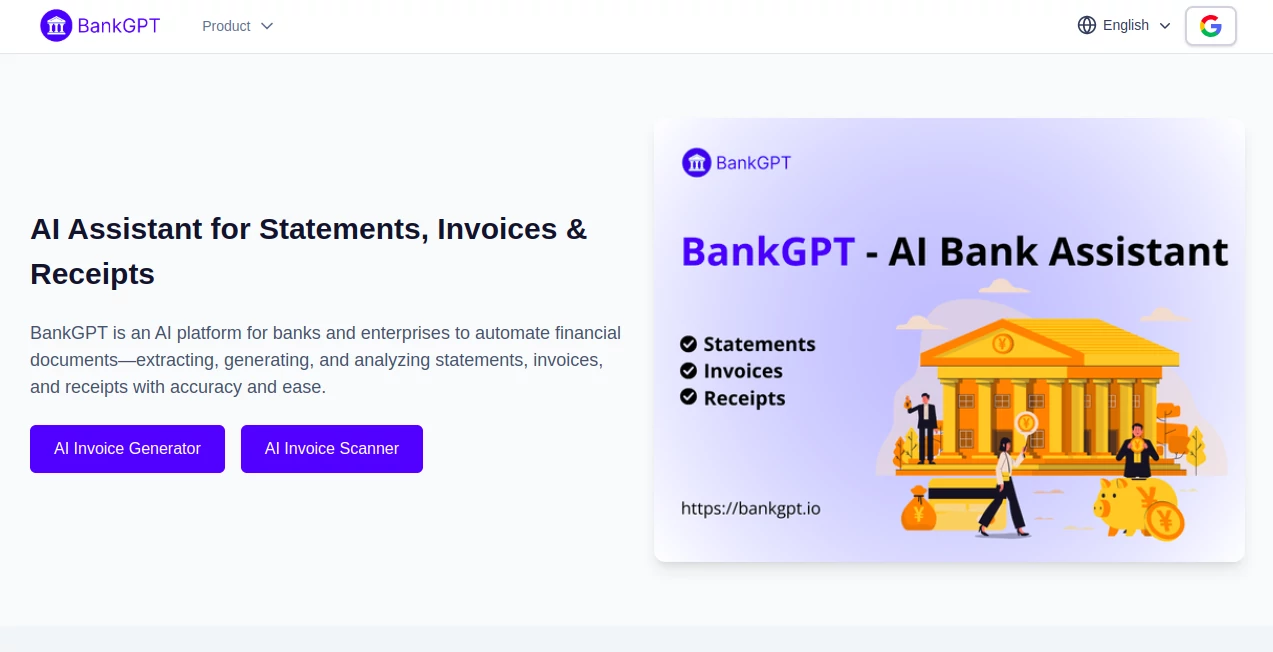
What is BankGPT?
BankGPT steps in as a trusty sidekick for anyone knee-deep in financial paperwork, quietly turning stacks of statements and bills into neat, usable insights without the usual headache. This setup takes the tedium out of sifting through scans and spreadsheets, handing back clean data that fits right into your workflow. Those who've leaned on it often mention how it frees up afternoons once lost to entry errors, letting focus shift to the bigger picture of numbers that matter.
Introduction
BankGPT grew out of the quiet gripes in back offices where hours vanished into verifying vendor slips or chasing transaction trails, dreamed up by folks who'd lived that loop too long. It landed with a soft thud a couple years ago, quickly finding fans among bookkeepers and branch managers who shared how it shaved days off audits or sped up client checks. What started as a fix for finicky forms has steadied into a staple for teams juggling volumes, blending sharp eyes for details with a gentle hand on the learning curve. At its heart, it's about easing the everyday drag of documents, proving that a bit of clever parsing can turn paper piles into progress without the fanfare.
Key Features
User Interface
The front door opens to a simple upload bay that accepts everything from crisp PDFs to faded phone snaps, with a progress nudge that keeps you in the loop without overwhelming the screen. Once it digs in, results lay out in tidy tables you can scan or snag, with spots to flag fixes that feed back into the system. It's the kind of setup that feels steady after a single pass, like handing off a messy drawer to someone who sorts without the small talk.
Accuracy & Performance
It spots the subtle shifts in dates or digits that trip up the eye, pulling through even on smudged edges or odd layouts with a reliability that builds as you go. Batches fly by in minutes where manual might mean mornings, holding firm on thousands without a flinch. Users nod to those moments when it catches a overlooked line that balances the books, turning potential pitfalls into quiet wins that stack up over time.
Capabilities
From teasing out transaction threads in statements to pinning down payment paths on receipts, it covers the core of cash flows with outputs that slot into ledgers or reports without rework. It scales to handle heaps for big shops or single slips for side gigs, always aiming for that structured pull of who, what, when, and how much. The real draw lies in how it adapts, learning from your nudges to handle the house styles or vendor quirks that make each pile unique.
Security & Privacy
Sensitive slips get wrapped in layers that meet the high bars of financial watchdogs, with controls that let you decide who peeks and when. It keeps the flow confidential, wiping workbenches clean after the job, so audits run smooth without the shadow of slips. That solid ground gives teams the green light to lean in, knowing their ledgers stay locked as tight as a vault door.
Use Cases
Loan desks pull applicant histories in a flash, spotting patterns that speed approvals without the deep dive drudgery. Firm founders sort client stacks for quarterly quiets, matching ins and outs faster than fingers could flip. Auditors trace trails through thickets of tickets, flagging fits for rules with facts at their fingertips. Even solo operators snap grocery grabs to track spends, turning pocket change into clear charts for tax time.
Pros and Cons
Pros:
- Chops hours off entry chores, letting minds wander to strategy.
- Grows sharper with use, fitting your flow like a well-worn glove.
- Handles heaps or handfuls, bending to the bustle or the break.
- Stands firm on safeguards, easing worries in watchful worlds.
Cons:
- Shines on standards; wild formats might need a gentle guide.
- Bulk bliss waits for the bigger tiers, teasing the taste.
- Learning loop takes a few laps to hit full stride.
Pricing Plans
It eases in with a free window to test the waters on small sets, perfect for dipping toes without the dive. From there, plans likely layer on for more pulls or power, though the quiet on costs keeps it approachable for those weighing the worth. The structure hints at flexibility, scaling with the stacks you throw its way.
How to Use BankGPT
Start by slipping your sheet into the slot—scan, snap, or save—and let it mull the marks for moments. Review the rundown it rolls out, tweak any trips with a quick note, and watch it weave that wisdom into future finds. Pull the polished pieces into your books or briefs, then batch the next bunch to keep the cadence going strong.
Comparison with Similar Tools
Where some scanners stick to scripts that snap on shifts, BankGPT bends with brains that brighten over batches, though those might muster for the masses on a budget. Against full-suite ledgers, it zeros in on the document dance without the dashboard dazzle, saving steps for the straight-to-numbers crowd. It holds its own for the finance faithful, blending bite with breadth where others skim or sprawl.
Conclusion
BankGPT quietly reshapes the ritual of records, handing handlers a helper that hones the hunt for hidden hits. It turns the tide on tedious tallies, proving that smart sifts can spark steadier steps in the ledger lane. As piles keep coming, this one's primed to parse them all, one precise pull at a time.
Frequently Asked Questions (FAQ)
What slips does it savor best?
Statements, bills, and tabs in PDF or pic form feed it fine.
How does it get better over time?
Your fixes fine-tune its focus, sharpening for the next round.
Safe for sensitive stacks?
Locked with levels that match the money world's watch.
Bulk or bite-sized?
Both, from singles to surges, it shoulders without strain.
Outputs in what shapes?
Tidy tables or exports that ease into your everyday tools.
AI Data Mining , AI Accounting Assistant , AI Research Tool , AI Document Extraction .
These classifications represent its core capabilities and areas of application. For related tools, explore the linked categories above.
BankGPT details
This tool is no longer available on submitaitools.org; find alternatives on Alternative to BankGPT.
Pricing
- Free
Apps
- Web Tools
Categories

BankGPT Alternatives Product

Needle

AI Describe …

langextract.…

Greek Numero…

Sourcetable

DiRe-RAPIDS

LocalRAG!

PortBackLinks

PineBill
