🧠 AI Quiz
Think you really understand Artificial Intelligence?
Test yourself and see how well you know the world of AI.
Answer AI-related questions, compete with other users, and prove that
you’re among the best when it comes to AI knowledge.
Reach the top of our leaderboard.


















Consistent Character AI
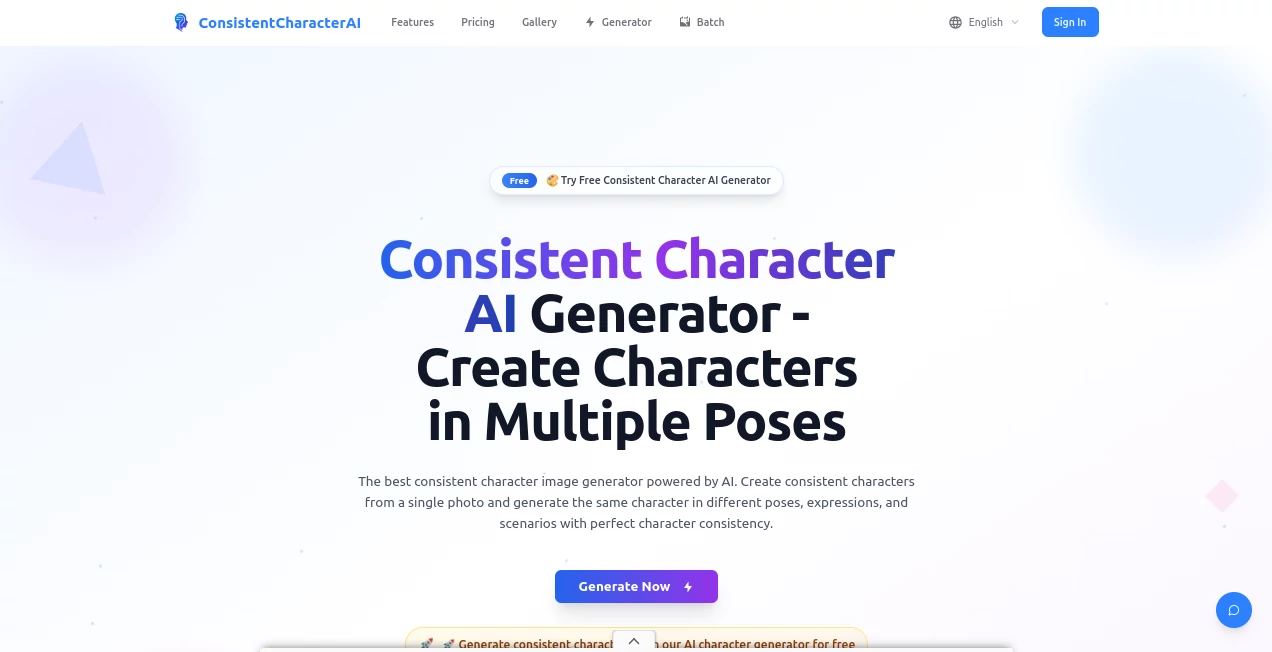
What is Consistent Character AI?
There’s something deeply satisfying about seeing the same character appear across a dozen different scenes—same face, same vibe, same little quirks—and not having to redraw or re-describe them every single time. This tool makes that feeling effortless. You upload one good reference photo (or generate from text), and suddenly you’ve got a reliable character that stays true no matter the pose, lighting, outfit, or background. It’s the kind of reliability that turns “I wish they looked the same” into “oh, they already do.”
Introduction
Most people who’ve tried character generation know the frustration: one image looks perfect, the next is a stranger wearing the same clothes. This platform was built exactly to solve that pain. It doesn’t just slap a face on different bodies—it understands facial structure, expression baselines, and even subtle personality traits across wildly different angles and moods. I’ve seen comic artists go from spending days fixing inconsistencies to dropping finished pages in hours. Writers use it to visualize protagonists who actually feel like the same person from chapter one to chapter twenty. It’s become one of those quiet tools that quietly changes how people tell visual stories.
Key Features
User Interface
The dashboard is calm and focused. Big reference upload area, clear strength sliders, prompt box that doesn’t fight you, and instant preview thumbnails so you see what’s happening before committing to a full render. Everything is where your eye expects it to be. No hunting through nested menus. It feels like the developers actually use it themselves.
Accuracy & Performance
Face locking is genuinely impressive—even extreme angles, side profiles, three-quarter turns, crying, laughing, screaming—the core identity holds. Lighting changes don’t break the model. Hair length and color stay consistent unless you deliberately ask for a change. Generation is fast enough that you can iterate quickly without losing momentum. Most first tries are already usable; the rest are one or two small tweaks away.
Capabilities
You can start from text, from photo, or from a mix. Control face strength independently from pose and style. Feed it multiple references for even tighter consistency. Generate expressions sheets, turnarounds, outfit variations—all while the character stays unmistakably the same person. It’s especially strong with stylized art (anime, semi-real, painterly) and handles both human and fantasy characters very well.
Security & Privacy
Your uploaded reference images are used only for your generations. They’re not added to any public library unless you explicitly choose to share the character. Private mode keeps everything off the grid. For creators working on original characters or client projects, that matters—a lot.
Use Cases
Webtoon artists generate consistent panels week after week without style drift. Tabletop RPG creators build full character visual packs for their campaigns. YouTubers create talking-head avatars that actually look like them across every video. Book cover illustrators mock up multiple expressions and outfits of the same protagonist before committing to final art. Indie game devs prototype character sheets that stay on-model from concept to sprite.
Pros and Cons
Pros:
- Best-in-class face consistency—even under dramatic lighting and angle changes.
- Fast enough to support real creative iteration, not just one-shot luck.
- Flexible reference system (single photo, multiple photos, text+photo).
- Strong stylized output—doesn’t collapse into realism when you want cartoon or anime.
Cons:
- Hands and complex overlapping poses can still occasionally glitch (industry-wide issue).
- Higher consistency settings sometimes reduce stylistic flexibility.
Pricing Plans
Free tier gives you meaningful daily generations—enough to test seriously. Paid plans unlock higher resolution, faster queue times, more concurrent jobs, and private generations. Pricing is competitive and transparent; many creators say the paid tier pays for itself in saved time within the first month.
How to Use Consistent Character AI
Upload one clear reference photo (front-facing, good lighting is ideal). Write your prompt normally. Adjust the face lock strength slider (usually 0.7–0.9 works best for most people). Generate a few variations. Pick the best one, use it as a new reference for the next scene, and repeat. For outfit or expression changes, lower the strength slightly and be specific in the prompt. That’s it. Most users settle into a rhythm within their first session.
Comparison with Similar Tools
Other character consistency tools tend to either over-smooth the face (losing personality) or lose the character entirely on hard angles. This one strikes a rare balance: strong identity preservation without turning everyone into uncanny plastic dolls. The reference + prompt combination gives more control than pure text-based systems, and the interface is noticeably less frustrating than most competitors.
Conclusion
If you’ve ever abandoned a visual story because keeping characters consistent felt impossible, this tool quietly removes that roadblock. It doesn’t just generate images—it gives you a reliable cast you can trust across every panel, frame, or illustration. For storytellers, game makers, and visual creators who care about continuity, it’s not hype. It’s relief. And once you’ve used it, going back to inconsistent chaos feels almost unthinkable.
Frequently Asked Questions (FAQ)
How many reference images should I use?
One strong front-facing photo is usually enough. Two or three (different angles) make it even tighter, especially for side profiles.
Does it work well with anime / cartoon styles?
Yes—very well. It’s one of the stronger tools in stylized territory.
Can I generate full-body turnarounds?
Absolutely. Use “character turnaround sheet, multiple views” in the prompt and keep face strength high.
What if the first generation isn’t perfect?
Use the best output as your new reference and generate again. The tool is designed for this exact workflow.
Is it suitable for commercial use?
Yes—your generated characters are yours to use commercially.
AI Photo & Image Generator , AI Character , AI Art Generator , AI Design Generator .
These classifications represent its core capabilities and areas of application. For related tools, explore the linked categories above.
Consistent Character AI details
Pricing
- Free
Apps
- Web Tools
Categories

Consistent Character AI Alternatives Product

Tryonr

Nano Image AI

Logo Animati…

Seedream 4.0…

KKV AI

MuseCraft.AI

Shutterstock

Nano Banana …

Nano Banana …